Van's Air Force

The definitive Van's Aircraft support community! Buying, building or flying an RV? Join our exclusive family of mentors and enthusiasts!

Bullseye's RV-8 Build

Bullseye

Well Known Member
Friend
Aug 26, 2025 - RV-8 Preview Plans Ordered

At the beginning of the Eagles' Hell Freezes over album, Glenn Frey announces: "For the record, we never broke up; we just took a 14-year vacation".

Almost 16 years ago, I started building an RV-7 by buying the preview plans. I built the kit for a few years, sold the kit, bought back my same kit, then reluctantly sold it again. As it does, life just kept getting in the way.

So in Glenn's spirit, "I didn't quit building, I just took a 16-year vacation."

Tonight, I went ahead and ordered the RV-8 Preview Plans. And about 100 clecos so I could meet the $200 free-shipping minimum.

I'm back to being motivated to build again, this time a tandem taildragger RV-8.

I know I'm a few days late from the actual 16-year anniversary, but it's close enough to celebrate. How do you celebrate a late return to building?
 
Last edited:
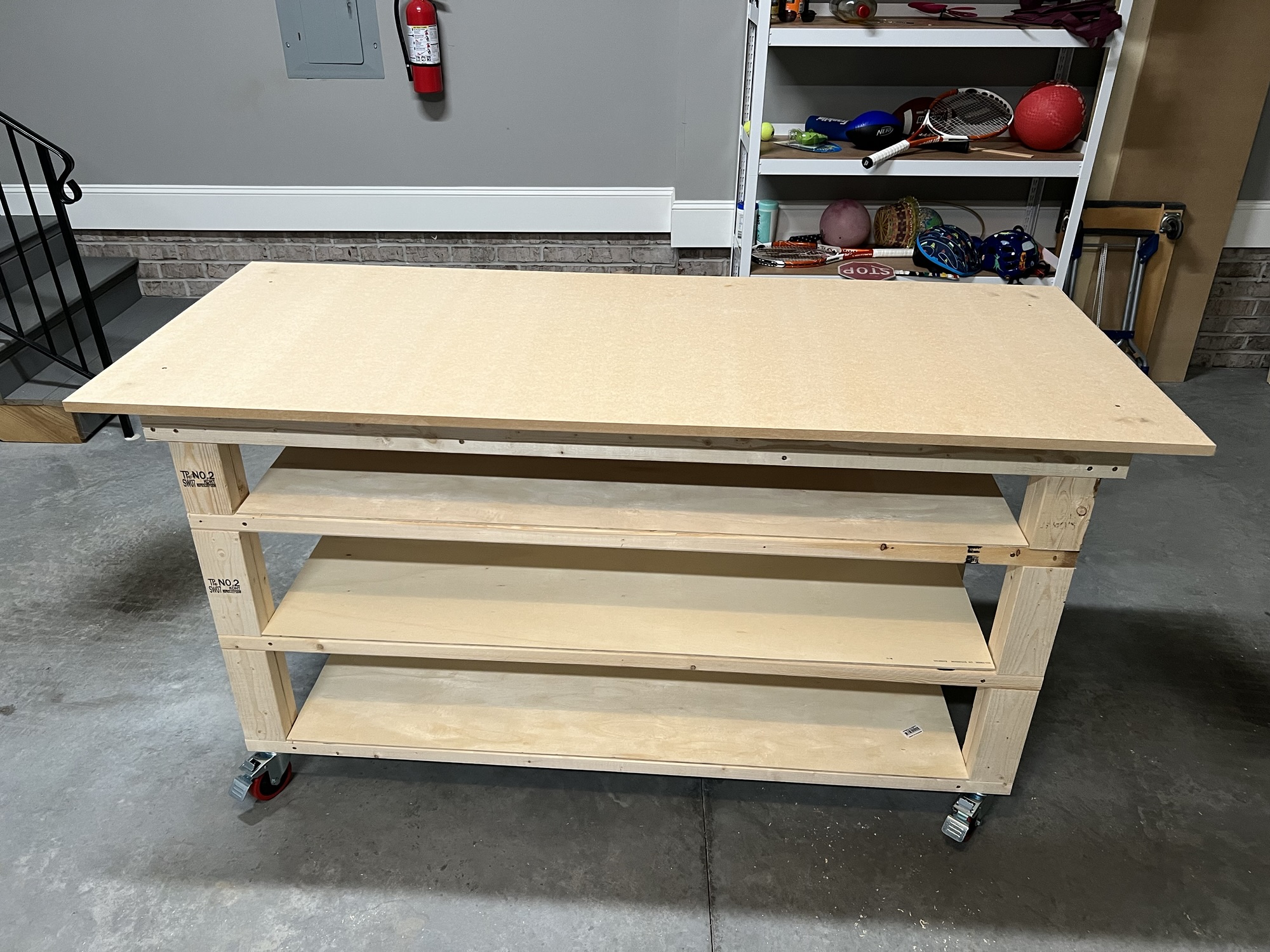
Sep 01, 2025 - Built a Workbench

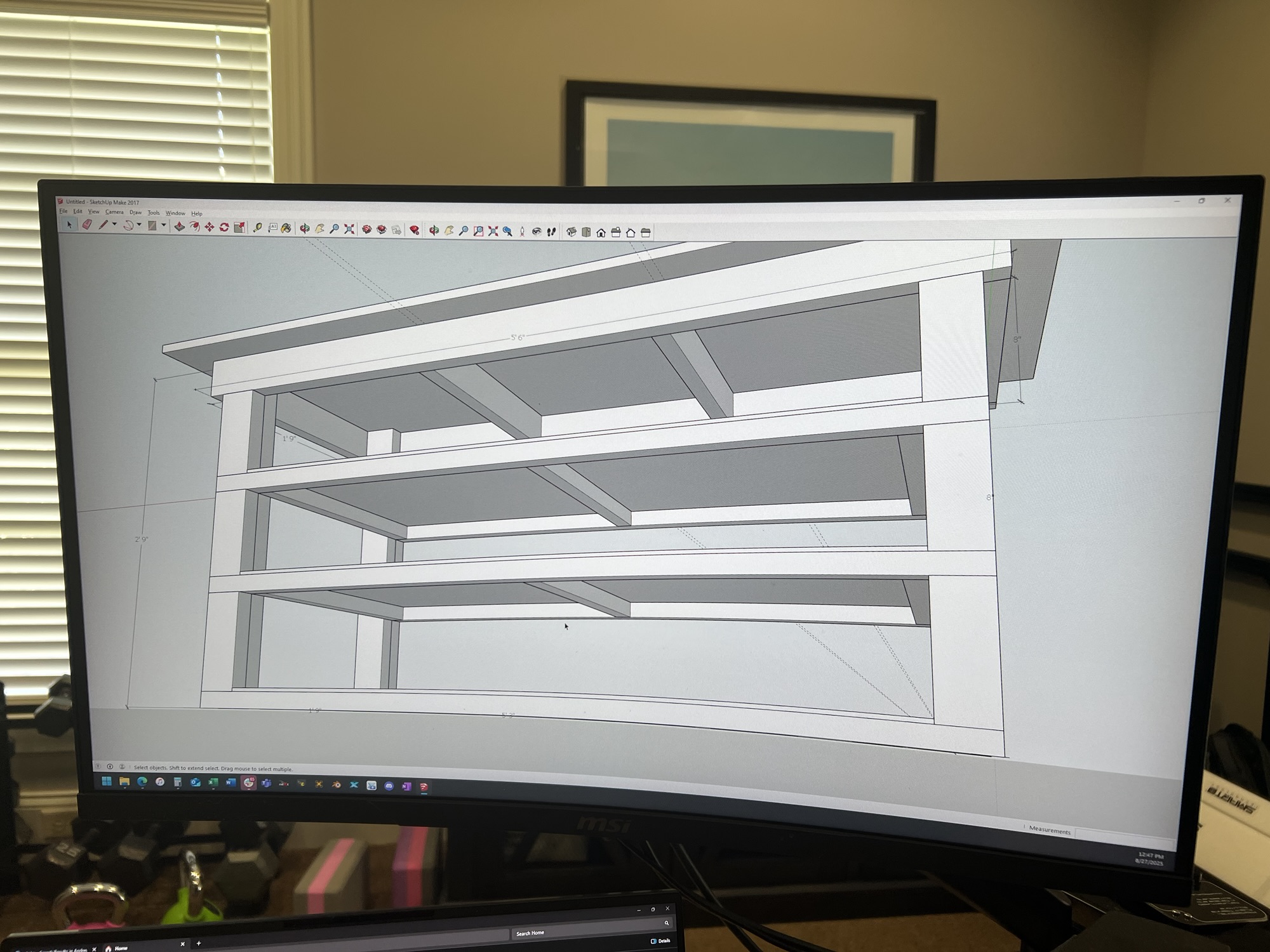
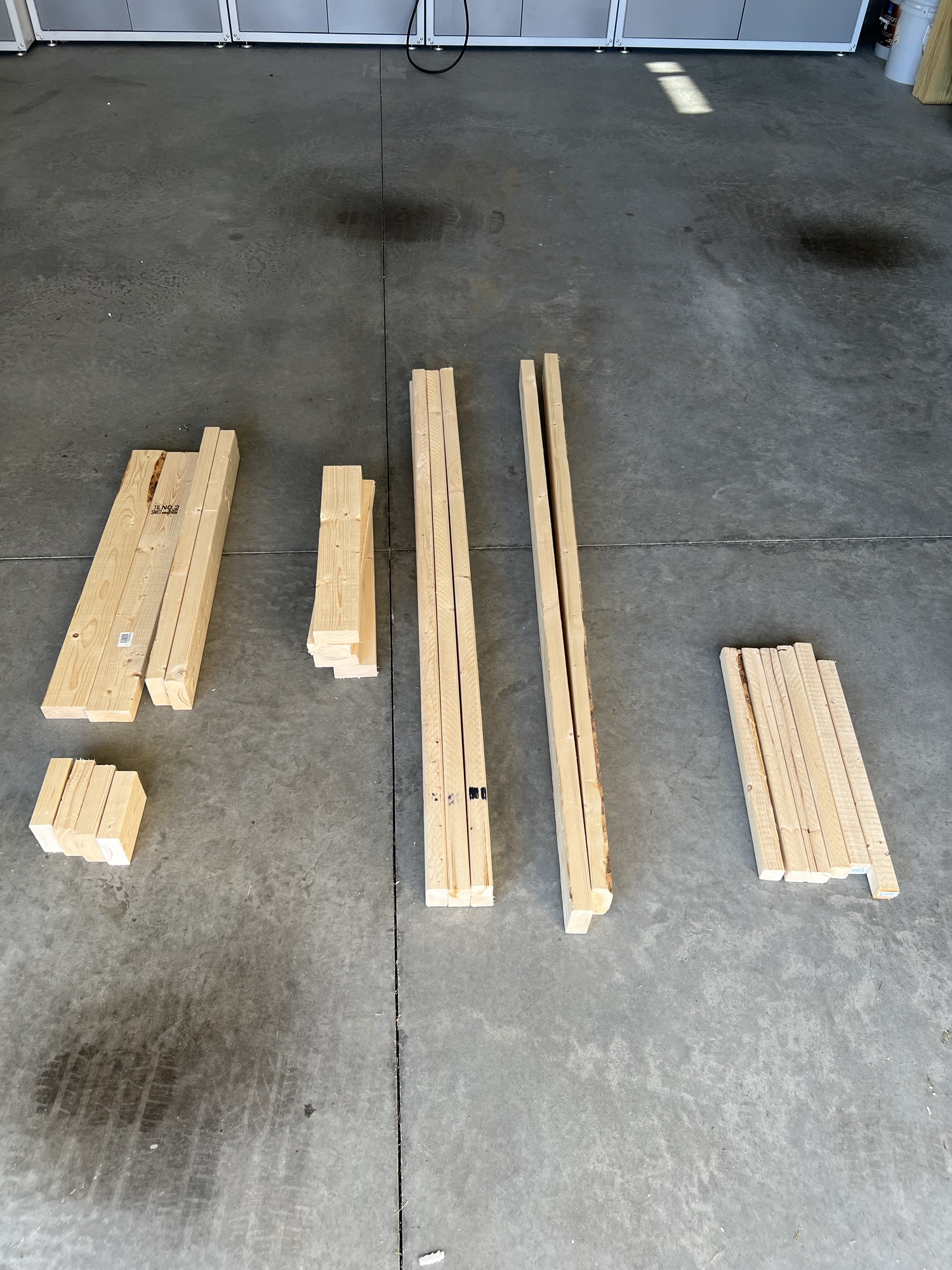
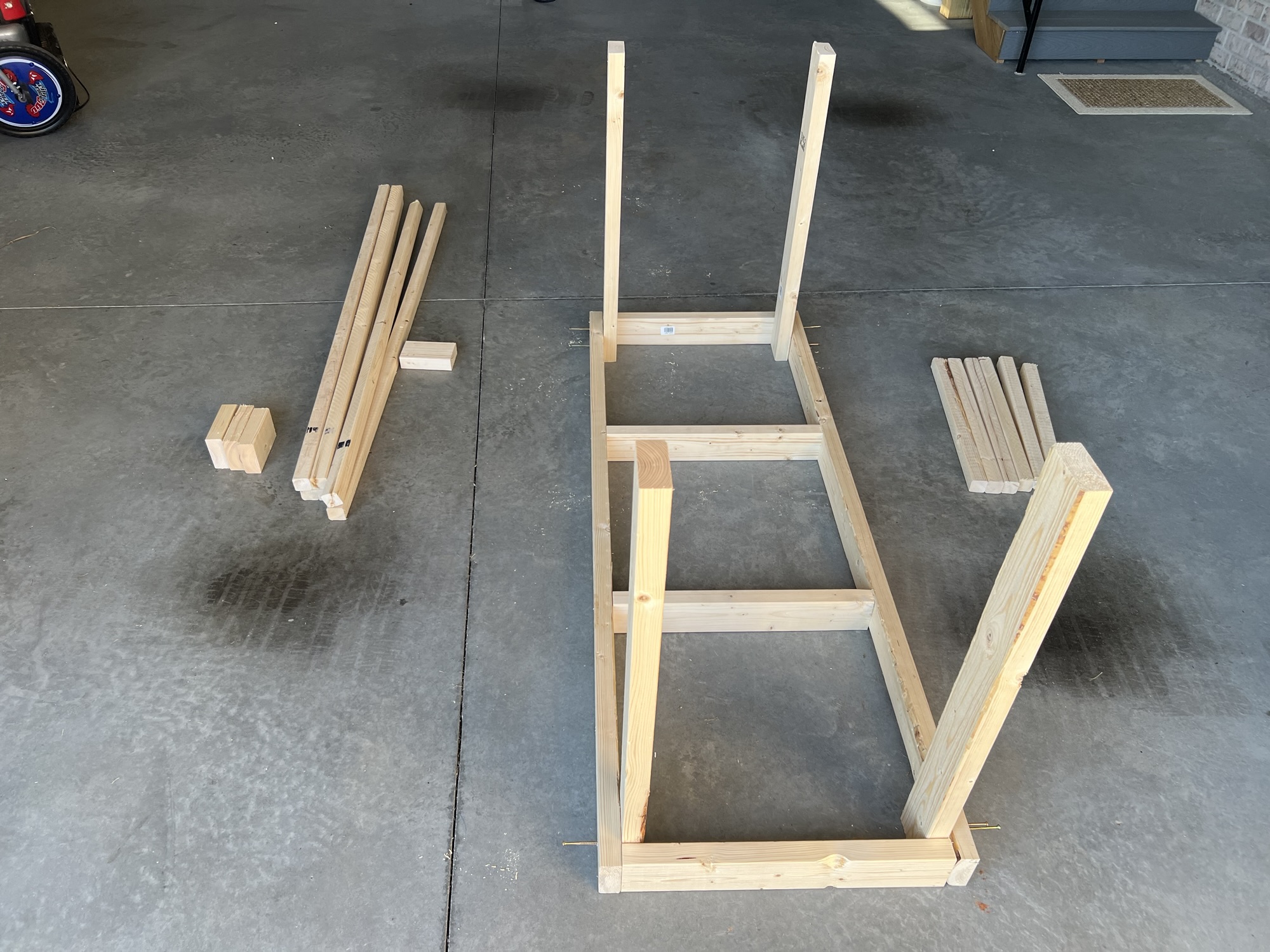
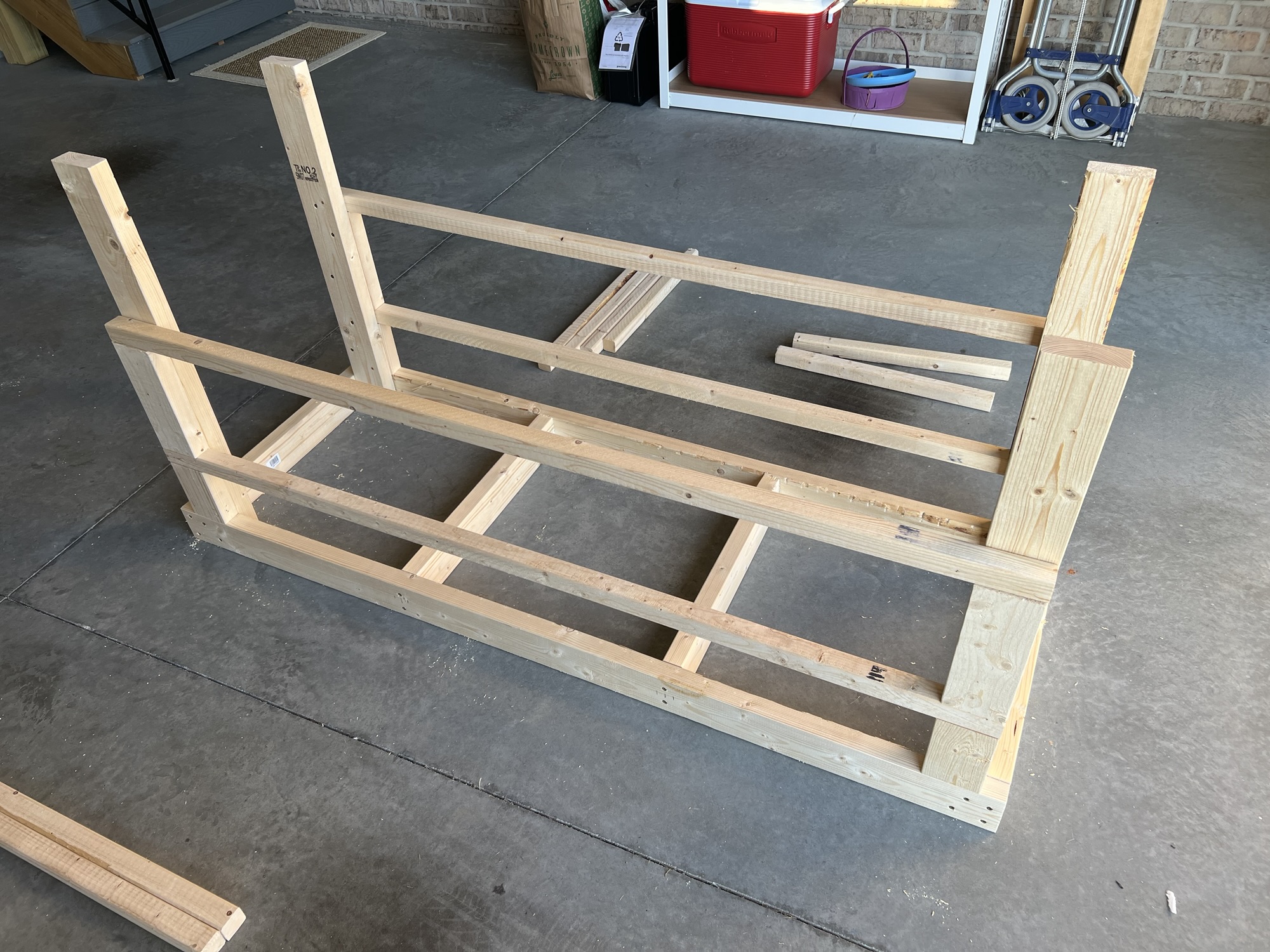
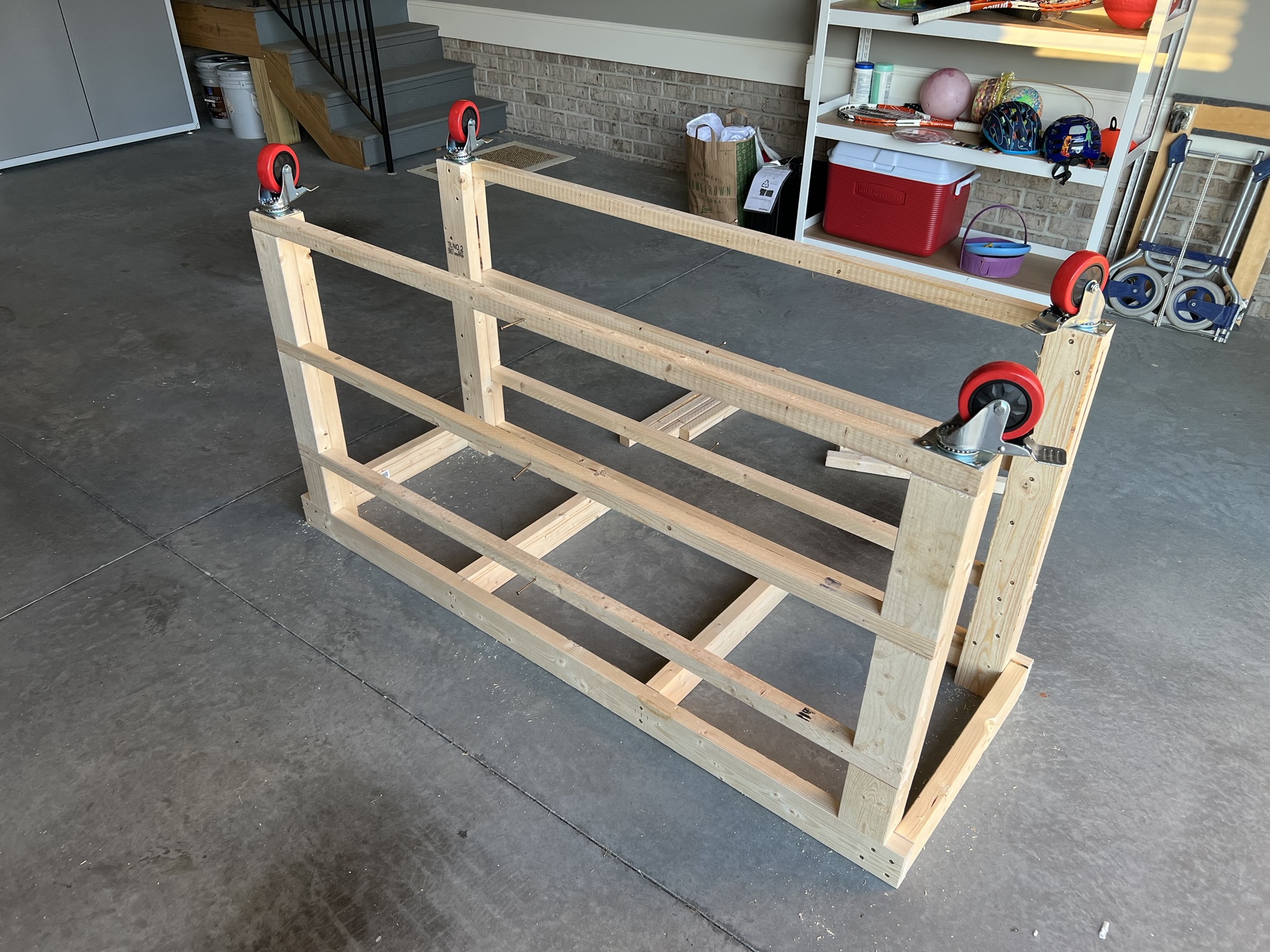
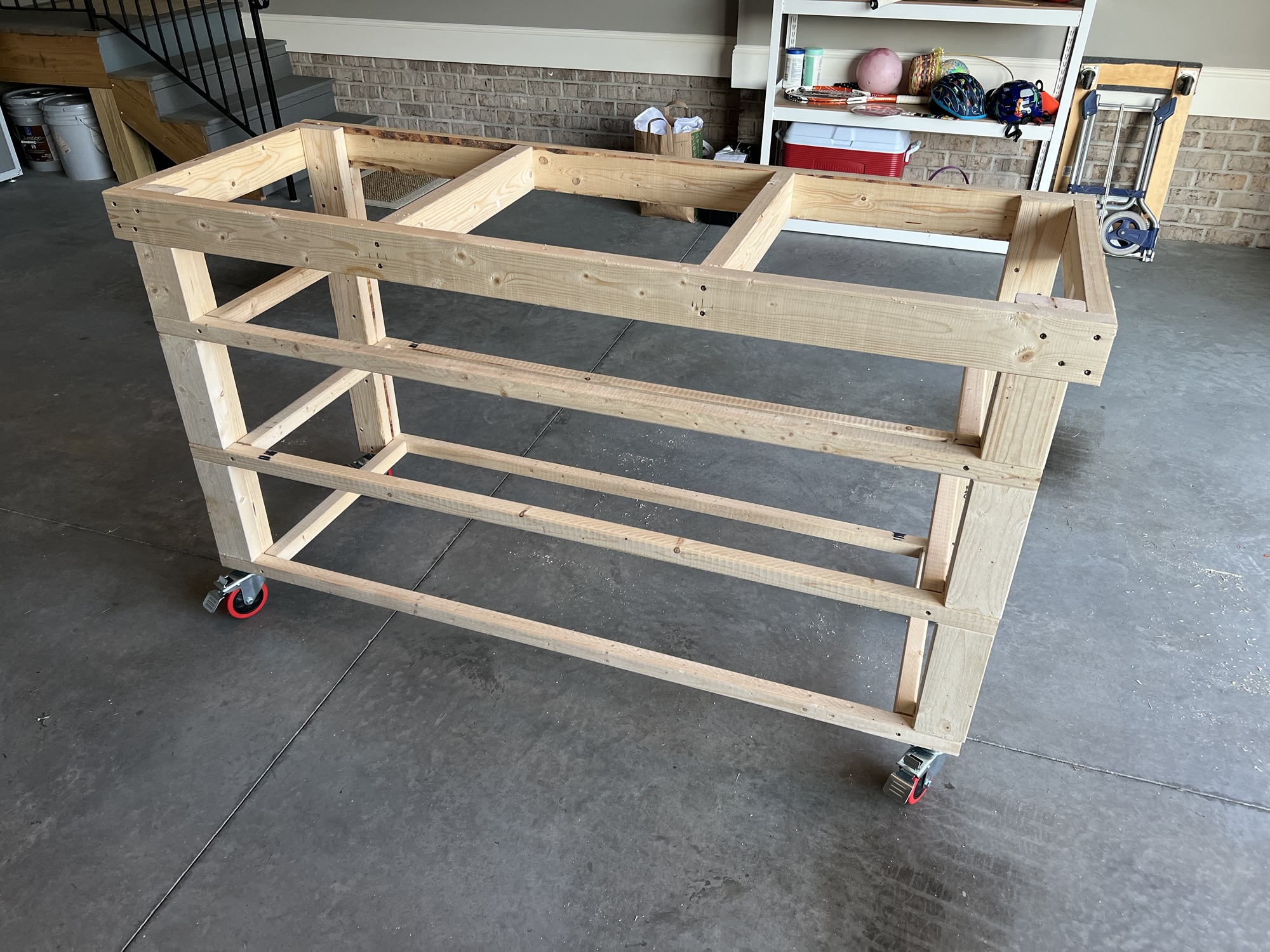
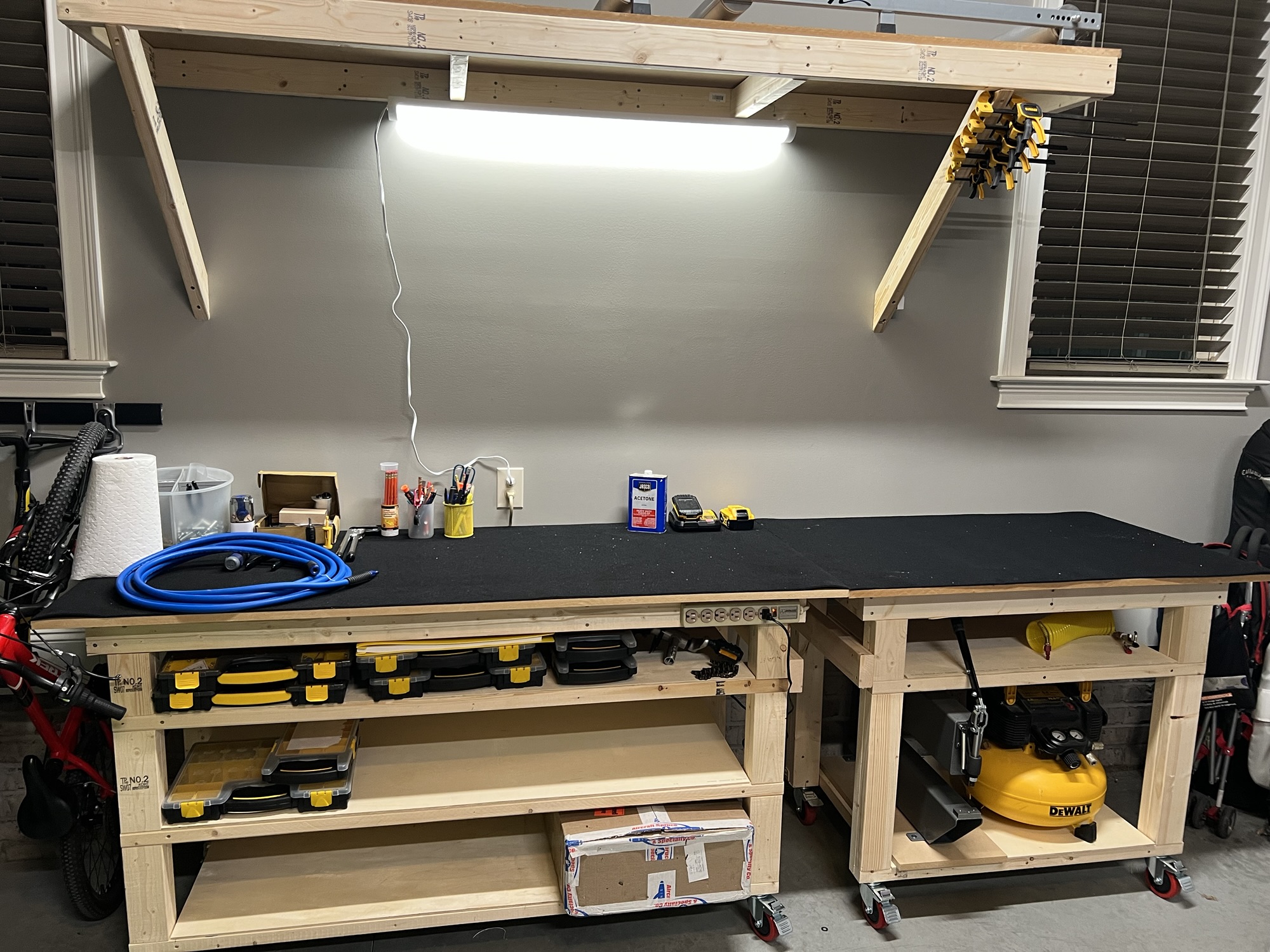
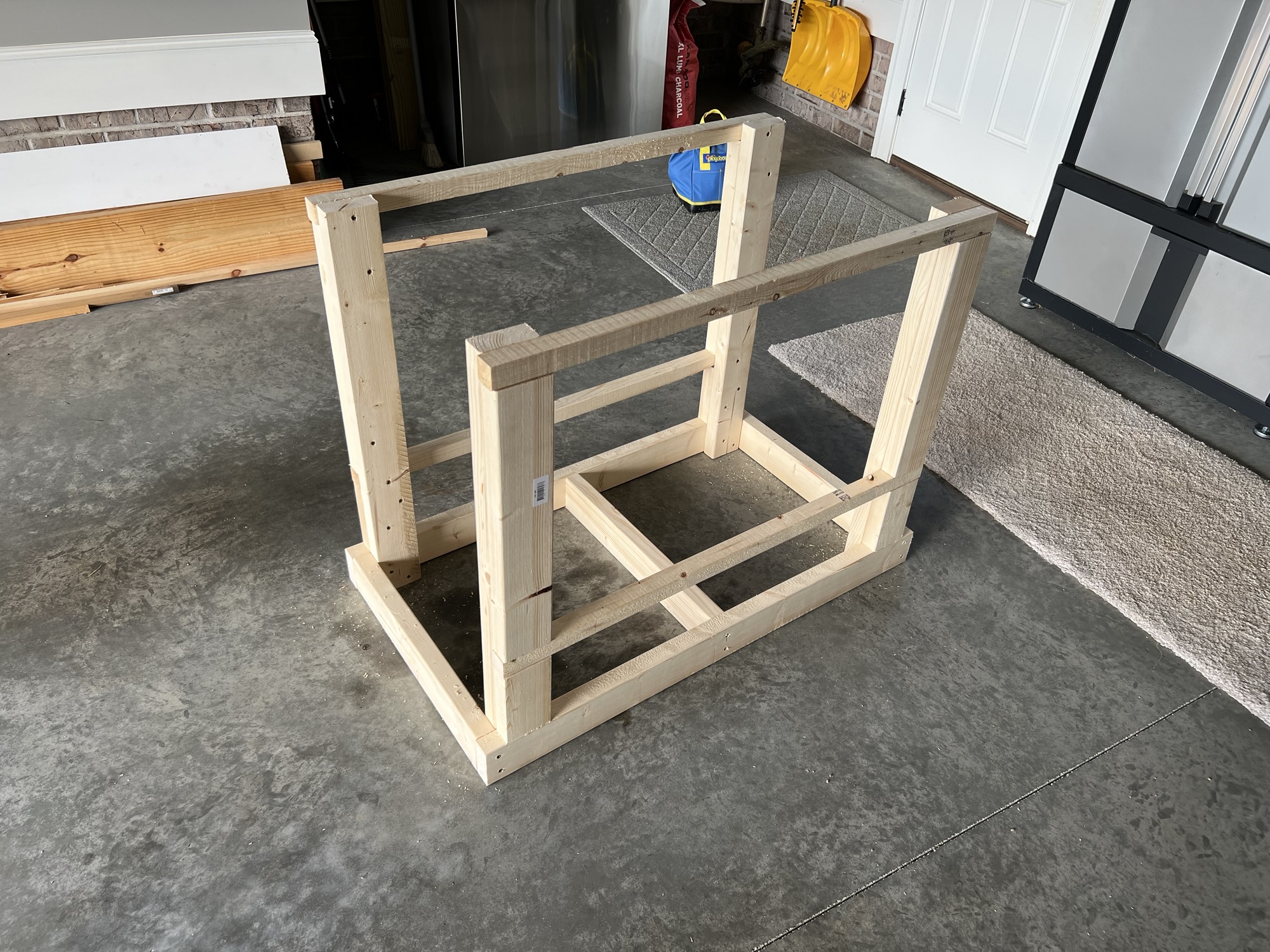
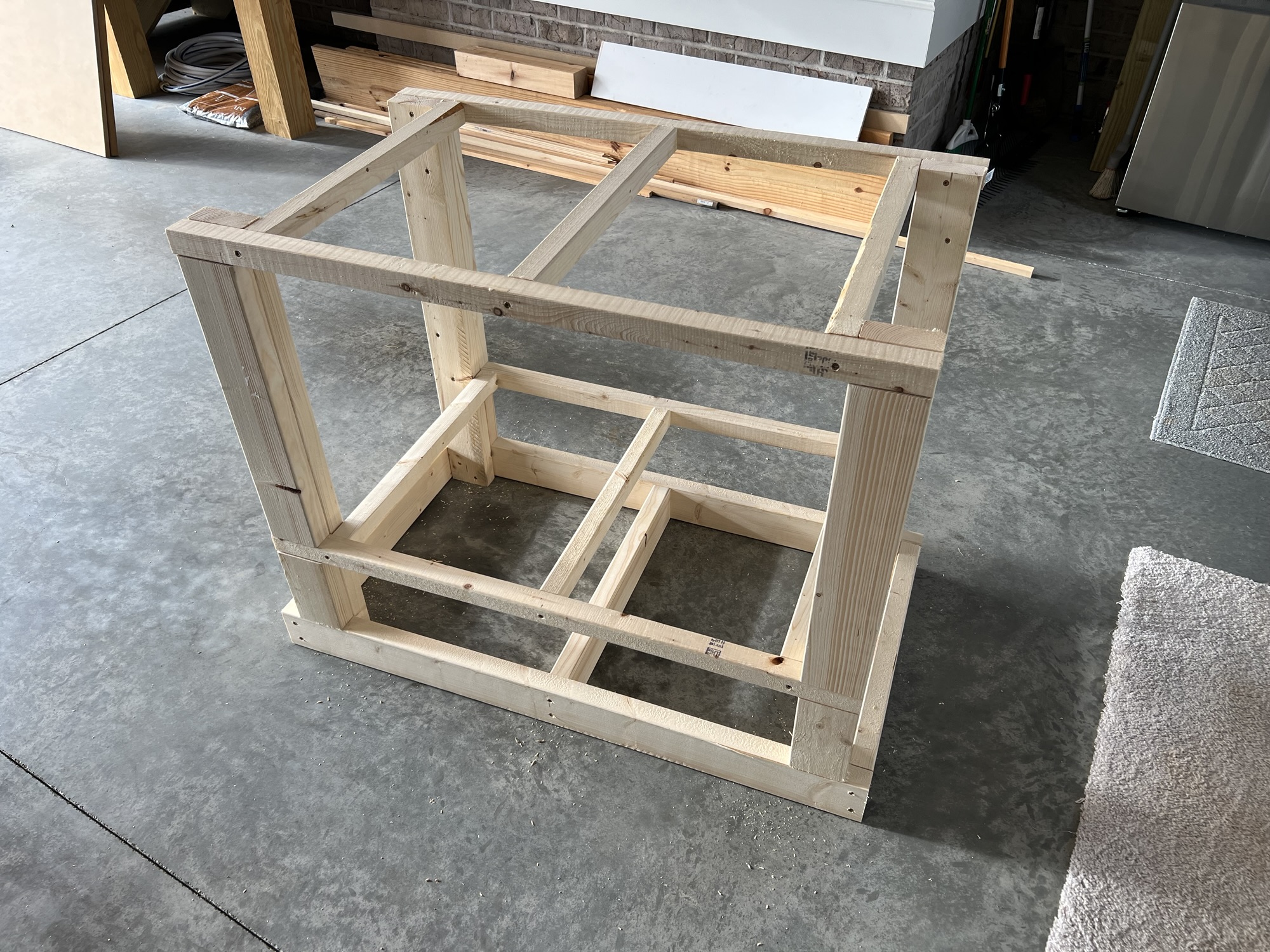
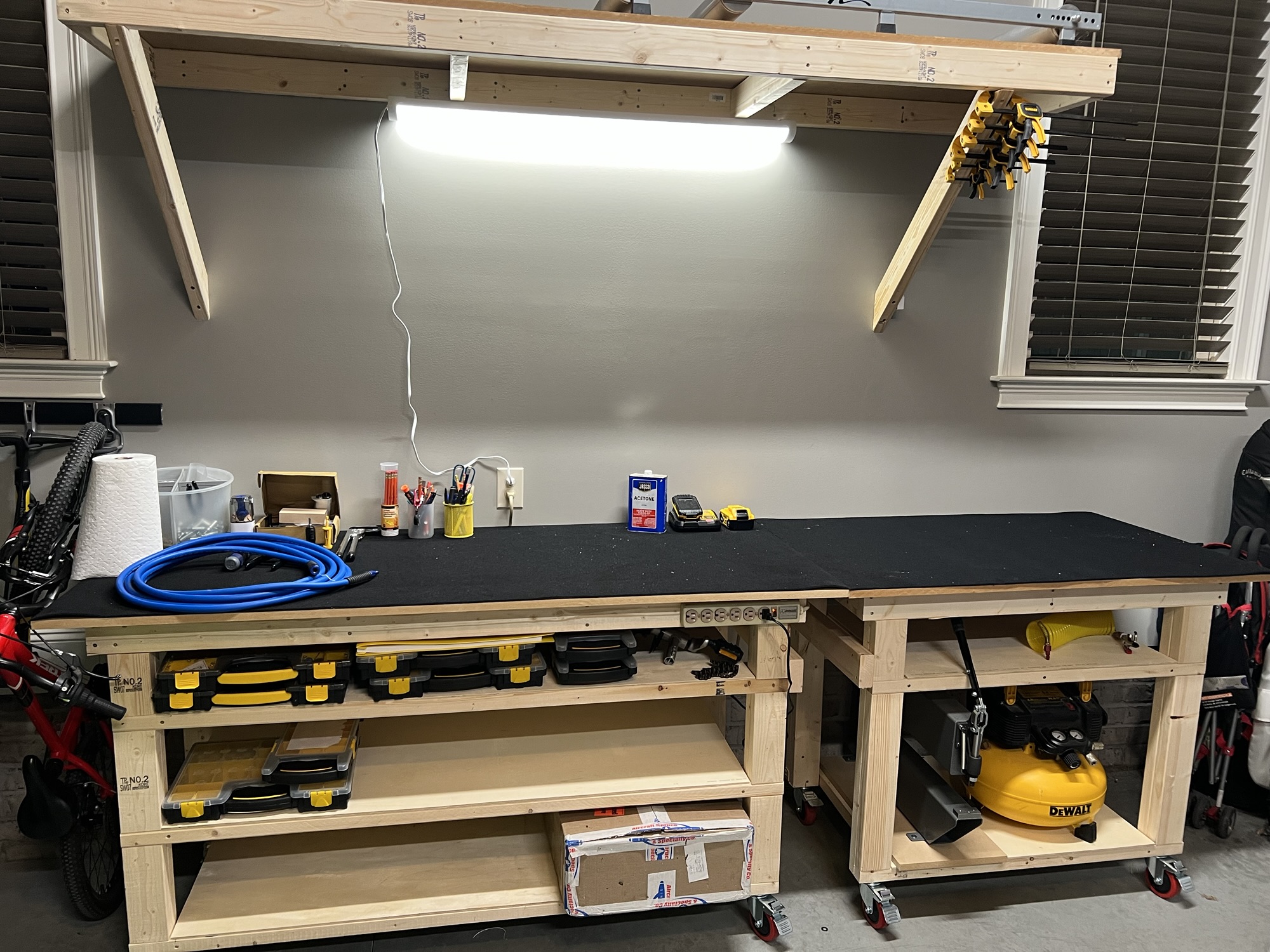
Well, since I've dipped my toes back into this thing, I better start getting ready. I decided to build a new workbench for the project. I borrowed heavily from the last time I was attempting this, specifically this post here: https://rv7aerosports.com/2009/09/20/built-another-workbench/

This time, I used 2x2 for the shelf supports so I don't waste so much valuable face space on the supports.

img_3111.jpg

img_3113.jpg

img_3114.jpg

img_3115.jpg

img_3116.jpg

img_3120.jpg

img_3127.jpg
 
Last edited:
Sep 04, 2025 - Preview Plans Arrived

A few days ago I got a shipping notice from Vans for the Preview plans. But life is busy and while I would normally track the package <strong>every ten minutes</strong> until it arrived, it kind of slipped my mind.

Last night, when I got home, guess what?!?!

THE PREVIEW PLANS ARRIVED!

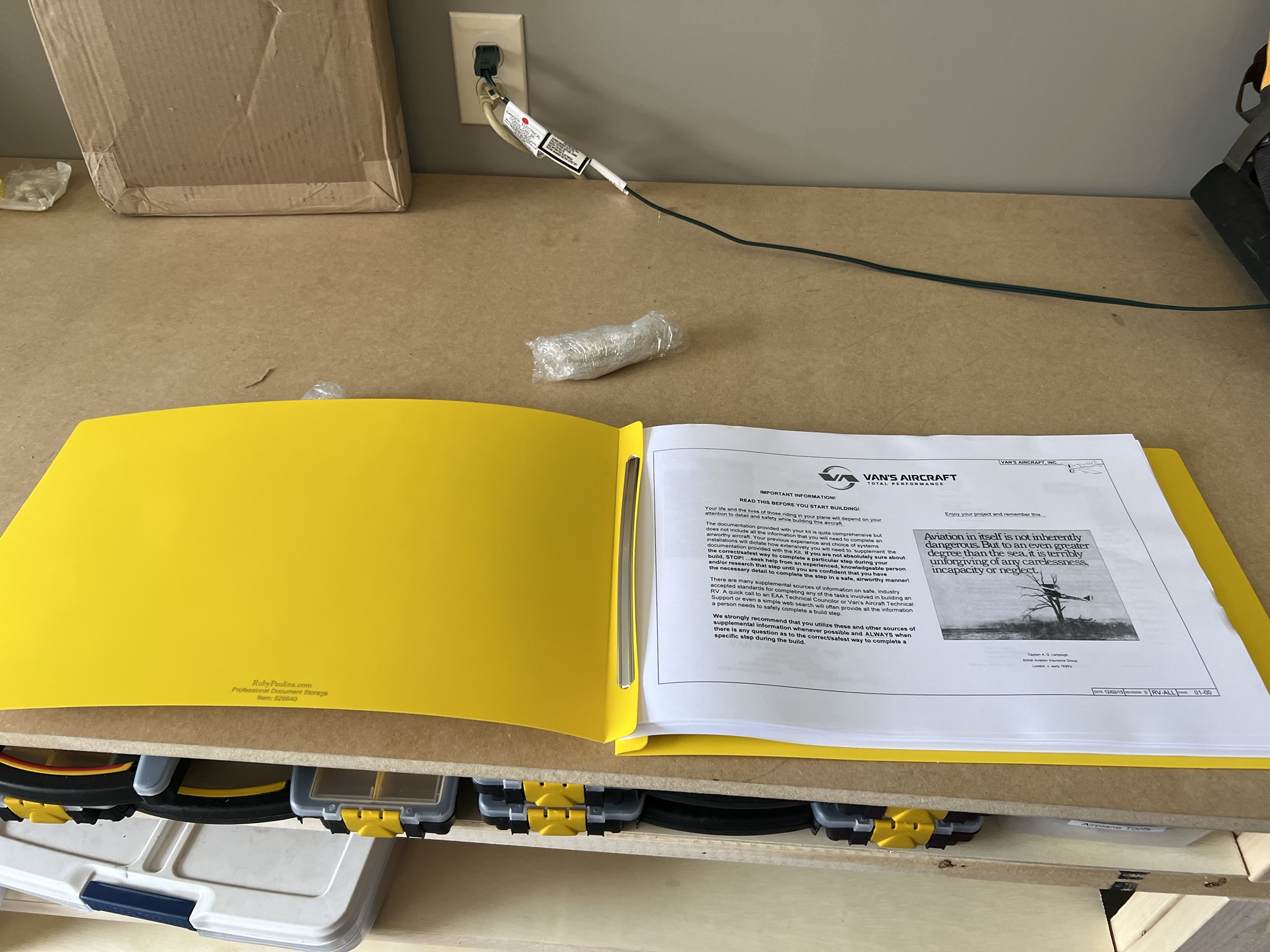
img_3229.jpg


I was a little disappointed in the preview plans. They used to come in a binder with fold out 11x17 sheets. At least the yellow will not get lost in the shop.

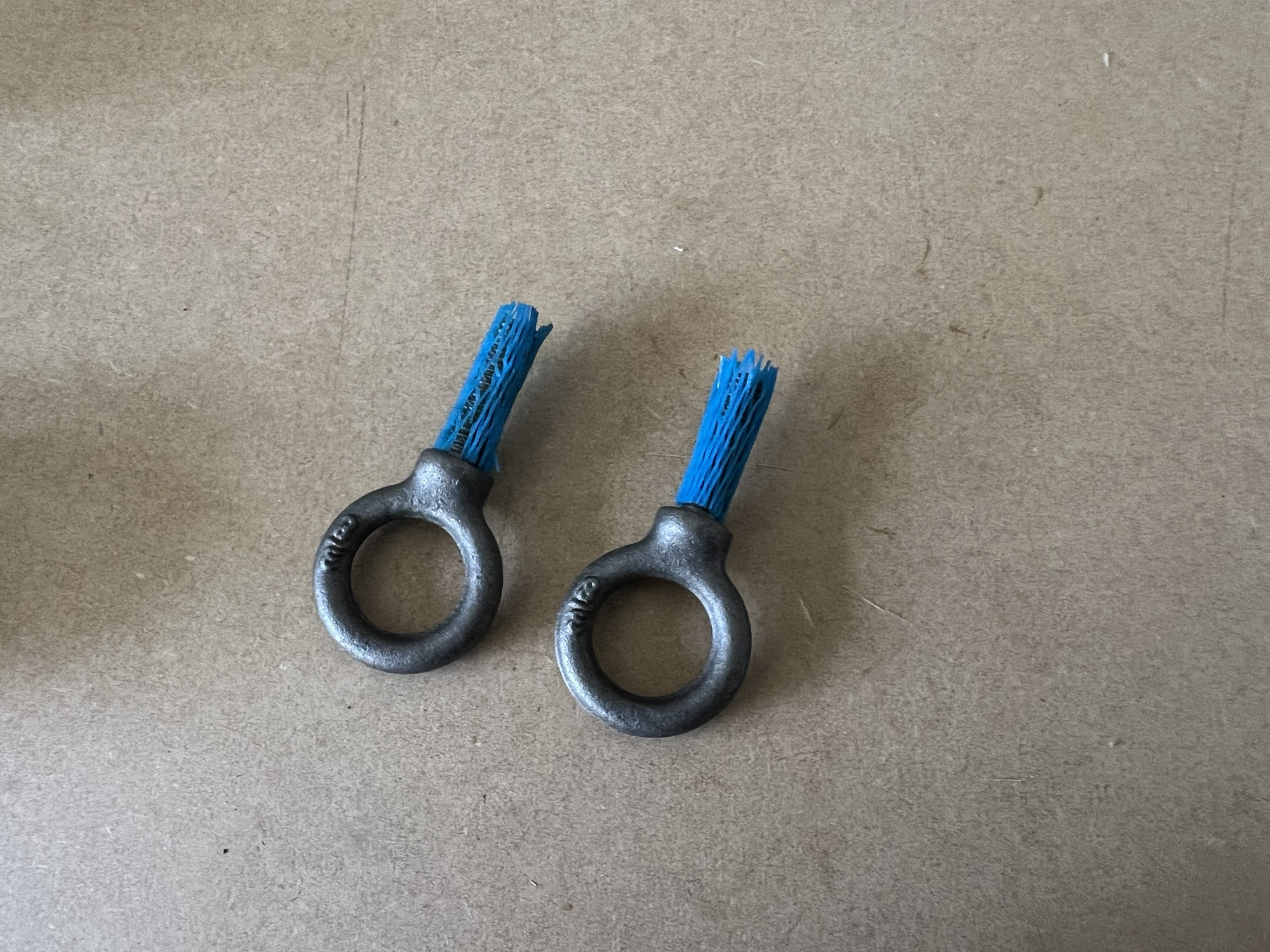
I decided to add some stuff to the first package so I could get to the $200 free shipping minimum.

img_3230.jpg

BOLT EYE 3/8-16 T.D. Forged Tie-Down "Eye" Ring

I also bought some clecos to get me past the minimum, but of course I forgot to take a picture.

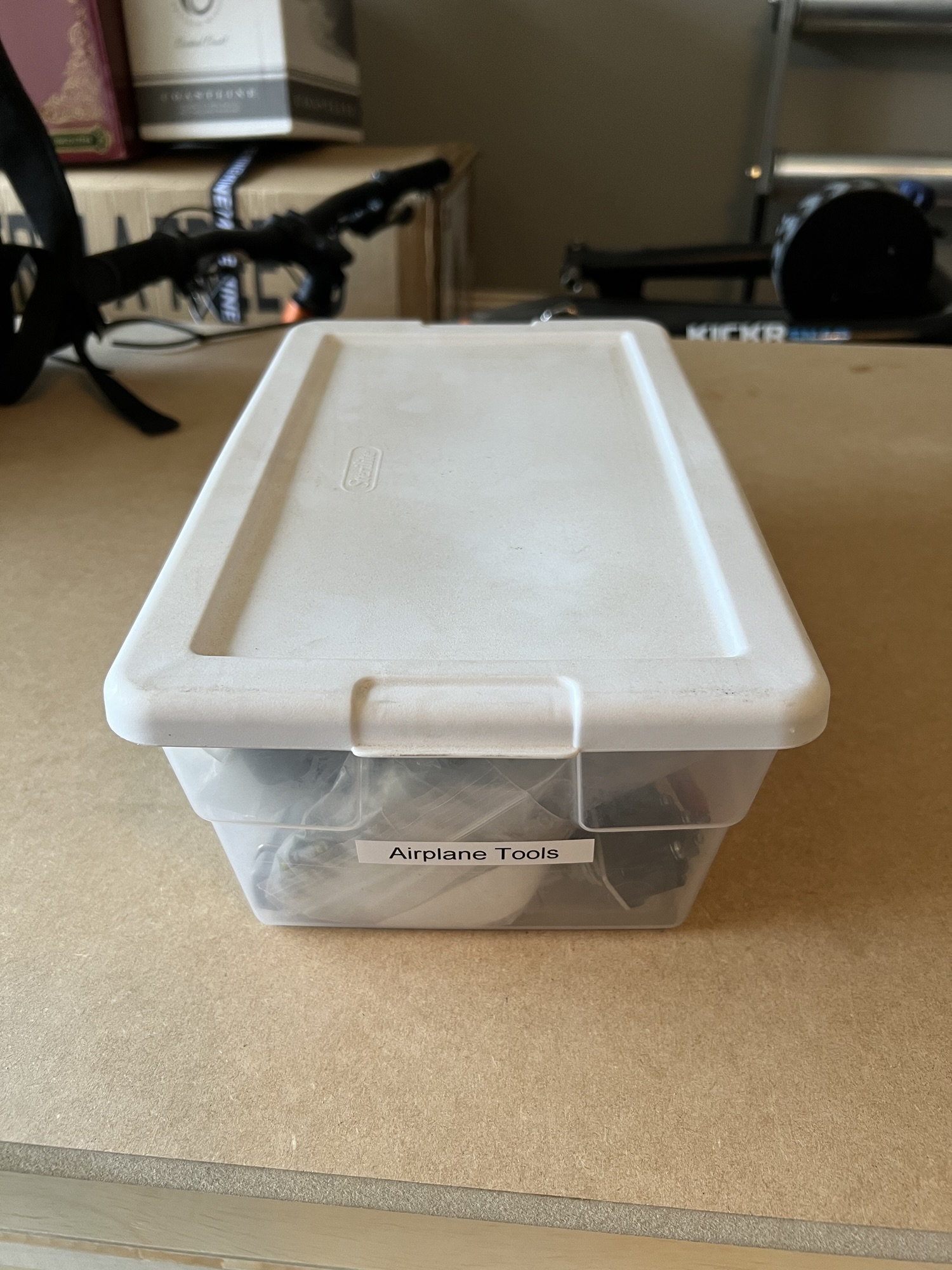
A little later, I fished out my old "airplane tools" bin to see what I had left over from 15 years ago...

img_3134.jpg

Here's the bin.

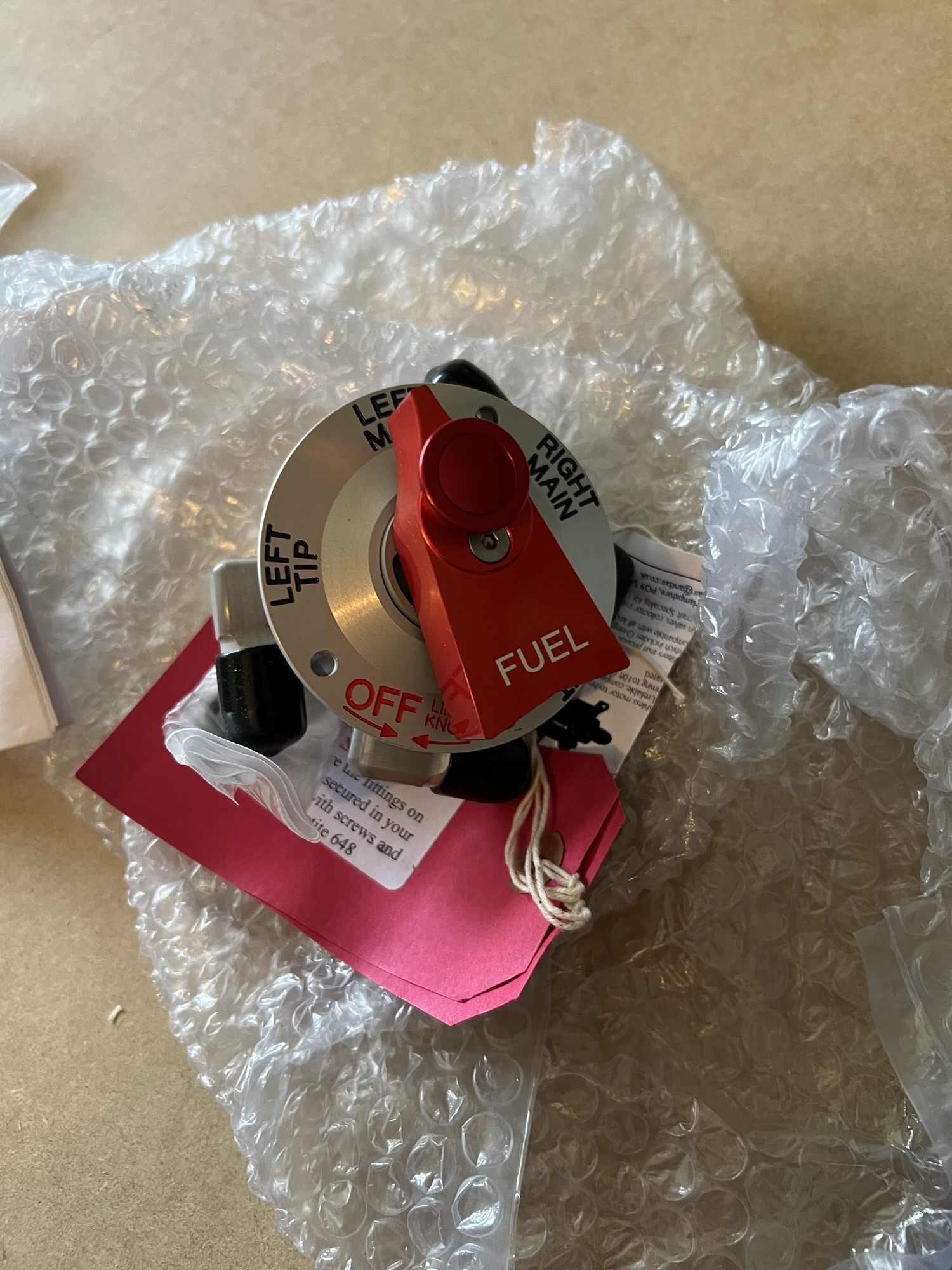
img_3136.jpg

OMG I can't believe I still have the 5-way andair fuel valve!

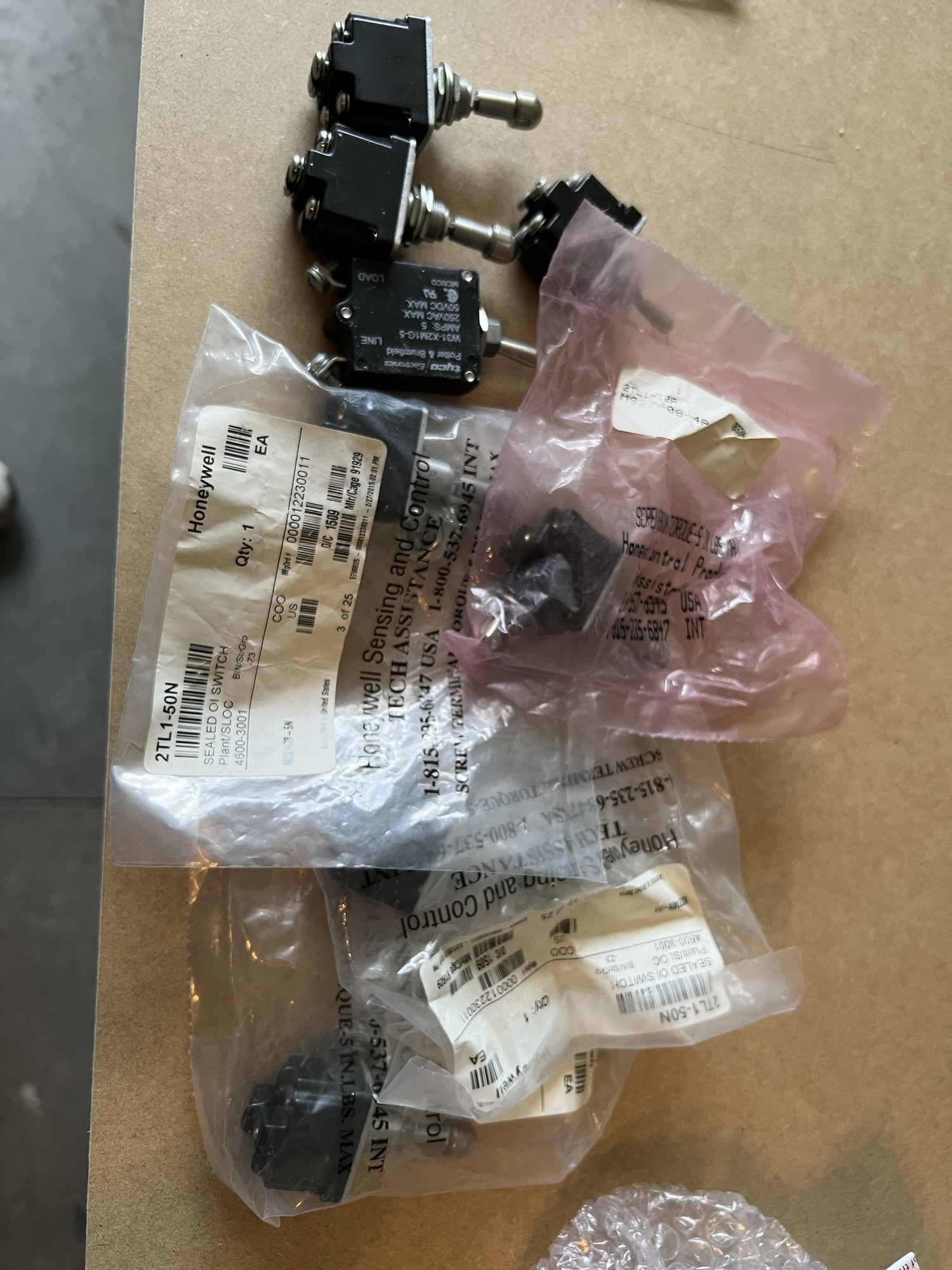
img_3137.jpg

Some locking toggles...

img_3135.jpg

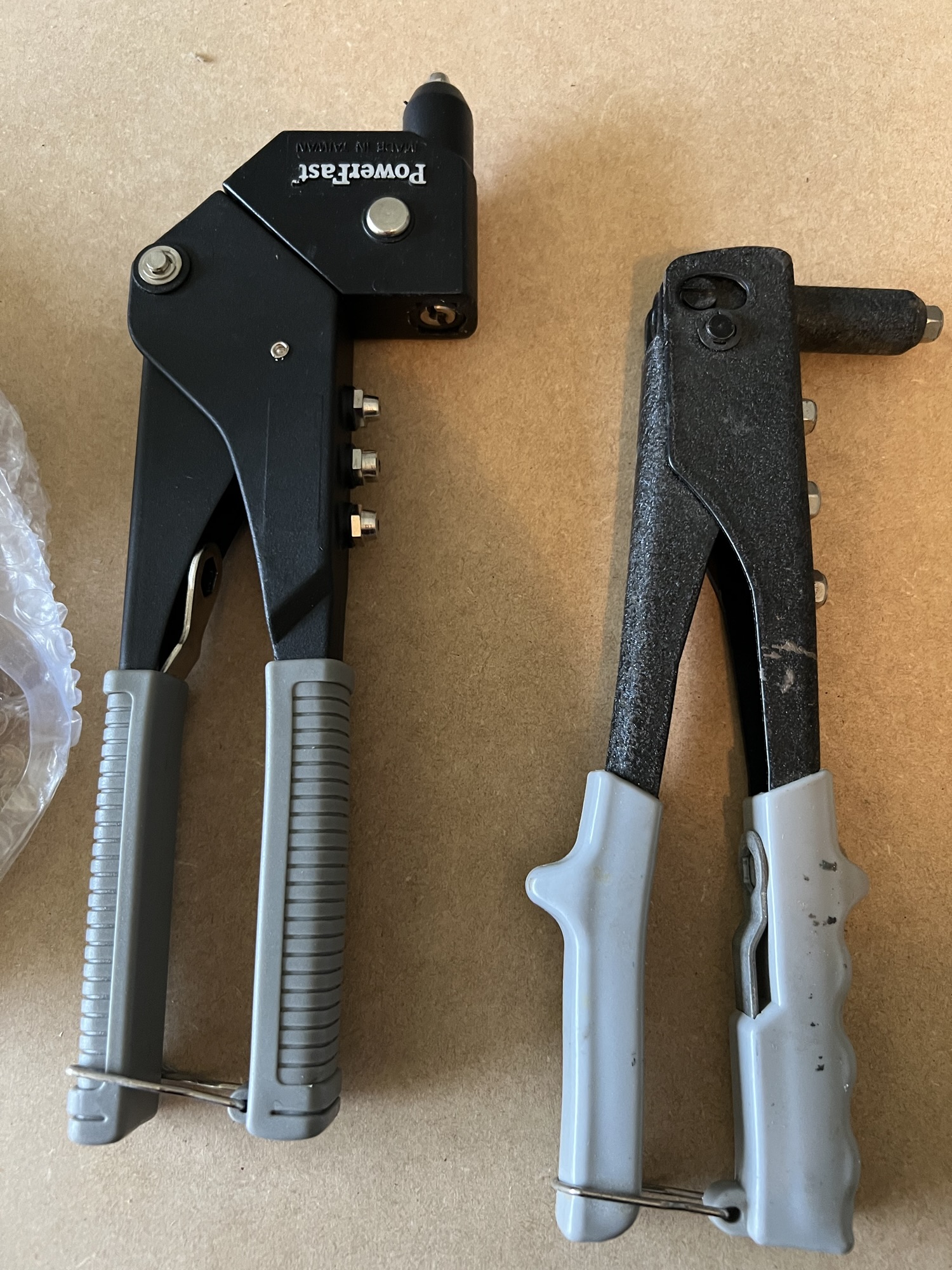
Blind rivet pullers

img_3138.jpg

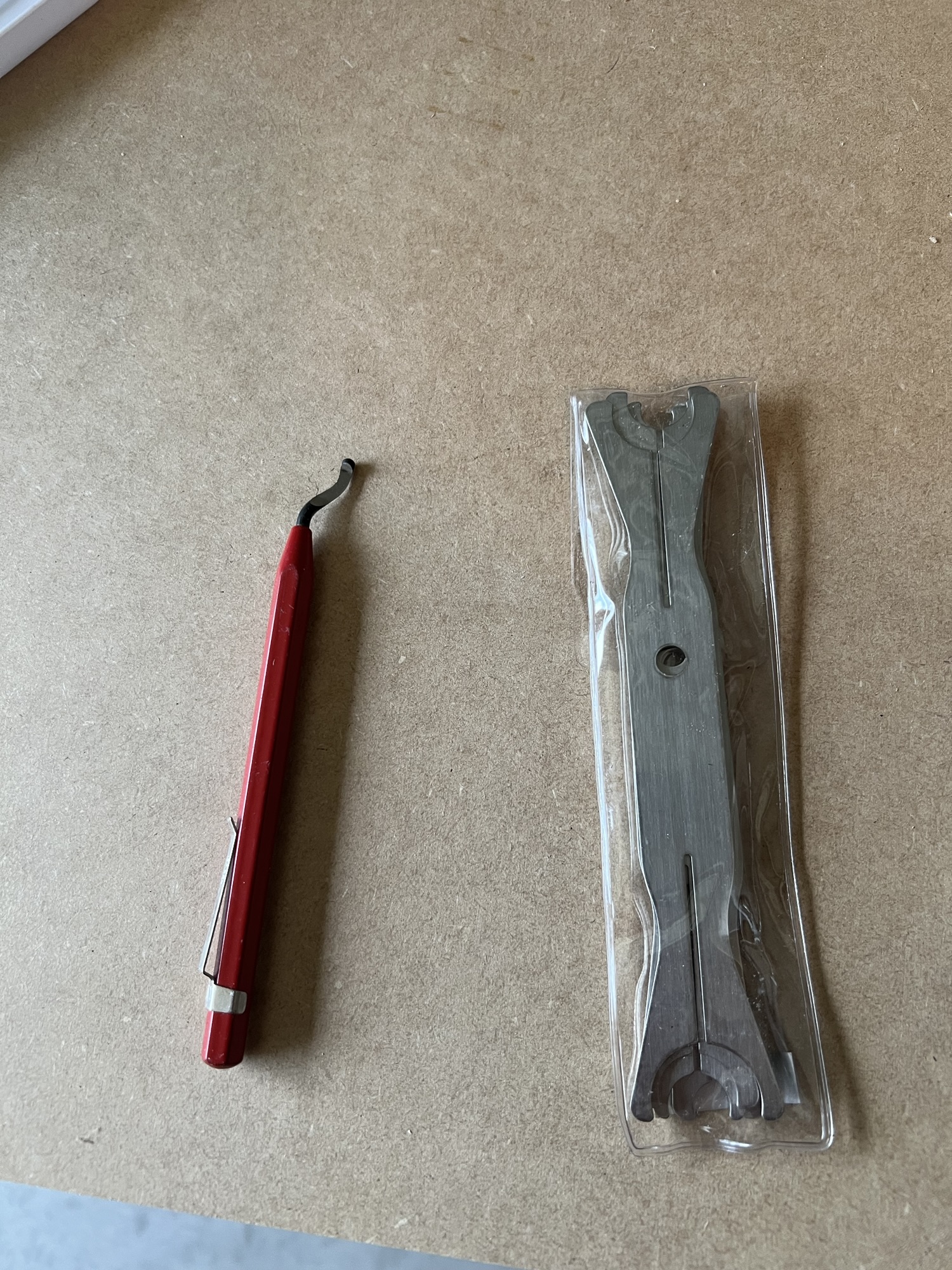
Deburring tool and some washer pliers.

Not too shabby. But there's a lot of tools I'll still need to buy...
 
Last edited:
Sep 08, 2025 - Workshop Upgrades and More Tools Arrive

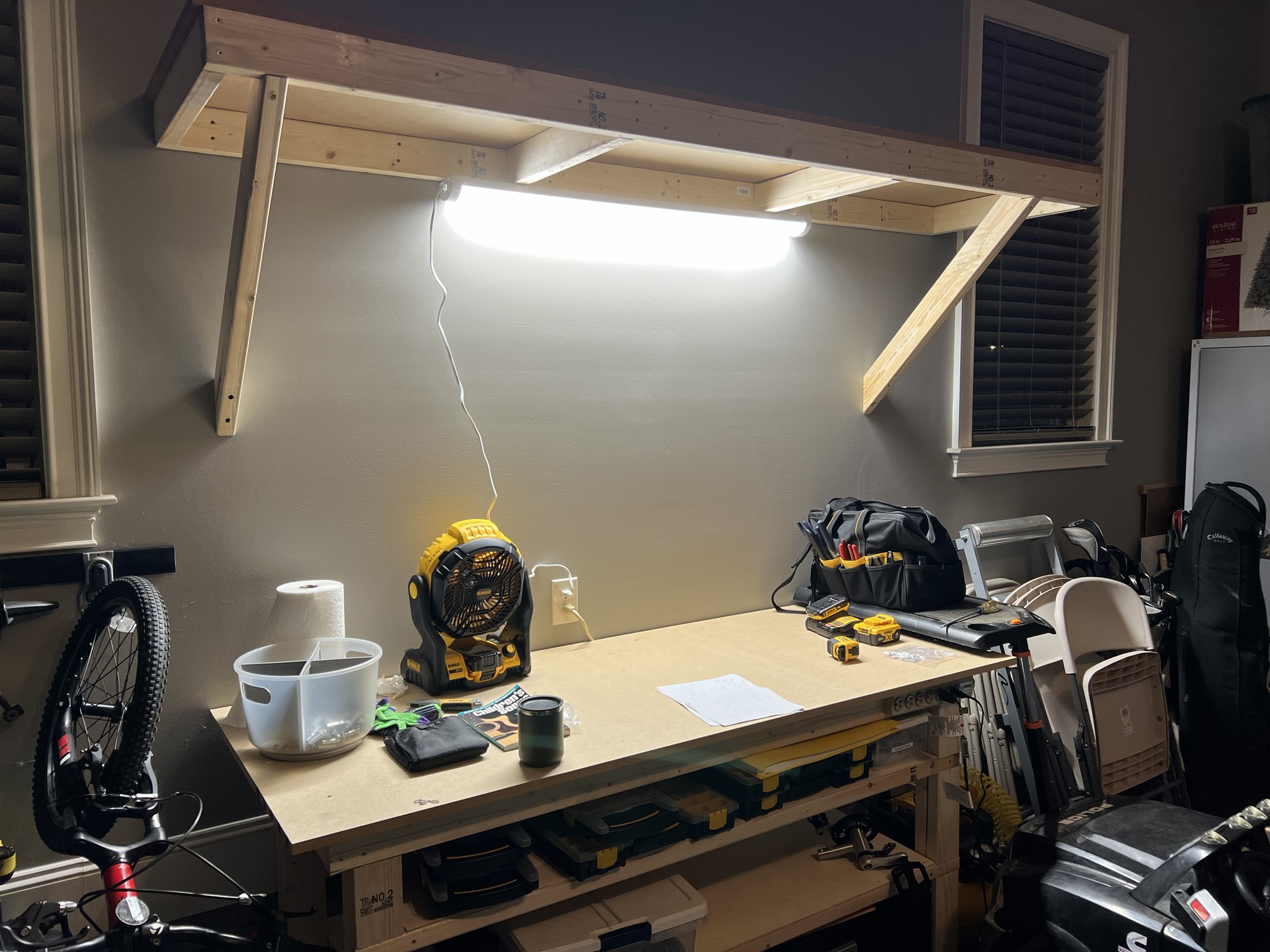
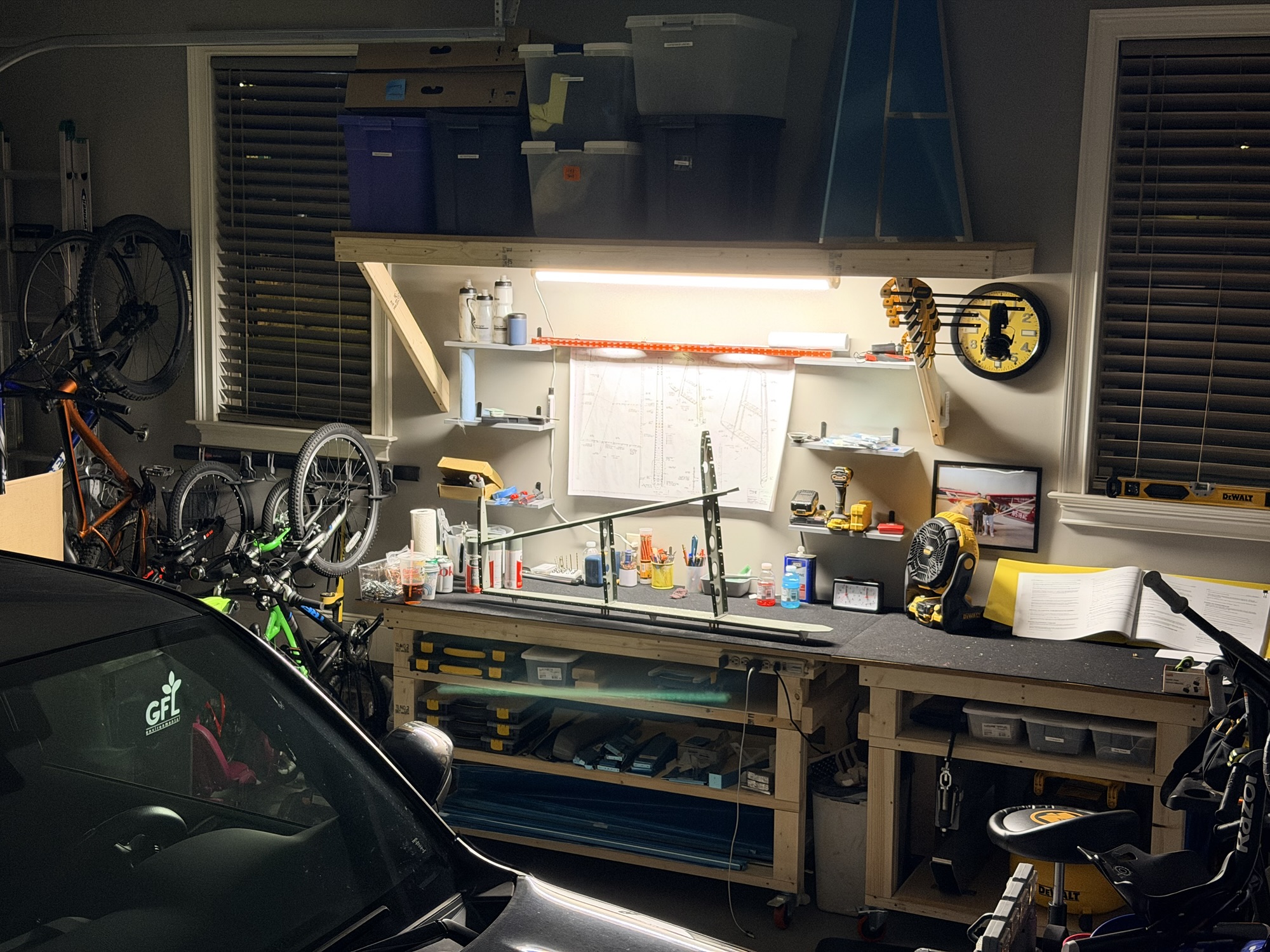
Over the weekend, I made some upgrades to the workshop. Since 2009 or so, I've been adding these wall shelves in every house I live in. They work great. Recently, I've found there's a ~$39 LED light from the aviation aisle (ha!) of Home Depot that is plug in, has a remote, and does motion-activation.

img_3263.jpg

Let there be light!

Then, as I was standing admiring my workbench (which is ALREADY cluttered), the fedex truck rolled up with my Wick's aircraft order.

img_3268-e1757421463223.jpg

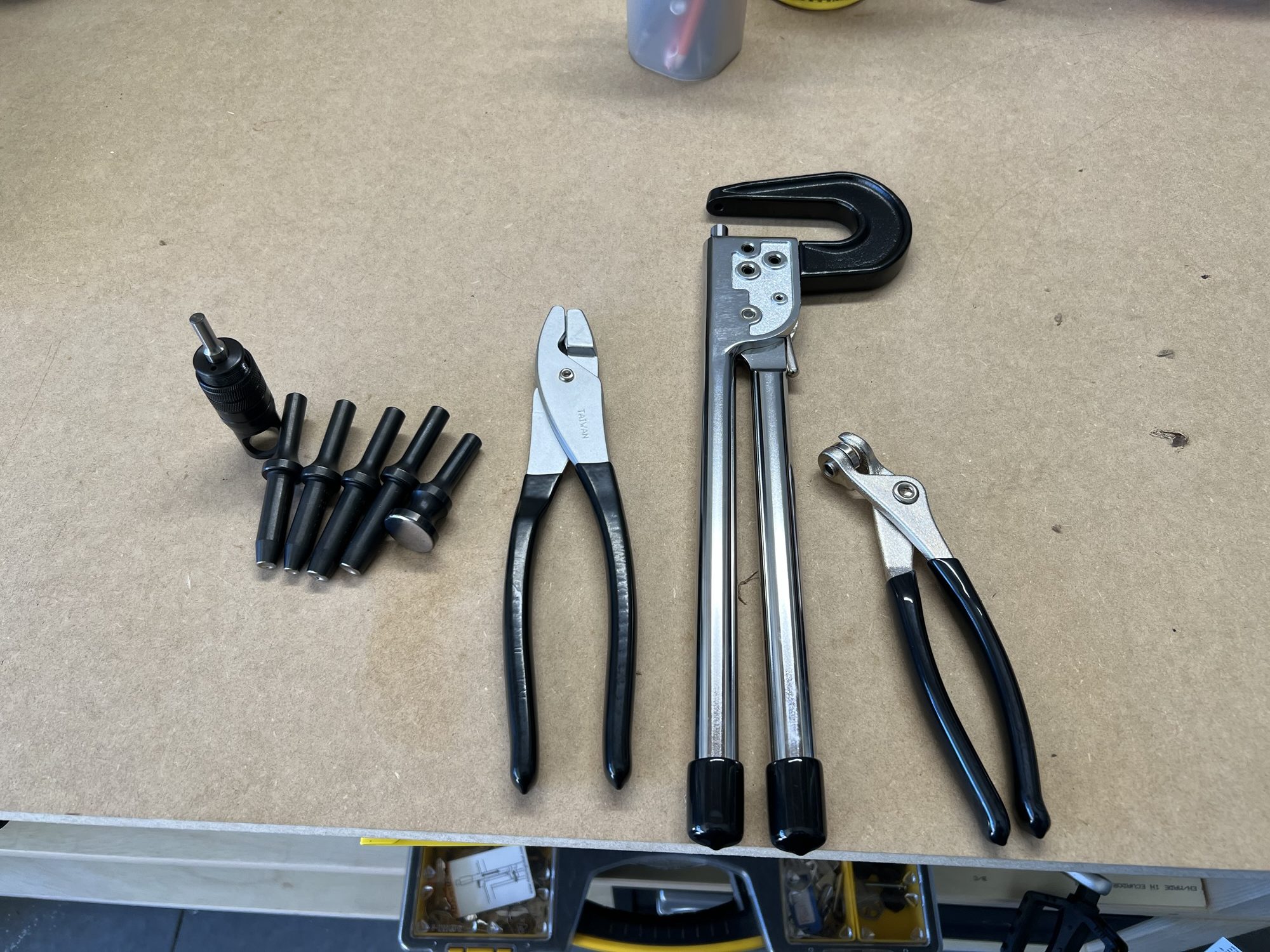
Microstop countersink, fluting pliers, economy squeezer, and some cleco pliers.

img_3270-e1757421479356.jpg

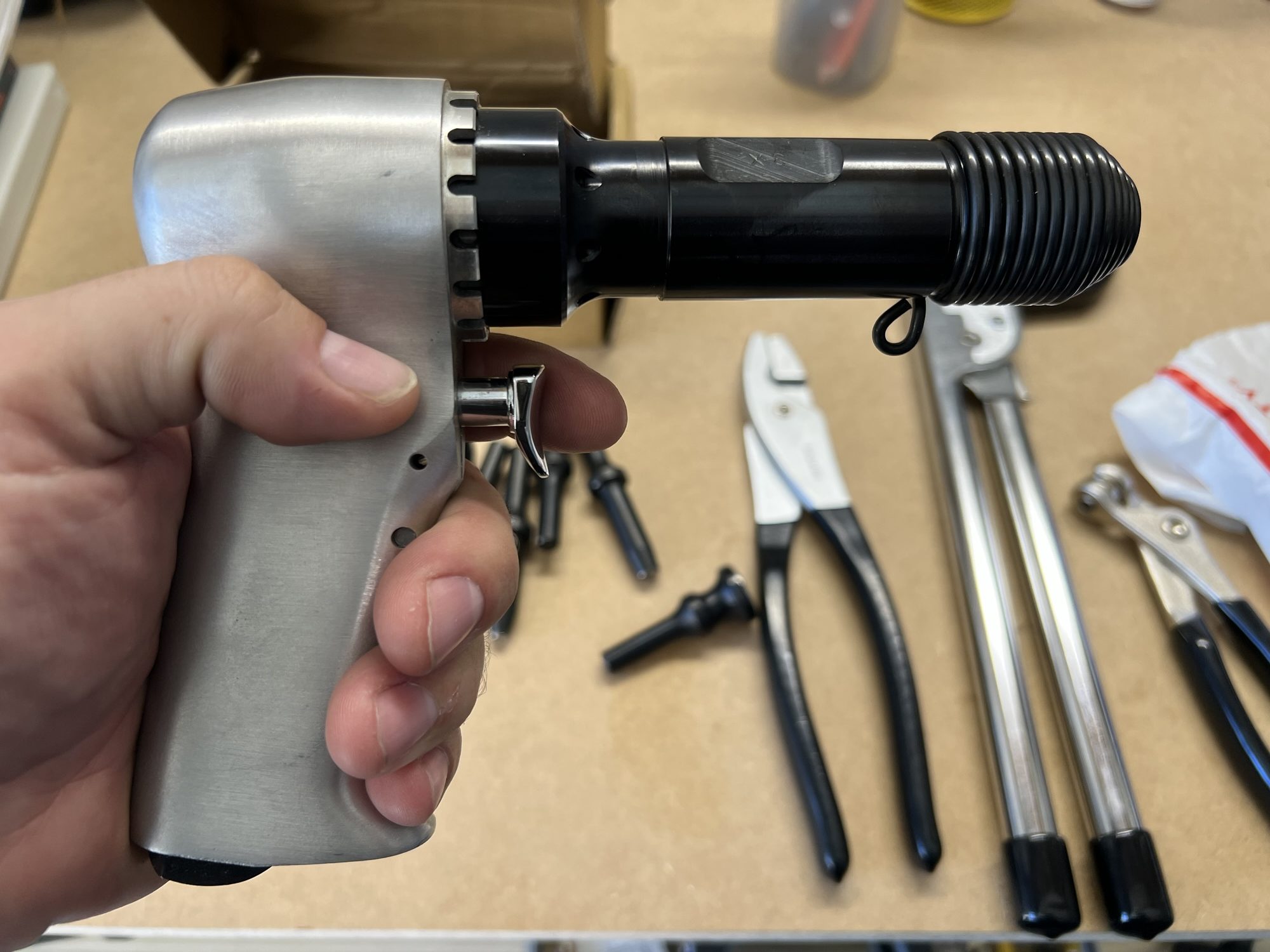
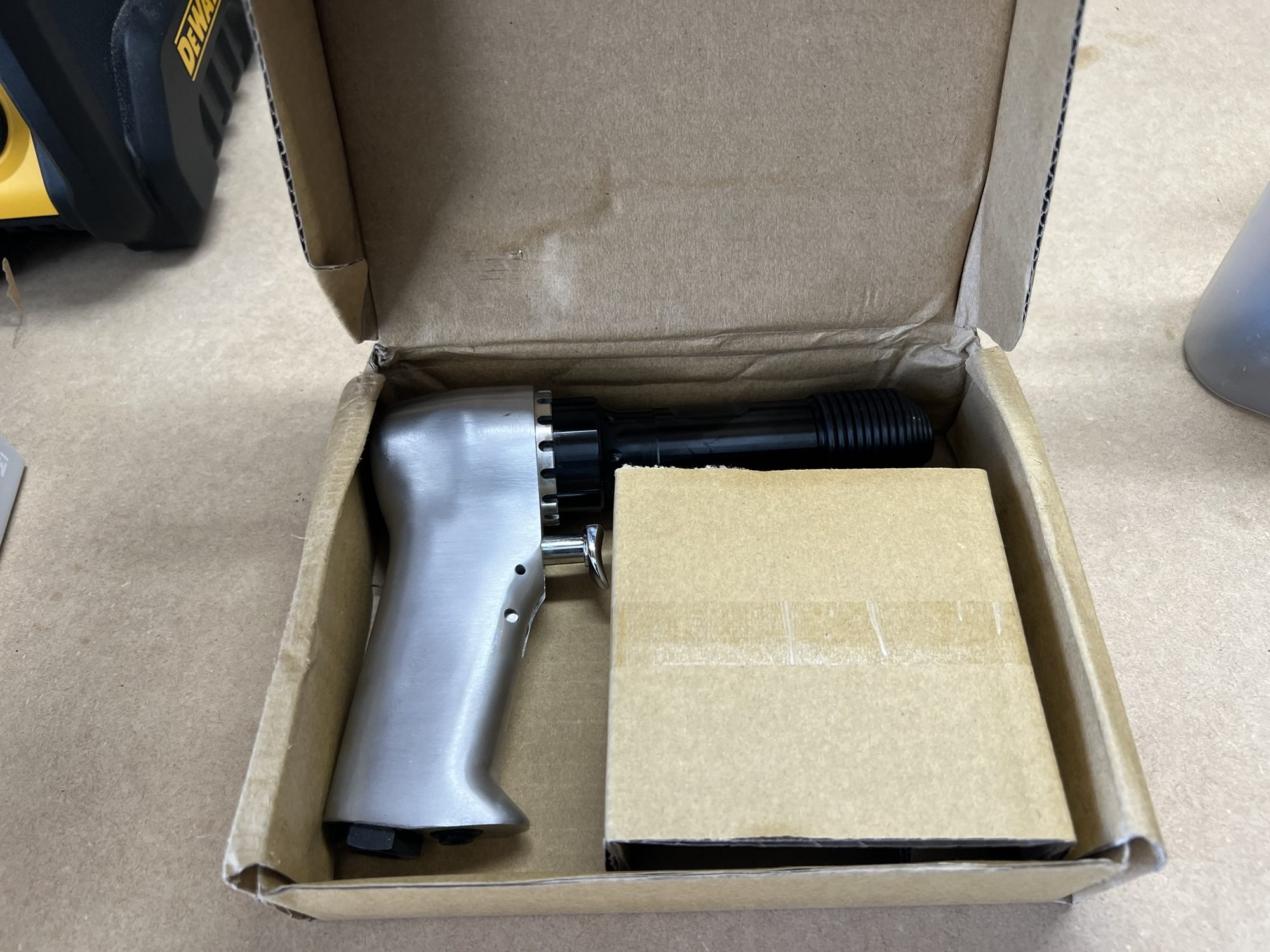
A 3X rivet gun.

img_3269-e1757421471359.jpg

With deluxe storage box.

Lots of tools yet to buy, but it's a start.
 
Last edited:
Time to make some shavings and drill some holes! Quite a few builders and RV's in the area I'm sure you know. I am based at 8A7 Twin lakes, built my -4 and work at HAECO in GSO. Got a few -8 builders/owners locally also.
 
Sep 09, 2025 - DRDT-2 and Other Tools

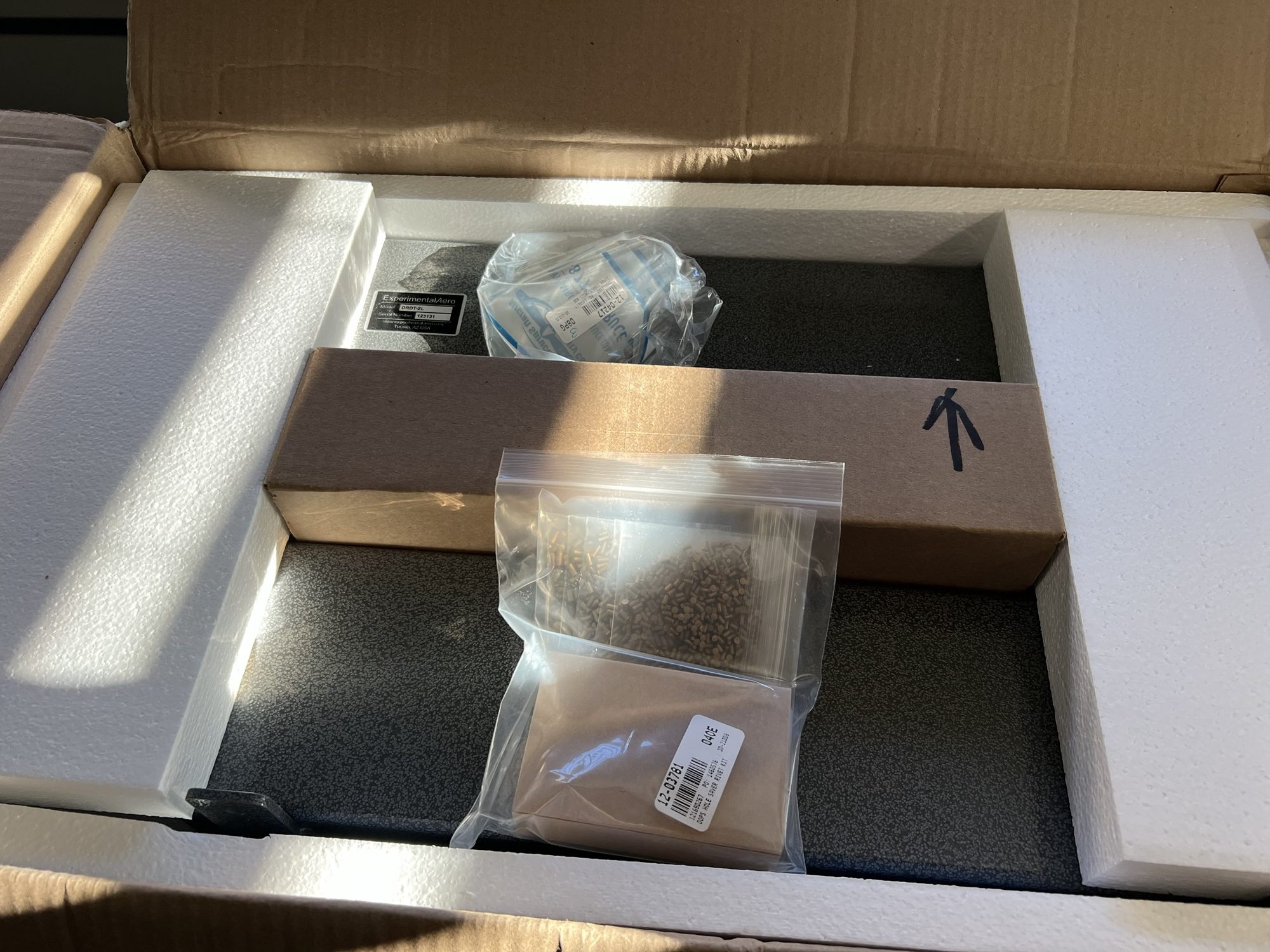
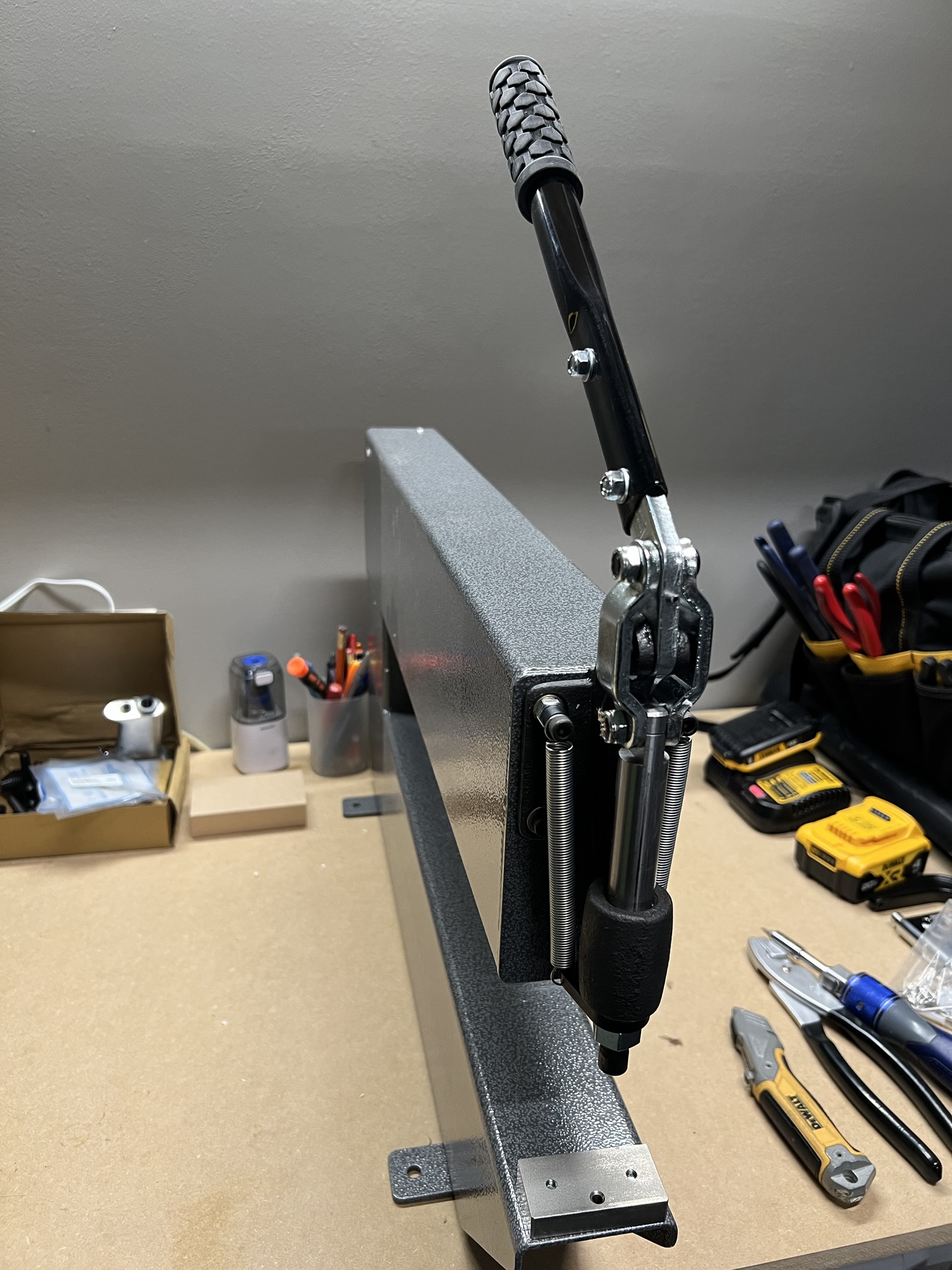
One of the things from my RV-7 build attempt is how time-constrained I felt due to noise. I remember early I decided to use a c-frame dimpler with a hammer instead of splurging for the DRDT-2.

This time, I won't make that same mistake...hopefully I can spend longer hours in the shop especially during times when loud noises would disrupt the family.

img_3290-e1757509073616.jpg

The DRDT-2 as-shipped. With some other goodies.

img_3299.jpg

After assembly

img_3297-e1757509083478.jpg

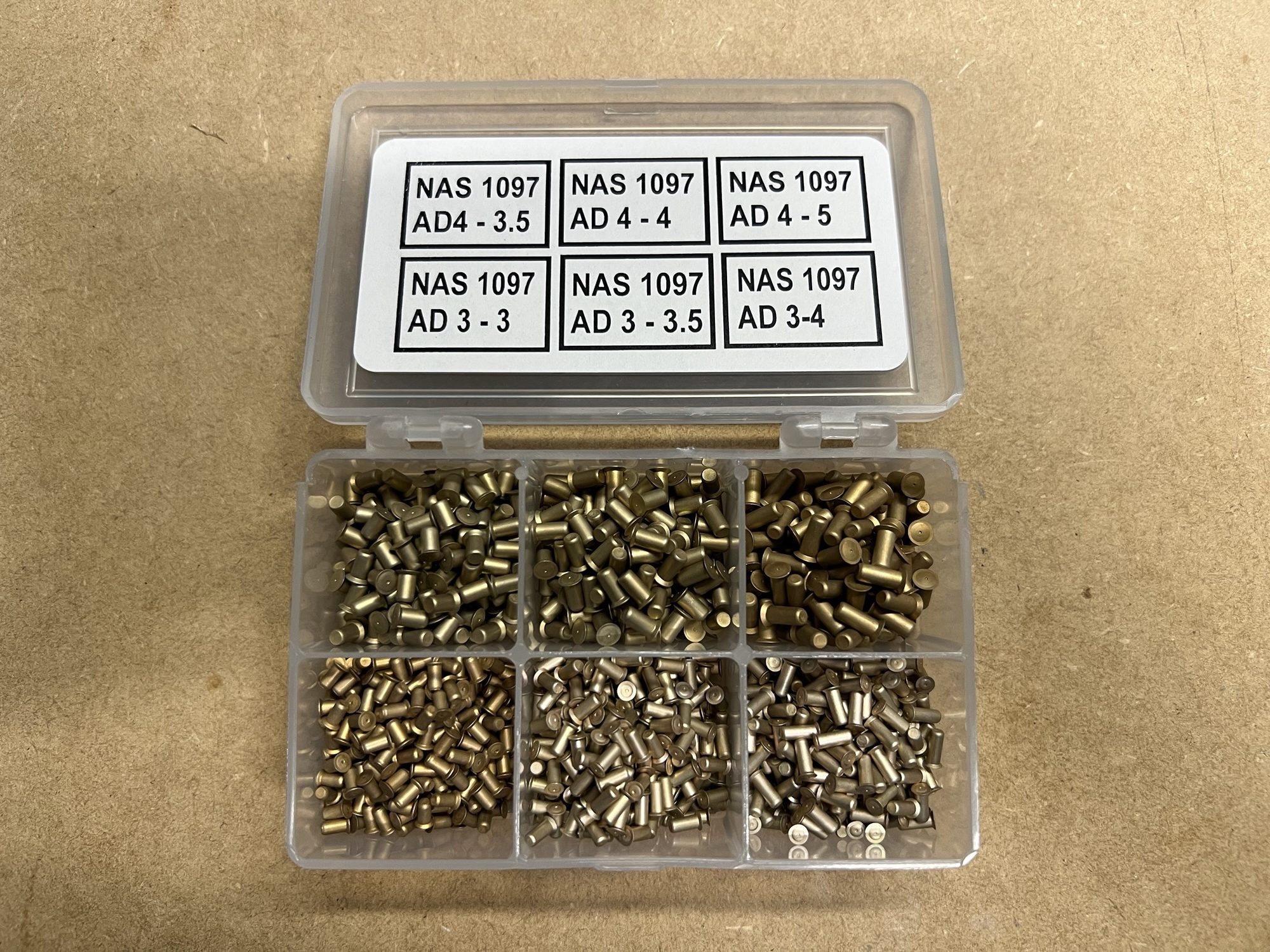
Of course, I grabbed some oops rivets.

img_3298-e1757509092371.jpg

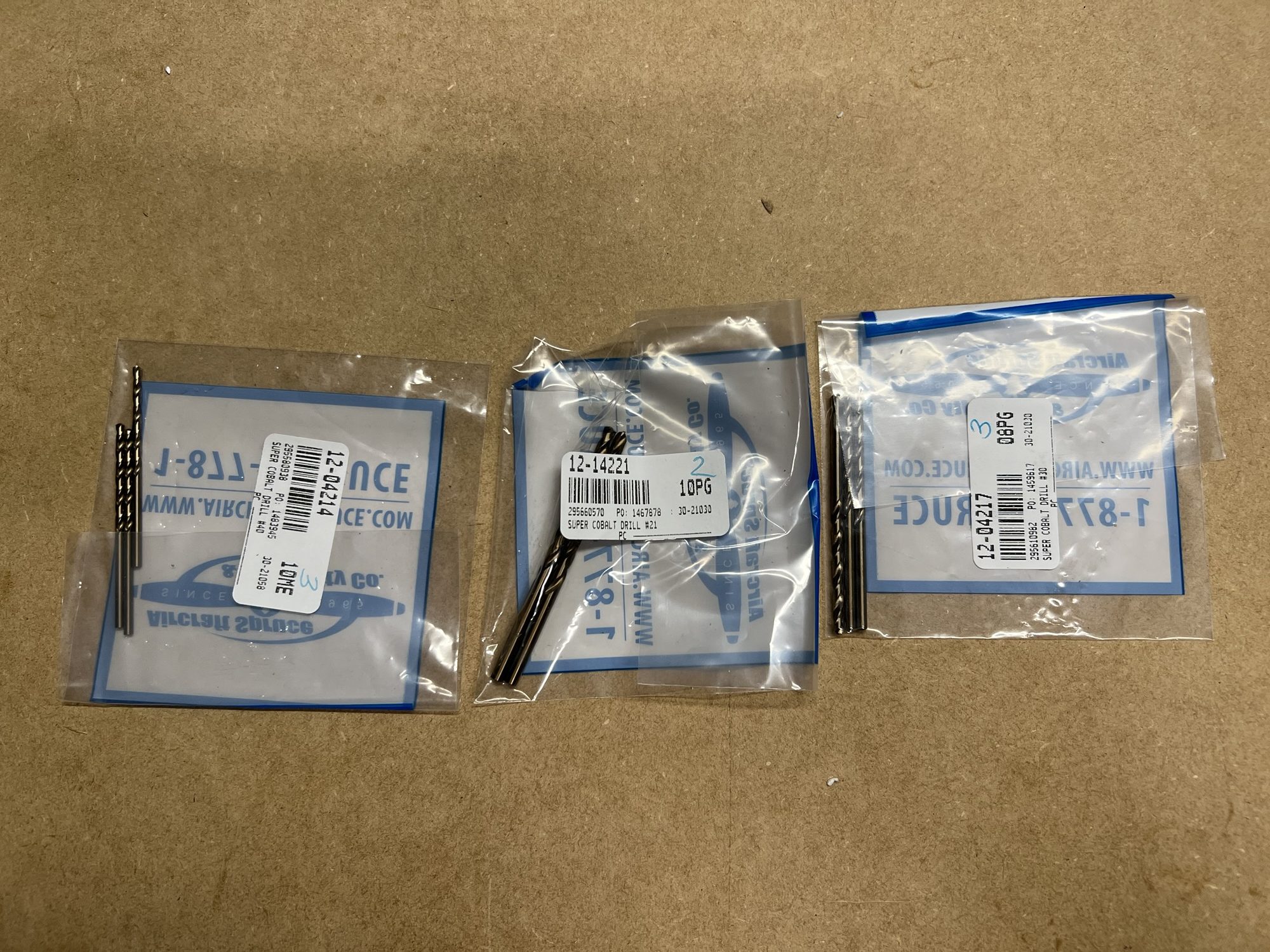
and some #30, #40, and #21 drill bits.

I still need some more tools, but I'm getting close to being able to start as soon as the emp kit arrives.
 
Last edited:
Don't spill that box of rivets!

Consider using small water bottles for rivets. If dropped, they don't usually spill.

Dave
 
Is that rivet gun missing the front bezel (or whatever it’s called)?
Yes! And heavily discounted.

My 4x gun from 10 years ago (long since sold) was also missing it and didn’t affect its function. Admittedly, I haven’t tried this one yet, though. Maybe tonight.
 
Don't spill that box of rivets!

Consider using small water bottles for rivets. If dropped, they don't usually spill.

Dave
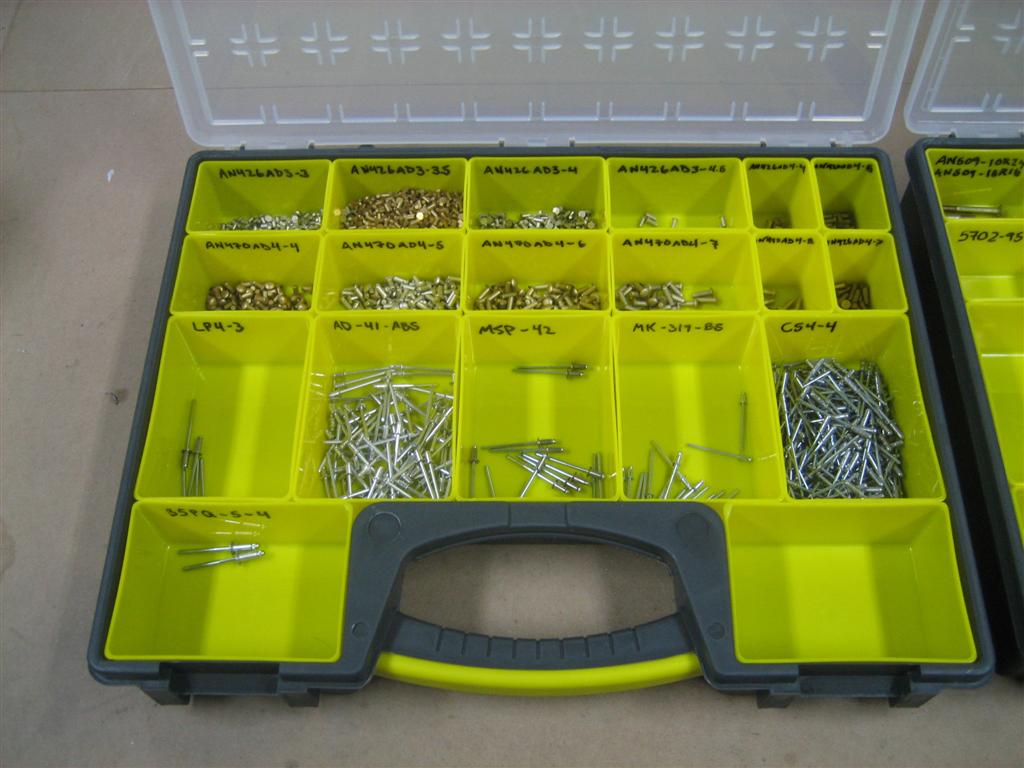
I use the Harbor Freight Storage boxes. They worked for me 15 years ago, hoping it's the same this time around.

They aren't filled yet...

img_3319.jpg


But here's the picture from 16 years ago...I plan to do the same, until the first time I knock this WHOLE case off the workbench.

1-23-10-007-large.jpg
 
Sep 10, 2025 - Another Workbench?

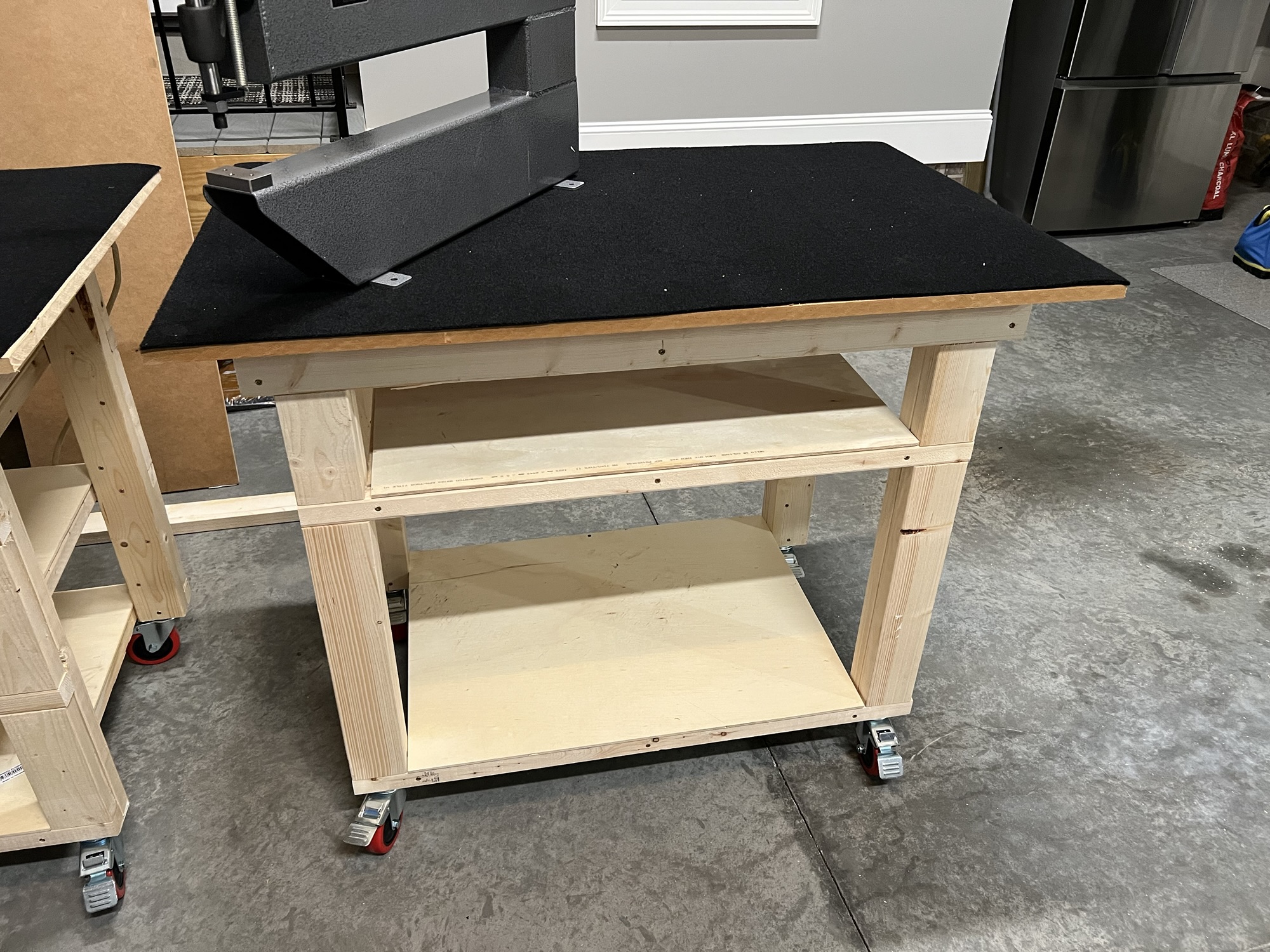
Well, with the empennage kit ordered and the DRDT-2 here, I though about making the two platforms that experimental aero has on their website.

But then I remember some builders a few years ago making a "shelf" between two workbenches. You mean I can build another workbench? Sweet!

I only have about 4 feet of usable space in the garage along the back wall, so this one will be shorter than the last.

Went to the aviation aisle of HD, got some lumber, and started the ritual.

img_3302.jpg
much of the fram assembled.

img_3304.jpg
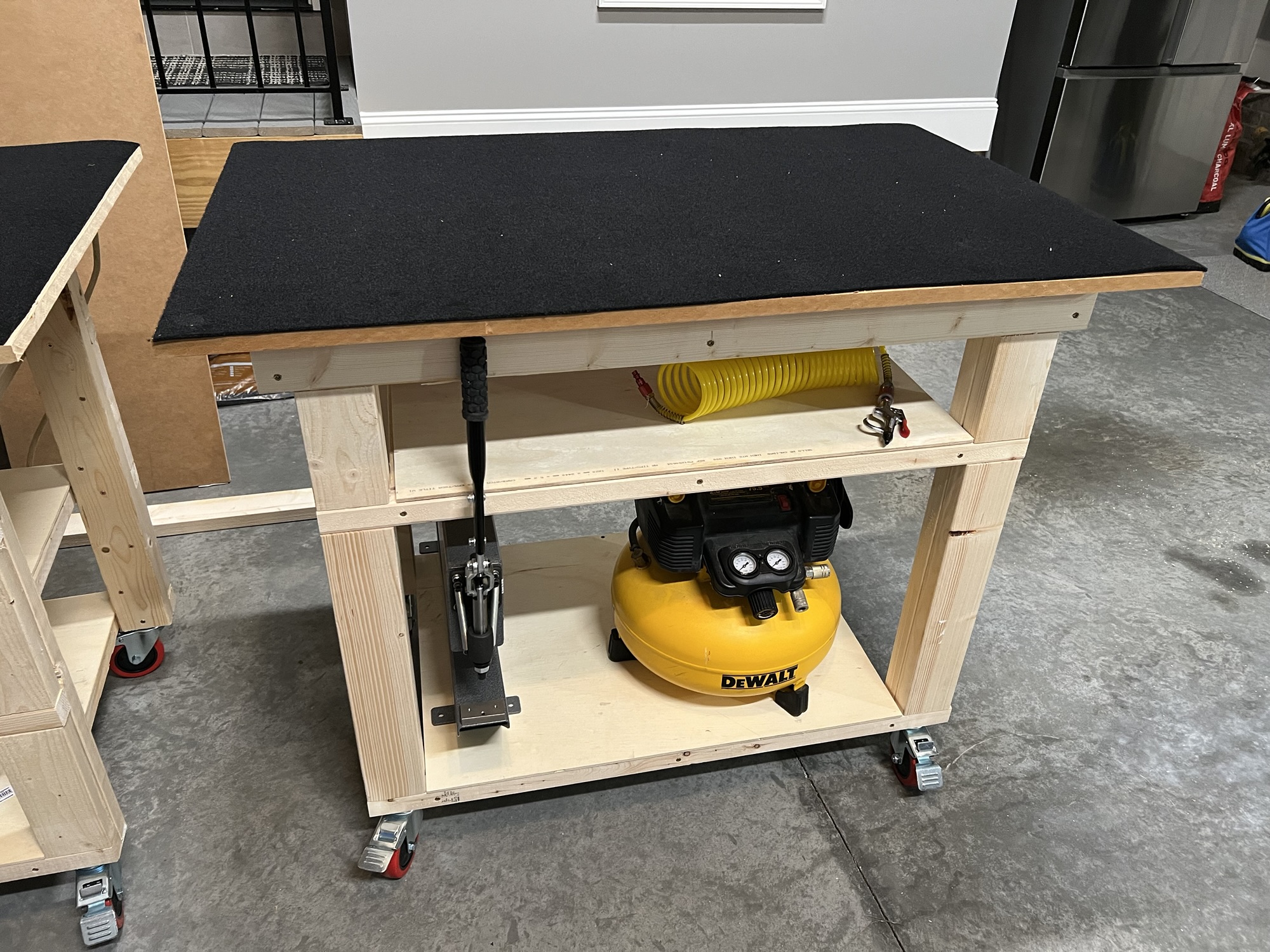
one big shelf, one small. I'd like to store the compressor and the DRDT-2 when not in use.

img_3303.jpg
Measure once, cut twice, right?

img_3311.jpg
complete!

img_3312.jpg
Storage looks good.

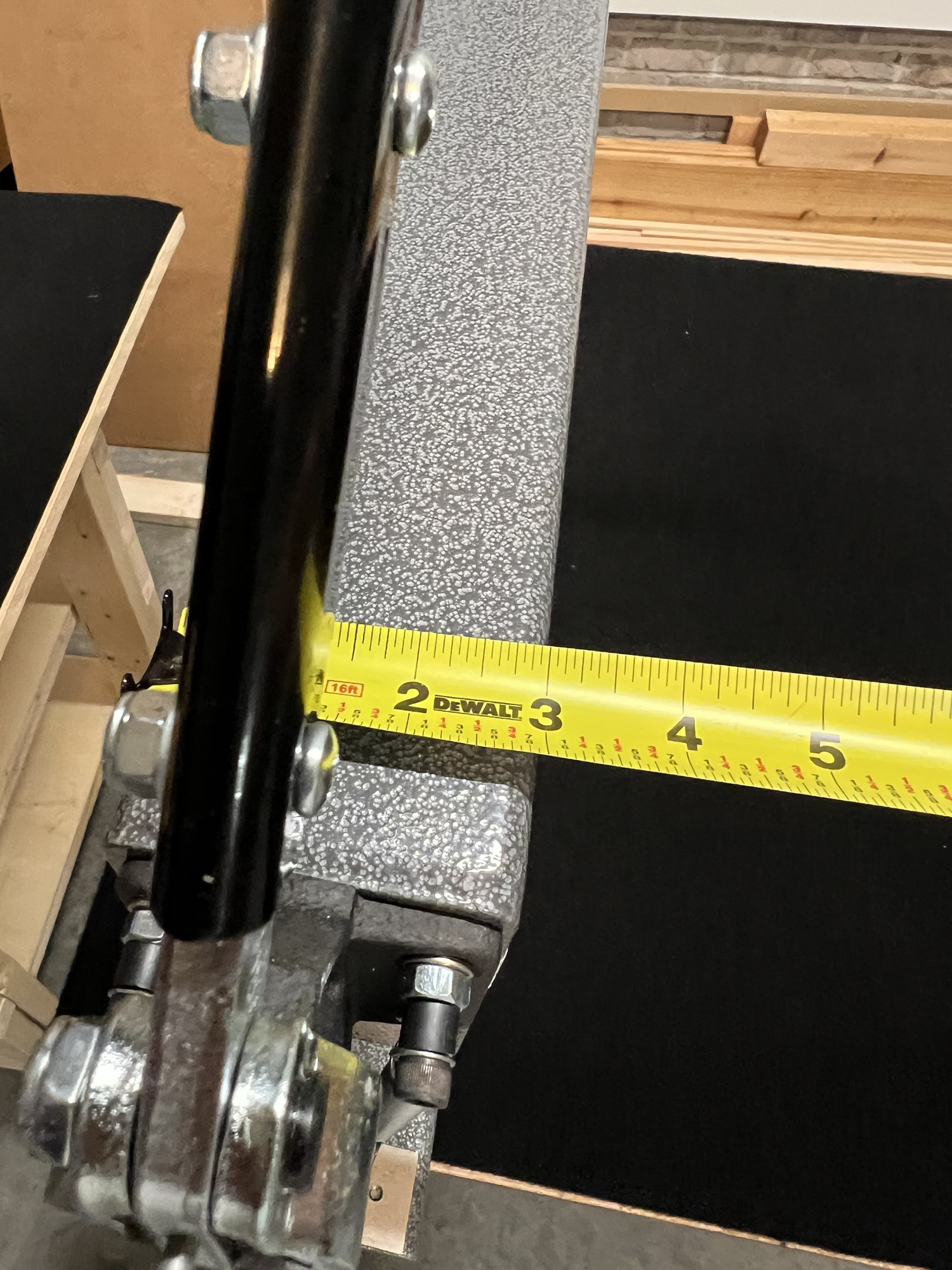
Okay, how wide should I make this opening? I figure I'll measure 8 times and cut once.

img_3313.jpg
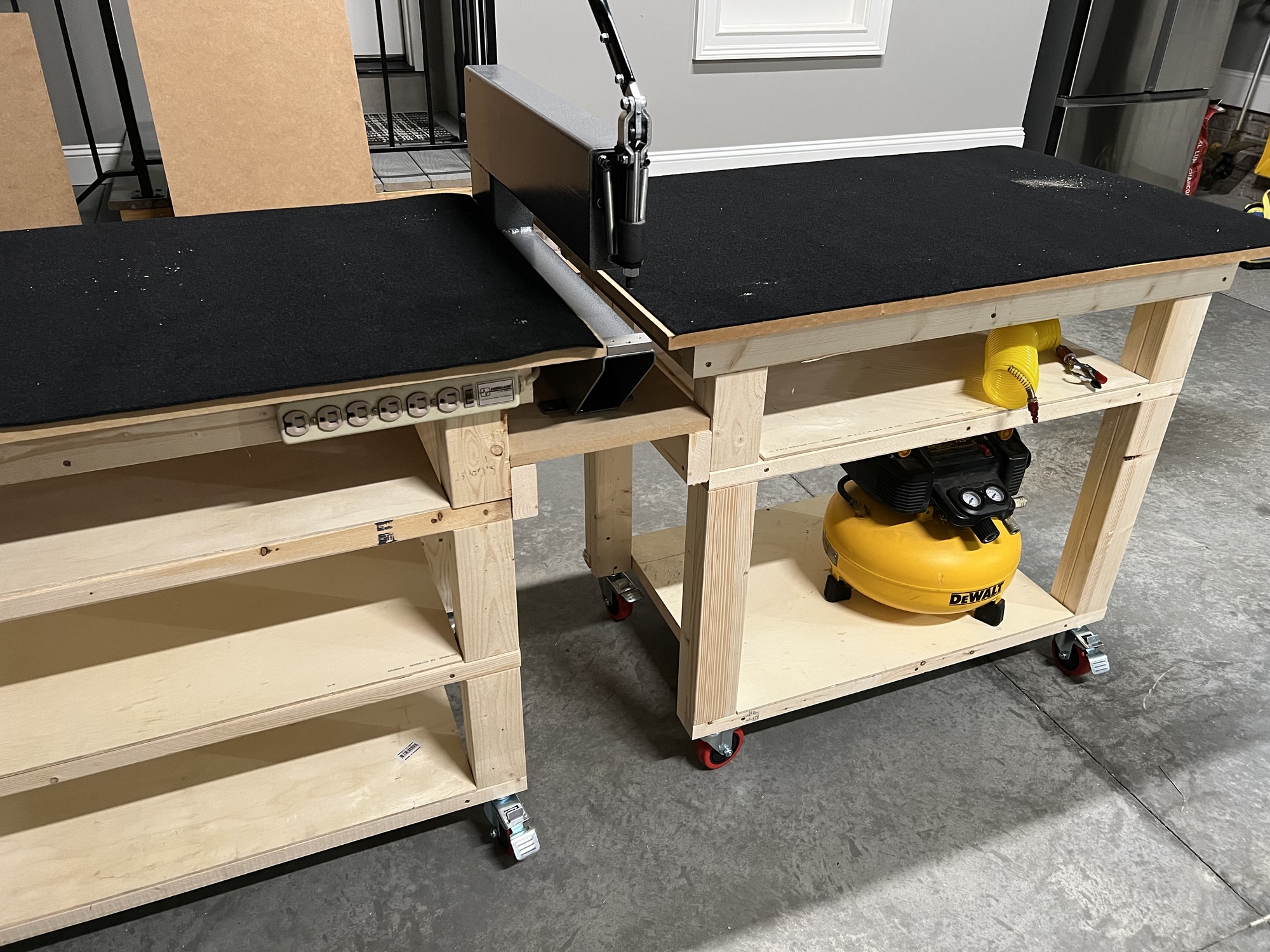
Basically 3" wide for the opening between the workbench tops. Plus 1.5" (times 2) for the frame, plus 3" (times 2") for the MDF overhang I built in.

So the platform should be about 12" wide....

img_3314.jpg
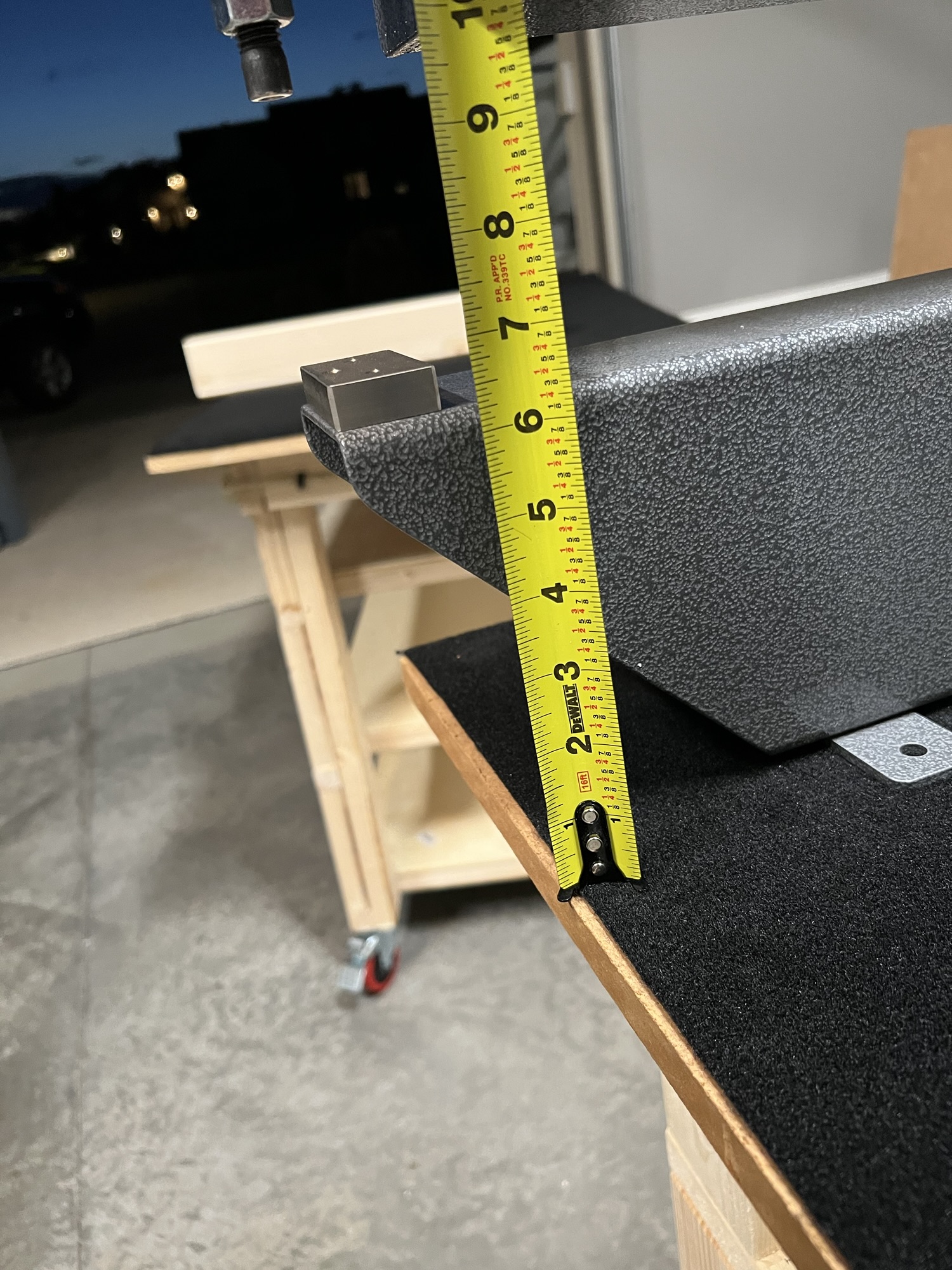
and basically 7" deep, but add some for dimple die thickness.

img_3315.jpg
As promised, I measured 8 times and cut once.

img_3317.jpg
a close-up. Even with the die height, I'll have to shim, which is totally fine.

img_3316.jpg
But how good does that look? I'll be able to slide wing skins along the benchtops and dimple (silently) to my heart's content.

img_3319.jpg
When the DRDT-2 is put away, the benchtops touch and give me a 10' surface. I like this

I am absolutely keeping the DRDT-2 box to sell in 5 years when I'm done.
 
Last edited:
Sep 12, 2025 -Electrical, Switch, and Panel Design

Last Updated: Sep 21, 2025


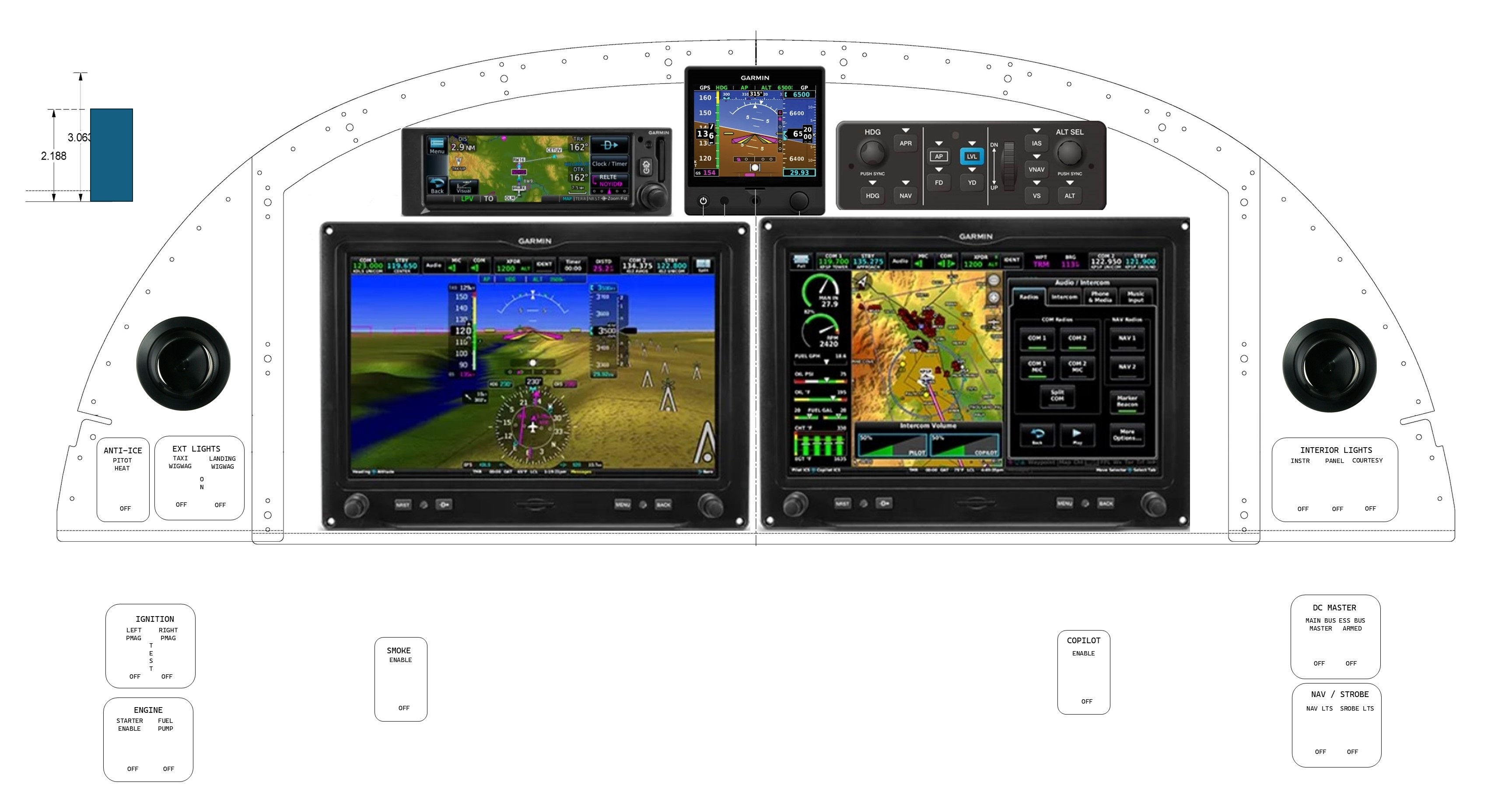
SEP 21, 2025: Well, I have already (two days?) made an improvement... I remembered that during the runup (RPM 1700, stick being held aft by the right hand), the PMAGs switches need to be moved to a test position to remove ship's power to verify that the self-generating feature is functioning. So the Mag switches (OFF-TEST-ON) can't be on the right hand. The pictures at the end of the Sep 19, 2025 post have this incorporated, but the tables don't yet. So I'm going to move the Mag switches to the left side.

RV-8-PANEL-LAYOUT-V2.jpg


Latest Sep 2025

SEP 19, 2025: So this post is about 15 years in the making. I spent a lot of time dreaming of how I was going to design the RV-7 panel while I was beginning its build, and when I restarted the RV-8 build (what? a couple weeks ago? The emp kit hasn't even shipped yet), I decided to basically copy my previous thoughts and start from there.

To be honest, the copy-paste method works pretty well, my cockpit design philosophy hasn't changed much since I settled on a design back then, except I've noticed a lean towards simplicity. Anyway, here it goes:

Instrument Panel Philosophy

Glass panel


The first thing to point out is that I am going to have a glass panel airplane. I cannot find a reason to have vacuum powered steam gauges in my panel when the glass panel technology (and reliability) has advanced the way it has at the price point (approaching the same point as steam) it is reaching.

I plan on having one PFD, one MFD (either configurable to a reversionary PFD/MFD mode) and an IFR GPS. The usual host of “radio stack” boxes should be built into the PFD/MFD suite. I’m currently looking at the g3x touch system, and the audio panel, NAV/COMs and Transponders are all remotely mounted.

My emphasis is going to be on a couple of general layout philosophies that will ultimately guide my design.

First philosophy: Switches in Order of Use.

Looking at my proposed before starting checklist, after I’ve done my preflight, briefed my passenger, gotten both of us squeezed into the seats, and I’m ready to start the engine, I’d like to start from one side of the panel, and make sure every switch is in the down position (there will be a few times when this isn’t appropriate but the “down” check should be standard).

Then, first turn on the battery to do last minute voltage checks and engine instrumentation (although I wouldn’t necessarily need this given the backup batteries in the displays…although I’ll have to check if these backups power the engine monitoring system as well), then set power controls, prime, strobes on (+Nav if it’s night), magnetos on, hit starter (or starter-enable switch and stick-mounted starter button), Once the engine has started, check oil pressure, then turn the alternator on (I know I could turn this on before start, but why provide alternator field current when I don’t HAVE to?). After a lot more reading and thought on this, I may decide to turn the alternator on prior to start. More on this later.

Next, I’ll turn on all my radios (I’m going to call this the “Avionics Master” but I’ve read Mr. Nuckoll’s article on the Avionics Master Switch and while I’m convinced I don’t NEED one, but I may WANT one for convenience. I realized I’ll need to convince myself that I’ve eliminated the single-point failure nature of a master switch.)

After the radios are up, get ATIS, clearance, and taxi instructions, time for the taxi light for visibility/recognition on the ground.

Just before takeoff, I’ll flip on the landing lights (maybe wig wag, the name for alternating flashing lights), pitot heat (if IFR) and then the fuel pump for takeoff. Flaps set to takeoff, if required, and now I’m ready for departure.

The above paragraphs are going to drive my switch philosophy, but before we get to my list, let’s talk about the fuel pump more. Is it better to have the fuel pump just right of the main bus switch in preparation for priming? Or perhaps over by the throttle and flap switch, where I will use it for every takeoff, landing, and tank switching operation. I prefer the latter, even though it’s not a perfect match to my “first philosophy.”

In the RV-8 (tailwheel) it is prudent to hold the stick all the way back in your lap for start (although some point out this is unnecessary). So, any switch activations prior to start can be with your right hand on the right side of the panel, but any after start should be accessible with the left hand. Some, may need to be activated quickly with your hand on or near the throttle.

One possible switch layout based on that layout:

  • Before Start (Right hand activation before stick-aft for start):
  • Battery/Alternator
  • Nav Lights
  • Strobes
  • Starter enable (assuming the starter is on stick grip)
  • Magnetos [ed. sep 21, 2025 moving these to LEFT HAND]
  • Post Start (left hand)
  • Avionics
  • Lights (Taxi, Landing, Wig-Wag)
  • Pitot Heat
  • Fuel Pump
  • Flaps (Maybe on the stick)

Great! I’m done with my panel layout!

If only it were that easy. This layout, and basic electrical system, has been used for many years on lots of certified airplanes, but why should I stick with a 50-year-old architecture (but Andrew, why change what works!?) when I am building a brand-new, high-tech, all-glass, airplane?

Bus Architecture

So, let’s come back to the “no vacuum pump” idea. With the IFR flying I’m going to be doing, I’d rather put a back-up alternator on the vacuum pad where the vacuum pump usually sits. These backup alternators are not belt-driven, but gear-driven, and come in a couple of different sizes. 8-Amp and 20-Amp.

So how am I going to hook the backup alternator up electrically? Well, I’ve also read a lot about the endurance/essential/emergency bus idea.

The idea behind an e-bus is that when something bad happens to your main alternator (let’s assume for this discussion you only have one), then you can turn off your battery master (a fast way to “load shed”), and use an e-bus to leave on the items that are really required to continue the flight safely. Whether “continue” means “original destination” or “land when practicable” depends on how long your electrical system can support the load you need for continued safe flight and landing. If you have a good battery AND can load shed enough (if you want this to be part of your emergency actions…some people frown on lots of load shedding actions during an emergency), battery alone may provide enough power that fuel is the limiting factor, and not electrons.

Now let’s introduce a backup alternator. With a backup alternator, you could conceivably load shed below the alternator capacity and continue the flight indefinitely (well, until your fuel runs out).

The nice thing about an e-bus is that it allows quick load-shedding and a dual power path to some “can’t-live-without” goodies in your panel. If you recognize the alternator failure soon enough (annunciations, etc.) then you can load shed via switches or circuit breakers.

So, let’s look at our options for bus architecture.

Option 1: Single Main Bus.

I can hook up the backup alternator with a regulator that only allows it to flow current if the bus falls below a certain voltage (aka, main alternator dies). All equipment is on the main bus (which means if there is a battery contactor failure, I’m “without paddle,” as they say).

Option 2: E-Bus

I could hook up the endurance bus as a true endurance bus; only have the required equipment to continue the flight. The backup alternator could be fed field current from a hot battery bus (or the e-bus) and I could maybe isolate the two busses such that the main alternator is powering the main bus and the backup alternator is powering the endurance bus all the time. A bus-tie contactor could be used to tie the two together so if I have a failure on one, I can save electrons until close to landing, then using bus-tie or the failed side’s master to re-energize that bus for all equipment. One of the AEC drawings has the main bus side always powering the endurance bus through a diode, and then an endurance bus alternate feed for when things start going badly. I really like this idea.

Option 3: Avionics Bus

An older version of this essay introduced an Avionics Bus here, but I am no longer a fan of this. All my engine monitoring is needed for start. Let’s skip Option 3: Option 3: Avionics Bus

Option 4: Avionics bus with endurance bus.

Another Option is to have two buses but also include an emergency bus for each of those buses. Nope, too complicated. (I am drawn to this from my jet and turboprop days, but let’s keep it simple.) Let’s skip Option 4: Avionics bus with endurance bus.

Preflight Checks.

I really like the idea of checking everything on the preflight. On a one-bus system with two alternators, I might turn off each alternator in turn to make sure the other alternator picks up the load. I’m thinking about putting all of my essential items PLUS what’s needed for engine start on the E-BUS. Why?

Because I can climb in the airplane, turn on the e-Bus, and have PFD1, COM1, GPS, EMS, Trims, Fuel Pump, Nav Lts, Strobes, Audio Panel, and the Starter (but nothing else, which means the diode is working).

But there are too many high-draw items there! Well, yes, but also those high draw items are not constant use and could be procedurally prohibited.

Why would I do this? Because I can start the airplane with those, see the aux alt charging the battery, flip on the main bus, and watch the main alt take over and the rest of the boxes power up. Now flip off the e-Bus contactor and make sure everything stays powered. I’ve now checked both alternators, both contactors, and the diode. No additional electrical checks are required. (Side note, on shutdown, stop the engine, then turn off main bus first, see the e-bus equipment stay powered, then turn off the e-bus.

Switch layouts with Option 2

First turn on the e-bus bus, set power controls, prime, magnetos on, strobes on, hit starter. Once started, check oil pressure, main bus on.

Then…lights…blah blah.

Amended switch layout (per first philosophy):

Right Hand (before start)
  • E-Bus
  • Aux Alt
  • Nav &amp; Strobes
  • Left Hand (Before Start)
  • L Magneto
  • R Magneto
  • Starter (or Starter enable, guarded or keyed)
Left Hand (after start)
  • Main Bus
  • Main Alt
  • Taxi Light
  • Landing Light
  • Wig Wag
  • Pitot Heat
  • Fuel Pump
  • Flaps
Yikes, that’s too many switches on the left side, and I don’t like that electrical and lighting switches are separate.

Second Philosophy: Collect, then combine switches were possible and practical

Yikes, those DC power switches sure are physically separated; let’s see what we can do about that…

Should I move the avionics bus /aux alt switch over with the main bus switch and group them as “electrical” or leave it where it is, providing a better flow and better tactile separation? This is a tough one.

I think I’d rather have both bus power switches in the same spot on the right side of the panel.

I don’t want to combine every similar switch possible, but some combinations seem like a good idea. Also, while order of use is importance, I am willing to sacrifice order (a little) to facilitate better groupings of systems. (Bold items have been moved.)

Also, while the Starter Enable Switch could be right hand, I might want to bump the starter in flight. Let’s move it to the left side or on the panel reachable by the left hand.

Right Hand

  • E-Bus
  • Aux Alternator
  • Main Bus
  • Main Alt
  • Nav Lights
  • Strobes

Left Hand

  • L Magneto
  • R Magneto
  • Starter enable (guarded. Maybe on the panel).
  • Taxi Light
  • Landing Light
  • Wig Wag
  • Pitot Heat
  • Fuel Pump
  • Flaps

That’s a little better.

Let’s start some further refinement with the alternators. I’m going to combine the Bus and alternator for each side. 4 functions will now be on 2 switches.

  • OFF – MAIN BUS MASTER (this includes the main alternator)
  • OFF – E-BUS MASTER (this includes the aux alternator)

Also, I’ll only ever want wig-wag on after I’ve turned on the landing or taxi lights.

  • OFF – LDG – WIG-WAG
  • OFF – TAXI – WIG-WAG

Also, I think I might be willing to say that I’ll always have the NAV lights on when I turn on the strobes.

  • OFF – NAV – NAV & STROBE

With some careful combining and moving (I added grouping labels, too.)

  • Main Bus Master
  • EBUS Master
  • NAV LTS
  • STROBE LTS
  • Starter enable (or panel)
  • L PMAG
  • R PMAG
  • Taxi Light Wig Wag
  • Landing Wig Wag
  • Pitot Heat
  • Fuel Pump
  • Flaps
Back to flow…the nice thing is that on climbout, while transitioning to cruise, I will be using these switches in opposite order. Flaps UP, fuel pump off, pitot heat off (after I’m through the theoretical cloud layer I had to penetrate on takeoff), landing and taxi lights off when transitioning to enroute climb.

Third Philosophy: Tactile feedback

This one is a big one for me and my human factors experience on the turbines. I would like to be able to tell what switch I am grabbing in a dark (or smoke-filled) cockpit. This means that both location and switch type (or feel), along with switch position (up or down…or middle) needs to tell me exactly what that switch does and its current status.

Do I love the perfectly lined up toggle switches that many OEMs use? Of course, but only because it’s aesthetically pleasing.

I’m okay with a group of similar toggles, as long as it is obvious. The easy ones jump out.

Lighting switches will all be regular non-locking toggles with three positions (OFF – NAV – NAV &amp; STROBE, OFF – TAXI – WIGWAG, OFF – LDG – WIGWAG)

Ignition switches will be regular toggles unless I convince myself that the mag switches need to be locking toggles. Not sure on this one yet. Leaning toward locking.

I was thinking of using the red split master switch all the way to the left for the main bus / main alt switch, and a white split master for the avionics bus / aux alt switch in the middle. (If I move the avionics stuff over to the left, I don’t want to use the same switch type, but during the day, one will be red, and one will be white and at night, two split switches next to each other won’t be difficult to navigate given there are only two. Buses on the left side, alternators on the right.) Still undecided on this one, too. I do like those split rockers, but AEC has convinced me to either use DP3T toggles or DP2T, when do I really need to turn off the alt fields?

Let’s take another look at the layout with switch types:

  • Main Bus Master (Locking DPDT Toggle)
  • EBUS Master (Locking DPDT Toggle)
  • NAV LTS (DP2T)
  • STROBE LTS (DP2T)
  • Starter enable (Covered SPDT toggle)
  • L PMAG (DP3T)
  • R PMAG (DP3T)
  • Taxi Light Wig Wag (DP3T)
  • Landing Wig Wag (DP3T)
  • Pitot Heat (CB Toggle)
  • Fuel Pump (CB Toggle)
  • Flaps (ON)-OFF-(ON)

I think this gives me some good separation between similar switch types, and I’ll prevent almost all inadvertent switch operation.

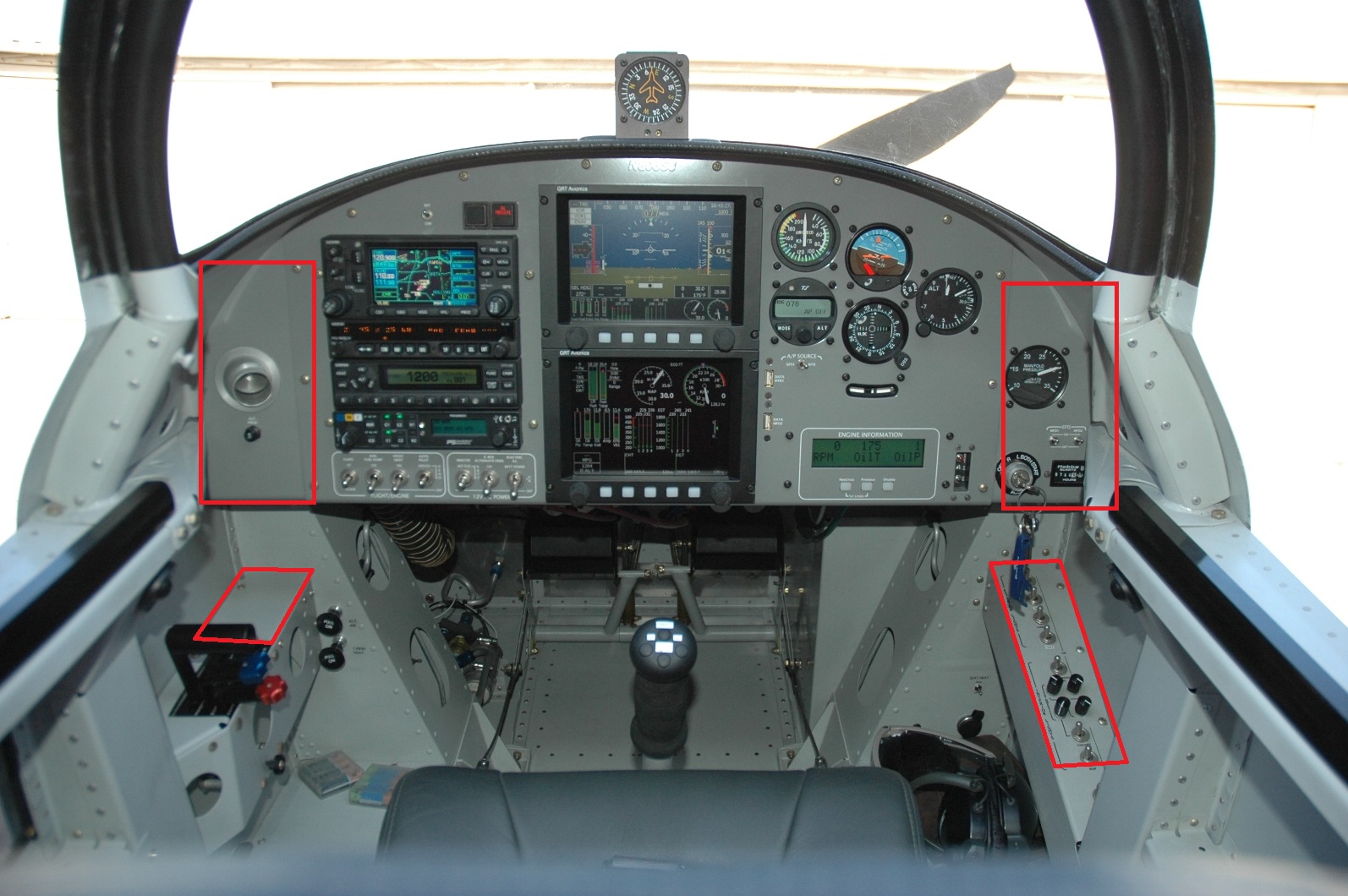
The lights and pitot heat, fuel pump combination is a lot of toggles next to each other, but I think I can mitigate that with actual switch spacing. The RV-8 has an instrument panel, then a couple areas below the instrument panel where some switches could go, see this picture I stole from somewhere see the lower two rectangles?

With-Markups.jpg


I've highlighted the areas here that might be worth putting some switches into.

Fourth Philosophy: Normal Operation, switches all up.

The background for this is really a flow check. I want to look down just before takeoff, scan across the panels with either my eyes or my fingers, and have the airplane ready for takeoff with all switches up. (Pitot heat won’t always be needed, but barring any temperature limitations for pitot heat, I won’t be WRONG to have it on for takeoff.)

Okay, we’re done!

Oh wait, what about the “other” switches (Gulp!)

OTHER SWITCHES

Using the above logic and reasoning, I’ve also adding some items to the panel.

These items include:

  • Smoke System (with LED indicated “pump on”)
  • Copilot stick switches enable
  • Interior light dimmers
  • Circuit Breakers
  • 12V power (maybe USB power, maybe both)
  • Eyeball vents
  • Cabin heat Knob
  • Seat heat switch

The remote setting on the smoke switch will allow a stick-mounted switch to operate smoke. This will be an “enable” switch on the panel, and a push-ON-push-OFF switch on the stick.

The courtesy light dimmer will be on the hot battery bus and will power the footwell and baggage areas. I want to be able to walk up to the plane and turn these on to load baggage and get in the airplane without turning on the master.

Eyeball vent (fresh air), Cabin Heat and Seat Heat for each seat will be on the outer edges of the instrument panel.

STICK-MOUNTED SWITCHES

Looking at Stick switches, I blatantly stole this from Infinity Aerospace: Typical Stick Grip Switch Combinations for Aircraft WITH Electric Flaps AND Autopilot:

(thumb operated 4-way switch via China Hat) — Pitch and Roll Trim

(index finger) — Push-to-talk

(top – thumb side) — Flaps – ON/OFF/(ON) toggle switch using a limit switch on the UP side in series with the Flaps/Speed Brake motor. I may revert here to just a (ON)/OFF/(ON) and get rid of the limit switch.

(half way down, thumb side) — Auto Pilot Disconnect (Normally Open push-button (8632 N.O.))

(pinky switch) — Smoke ON.

(top – knuckle side) — Engine Start Normally Open (8632 N.O.) push-button

Layout:

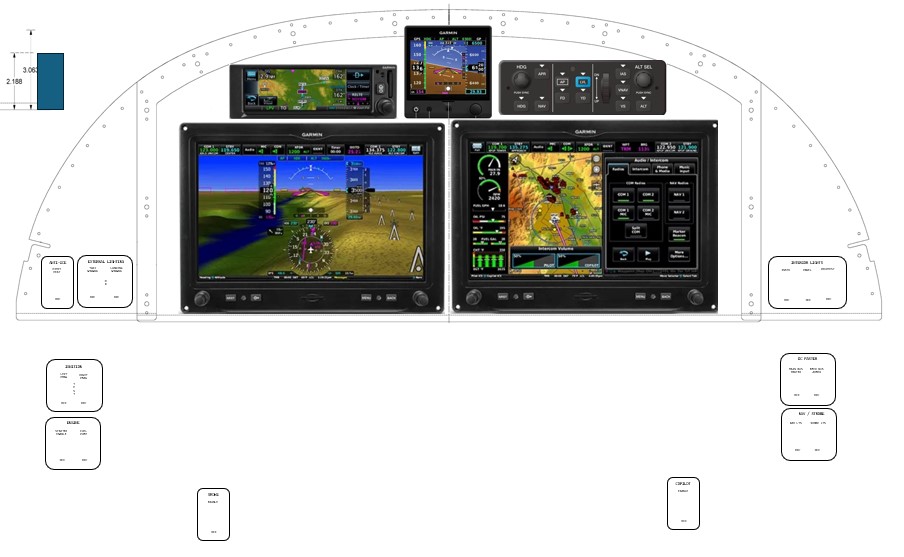
So where do we put these switches? Originally, I was thinking about a dual-giant-display layout:

Garmin-with-Side-Panel-angles.jpg
This is nice.

I don’t hate this, but it’s expensive and a lot of glass right in front of you. Those switch panels to the left and right are custom, which I am fine with doing.

If I could stick all the “right” switches on the lower right panel, and all the “left” switches on the lower left panel, that would just leave some of the “other” switches (discussed later) on the actual left and right instrument panel edges.

Lower Right:

  • Main Bus Master
  • E-Bus Master
  • Nav
  • Strobe

Lower Left:

  • L PMAG
  • R PMAG
  • START Enable
  • Fuel Pump

That would leave a ton of space on the actual instrument panel edges for the rest of them:

Upper Left:

  • Smoke Enable and On LED
  • Pitot Heat
  • LDG / Taxi Lts
  • Copilot Stick Switches Enable
  • Eyeball vent
Upper Right:

  • Pilot seat heat
  • Dimmers (Instruments, Panel, Courtesy)
  • USB power (this may be better in a more hip-proximate place, though)
  • Another Eyeball vent

Elsewhere:

  • Circuit Breakers (or maybe down low?
  • Cabin Heat Push-Pull Knob
  • Parking brake Push Pull Knob

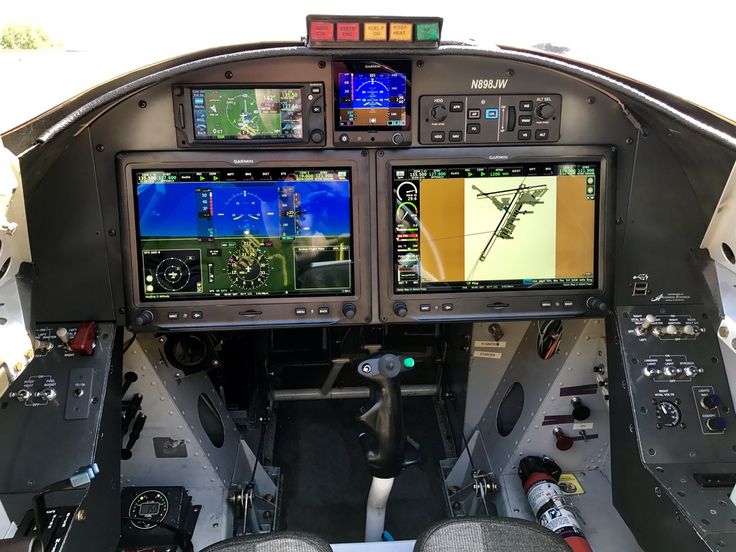
But I am absolutely leaning back to two displays. I mean, we are dreaming, right?

Dual-PFD-20250919.jpg


Dual screen, switches left, right, and down.

 
Last edited:
Sep 21, 2025 - More Tools Emp Ship Date

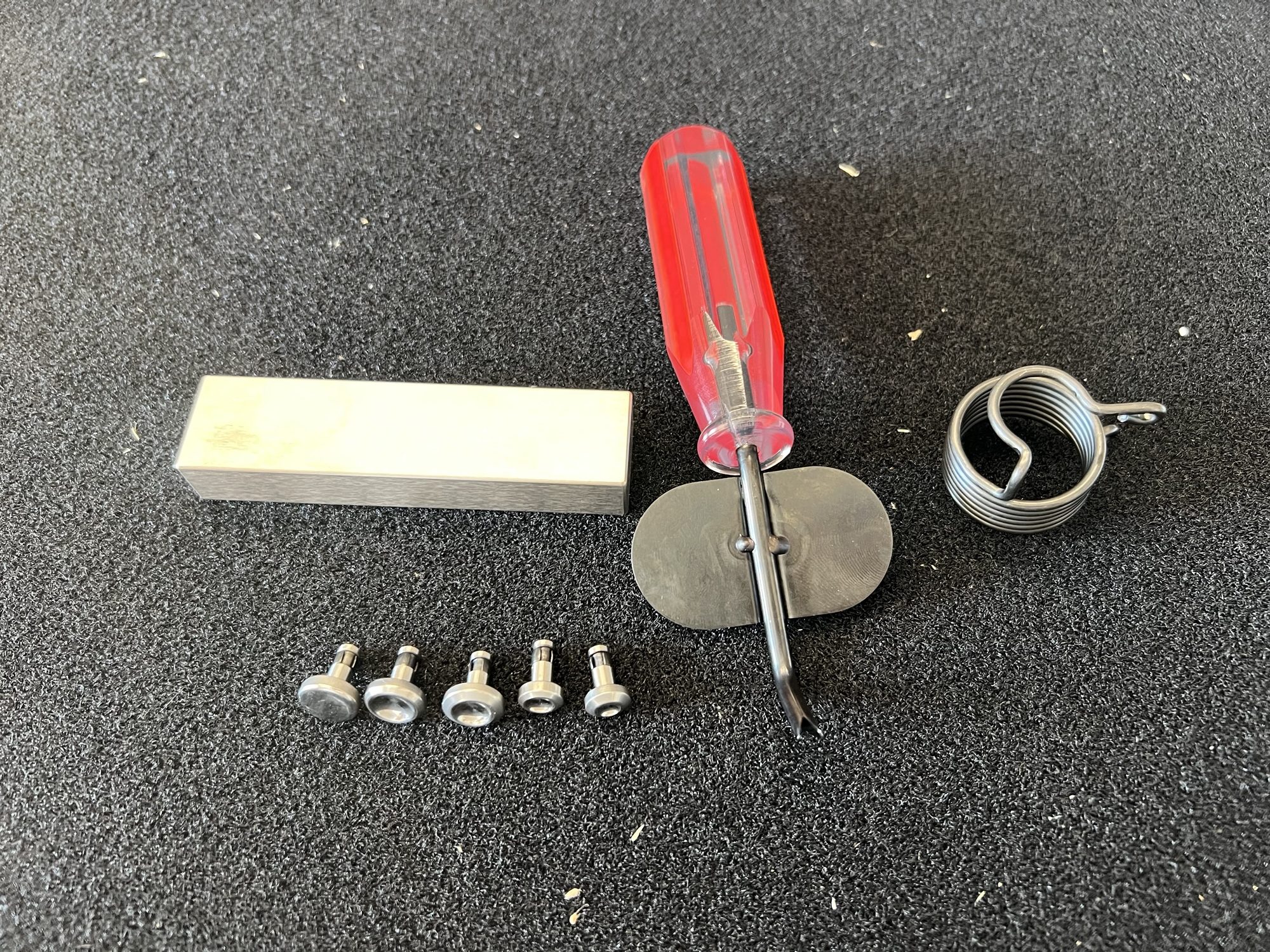
Well, back from another amazing work week, and came home to one of my favorite tools re-appearing in the mail...

Can you guess which one it is?

img_3424-e1758502383226.jpg


Which one is the favorite?

It's the M%^&amp;* F%^&amp;*&amp;*() TUNGSTEN BUCKING BAR, B%^&amp;(S!!!!

Also, Vans told me the emp kit will ship this week (target 9/23/25) via UPS. So maybe an Oct 1, 2025 build start?
 
Last edited:
Oct 07, 2025 -Waiting for the Empennage Let's Dream of Paint

So while I wait for the empennage to arrive (turns out the emp shipping estimates are more like 4 weeks than 2 weeks), I am thinking back to all the old posts I made during the RV-7 build about paint ideas.

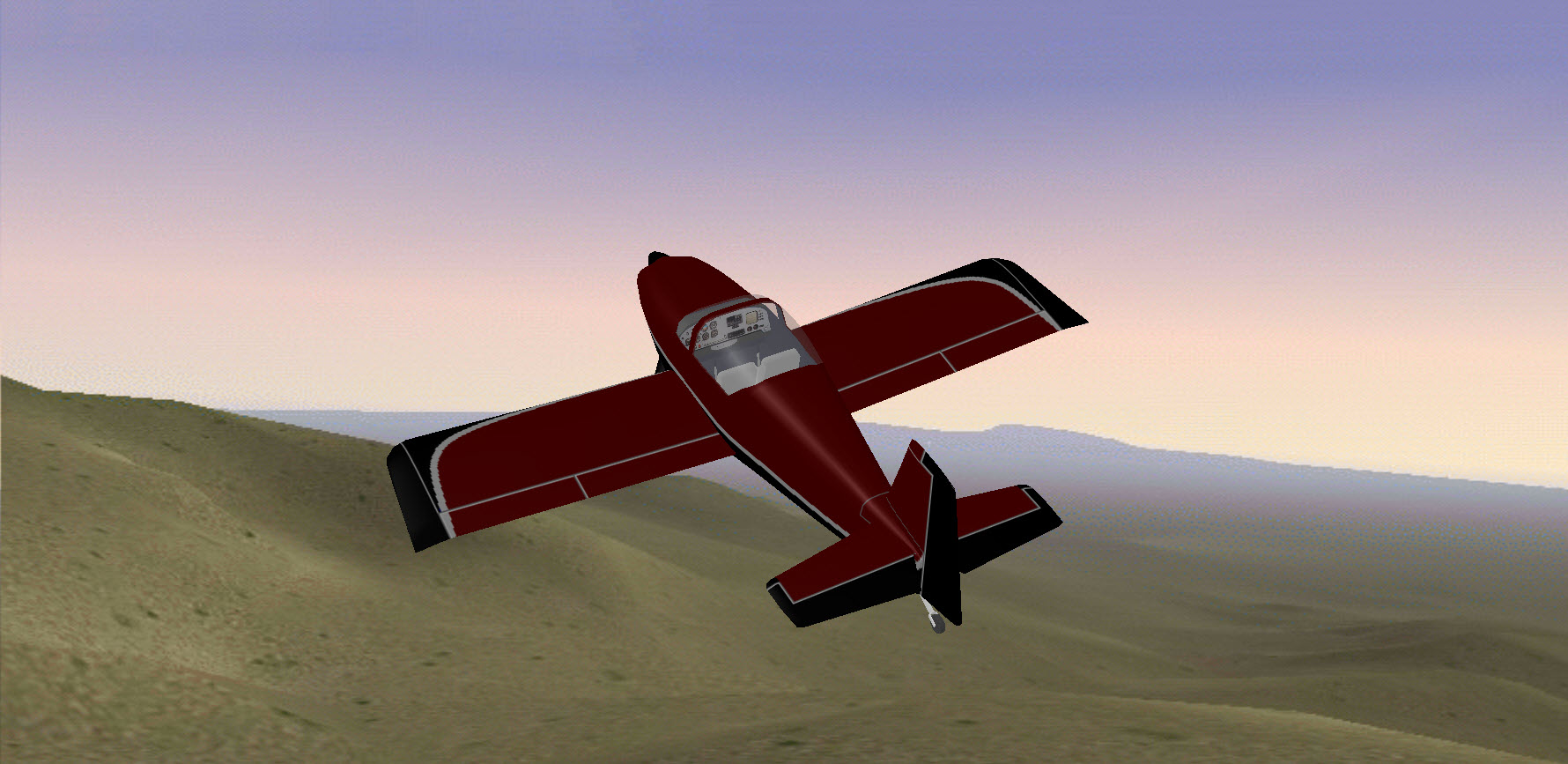
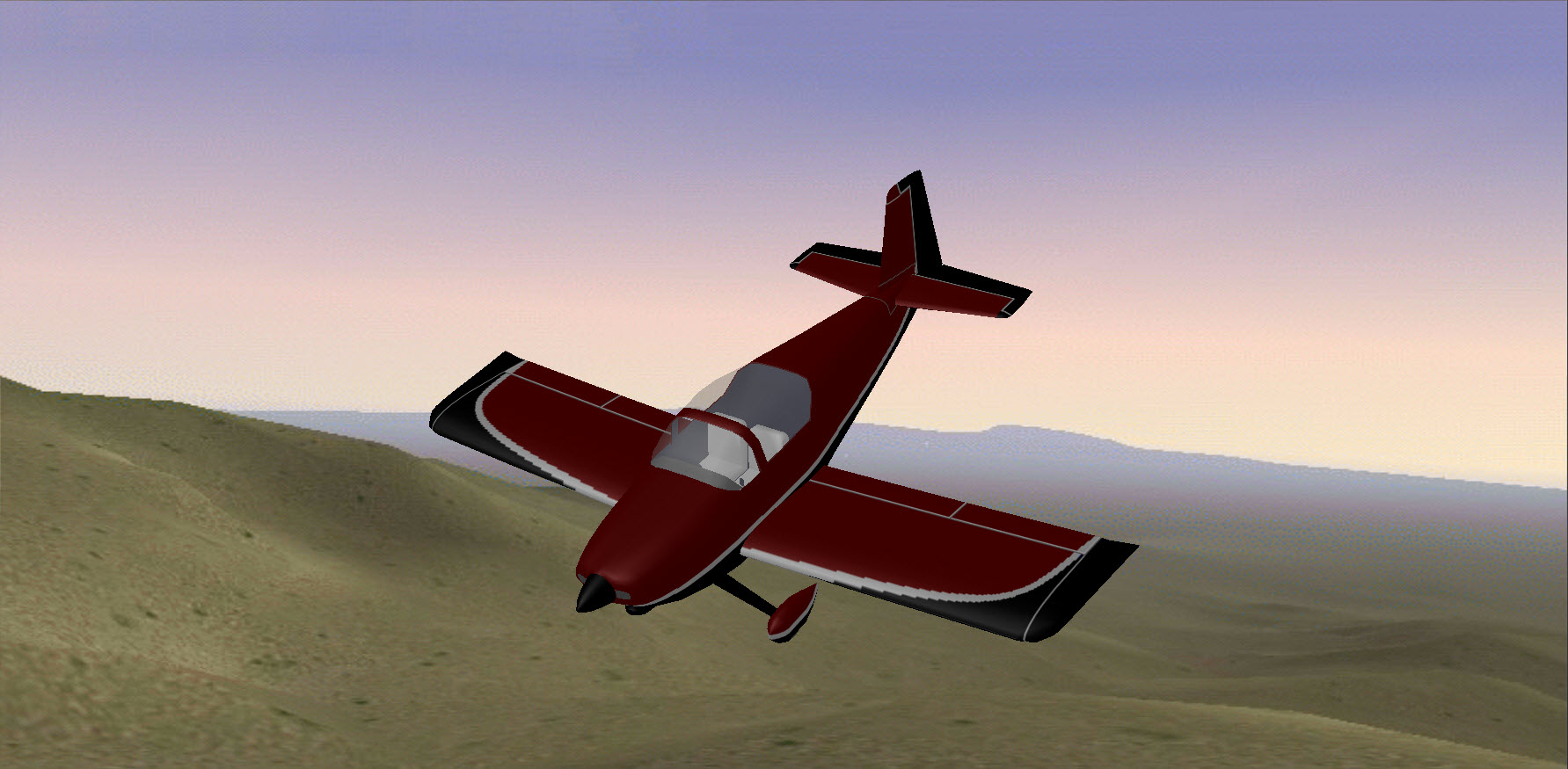
The bottom line is that I still really like where I ended up back in 2012. Sometime in the future, I'll mess around with the paint program again and see if I can't project this onto an RV-8.

n999za-20121128.jpg


n999za-fq-20121128.jpg
 
Oct 13, 2025 - Begin at the Beginning, Empennage Inventory

Well, after an entire day of cyber-stalking the UPS driver (who drove very close to my house multiple times), the empennage finally arrived around 7pm tonight. After the kids went to bed, I opened up and spread everything out to bask in its glory.

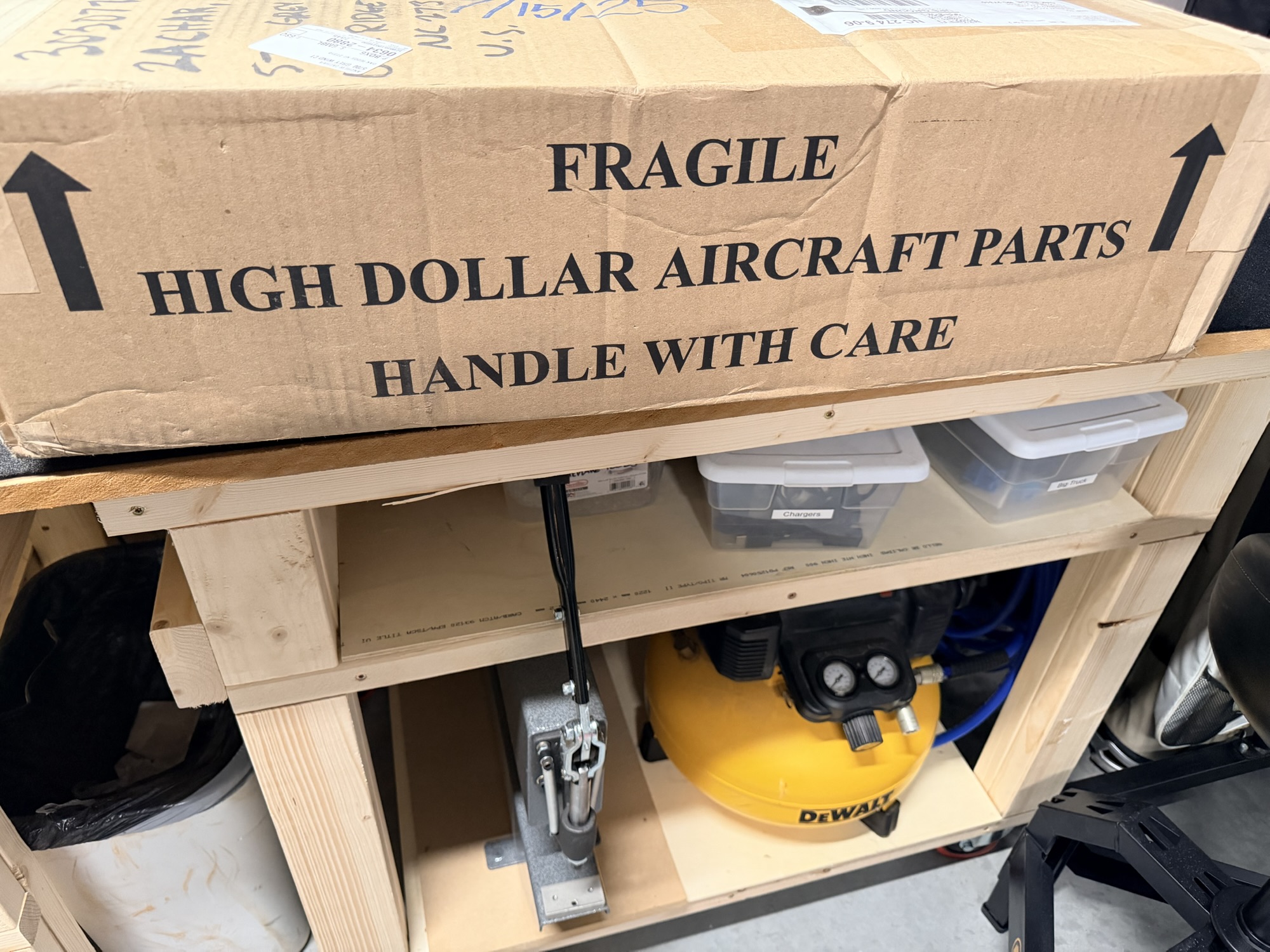
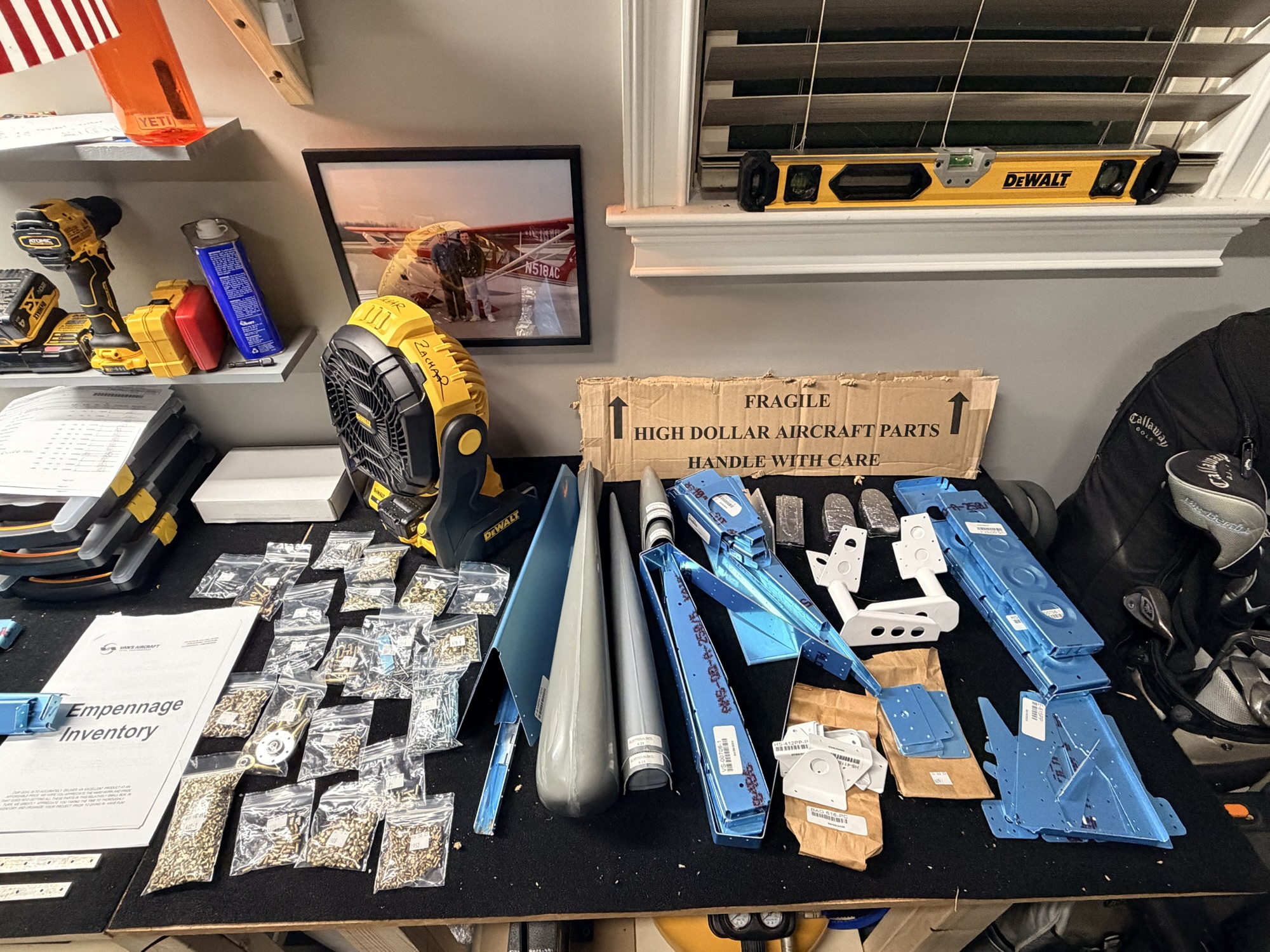
I think it's a rule that everyone shows the "High Dollar Aircraft Parts" cardboard on their build sites, so who am I to buck the trend?

img_0031.jpg


I've heard of some cutting this part of the box out to save, of course I followed suit.

img_0032.jpg


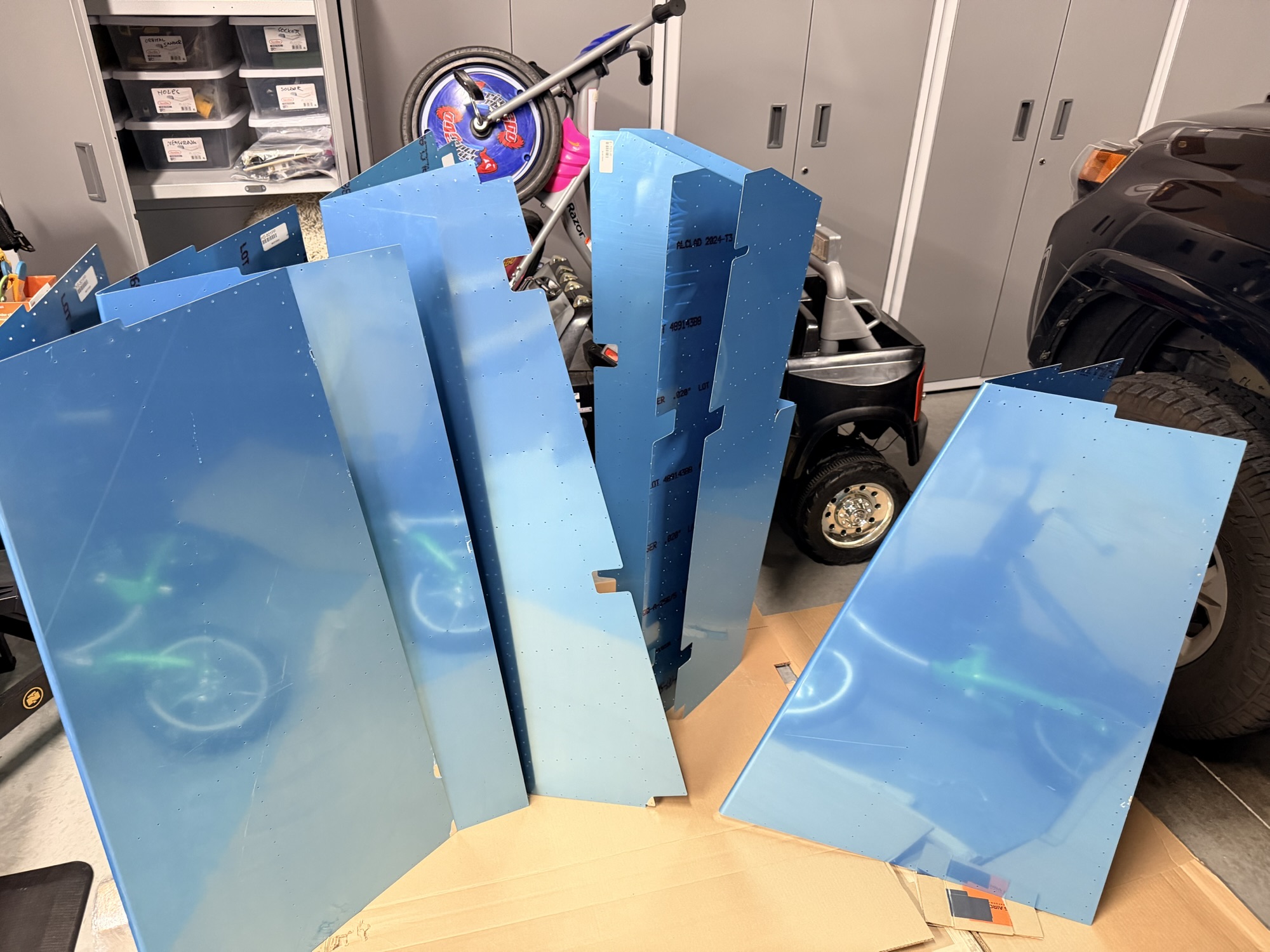
Left to right is two horizontal stabilizer skins, rudder skin, two elevator skins, and the vertical stabilizer skin.

img_0033.jpg


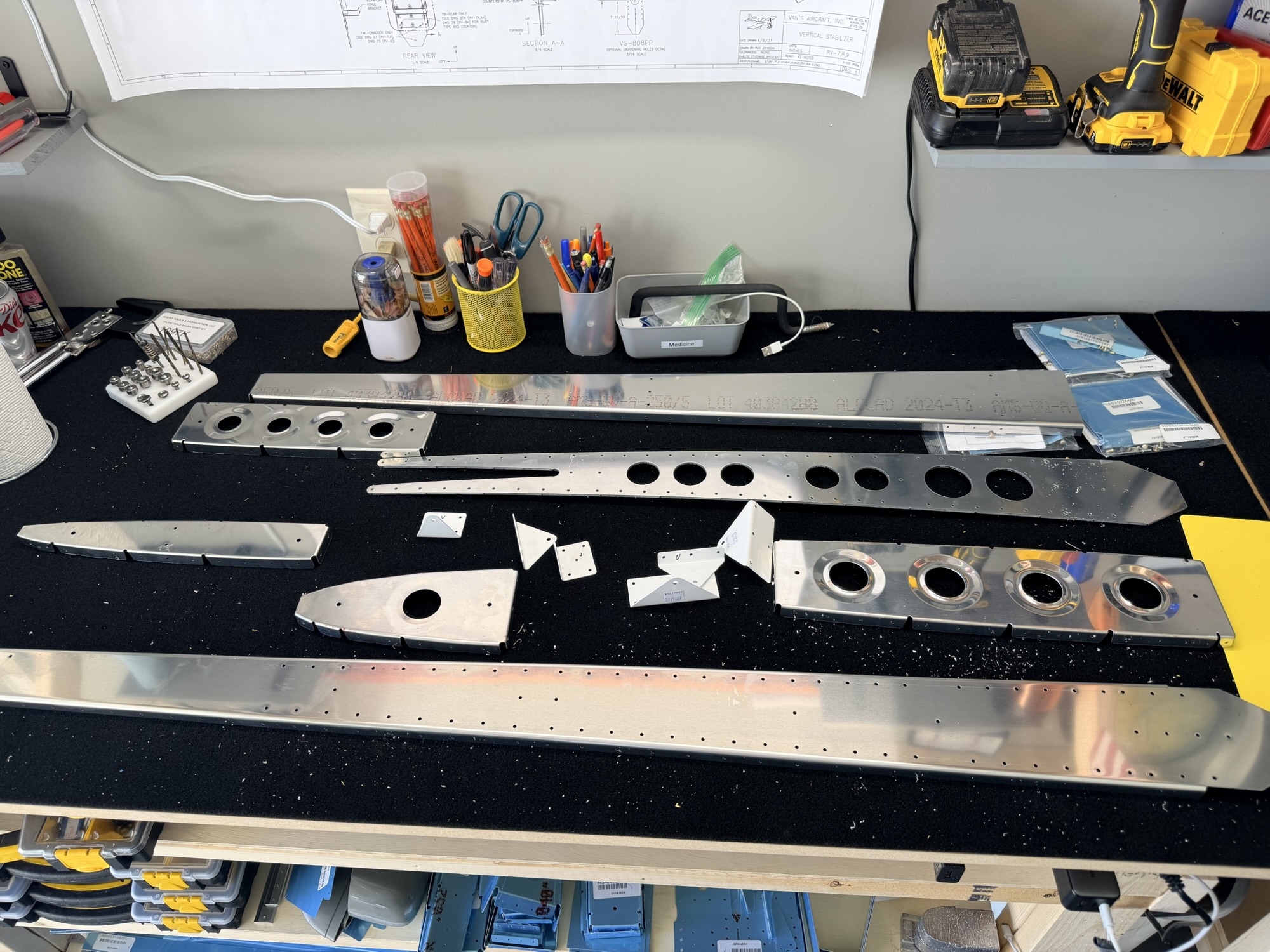
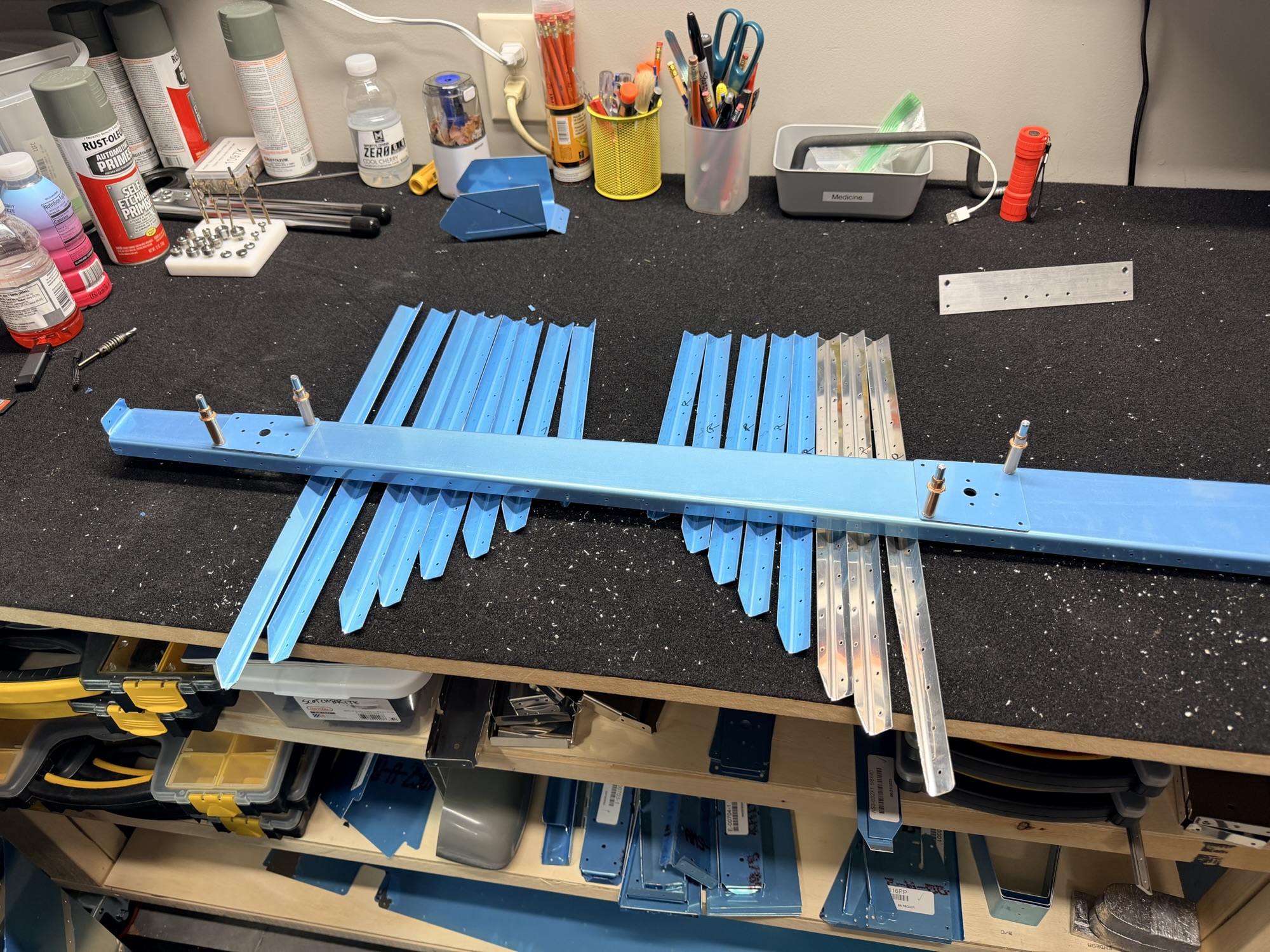
Lots of spars and long skinny things spread out...

img_0034.jpg


Lots of short things spread out. See my cardboard cutouts. Should I frame them?

img_0035-e1760448257795.jpg


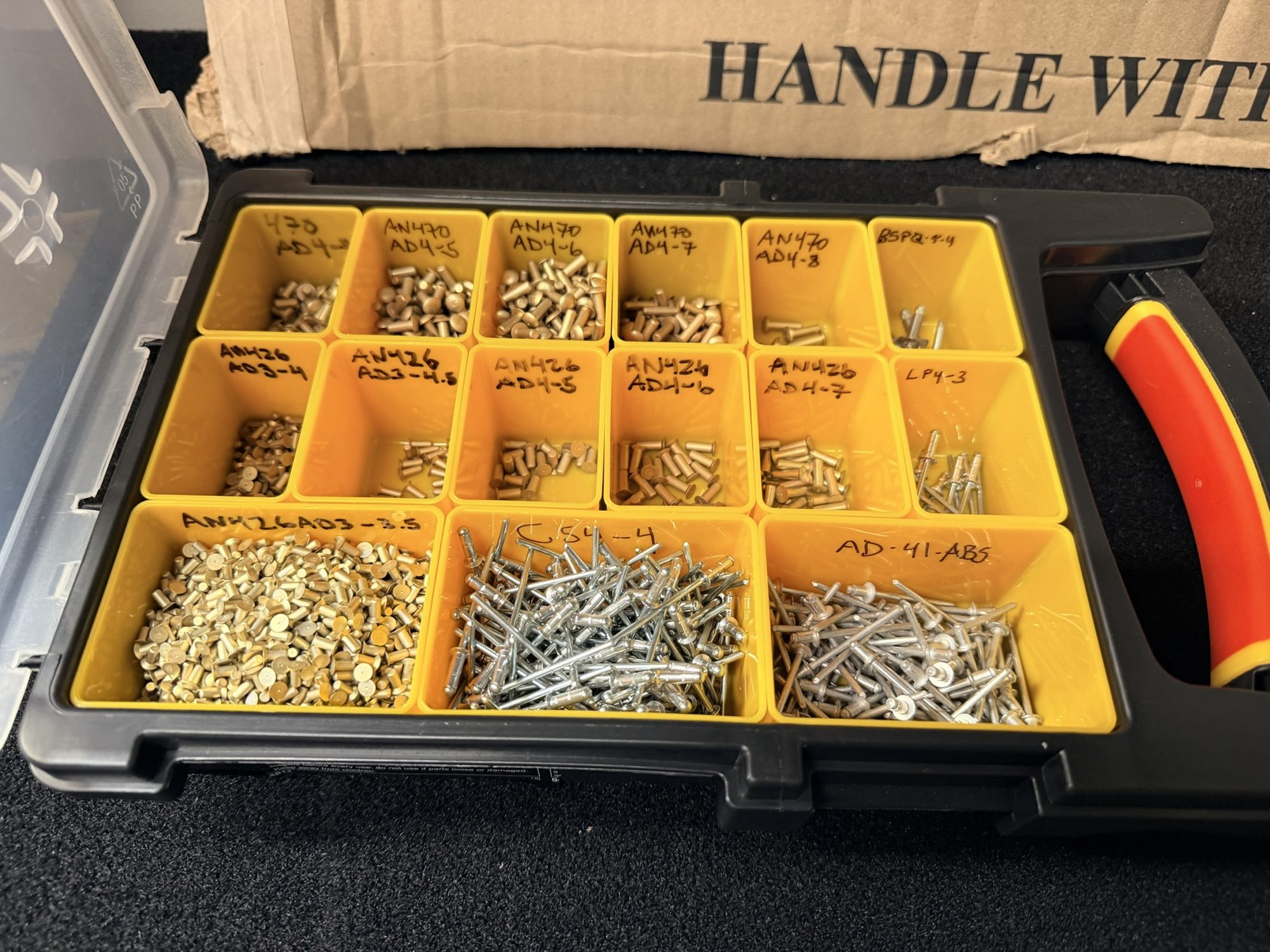
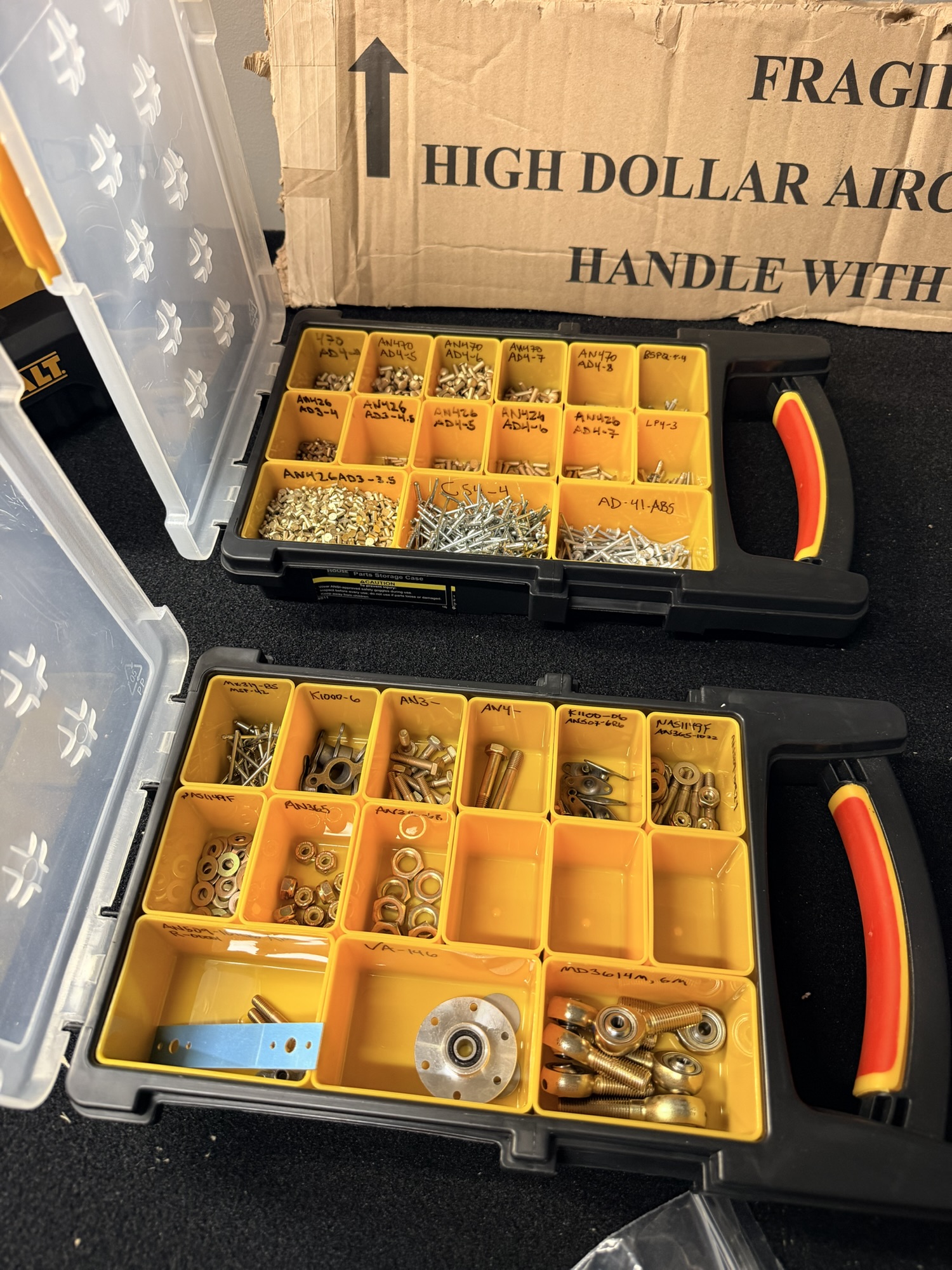
Like I did for the RV-7 build, I organized all of the hardware into organizer boxes and labeled appropriately.

img_0036.jpg


The second bin has all of the non-rivet hardware.

img_0037.jpg


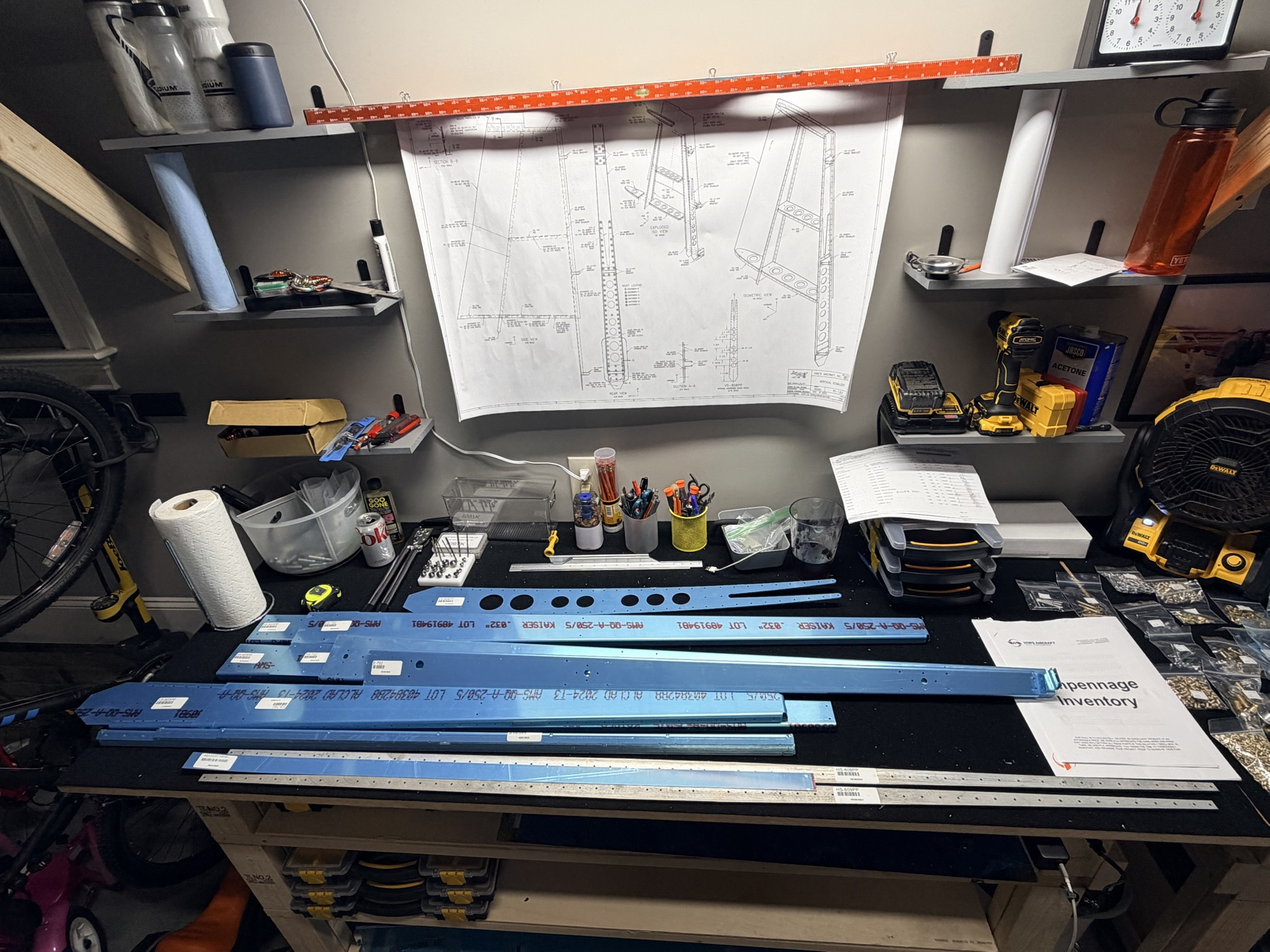
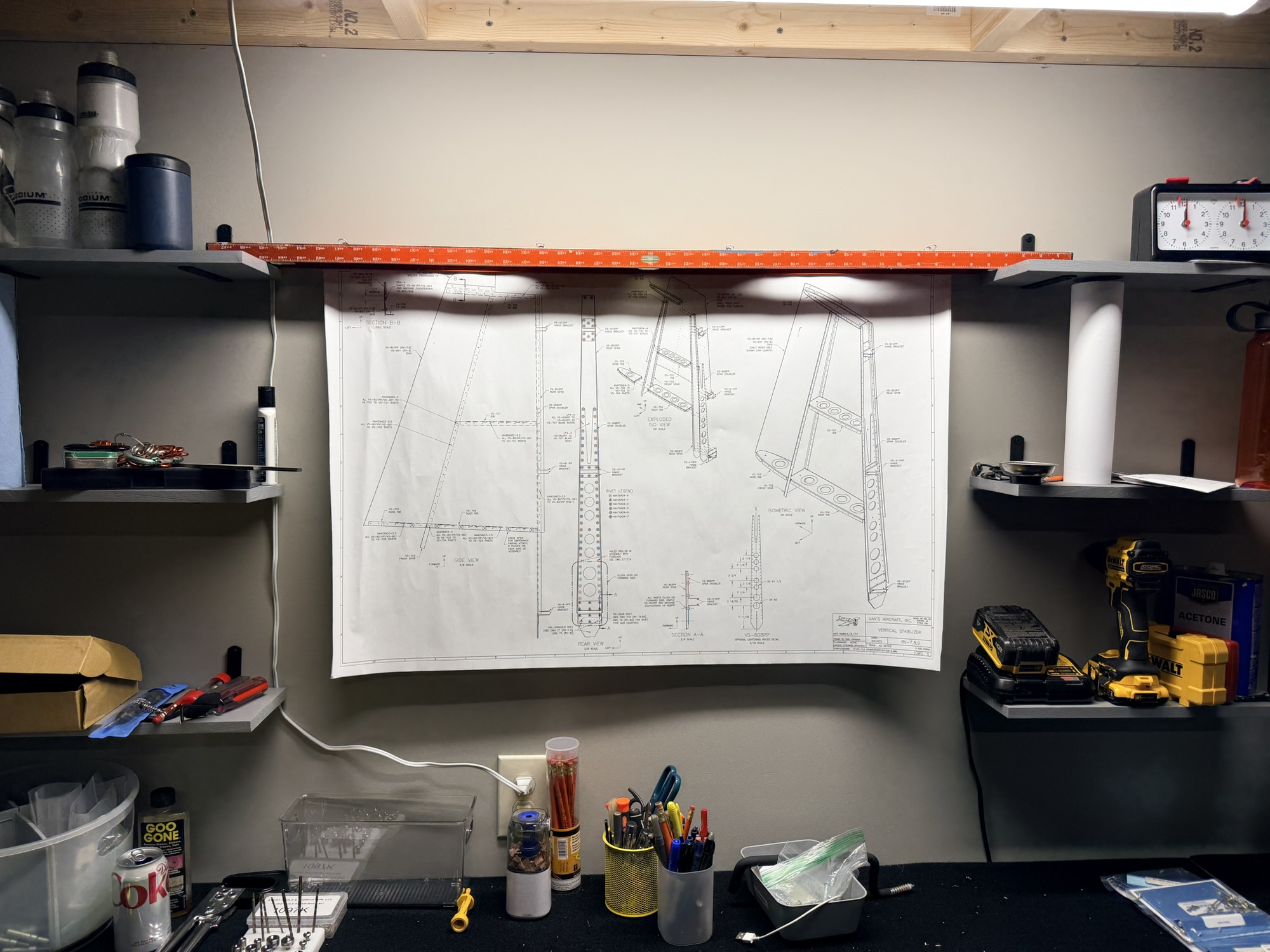
Finally, my makeshift plans hanger. I need to find a better way.

I'm absolutely pumped to get started tomorrow, but I know there are a few things I need to buy before getting going too far. Self-etching primer, some maroon scotchbrite pads, etc. I have a feeling I'll be posting again tomorrow with some of the VS started.

2.5 hours of inventory.
 
Last edited:
Oct 14, 2025 - Matchdrilled Vertical Stabilizer

So one unintended consequence of having built some of these assemblies before is that there are very few questions about how things work. Arrogantly, I think a lot of new builders spend a lot of minutes staring at the plans and mentally processing.

Good or bad, I was ready to blast off and get to drilling right away.

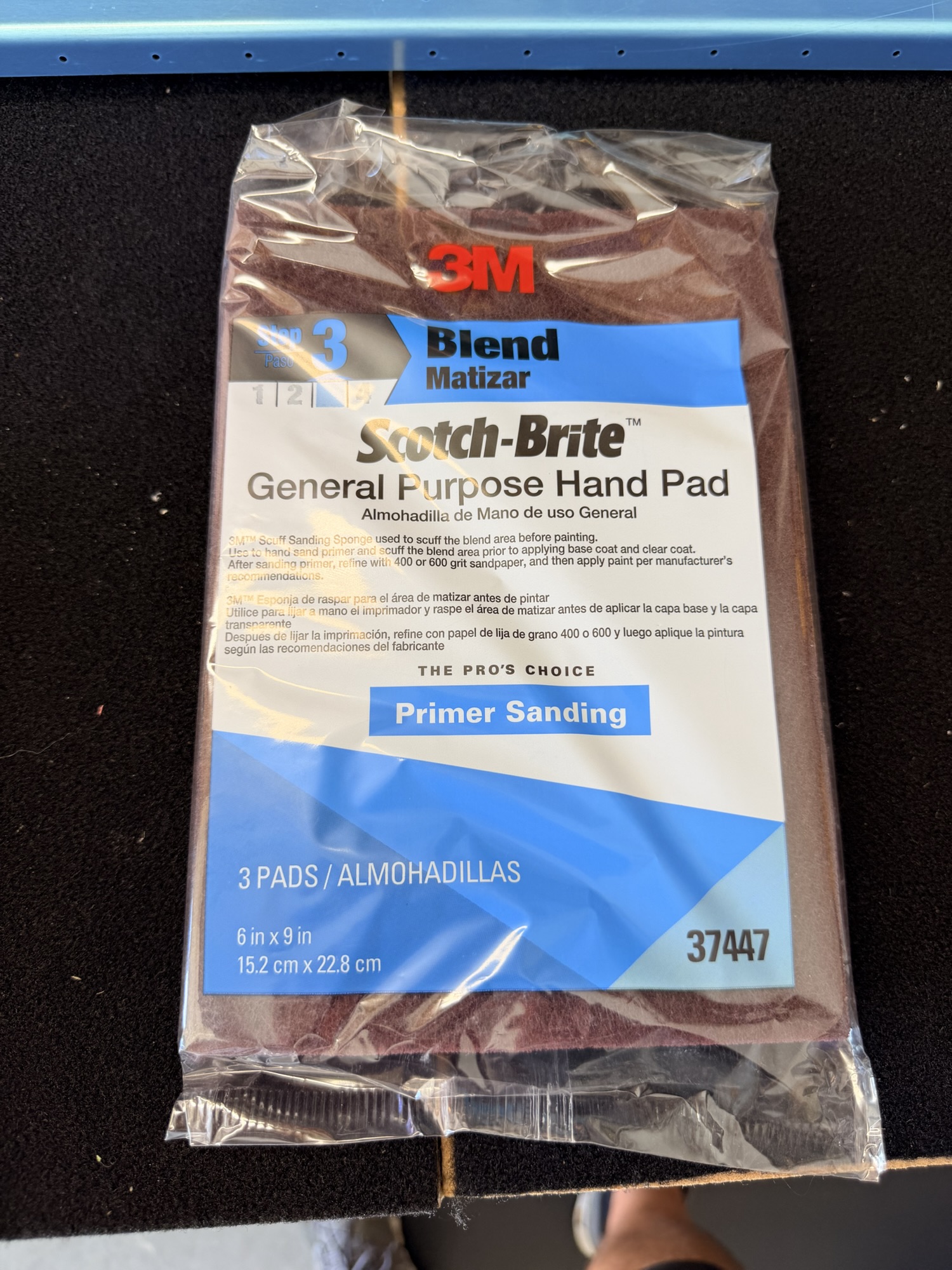
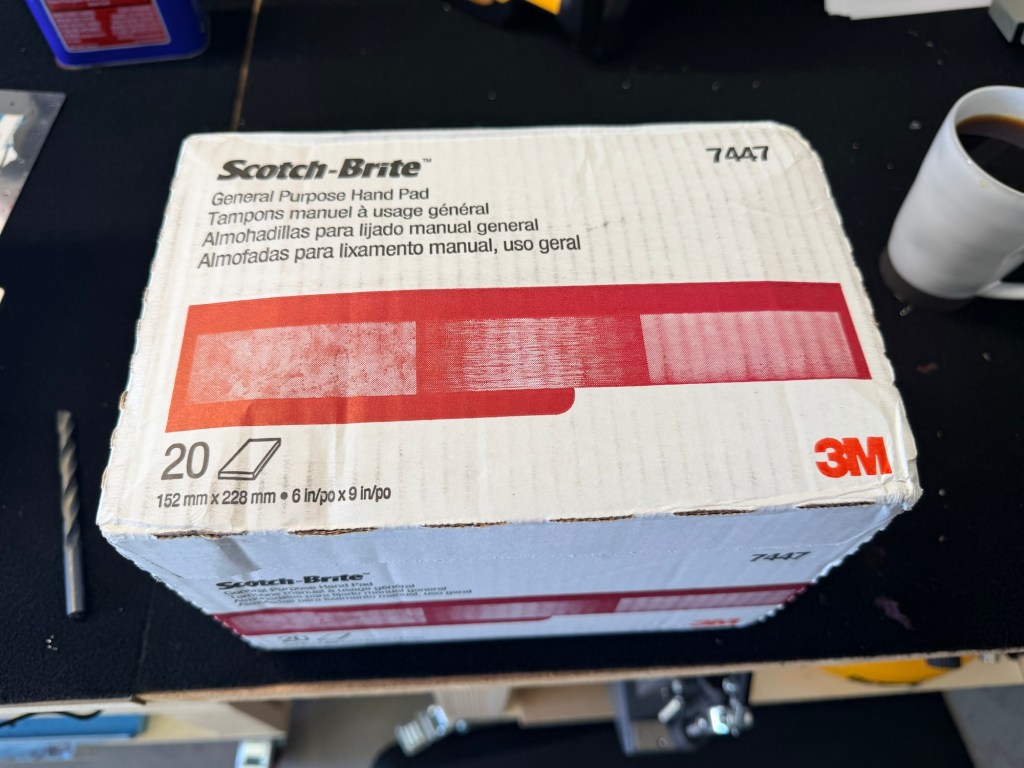
First up, photo evidence that I stopped by Napa to pick up some maroon scotchbrite. $9 for 3 sheets. I promptly ordered 20 sheets for $32 from Amazon. I should be okay for scotchbrite for awhile.

img_0039.jpg


Maroon Scotchbrite!

Then, I started clecoing the aft spar, front spar, and ribs together. Of course I didn't have #30 clecos, but #40 works prior to drilling. Amazon to the rescue again!

img_0040.jpg


Right side of the VS mnatchrilled.

Then, I flipped her over and drilled the left side.

img_0041.jpg


Left side of the VS matchdrilled.

Now for the fun part. Disassemble and deburr, dimple, countersink, scuff, clean, prime, etc.

img_0042.jpg


Skeleton disassembled and ready for prep.

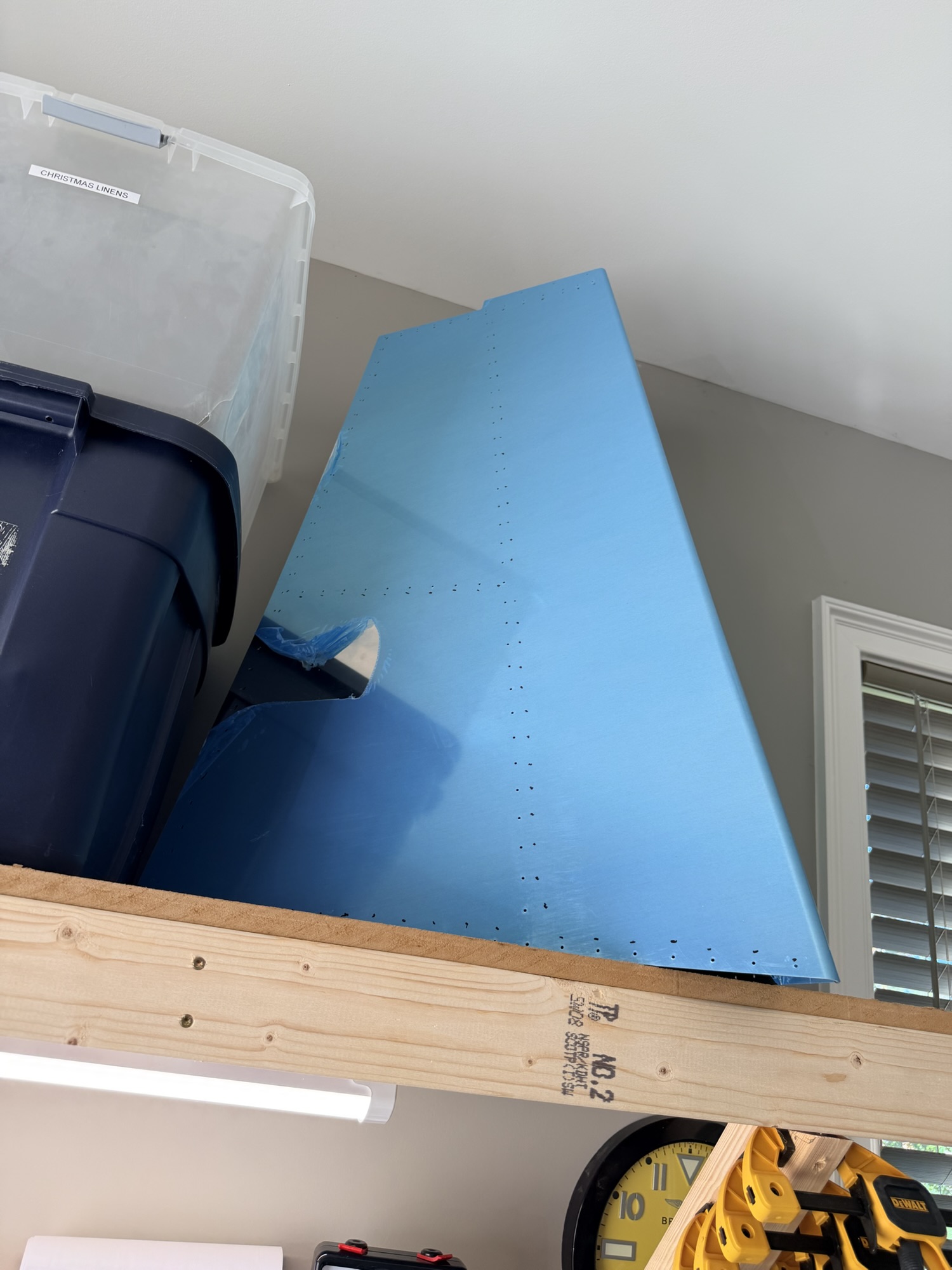
I threw the skin up onto the upper garage shelf until I get the skeleton together.

img_0043.jpg


I think this means that I'll get to use the DRDT-2 in the next few days.

2.0 on the VS and the first two hours of the build. MAN it feels good to be building again.
 
Oct 15, 2025 - Started Riveting Rear Spar

I really wanted to see (and show) some immediate progress today, so I grabbed the rear spar components to start prepping. Generally, that means deburring both sides of every hole, edge finishing all edges, then dimpling or countersinking. It's boring (but important) work.

[/img]

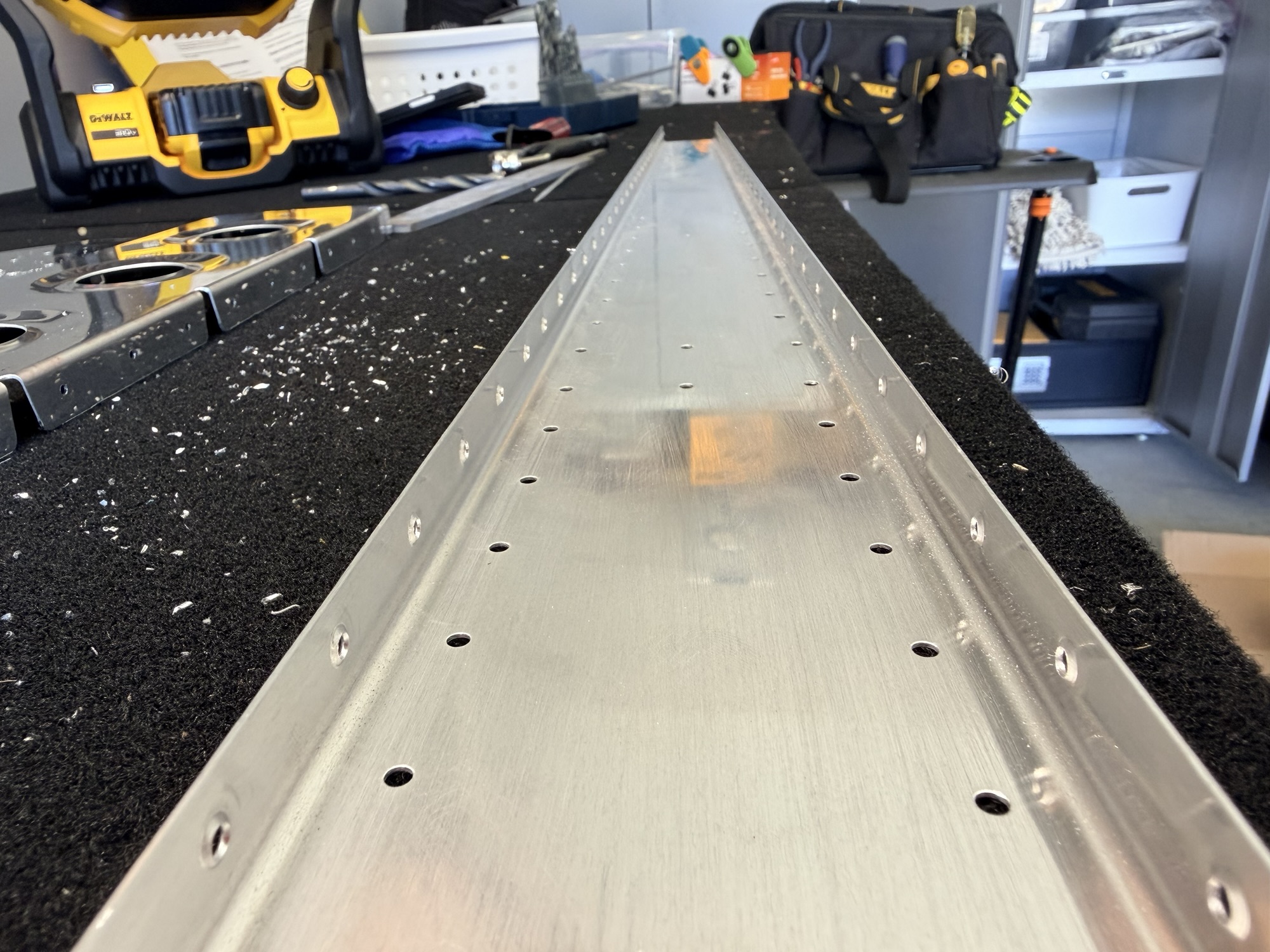
img_0048.jpg


Here is the rear spar after dimpling the flanges.[/caption]

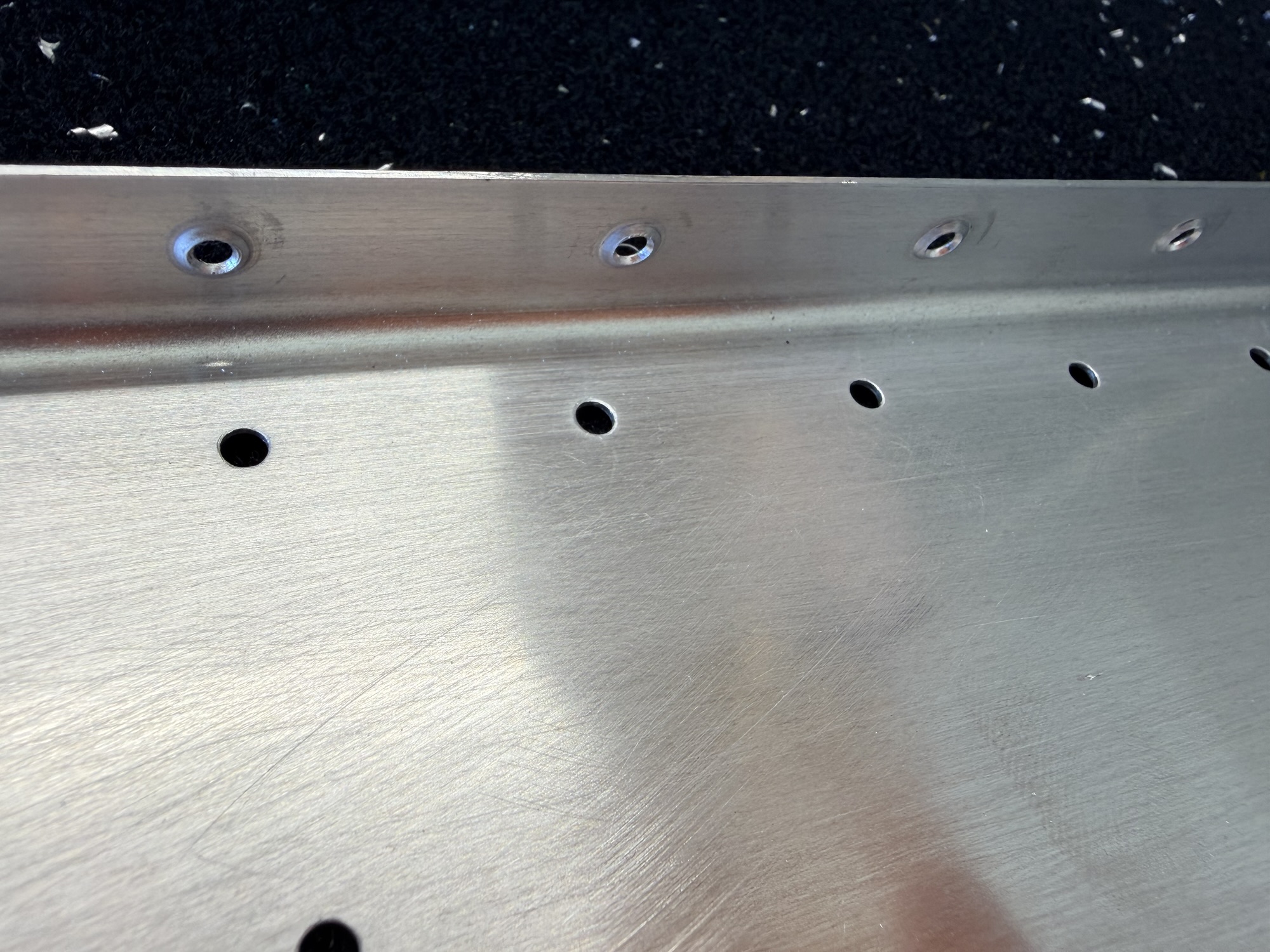
img_0049.jpg


Another closeup of the dimples.

Because the forward side of the rear spar sits flush against some fuselage bracket about 5 years from now, the rivets need to be flush.

img_0050-e1760624910717.jpg


Spar dimpled towards the rear.

img_0051-e1760624928856.jpg


And the reinforcement bar countersunk to accept the dimples.

img_0053.jpg


Scuffed, cleaned, dried, and primed.

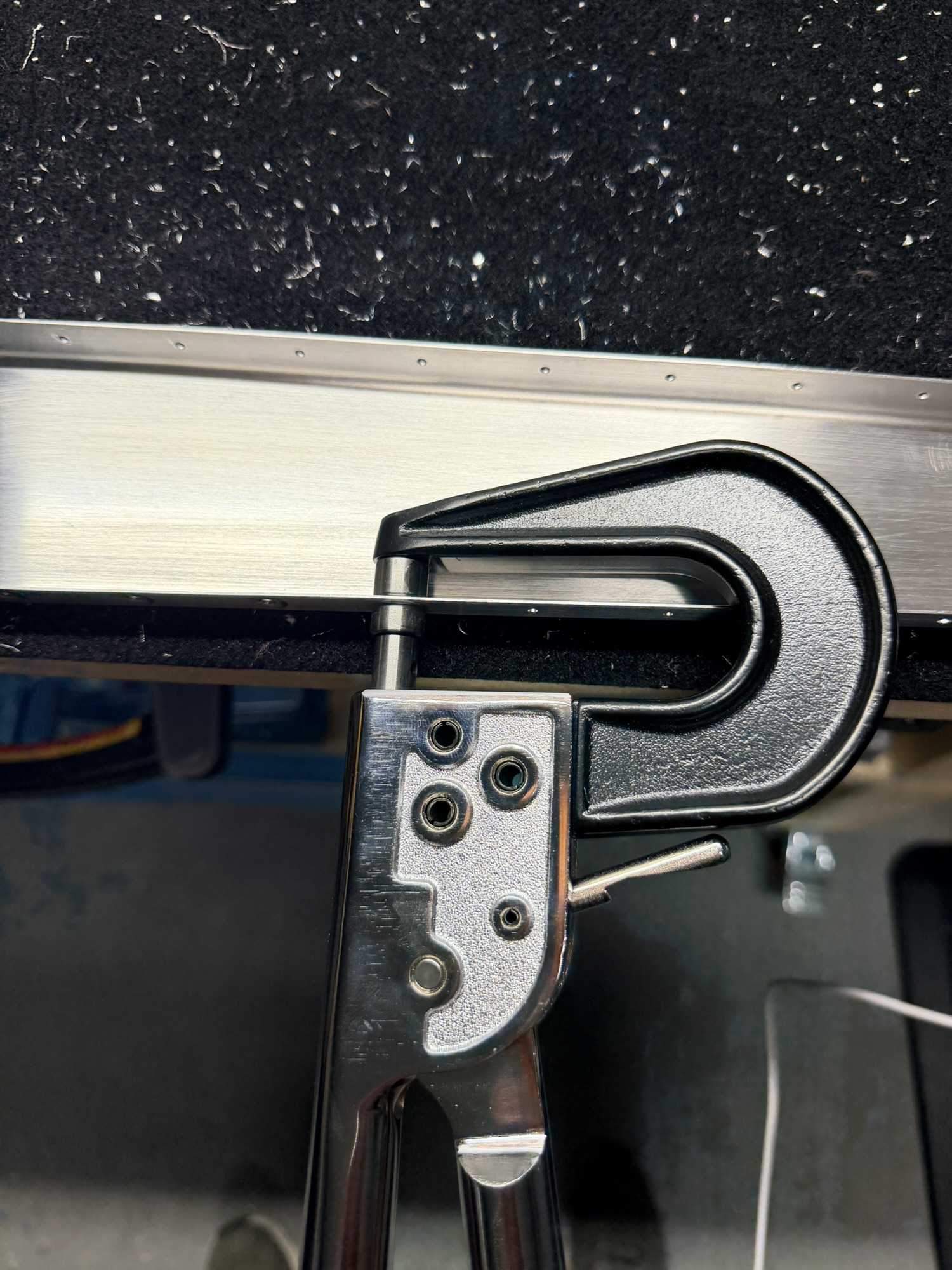
Of course I thought it was important to set some rivets (THE FIRST TWO RIVETS OF THE WHOLE PROJECT), I got out my economy squeezer.

What I didn't remember is that the economy squeezer is good for dimpling, but I either need a better squeezer or to just shoot and buck these rivets.

img_0066.jpg


They look good from this side...

img_0067.jpg


But not this side.

2.0 hours of prepping and 10 seconds of setting terrible rivets. I love that the first two rivets set on the project are also the first two rivets I have to drill out on the project.
 
Last edited:
Oct 16, 2025 - Breakfast and Lunch Rear Spar Riveting

The lovely thing about working from home is that I can buck (bang) some rivets out before breakfast. But be warned. Don't buck them before coffee. Ask me how I know.

After getting the rear spar components primed yesterday, I was very excited to get some rivets set on the airplane.

img_0065.jpg


Layout complete, plenty of 1/8" clecos now!

img_0068.jpg


Ugly drillouts. I am not happy with the green self-etching primer from Walmart. Just seems soft.

img_0069.jpg


Here are all the forward-facings flush rivets set. After this, I think it was 54 solid rivets.

img_0070-e1760715579940.jpg


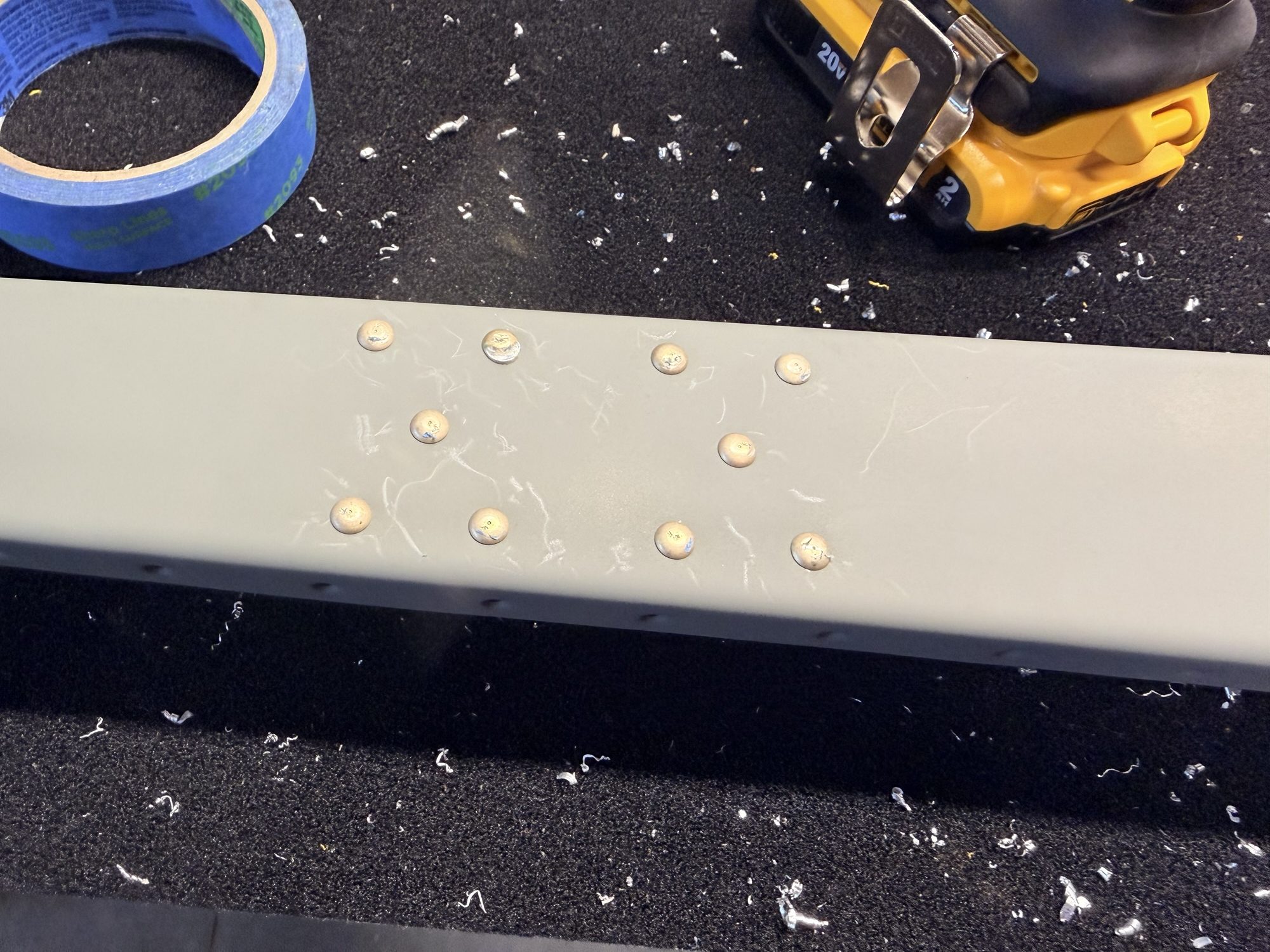
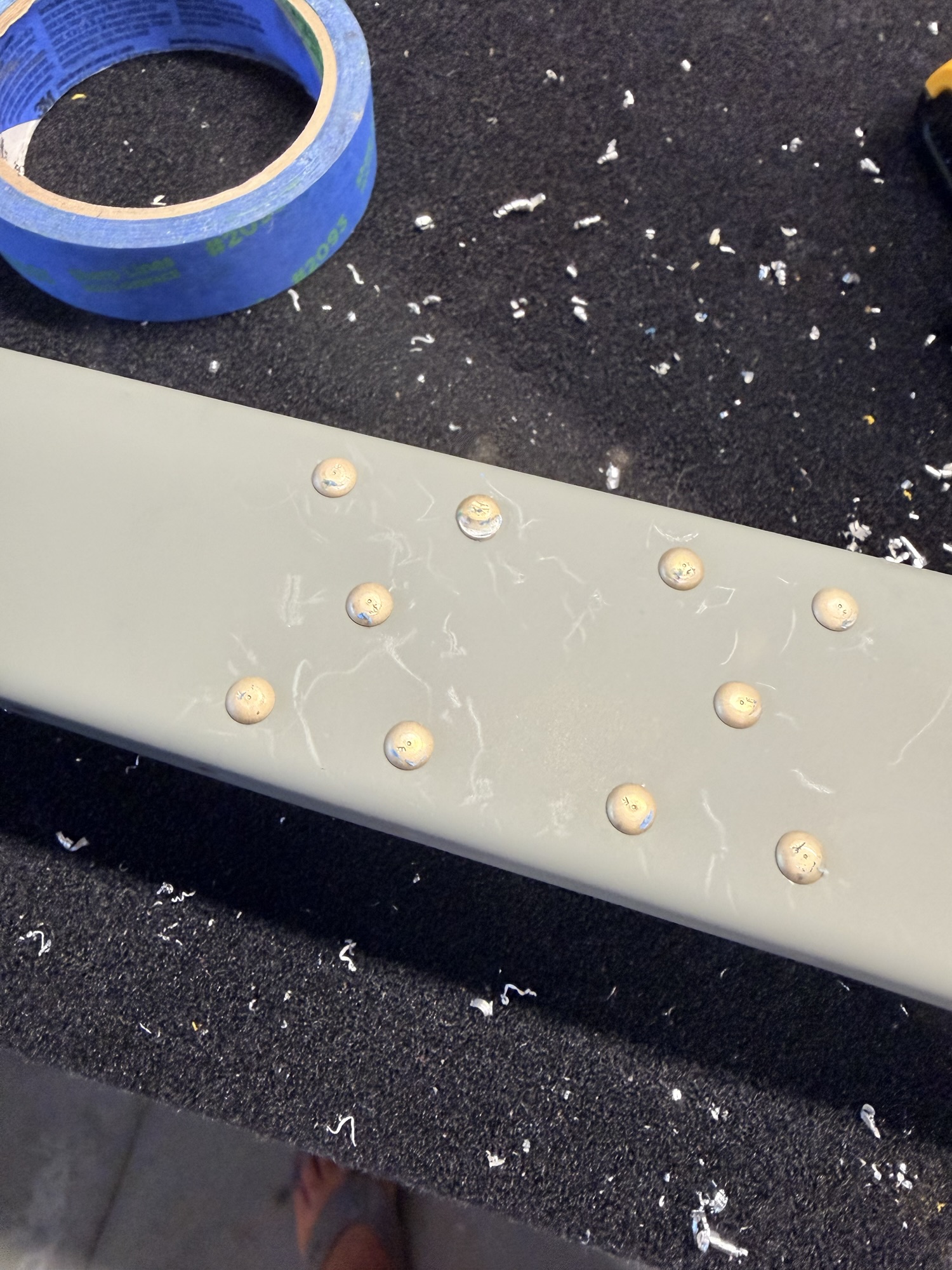
Great riveting, terrible primer. Those "Scratches are where my fingernailw was used to peel up the blue tape I used to protect the heads.

img_0071.jpg


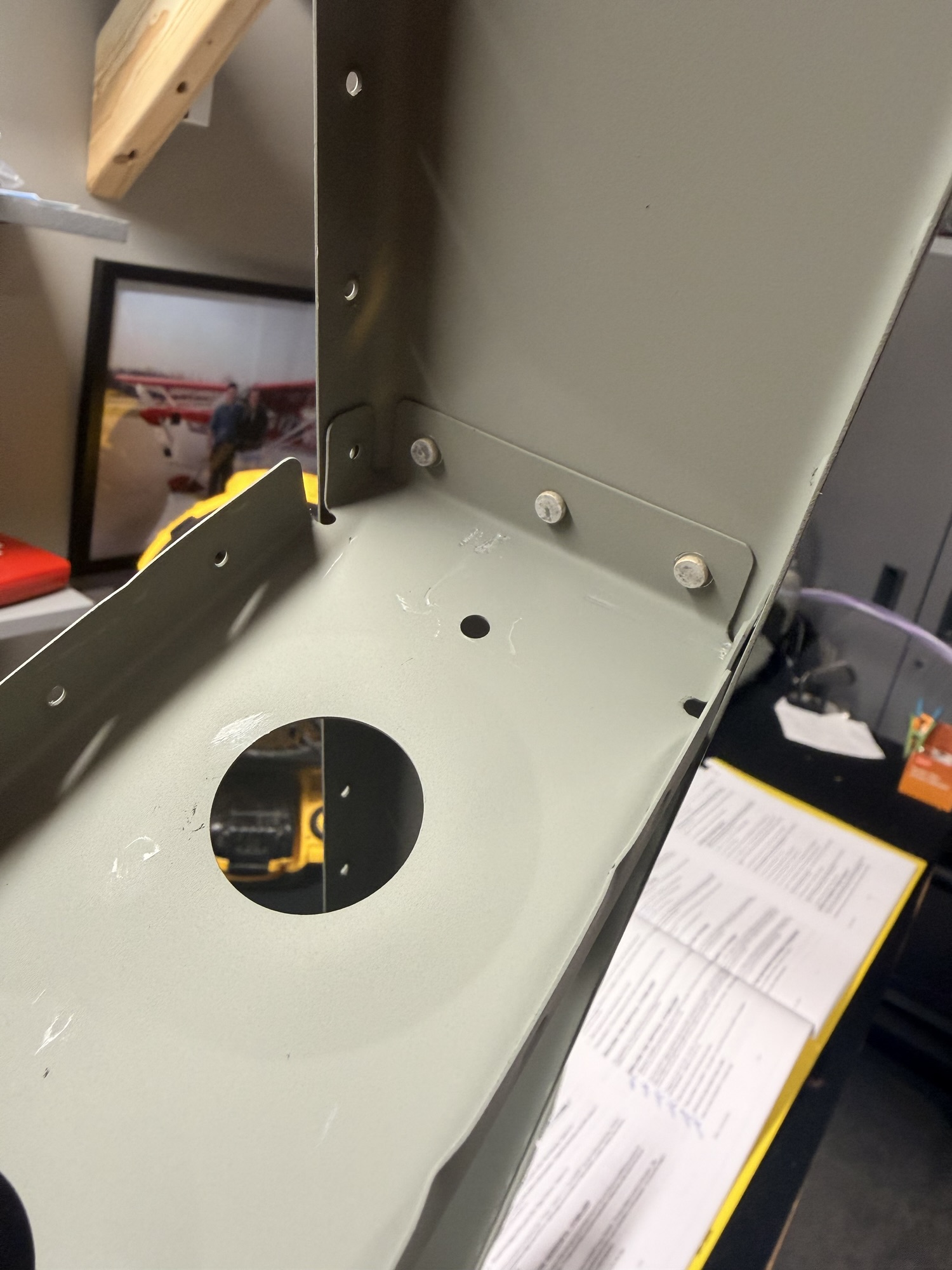
Whoa, that smiley rivets needs to be redone.

img_0072.jpg


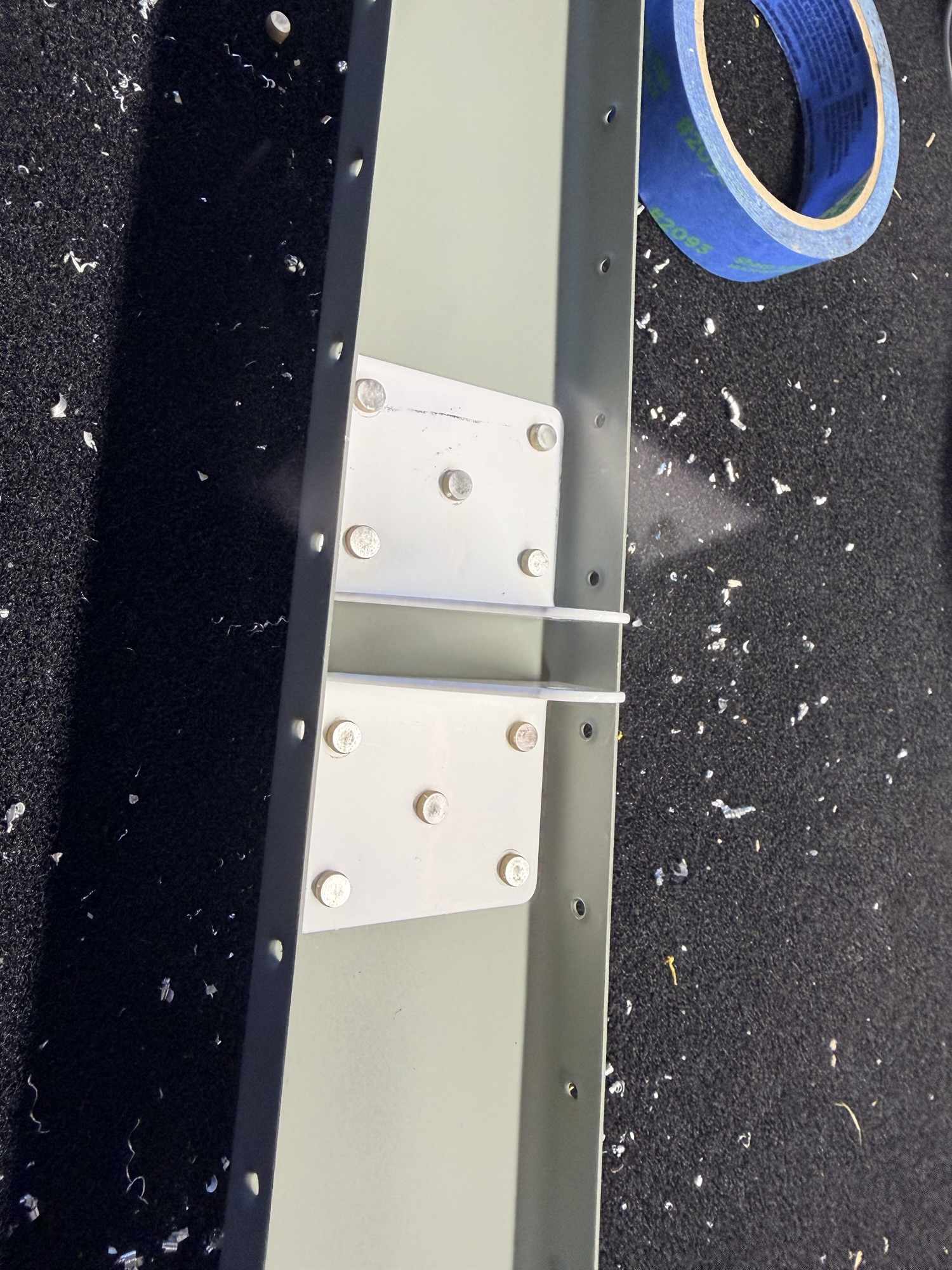
Here are the shop heads.

[caption id="attachment_531" align="alignnone" width="768"]<a href="https://rv8build.com/wp-content/uploads/2025/10/img_0073.jpg[/img]

Middle bracket

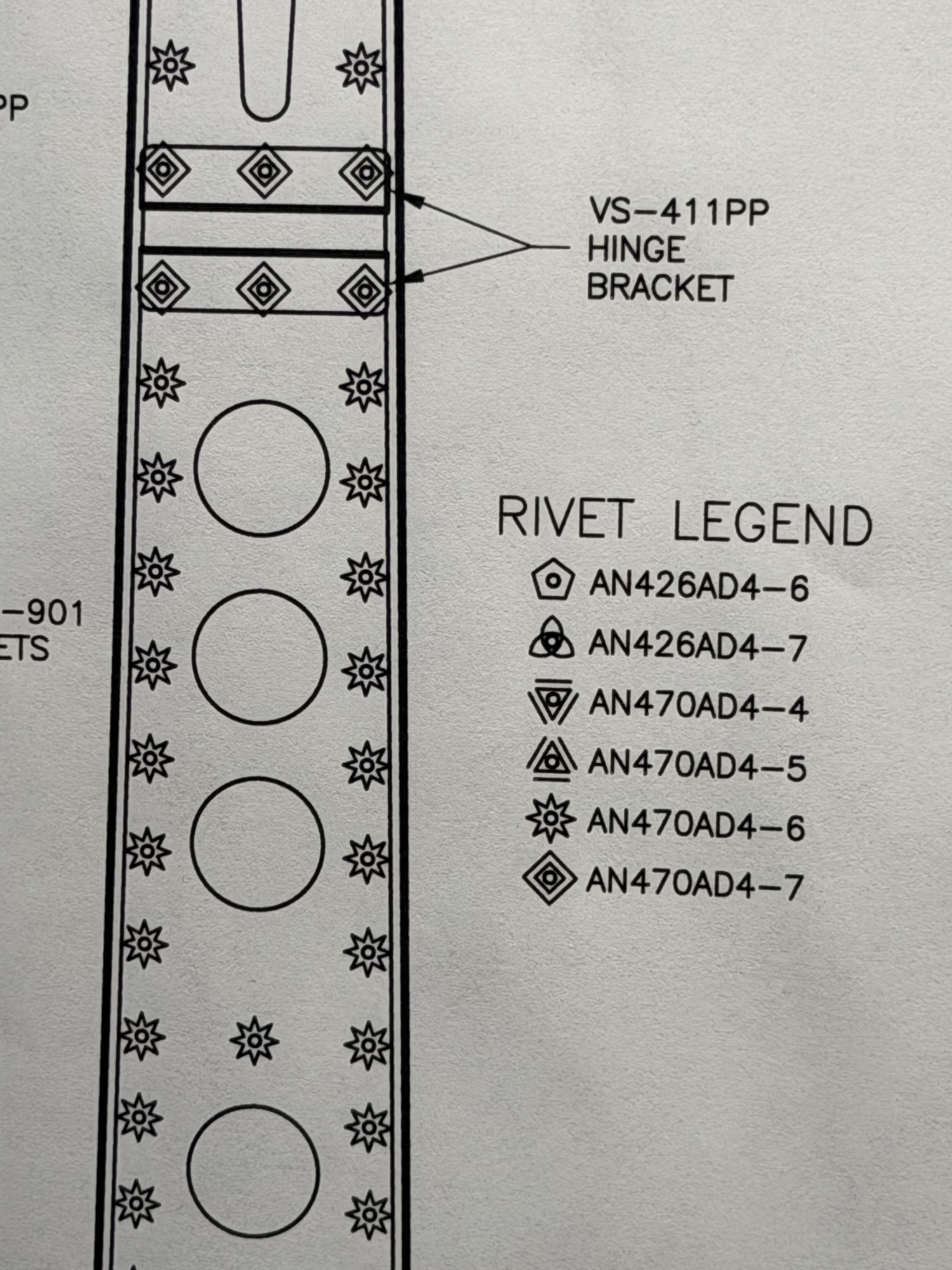
img_0075.jpg


Rivet callouts for the rest of the vertical rear spar and rear spar reinforcement plate.

img_0076.jpg


It's starting to look like an airplane!

img_0077.jpg


This is pretty!

1.0 hours here on the rear spar. There will be another post later tonight for more work. Stay tuned!
 
Last edited:
Oct 16, 2025 - Dinner Dimpling

After some dinner, I headed back out to the airplane factory (garage) a to make a little more progress.

img_0080.jpg


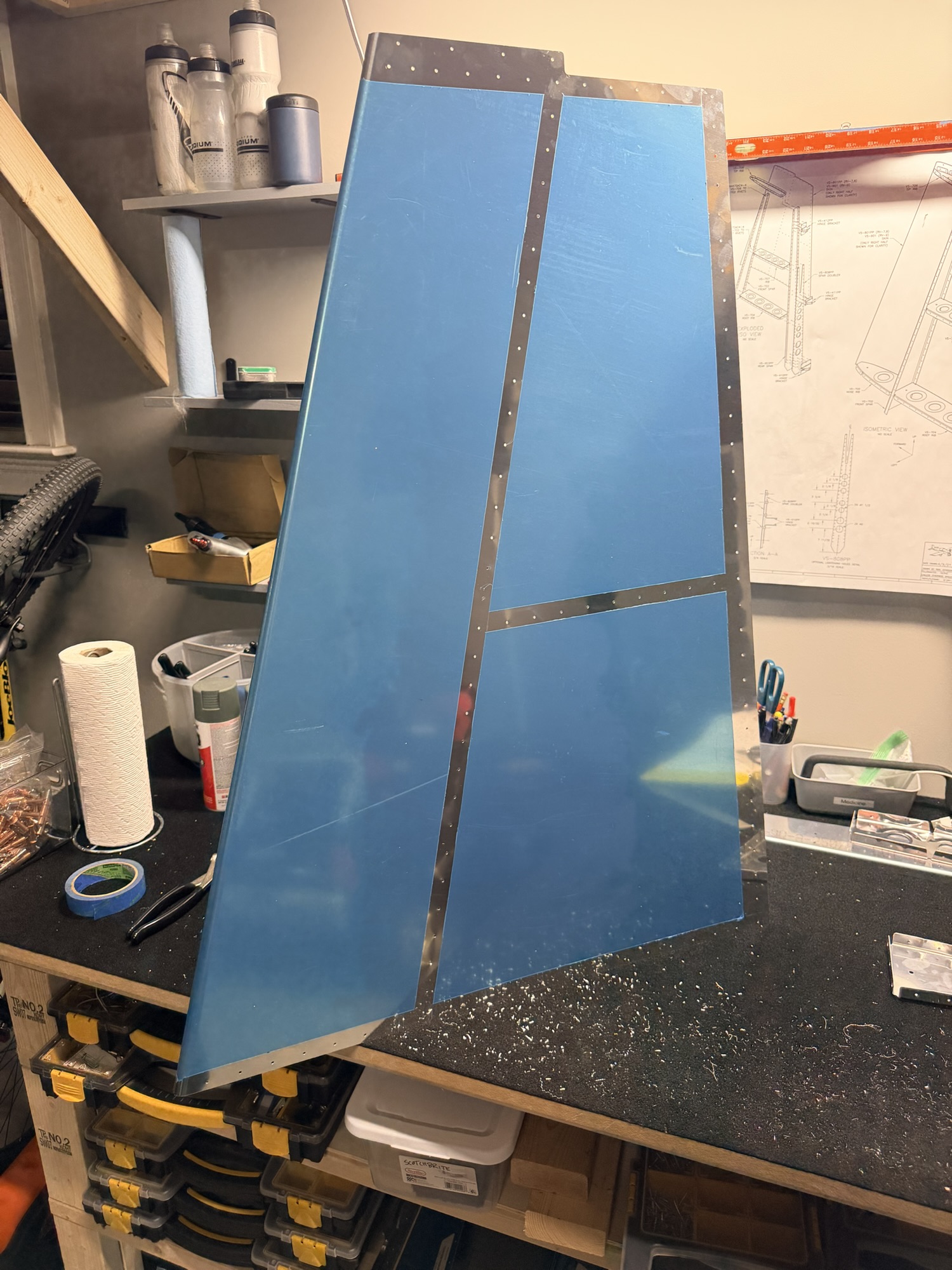
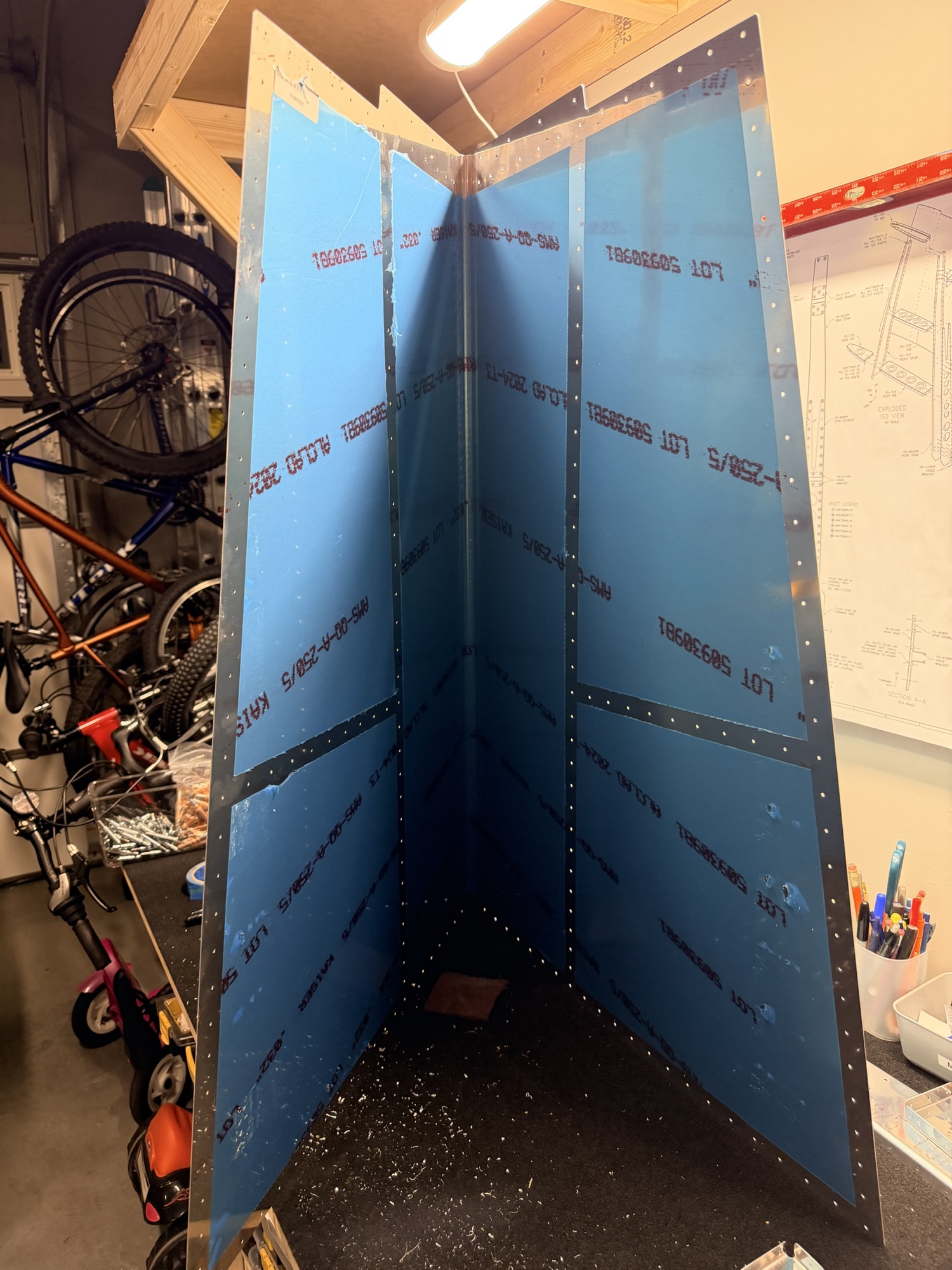
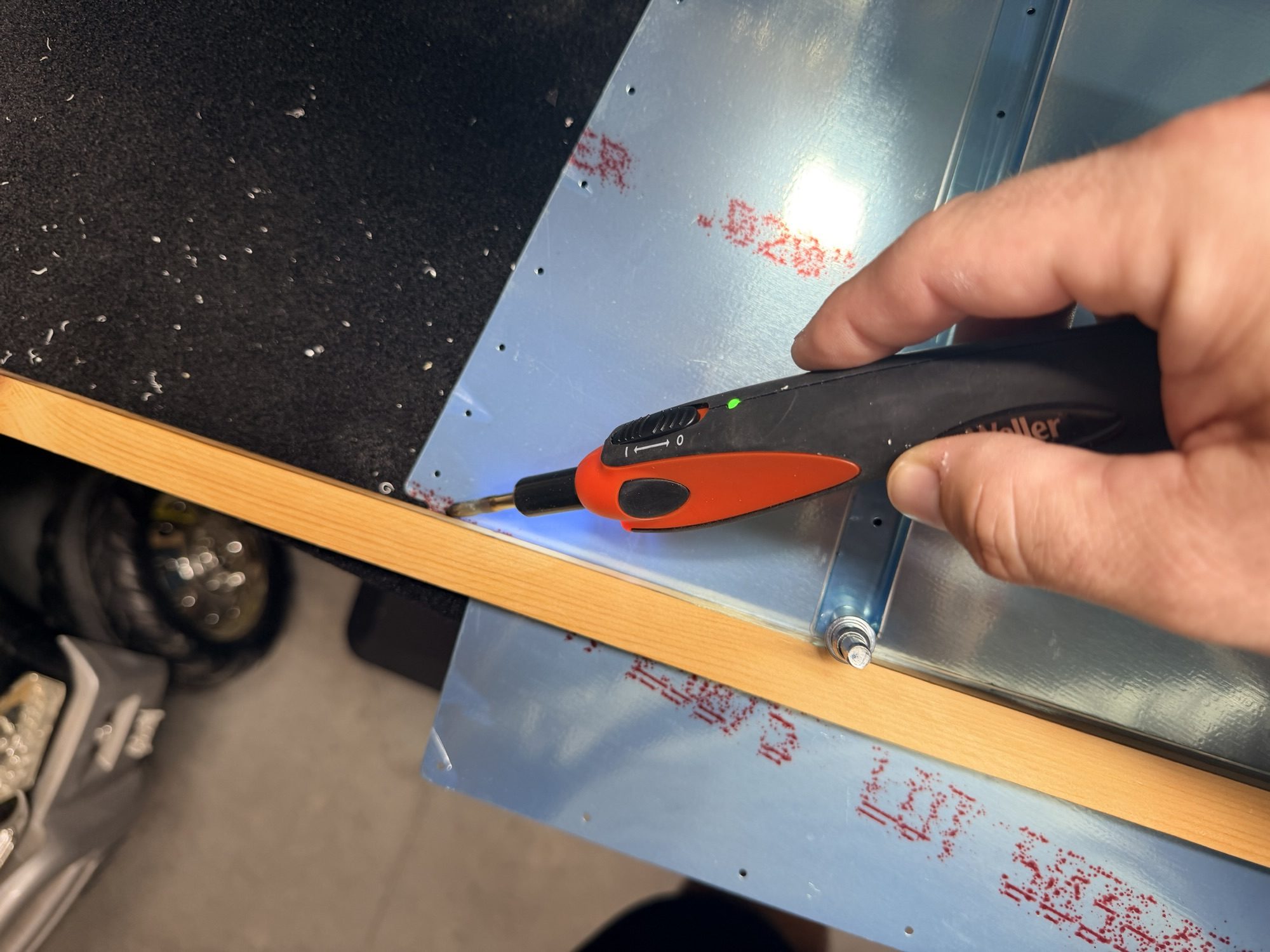
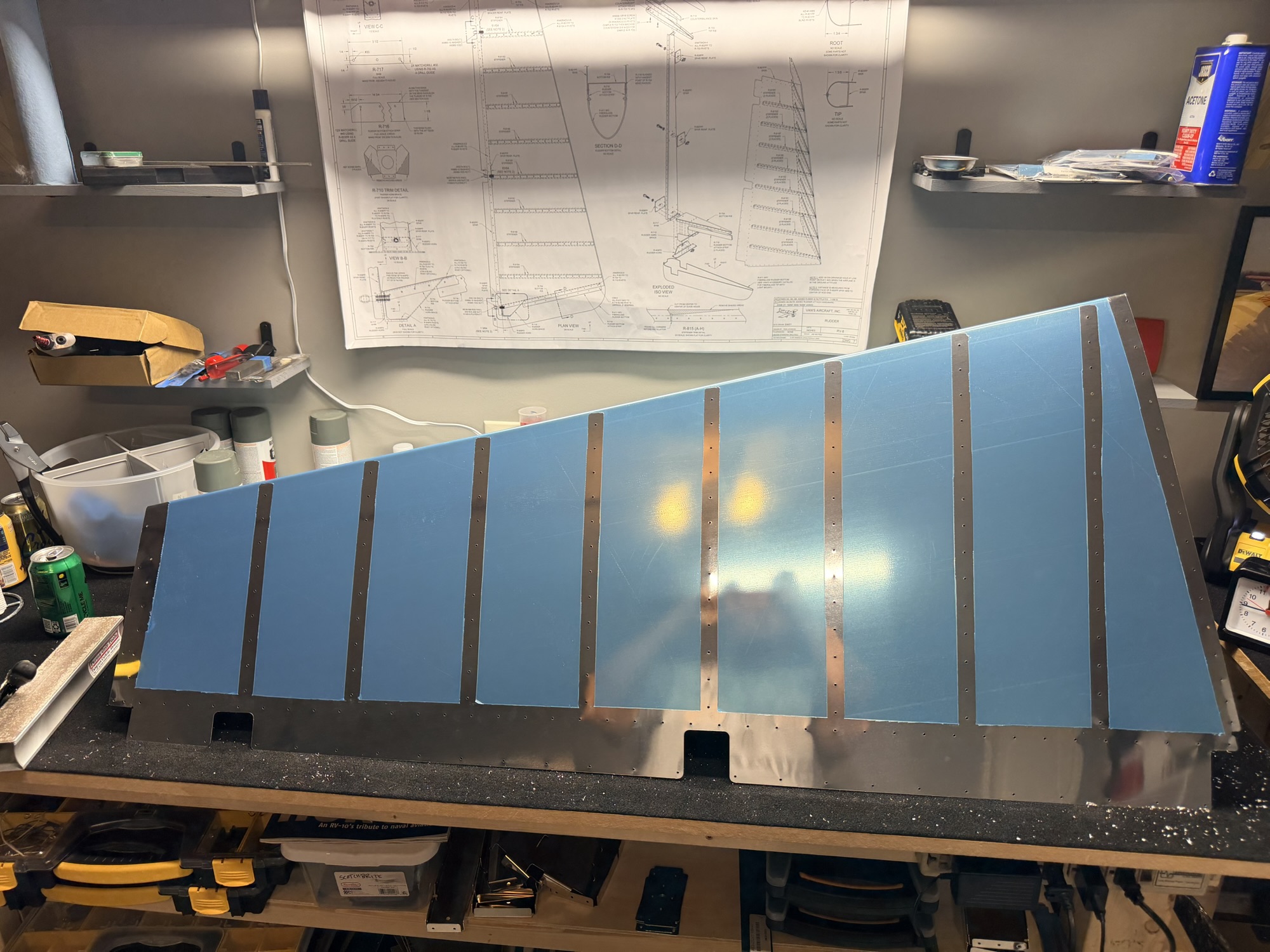
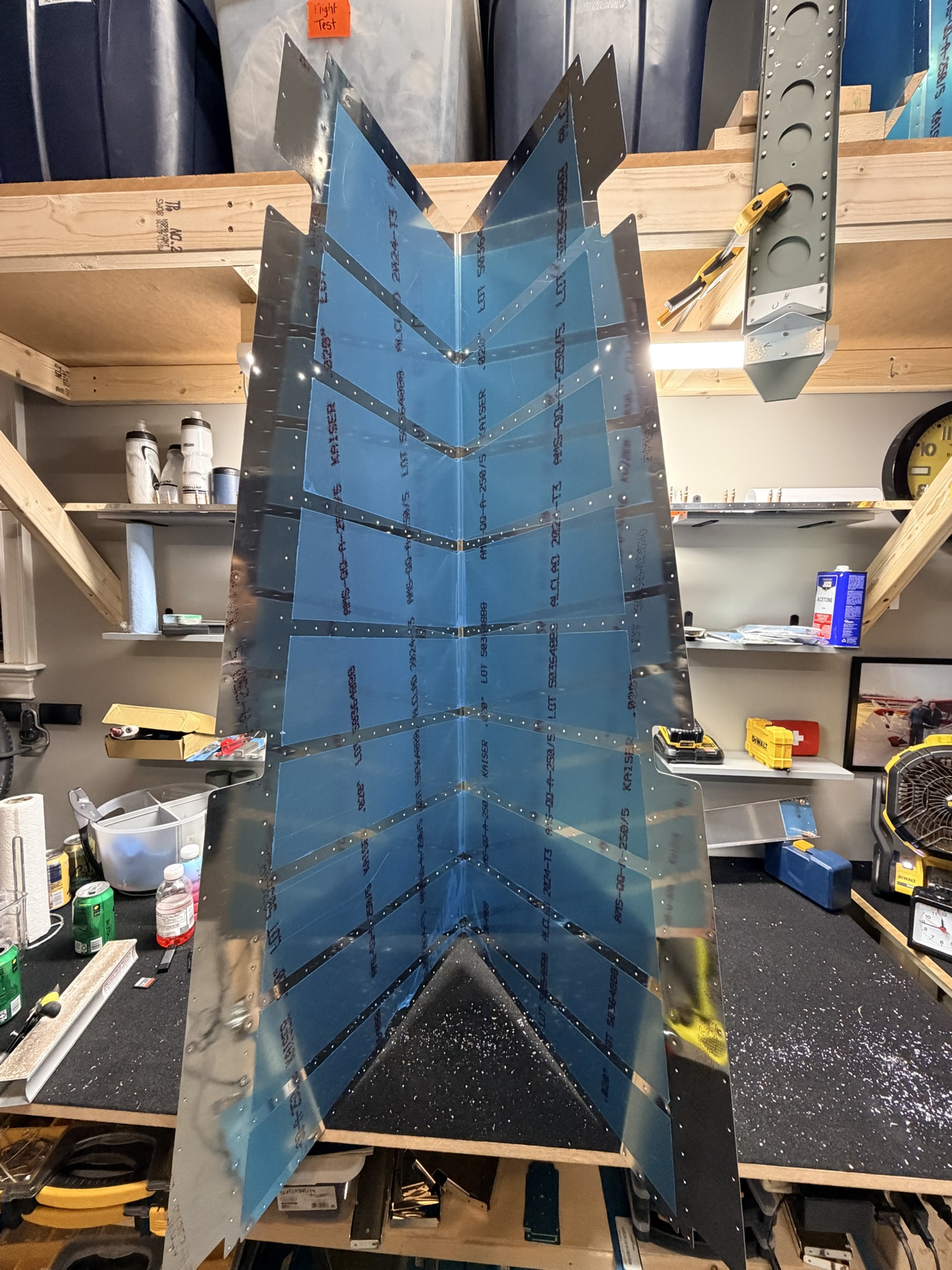
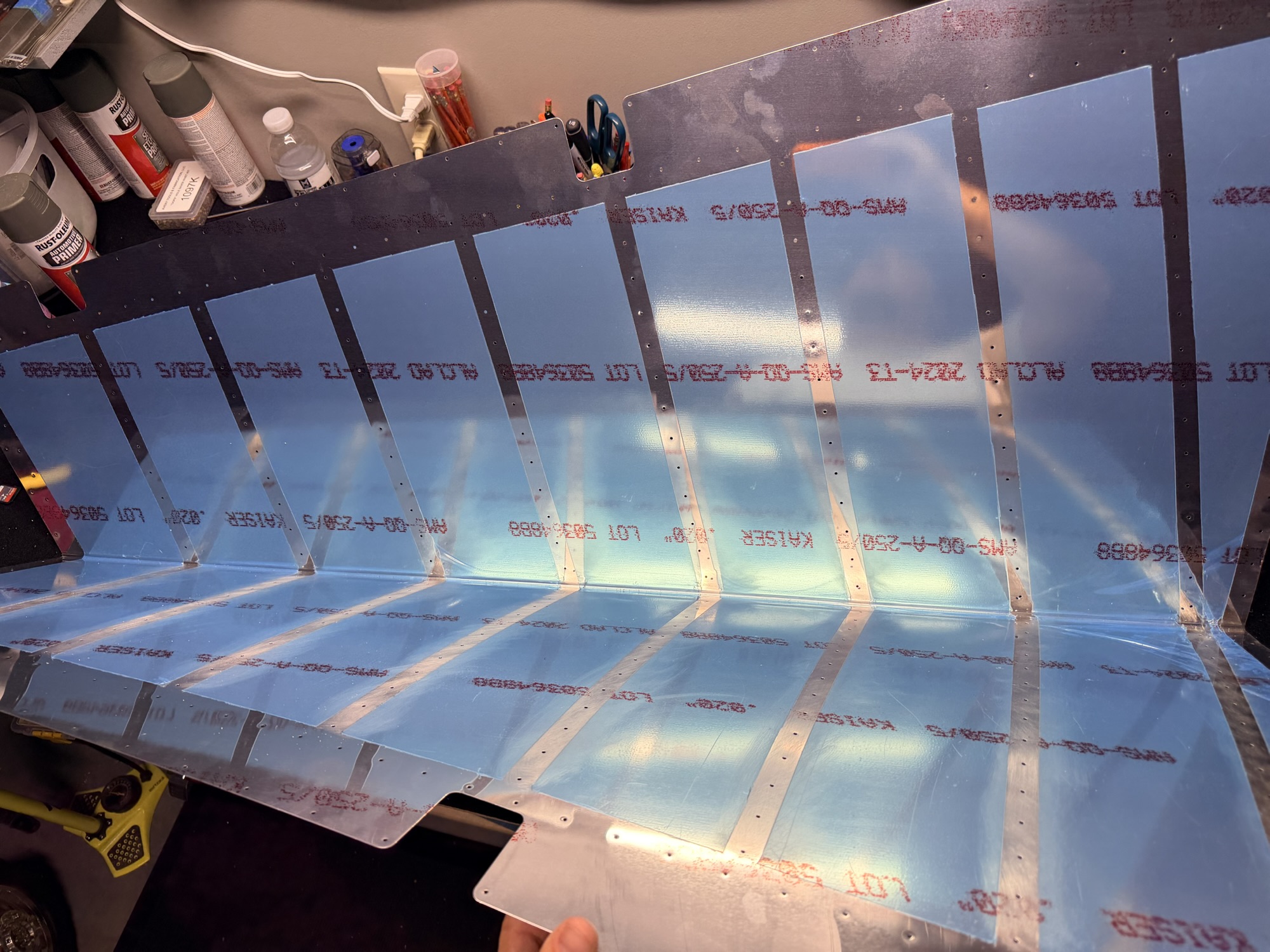
I whipped out the ole soldering iron and found a straight piece of wood to devinyl the vertical stabilizer skin. These are pretty (although I probably won't keep the blue vinyl on the outside once it's finished.

img_0081.jpg


The devinyling on the inside acts as a mask for only priming the mating surfaces where the ribs will go. This all gets pulled out before riveting.

img_0082.jpg


Next up, some deburring and dimpling of the forward spar.

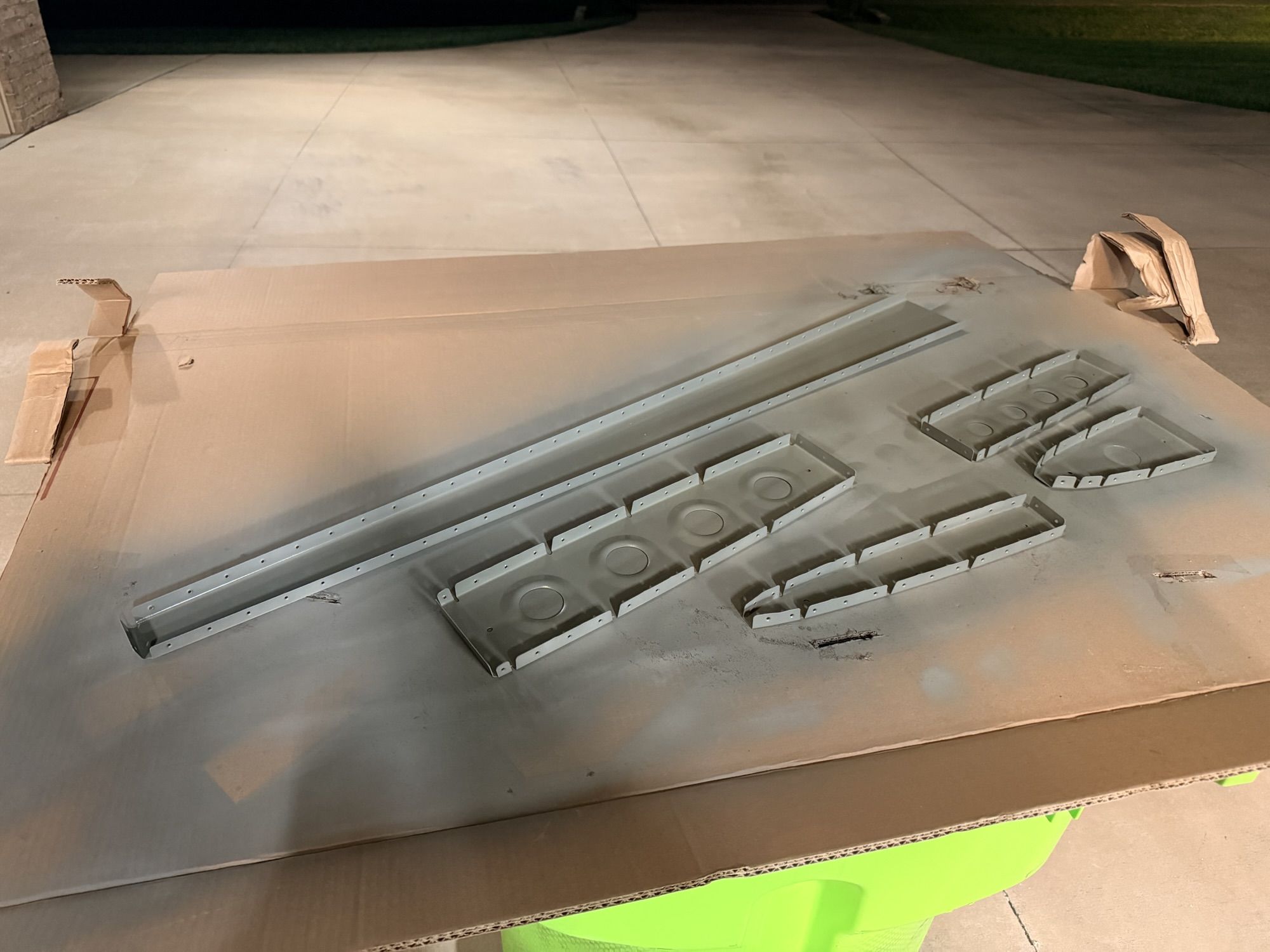
img_0083.jpg


All the forward spar and ribs for the vertical, being primed in the "paint booth."

img_0084.jpg


I do like this pretty green, but I am going to switch back to NAPA primer.

img_0086.jpg


Once that was all dry, I started riveting together the forward VS spar.

img_0087.jpg


Some pretty shop heads.

img_0089.jpg


A closeup of the finished forward skeleton sitting on the rear spar.

img_0090.jpg


Walking back into the house, I turned around to admire the progress.

2.5 more hours tonight with 8 rivets set.
 
Oct 17, 2025 - VS Skin Prep and Riveting

I didn't get any pictures of the boring skin prep, but I deburred both sides of EVERY hole in the skin, dimpled, then used some scotchrbrite to suff up the skin prior to priming.

img_0091-1024x768.jpg


Cheap (bulk) scotchbrite.

img_0094-1024x768.jpg


I am using the blue vinyl here to act as a mask for the internal priming.

img_0095-1024x768.jpg


Here is the vertical stabilizer skin with the blue vinyl removed. Just priming the mating surfaces.

img_0096-1024x768.jpg


Next, a little forward spar riveting. I clecloed every third hole.

img_0097-1024x768.jpg


Next, I shot and bucked some of the skin rivets. Here's the first section done.

img_0099-1024x768.jpg


Now all of the first sides rivets are done.

img_0100-1024x768.jpg


Most of the internal structure is now riveted to the skin. yay!

1.5 hours up to the rear spar, then another 0.5 hours riveting the lower and upper ribs, which I didn't get a picture of.
 
Oct 18, 2025 - Finished Vertical Stabilizer

My squeezer sucks, so I needed to wait until there was a good time to bang out some rivets on saturday. Midway through the date, all the kids were elsewhere dooing whatever it is that they do.

img_0113-768x1024.jpg


This is a great feeling to get one of the subassemblies done.

No pictures, just rear spar 72 rivets.
 
Oct 18, 2025 - Devinyled HS Skins

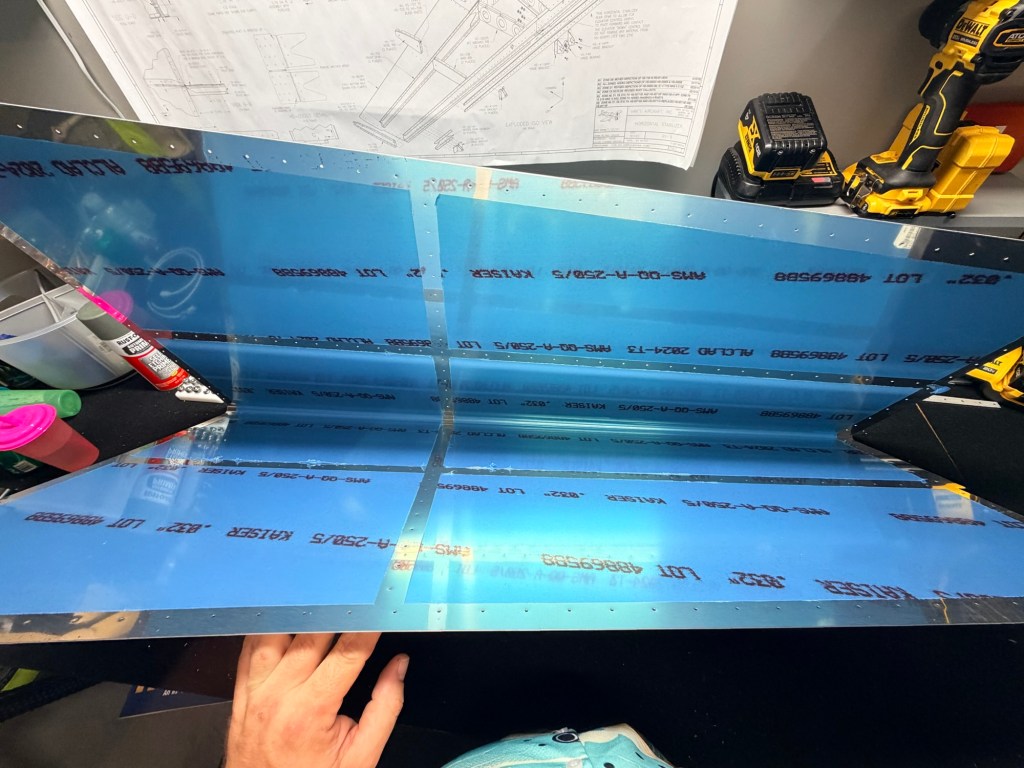
Late night, I was eager to do something but didn't want to wake anyone up. How about some skin devinyling?

img_0115-1024x768.jpg


The inside

img_0116-1024x768.jpg


And the outside.

img_0117.jpg


The inside of the other skin.

img_0118.jpg


The outside of the other skin.

img_0119.jpg


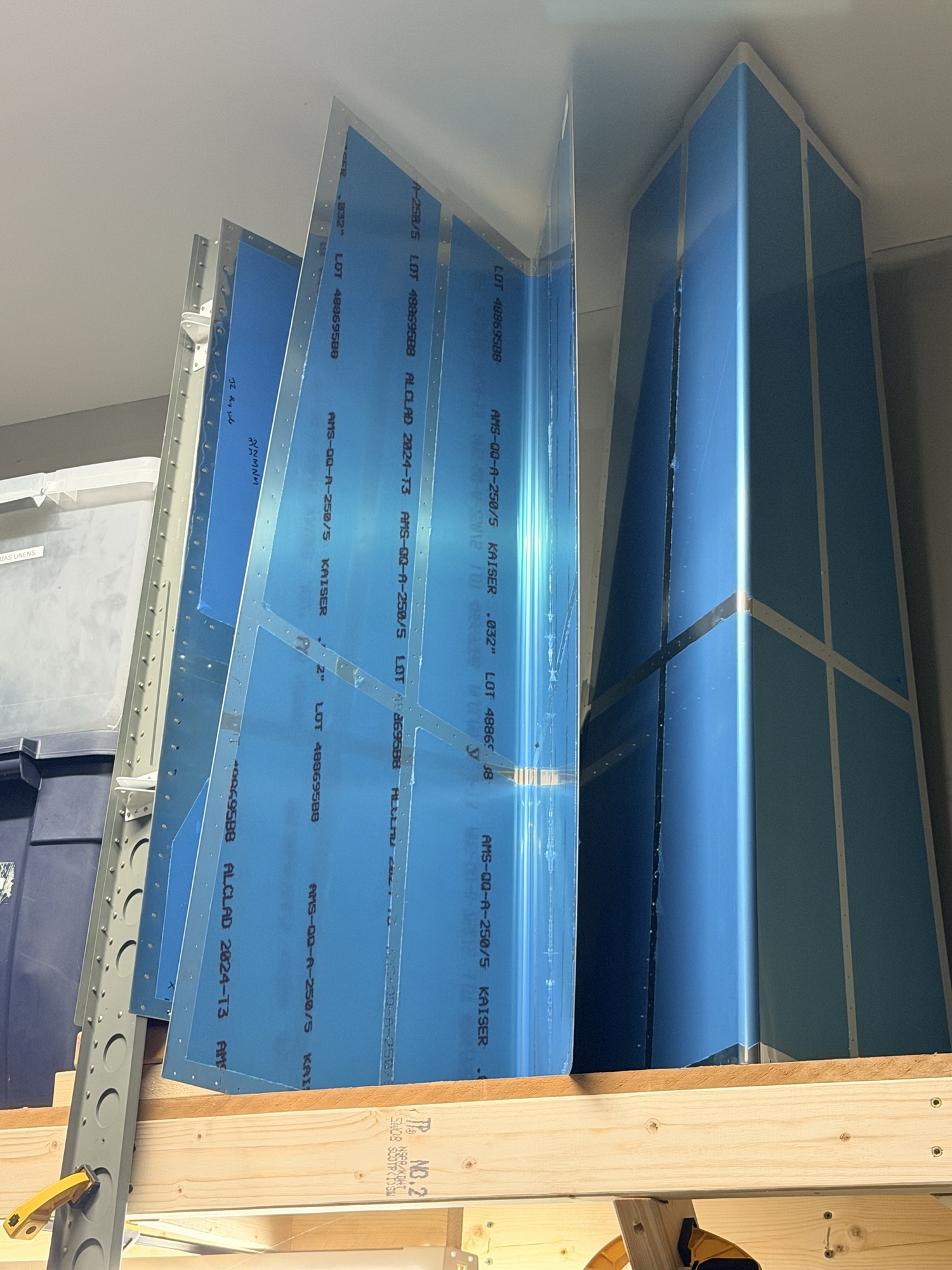
And the skins now sitting up on the garage shelf.

1.0 hour.
 
Everything is looking good.....but personally, I would ditch that carpet/fabric on the build table. It hold all those shaving and eventually you might end up with scratches that you don't want. As much as a guy tries to vacuum them all out, those buggers seem to have minds of their own and burrow into the fabric. JMO
 
Great job, great progress!
Thanks, Bill!
Seriously, post what you want, but you're burning a lot of time better spent building.
Dan, last night I caught up this build thread on a month's worth of build log after having written a script to convert the html from my site into BB code.

It takes me about 7 seconds to snap each picture during a build session and about 7 minutes to write a sentence or two for each picture and publish. A small time cost after I've buttoned up the shop for the night.

Back in the day, I remember Bill R telling me to "build the airplane you want to build, not the airplane others want you to build."

I think I'll do the same with my build log.
Everything is looking good.....but personally, I would ditch that carpet/fabric on the build table. It hold all those shaving and eventually you might end up with scratches that you don't want. As much as a guy tries to vacuum them all out, those buggers seem to have minds of their own and burrow into the fabric. JMO
You are 100% correct. It looks nice, but I wasted a bunch of time yesterday trying to vacuum up the shavings. Back when I was building the RV-7, I had some grey outdoor carpet that was easy to clean. I might keep an eye out for some.
 
Everything is looking good.....but personally, I would ditch that carpet/fabric on the build table. It hold all those shaving and eventually you might end up with scratches that you don't want. As much as a guy tries to vacuum them all out, those buggers seem to have minds of their own and burrow into the fabric. JMO
astroturf works better, non-woven so the chips just fall through.
 
The non-activated paints take quite a while to fully cure. The Rustoleum Professional spray paints are durable but take about a week to fully cure.
 
Looking pretty familiar to my 4 tail build. Nice work! Only making me a little jealous with the pre-punched parts.
 
The non-activated paints take quite a while to fully cure. The Rustoleum Professional spray paints are durable but take about a week to fully cure.
Yeah, that seems about right. I'm leaning back toward the NAPA stuff because if I let the parts cure overnight, they were cured enough for me not to easily scratch them with a fingernail. I'm going to continue to use the cans I have, then buy some NAPA stuff this weekend.
 
Oct 19, 2025 – Horizontal Stabilizer Rear Spar, First Reordered Parts

Well, today was good and bad. Good because I got to work on the horizontal stabilizer, bad because I went to fast, didn't really look or understand what I was doing, and ended up ruining some parts...

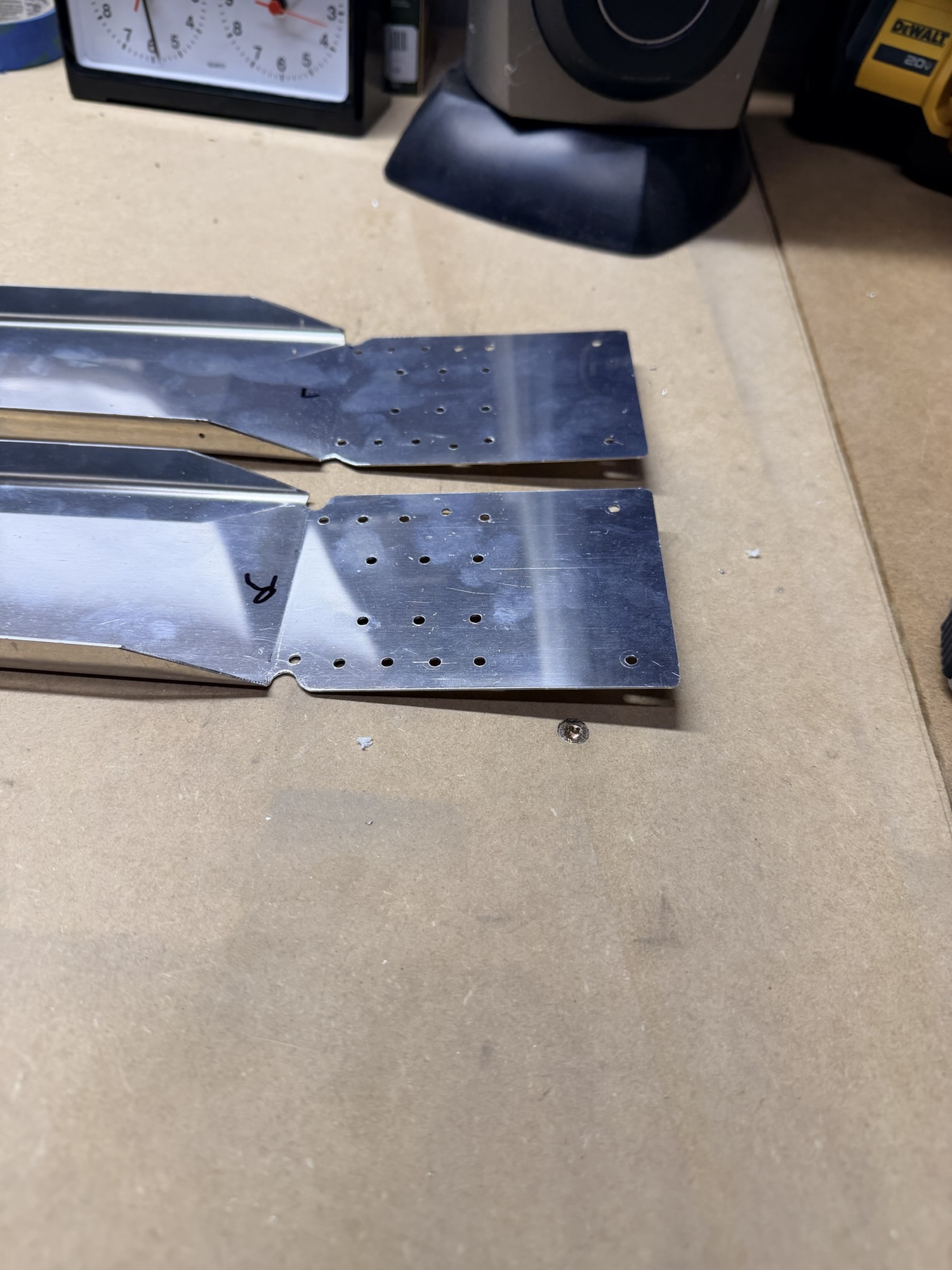
The first step on the HS is to lay the spar reinforcement bars into the two rear spars and get them matchdrilled.

img_0125-e1761179059165.jpg


I like the 1/8" clecos.

Then, you start clecoing and matchdrilling the hinge brackets. Here is the center hinge bracket, one side of which is pre-drilled, the other side is not.

img_0126-e1761179104424.jpg


Here's a picture of the center hinge bracket matchdrilled.

Next up, find the two angle brackets for the front spar and get them trimmed and clecoed to the front spar.

img_0129-e1761180457941.jpg


Many builders trim to much here. I was very careful to mark in a way that preserves the 2x diameter edge distance. I'll trim later.

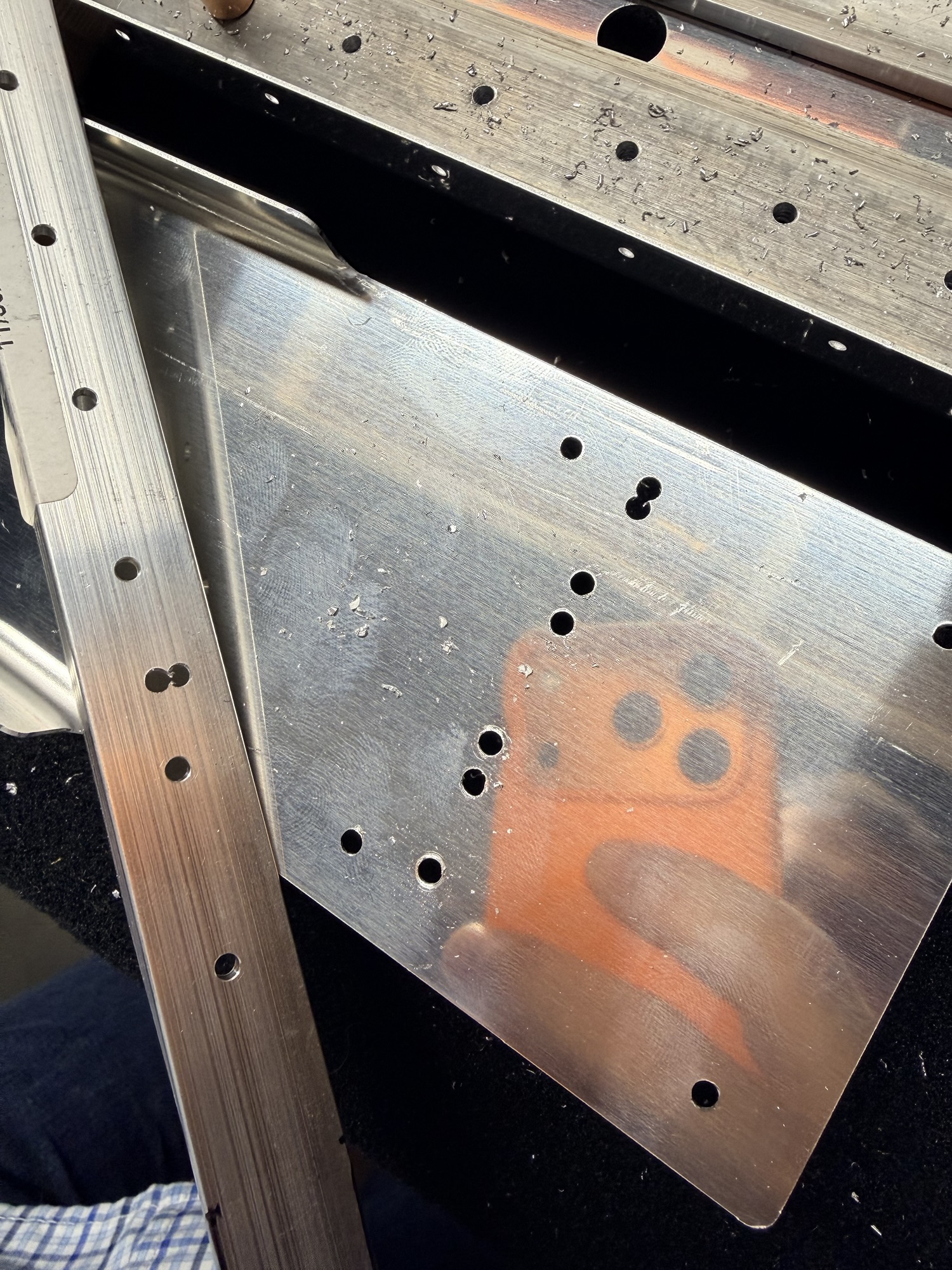
But here's where the bad parts start. I got the forward spars clecoed together, but when I started matchdrilling, something didn't seem right.

img_0132.jpg


Oh darn.

It turns out that I had these forward spar reinforcement plates clecoed in upside down, so when I matchdrilled, I messed up one of the forward spars and one of the angle brackets. Luckily, I stopped when it didn't seem right and only ruined two parts, not four.

Obviously I didn't turn the parts around and look at what would have been obvious, the pre-punched holes were going to cause drilling problems with the angles.

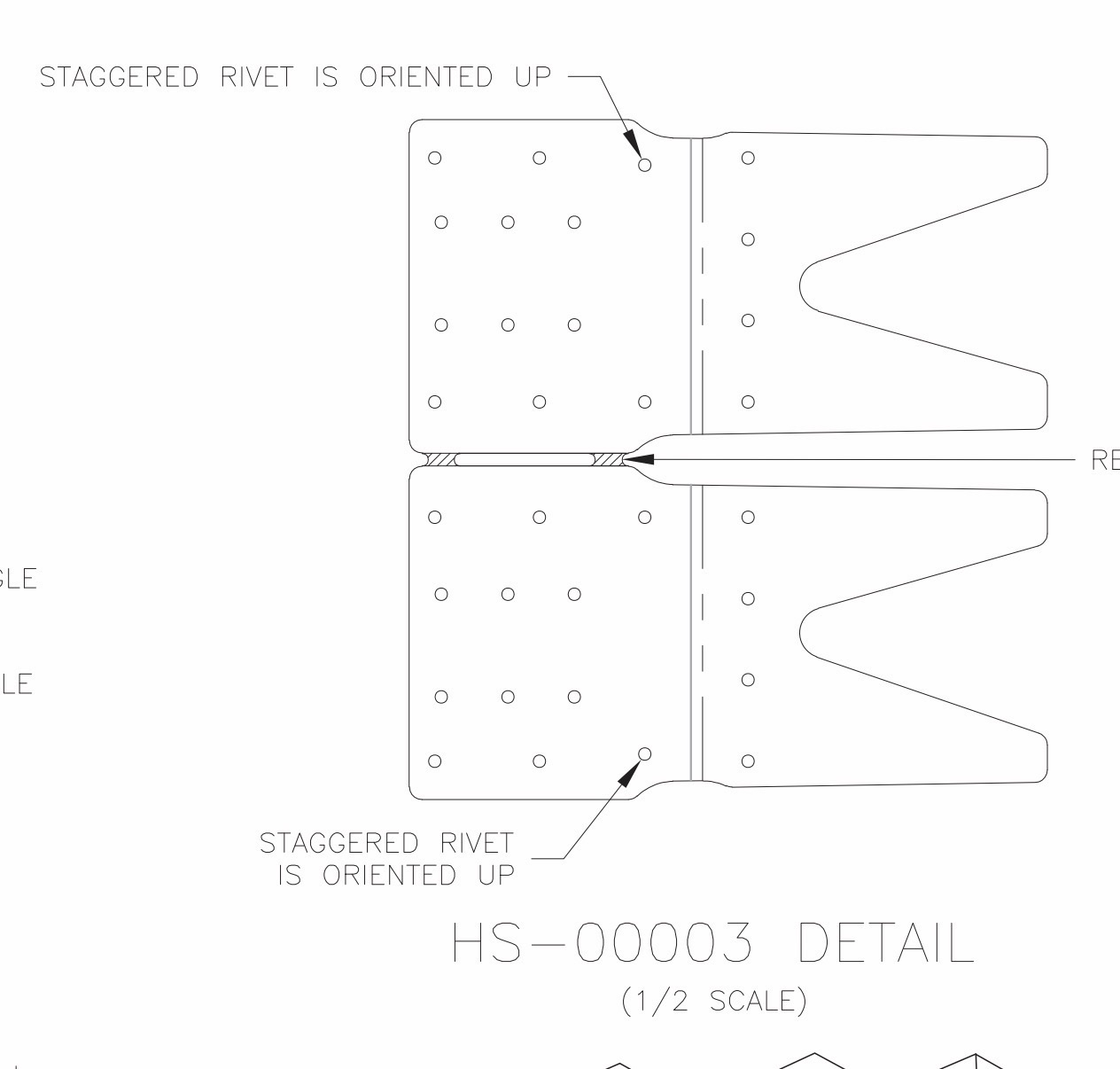
But I'll throw some stones at the plans, too. See below, where it says "staggered rivet is oriented up?"

Does that mean the staggered hole should be up from the non-staggered holes? Or does it mean that the edge with one staggered hole should be towards the top of the forward spar.

Well, I guessed wrong.

img_0131.jpg


Here's the offending plans snapshot. Next time, I think I'll just throw $100 in the trash and not mess up the parts...

I was mad at myself so I stopped taking pictures, but there's no use crying over spilled milk. Onwards!

1.0 hours on the HS, 2 reordered parts...
 
Last edited:
Oct 20, 2025 - Rudder Stiffeners and Spar

Well, I'm waiting on HS forward spar parts, so I thought about what I could start working on that won't get me completely switching gears. The RV-7 rudder was very hard with its trailing edge wedge, etc. so I was a little weary, but then I remembered that the RV-8 rudder is a bent skin, so completely familiar to me from the RV-7 elevators.

Let's dive in!

I only have a single picture tonight. It turns out that I don't have my aviation shears anymore, so I had to borrow a set of "straight" shears, which (instead of being left or right shears which sacrifice either the left or the right half of what's cut to preserve the other side without deformation) tends to ruin both sides of whatever you are cutting.

This worked okay to rough-cut the rudder stiffeners, but I didn't want to make any of the finer trims required without the right tool. Amazon to the rescue, but the tools won't arrive until Friday. Ugh.

I guess I can get started on the rudder spar....but not really.

It turns out that after you cleco the reinforcement plates on, you need to trim the rudder horn brace (sitting by the pencil sharpener in this picture.

I didn't want to deform that, so I guess it's time to quit for the night.

img_0145.jpg


Only a half an hour tonight, but it's something...

0.5 hours on the rudder.
 
Oct 21, 2025 – Rudder Skin Matchdrilling and Devinyling

I'm still waiting on tools or replacement parts to continue on the horizontal stabilizer or the rudder, so I did the only thing I could think of, which was to get the dulled soldering iron out to devinyl the rudder skin.

It's peaceful work, that's more like art than science, it looks cool, and it really signals progress in my mind.

Apparently, I was way more generous with the pictures tonight. I hope your dialup connection can handle it. Note for those in the future: it's 2025. 90% of folks on the internet today don't know what "dialup" means.

First, let's get the stiffeners clecoed and matchddrilled to the skin.

img_0137.jpg


I love this step, it's the first hint of a larger structure.

Next, a bunch of matchdrilling, moving clecos, and matchdrilling the hole you clecoed. After all the stiffener holes were matchdrilled, I warmed up the iron...

img_0138-e1761187963854.jpg


Action shot!

Fast forward another 30 minutes, and I had all the outlines melted so I pulled off all the blue vinyl from the mating surfaces.

img_0140.jpg


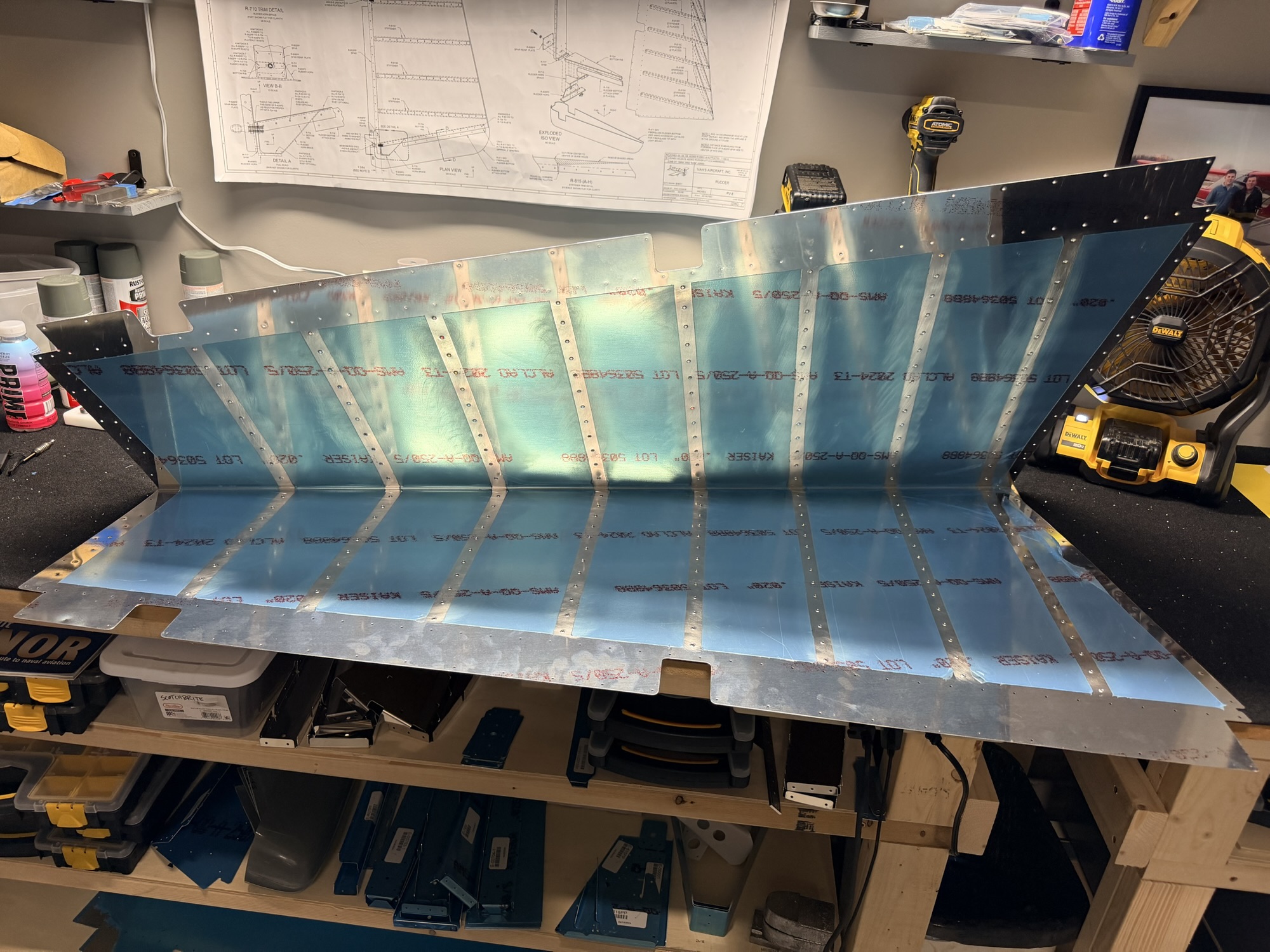
Rudder exterior.

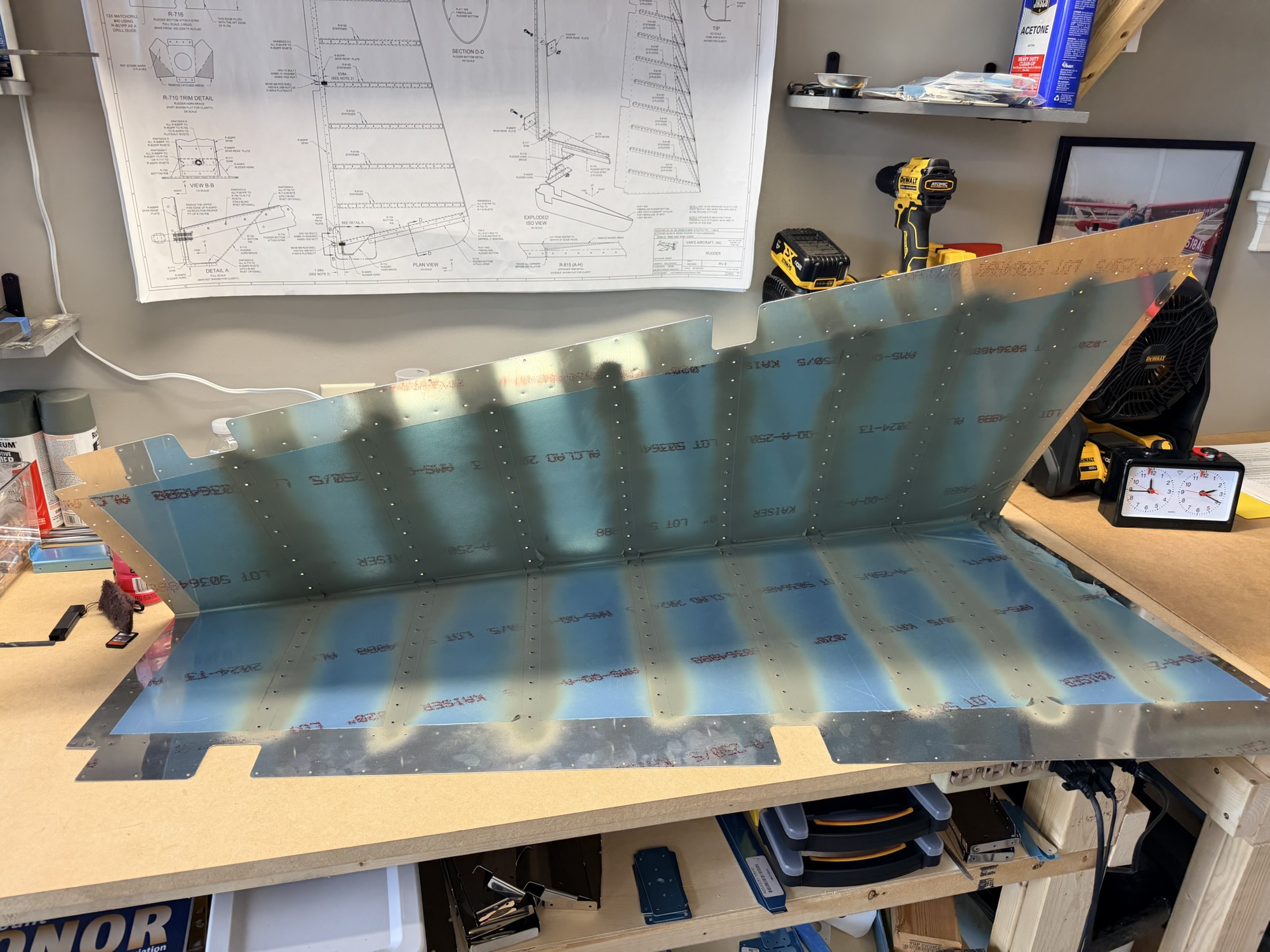
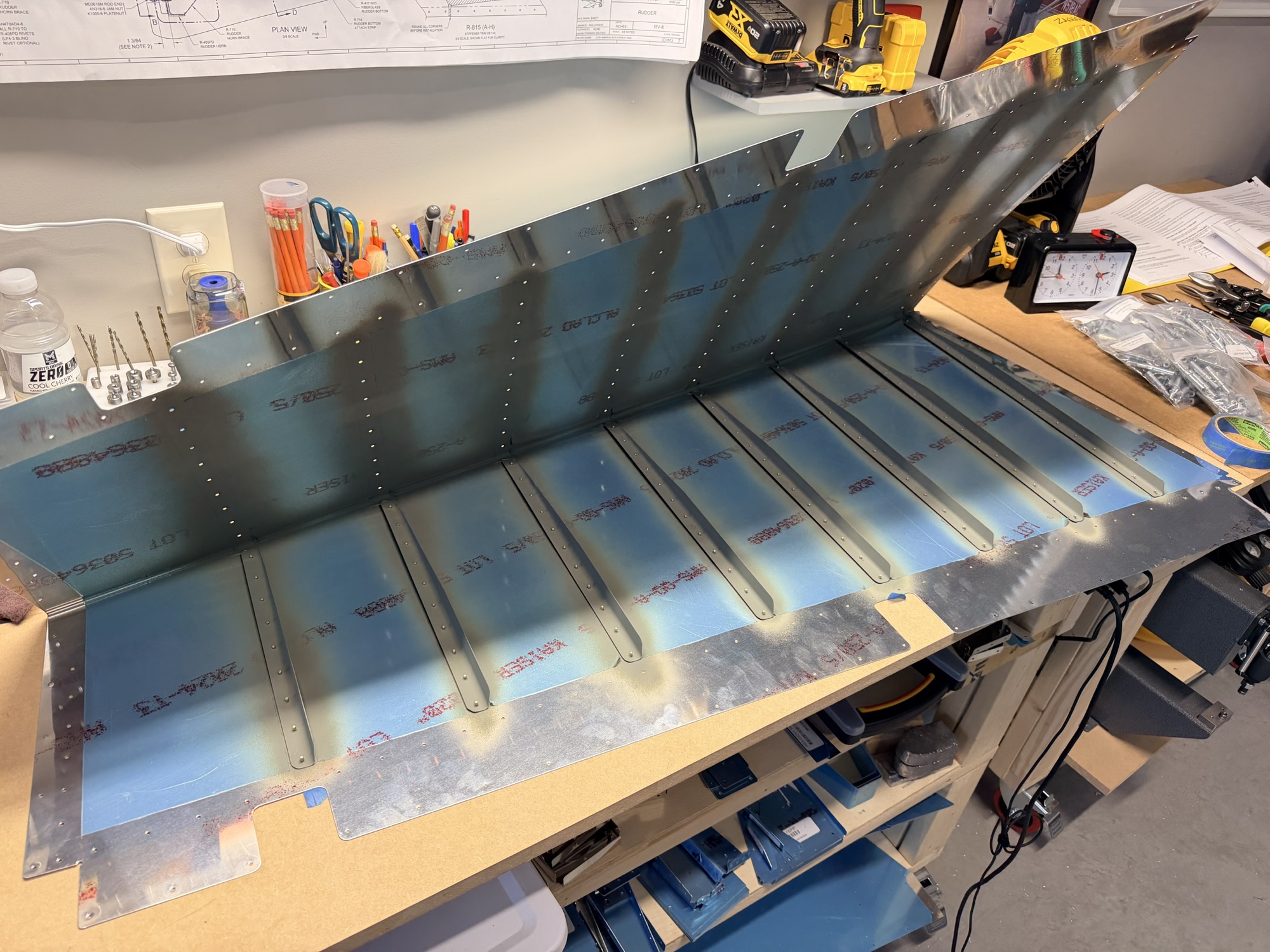
img_0141.jpg


Finished interior.

1.0 hours. Time for bed!
 
Last edited:
Oct 22, 2025 – Rudder Stiffener and Skin Dimpling (1.5)

Still waiting on replacement parts and tools, but alas, I have something productive I can be doing with the rudder!

Even though the stiffeners aren't final trimmed (especially where they will be trimmed to accommodate the trailing edge of the rudder which will be bent to final shape), I was able to deburr the holes and dimple them. Same with the skin, necessitating use of the DRDT-2 dimpler.

img_0144.jpg


Apparently I didn't take a picture AFTER deburring, scuffing, and dimpling, but here's the before picture.

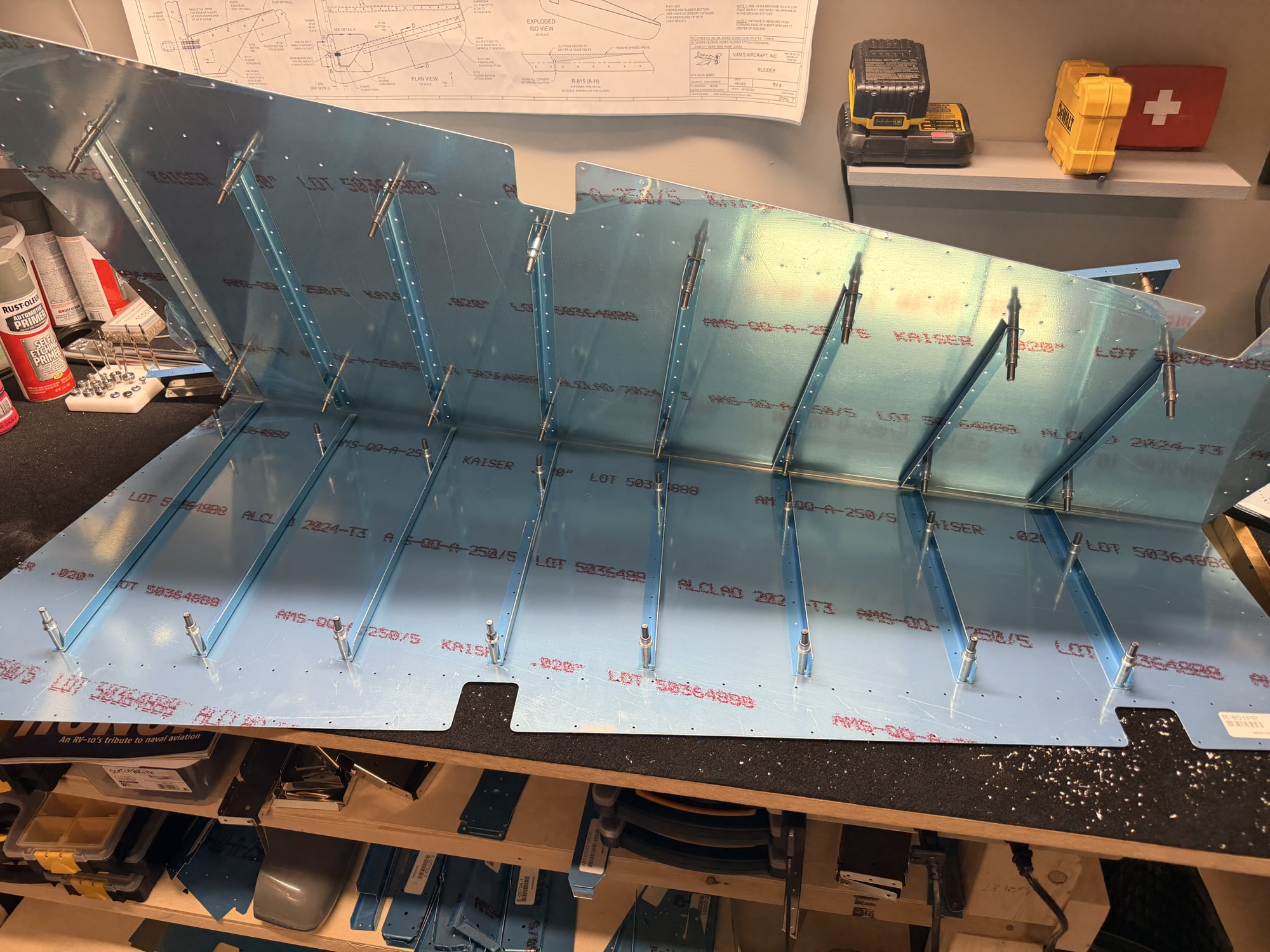
I then moved on to the skin. Deburring both sides, then scuffing the stiffener area. This picture shows the right side of the rudder (the part at the bottom of the picture) deburred and scuffed.

img_0147.jpg


Scuffed!

After finishing the other side of the rudder, I whipped out the DRDT-2 and set up for some silent dimpling.

img_0154.jpg


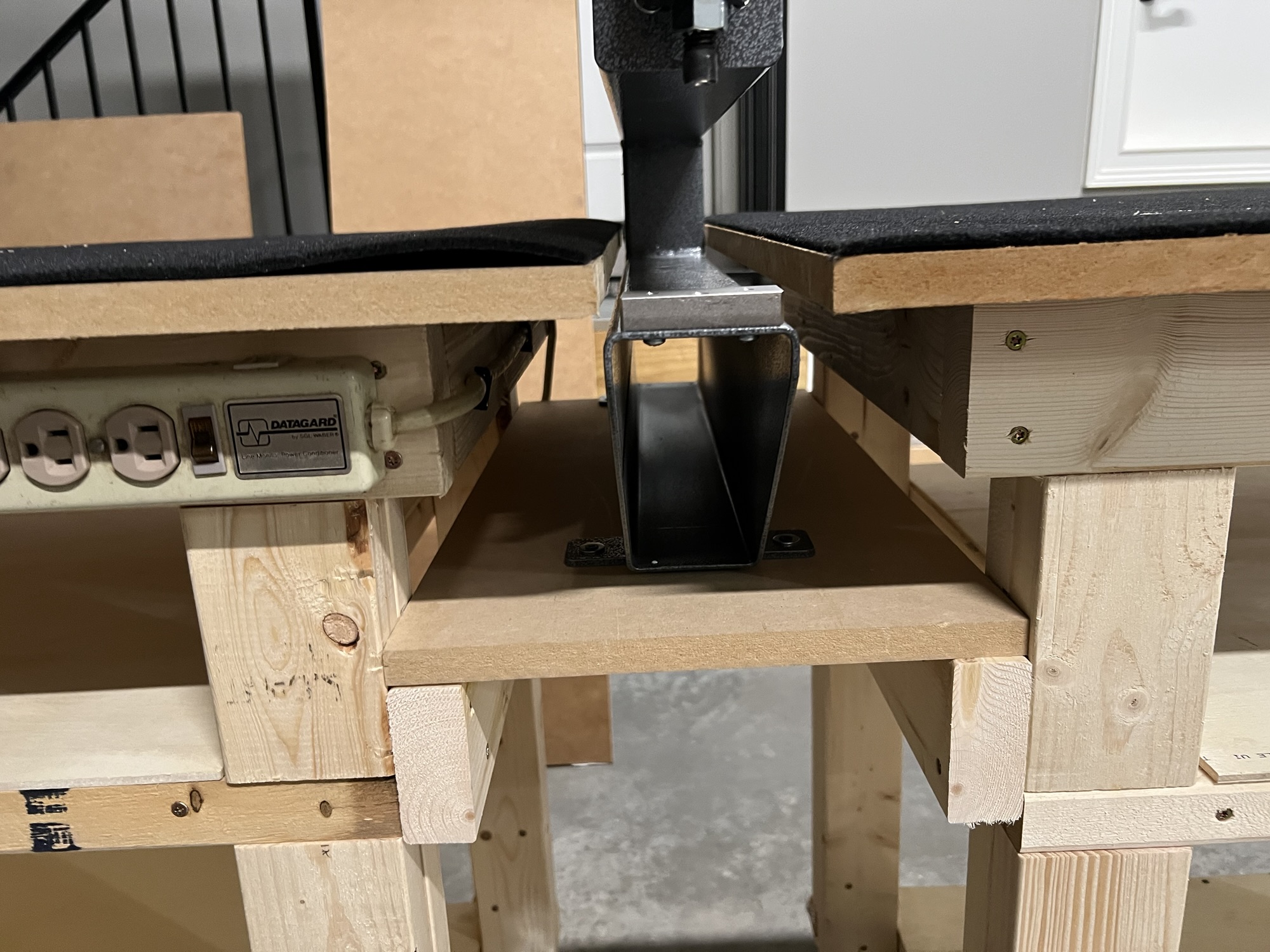
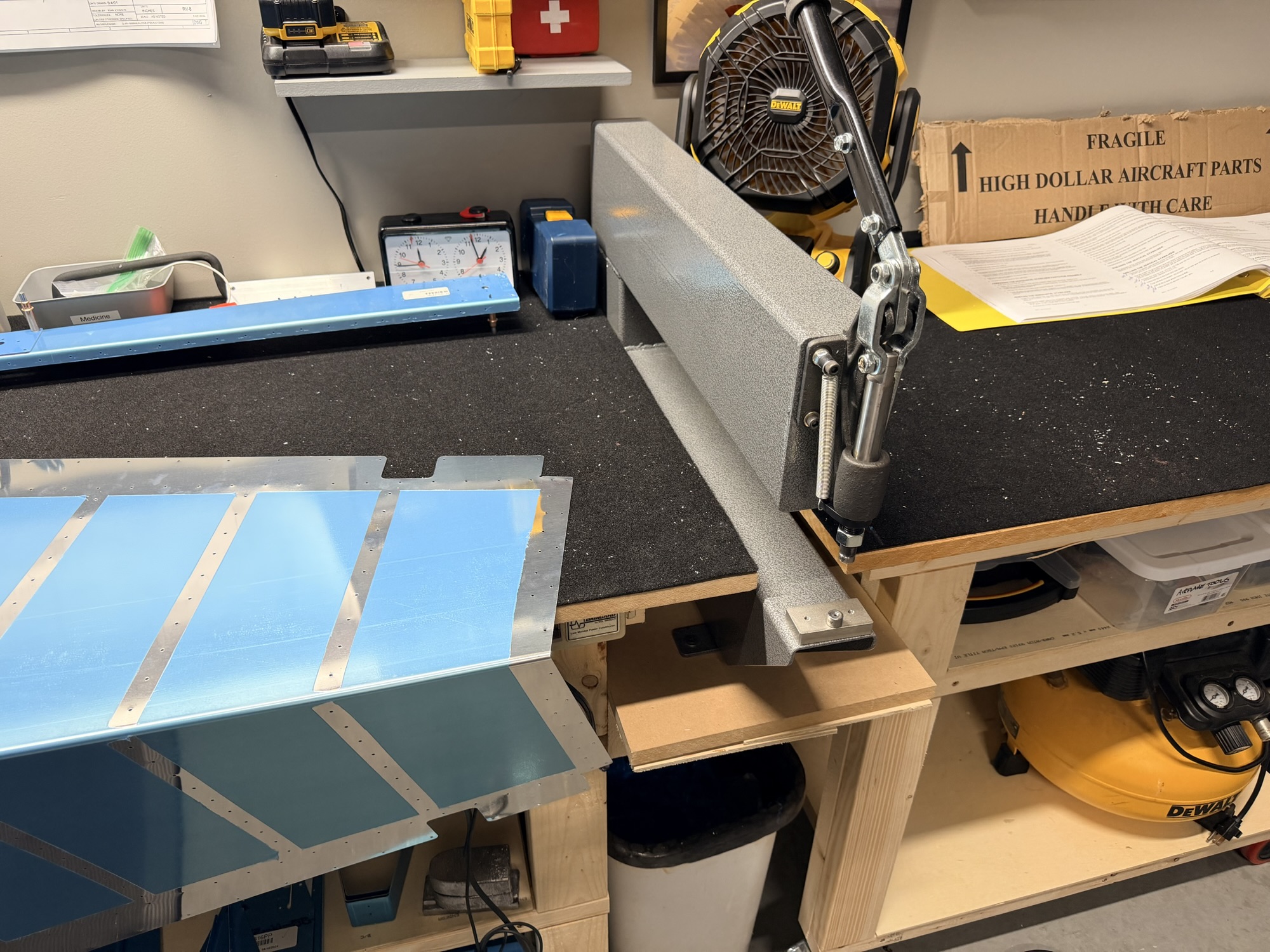
You can see the 1/4" wood spacer I've had to put in under the mdf shelf the DRDT-2 is sitting on to make the female dimple die even with the top of my black carpet. I'll design something more permanent when I have time.

After chugging through both sides of the rudder skin, It's theoretically ready for priming and riveting of the stiffeners. Of course I'll need to final-trim and edge finish the stiffeners when my aviation shear set arrives on Friday.

img_0155.jpg


That's pretty!

I'm still working a little out of order, but I like being able to jump out to the garage and confidently knock something out while I wait for parts and tools. Makes me much less impatient.

1.5 hours
 
Oct 23, 2025 - Tools, Rudder Stiffeners, Riveting, and Spar

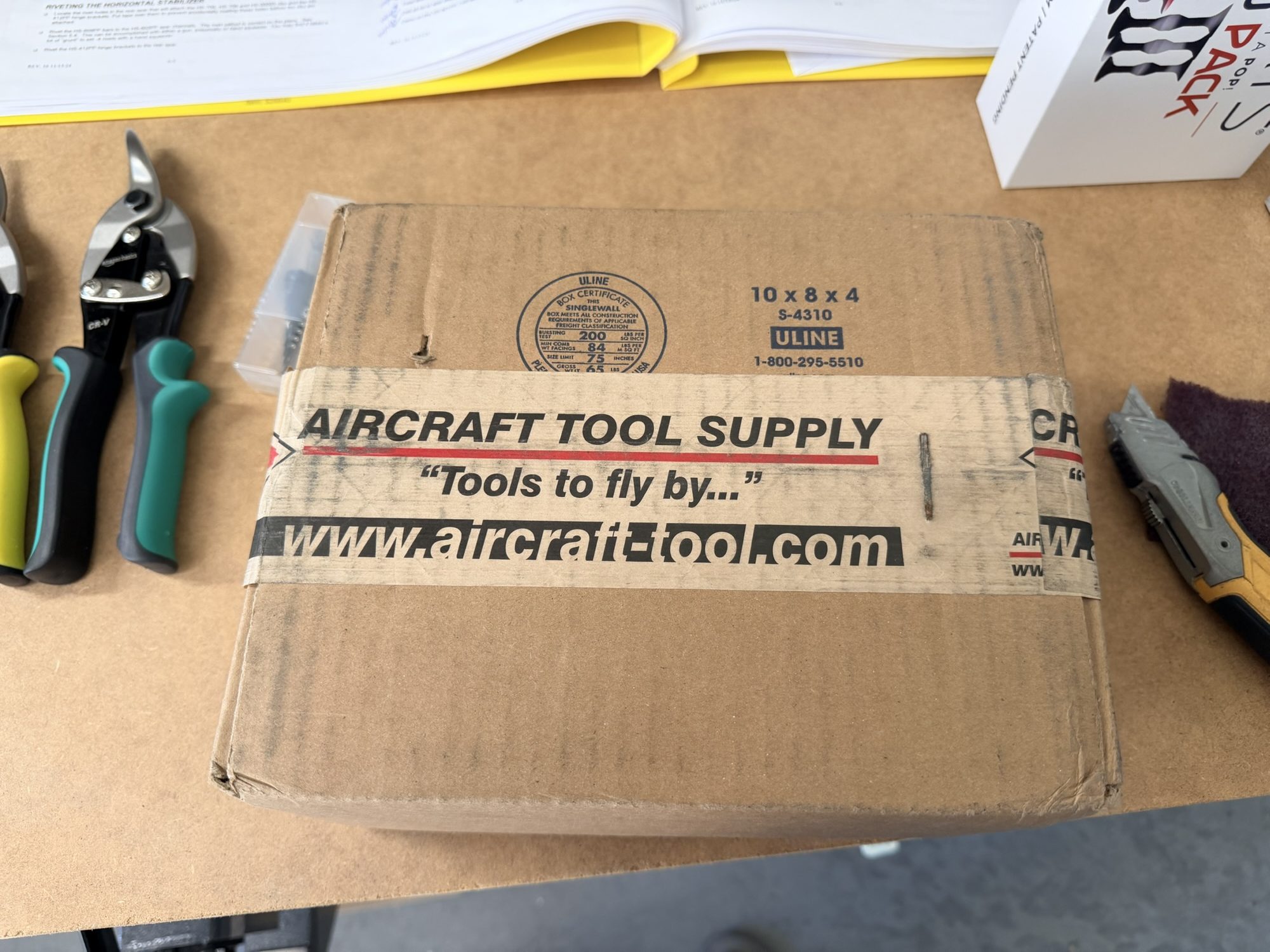
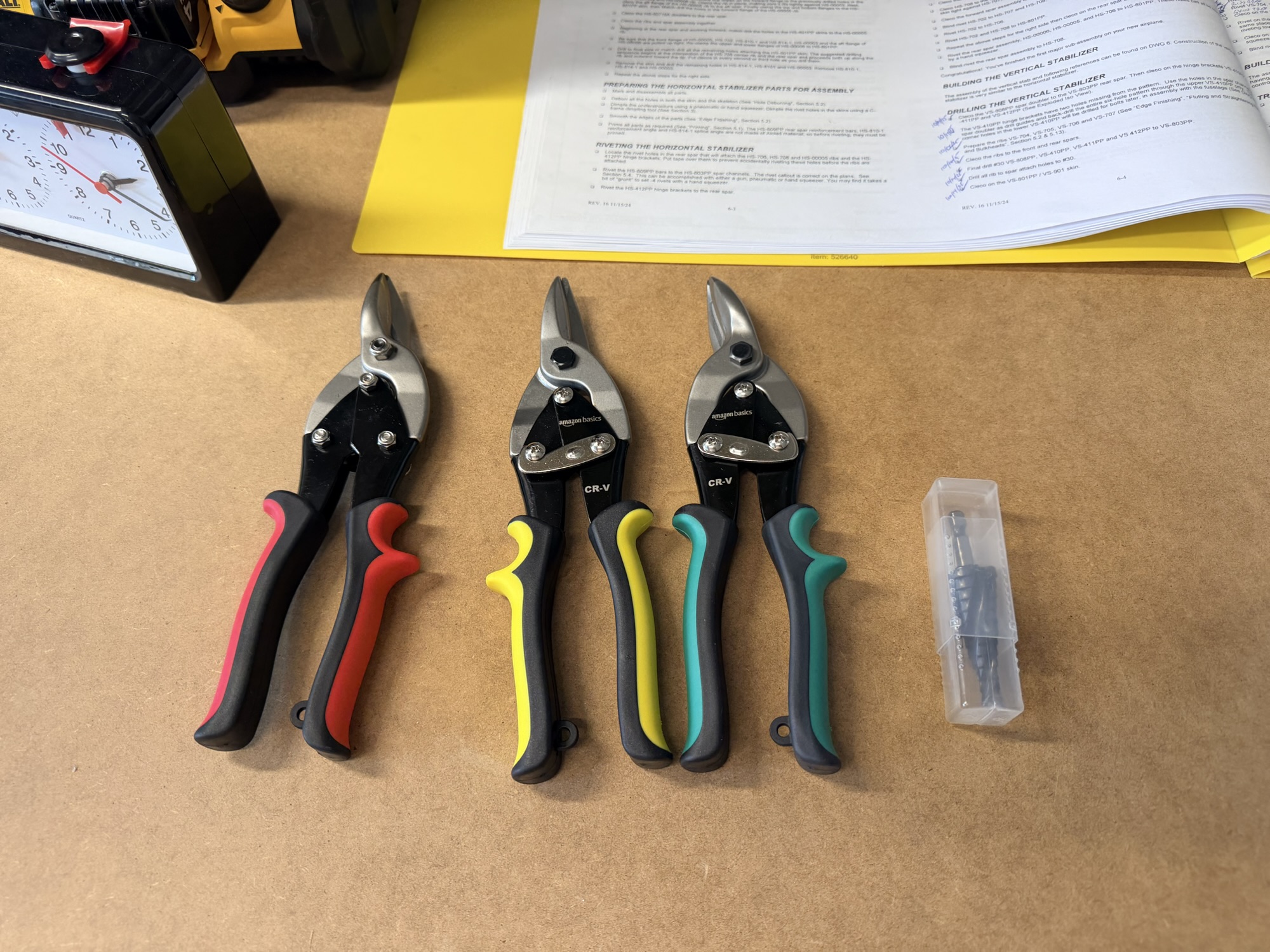
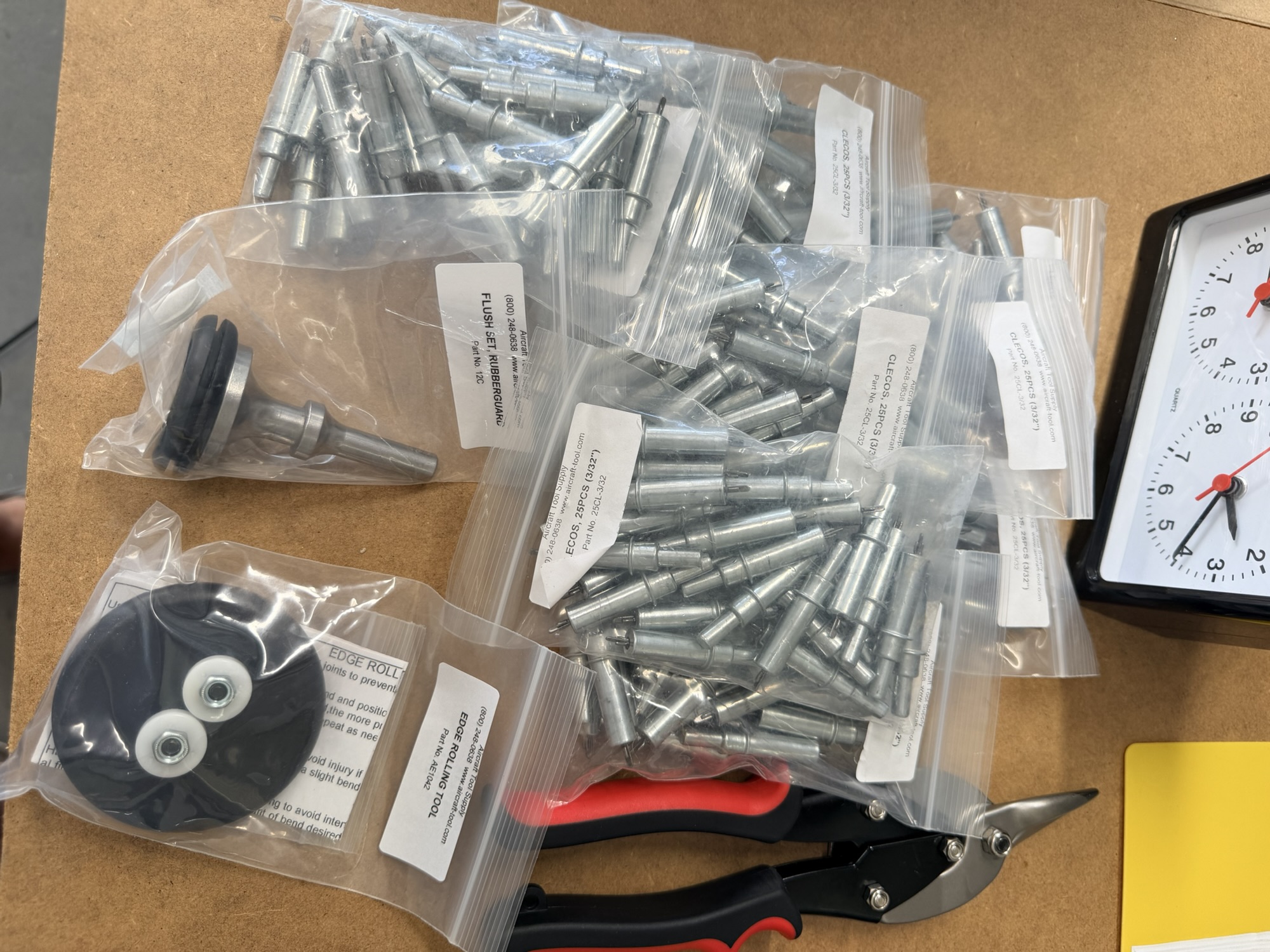
First thing's first. I had a couple tool orders show up today. ATS delivered 100 3/32" clecos, some aviation snips, a flush set, a step drill, and an edge-rolling tool.

img_0158-e1761317992544.jpg


ATS box!

img_0157.jpg


Aviation snips and the step drill

img_0159.jpg


Tools!

The rudder skin had been previously matchdrilled, deburred, scuffed and dimpled. It was ready for primer.

img_0156.jpg


Primed stiffener mating surfaces.

Of course the majority of the 4.0 hours I spent working on this today was in stiffener prep (which needed the aviation snips) and I did't take any pictures...

But once they were done, I got them primed and ready for backriveting.

img_0160.jpg


Stiffeners laid in place but not yet riveted.

Then, let's get to backriveting. The 3/8" by 2" by 36" steel bar I bought from home depot works great. This was a fast and easy fix, but I do like the idea of getting a true backrivet plate to embed in the workbench at some point.

img_0161.jpg


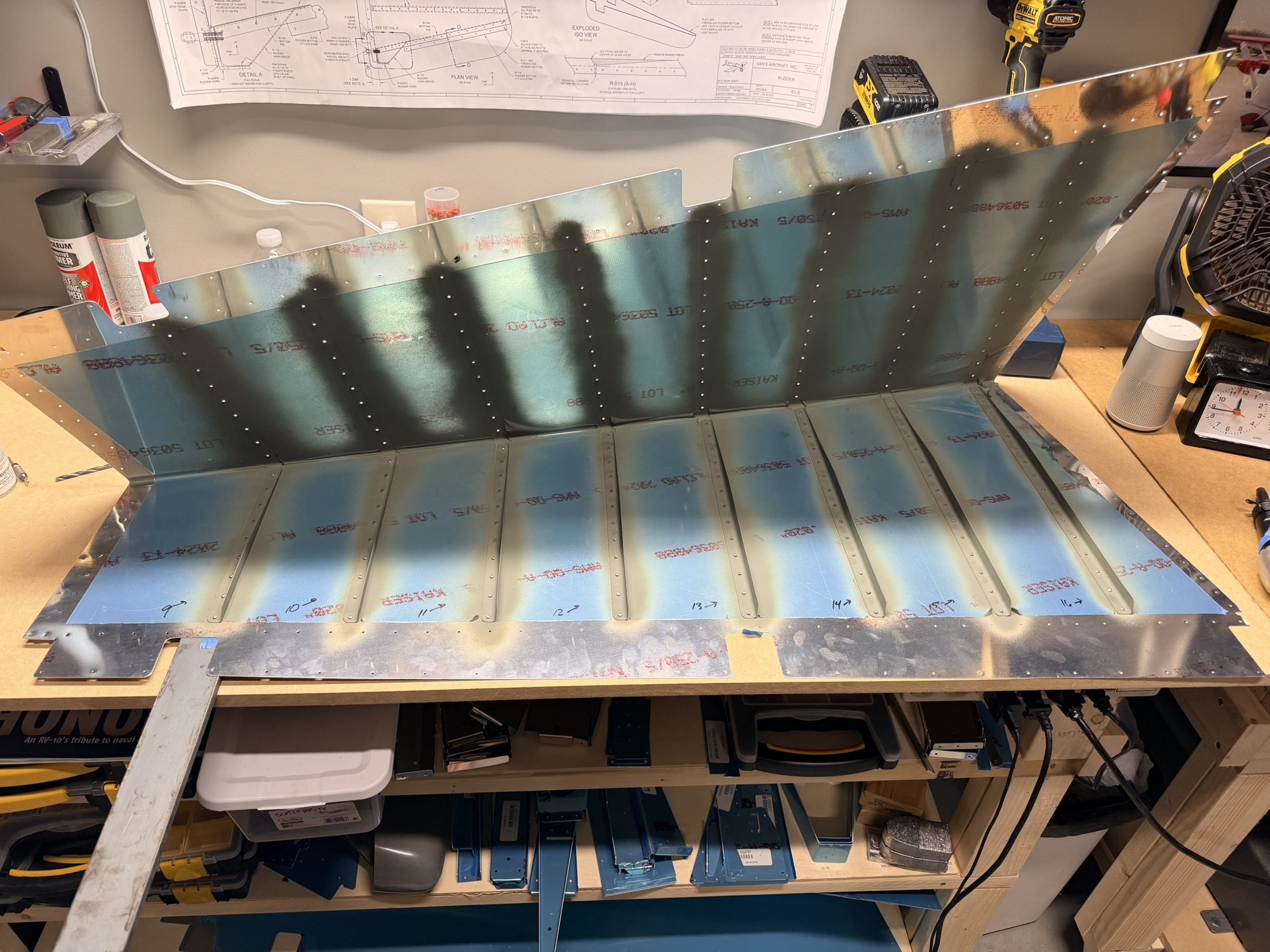
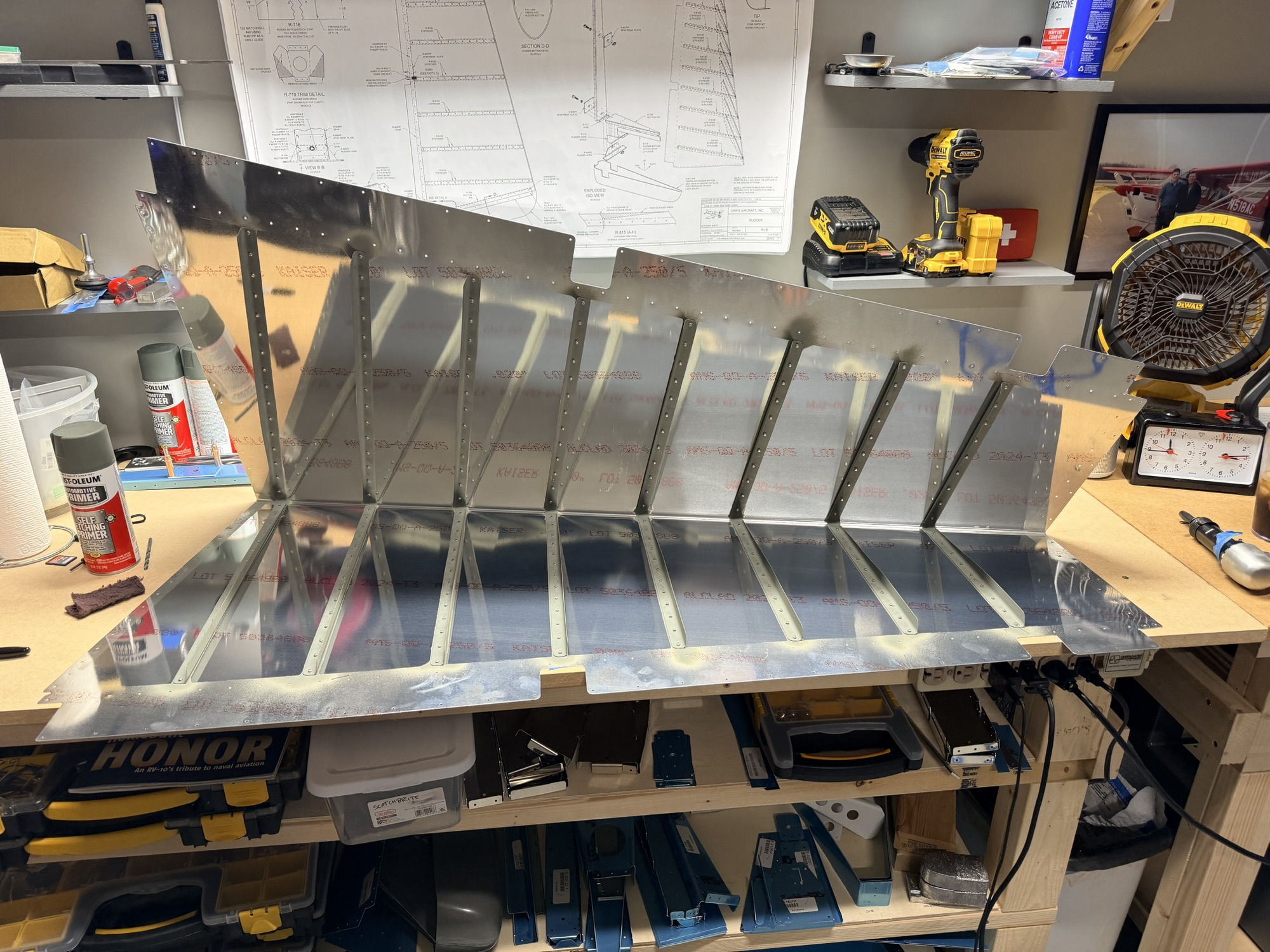
The right rudder stiffeners riveted.

<a href="https://rv8build.com/wp-content/uploads/2025/10/img_0162.jpg[/img]


Left stiffener rivets ready to receive their stiffeners. After riveting, I figured I would show off the smooth exterior of the rudder skin.

img_0163.jpg


After removing the blue vinyl from the interior of the rudder skin.

img_0164.jpg


After backriveting, the left side of the rudder looks great.

img_0165.jpg


Right side of the rudder looks great, too.

Alright, let's move to the spar. Where is that BLASTED spacer? (swings arms wildly looking for a part I fabricated yesterday).

img_0166.jpg


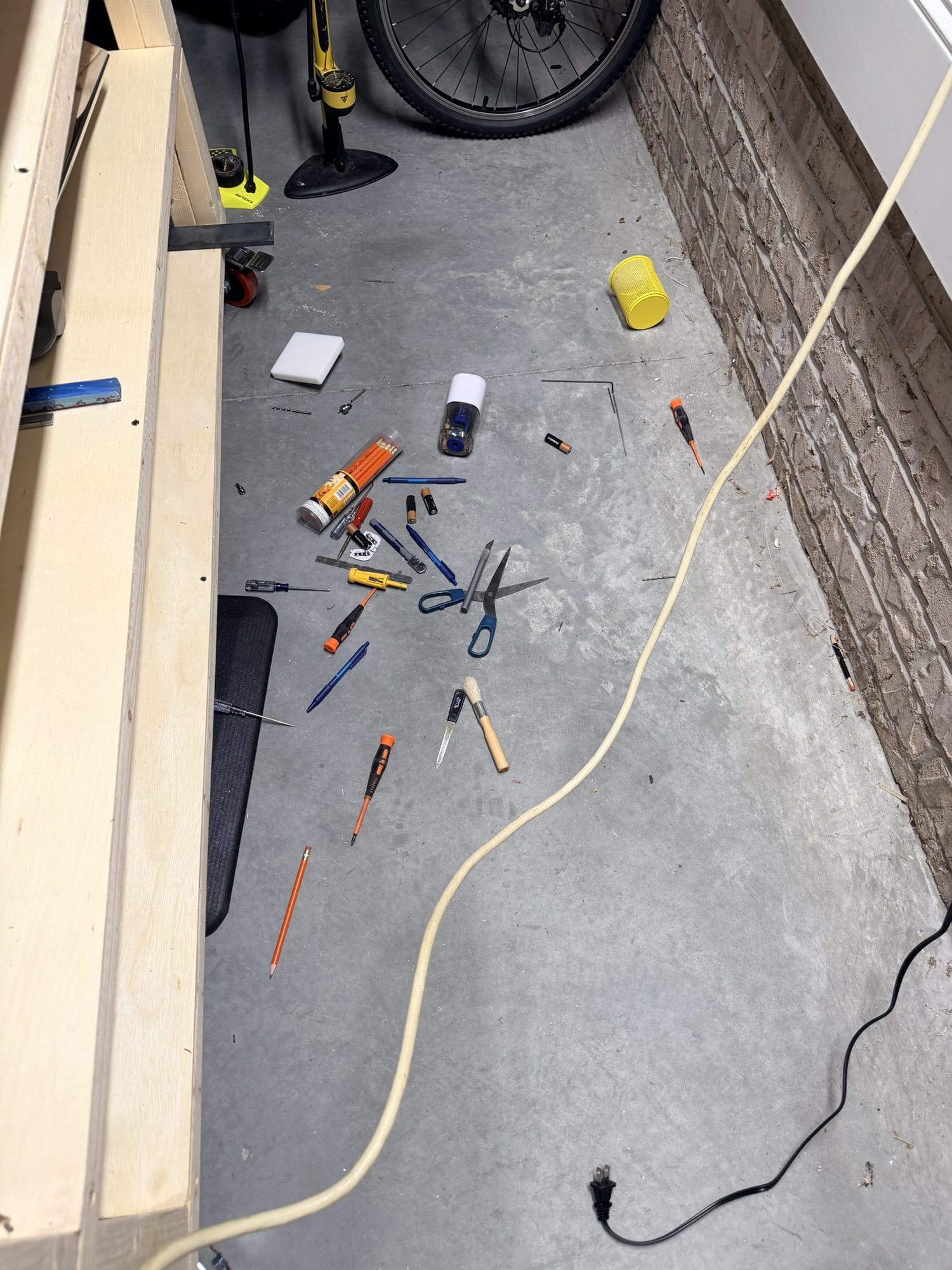
Dropped most of my workbench tools while I was looking for one of the spar spacers... ugh.

Back to the spar, the instructions have you start clecoing all these parts together. After breaking the edge of the upper part of the rudder horn, these parts fit together like a glove!

img_0168.jpg


After rounding the edge of the rudder horn, it all assembles nicely.

img_0169.jpg


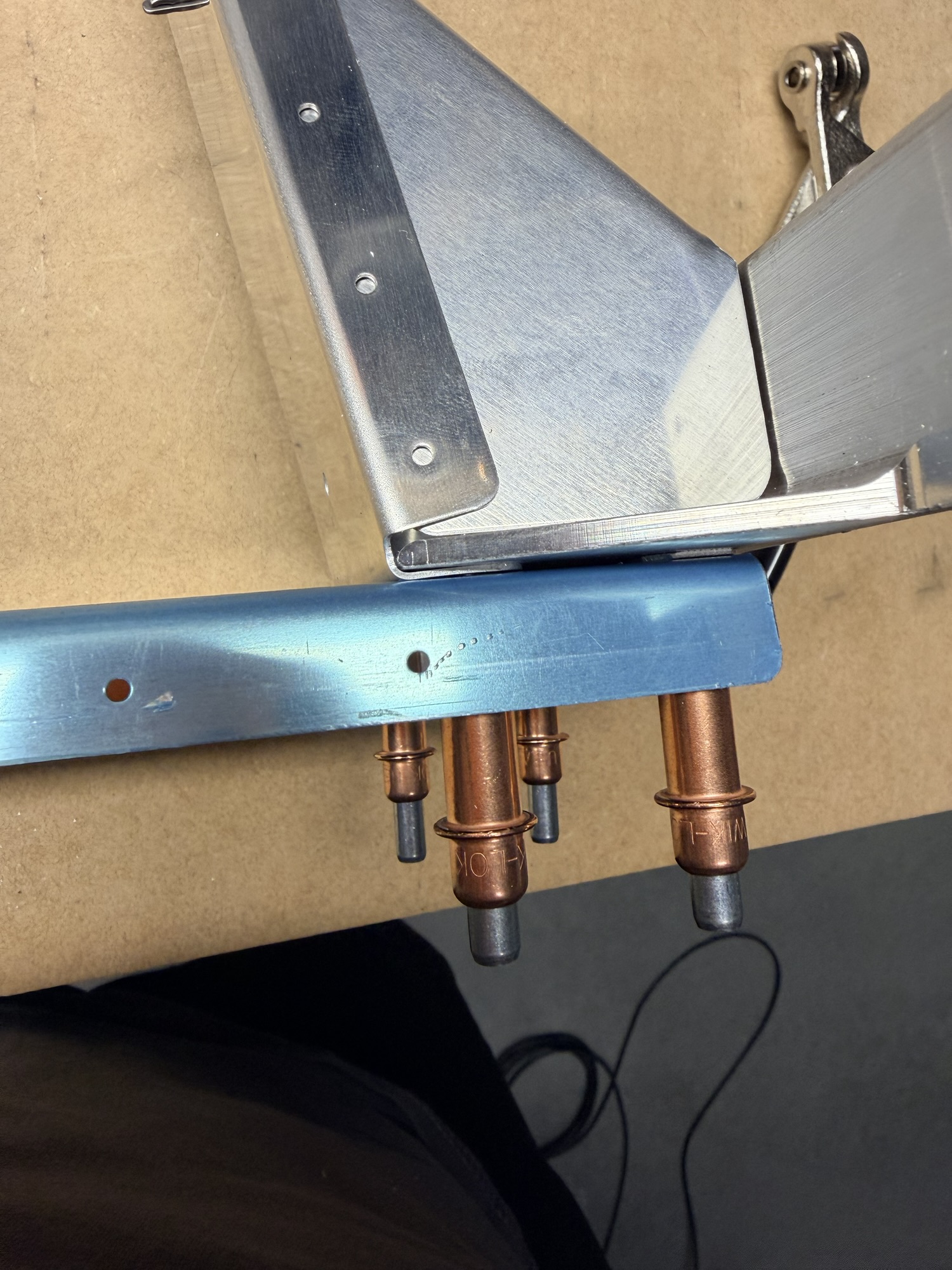
I had a heck of a time getting this nutplate clecoed in place for matchdrilling.

img_0171.jpg


The spar and end rib ready for the next step

4.0 hours today with 200 rivets set. Pretty good day!
 
Last edited:
I learned that I needed to remove the blue vinyl from all the aluminum sheets since I planned to paint my airplane. Bare metal is easier to fit the parts, easier to prime, easier to etch & alodyne. Trimming blue vinyl in strip looks pretty on web postings but it eats up time especially for something you will end up removing afterward. If you plan to polish bare aluminum then it's a different conversation.
 
I learned that I needed to remove the blue vinyl from all the aluminum sheets since I planned to paint my airplane. Bare metal is easier to fit the parts, easier to prime, easier to etch & alodyne. Trimming blue vinyl in strip looks pretty on web postings but it eats up time especially for something you will end up removing afterward. If you plan to polish bare aluminum then it's a different conversation.

Yup. I’m doing the interior this way to save primer weight. I’m doing the exterior this way to avoid scratching the skins during riveting, but as soon as the assemblies are finished and ready to hang on the wall, I’ll pull off the blue vinyl.
 
Oct 24, 2025 – Rudder Bending, Matchdrilling, Prep, and Priming

Tonight, I spent 4.5 hours in the airplane factory. Just short of an hour at lunch, then 3.5 more in the evening.

First up, time to bend the rudder skin. Having had some experience with this on the RV-7, this came pretty naturally. I didn't have to go through the same "you want me to push HOW HARD on these delicate skins I've been babying for the last few weeks?

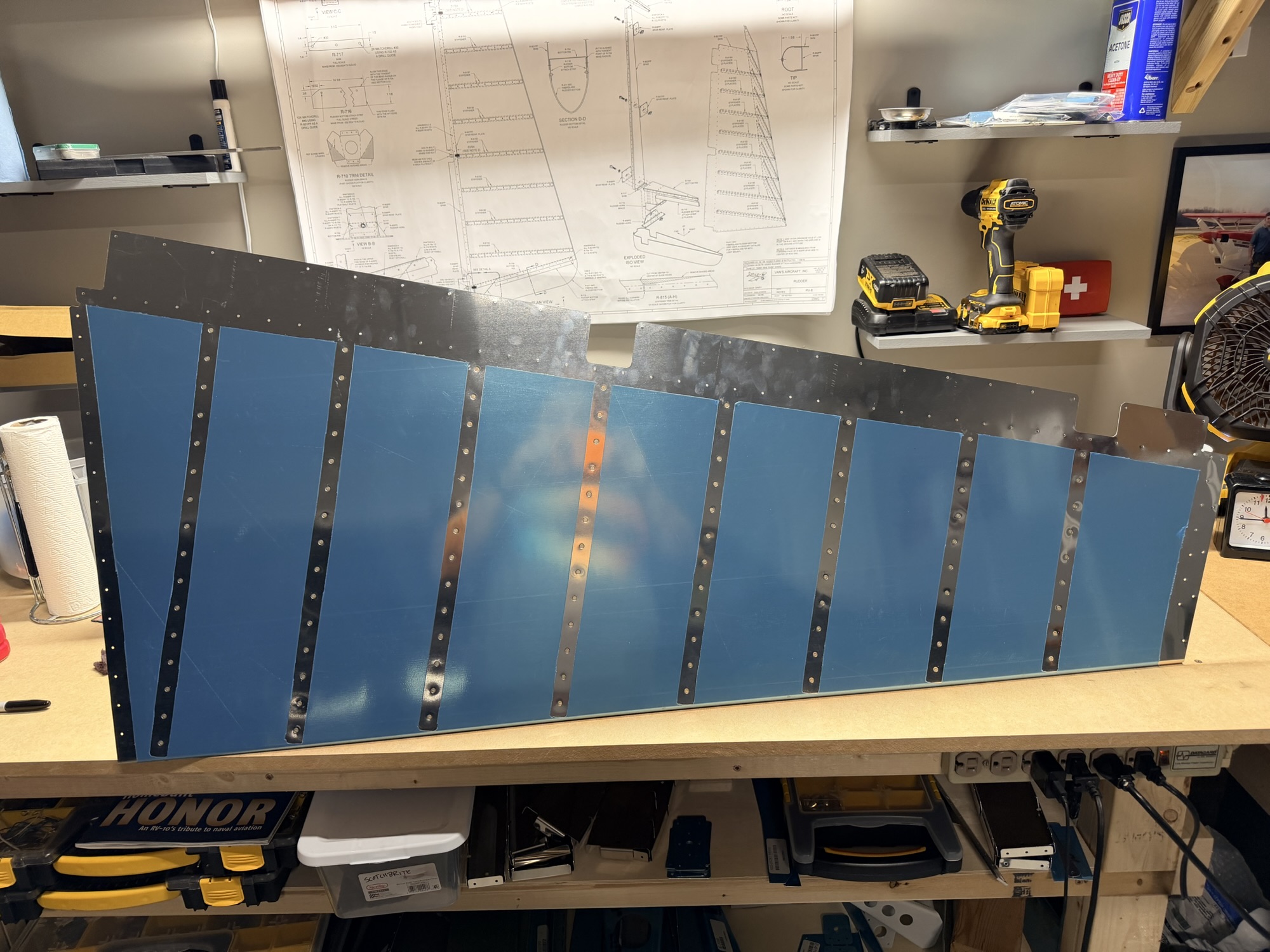
Easy peasy. I used some hinges to sandwich the trailing edge between the workbench top and a 2x4. Squeeze, move the trailing edge out a little (away from the hinge line) and squeeze until there is no more bulging of the skin.

I did not use a 1/8" dowel rod the way I did last time.

img_0176.jpg


My bending brake.

Once the skin was bent, it was time to cleco it on and get everything matchdrilled.

img_0178.jpg


Skin over the counterbalance skin, per the plans.

img_0177.jpg


I don't think this picture is significant at all other than because I really like seeing assemblies come together to look like airplane parts.

Here I am drilling the lower fairing attach strips to the skin holes.

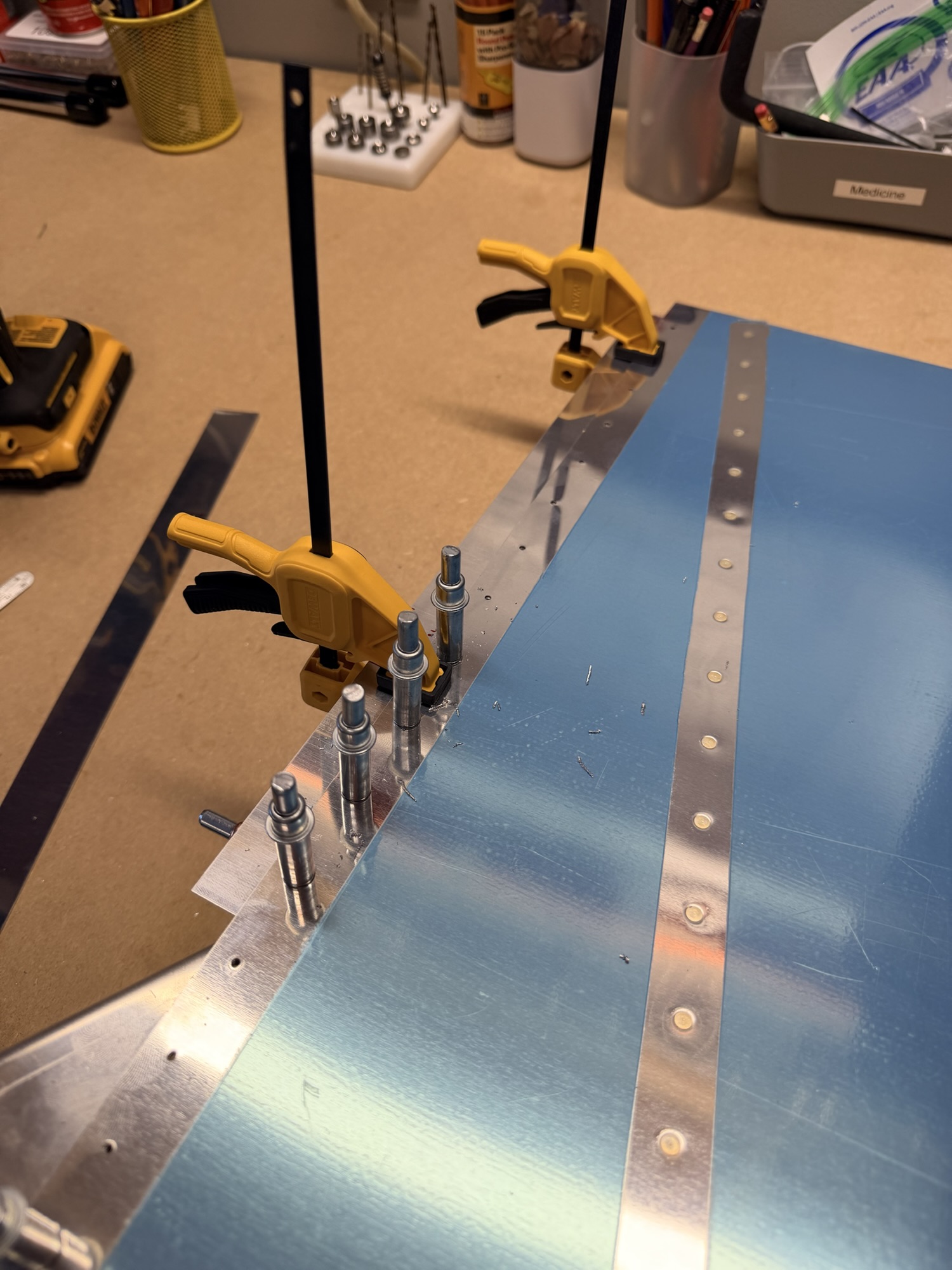
img_0179.jpg


Mini dewalt clamps to the rescue!

I'm not ready to start thinking about rolling the leading edge, but I know from experience that I should get these holes final-sized, deburred, and primed now.

img_0180.jpg


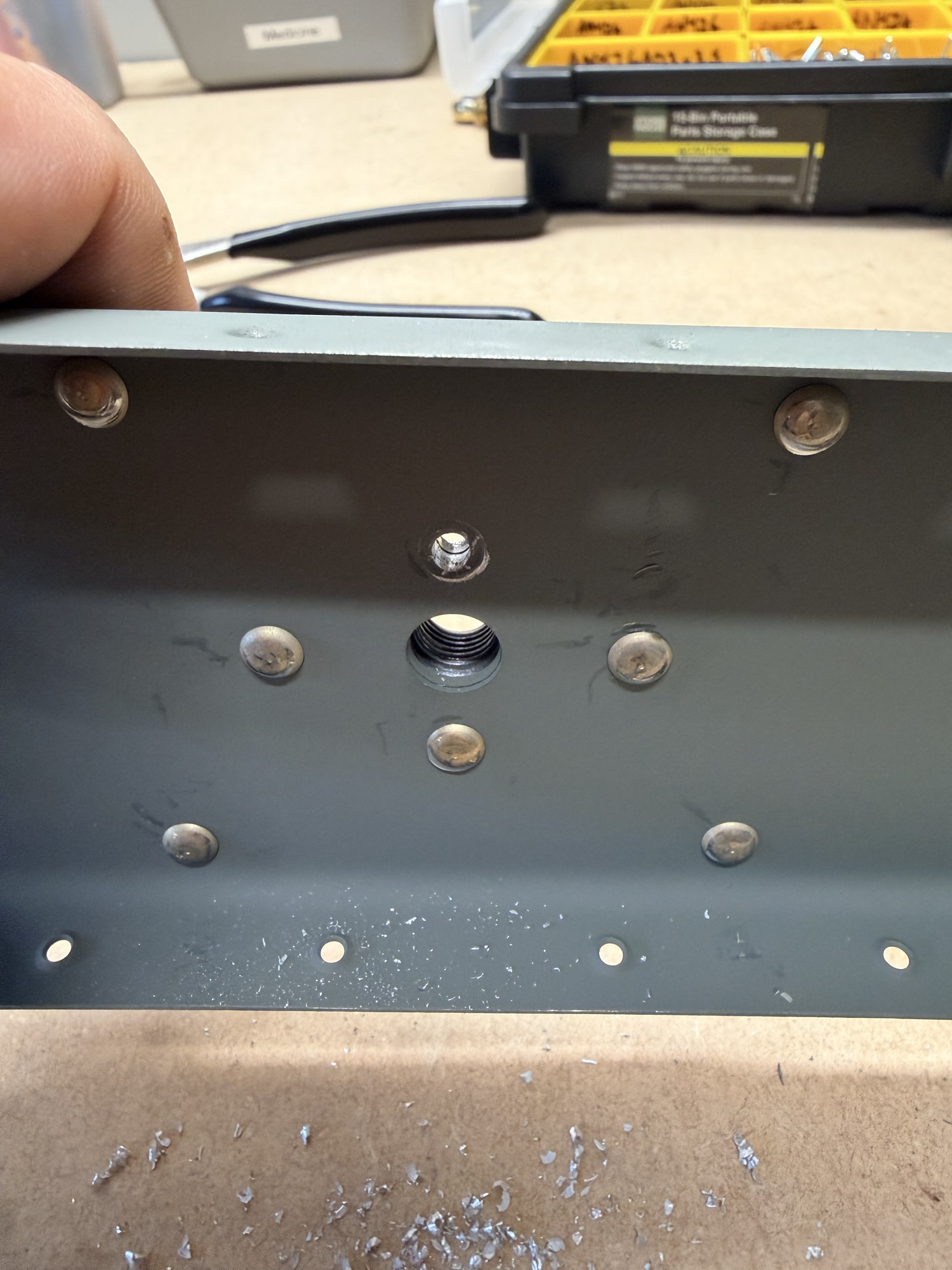
Hmm. Theses #40 prepunched holes are not big enough for the AD-41-ABS rivets.

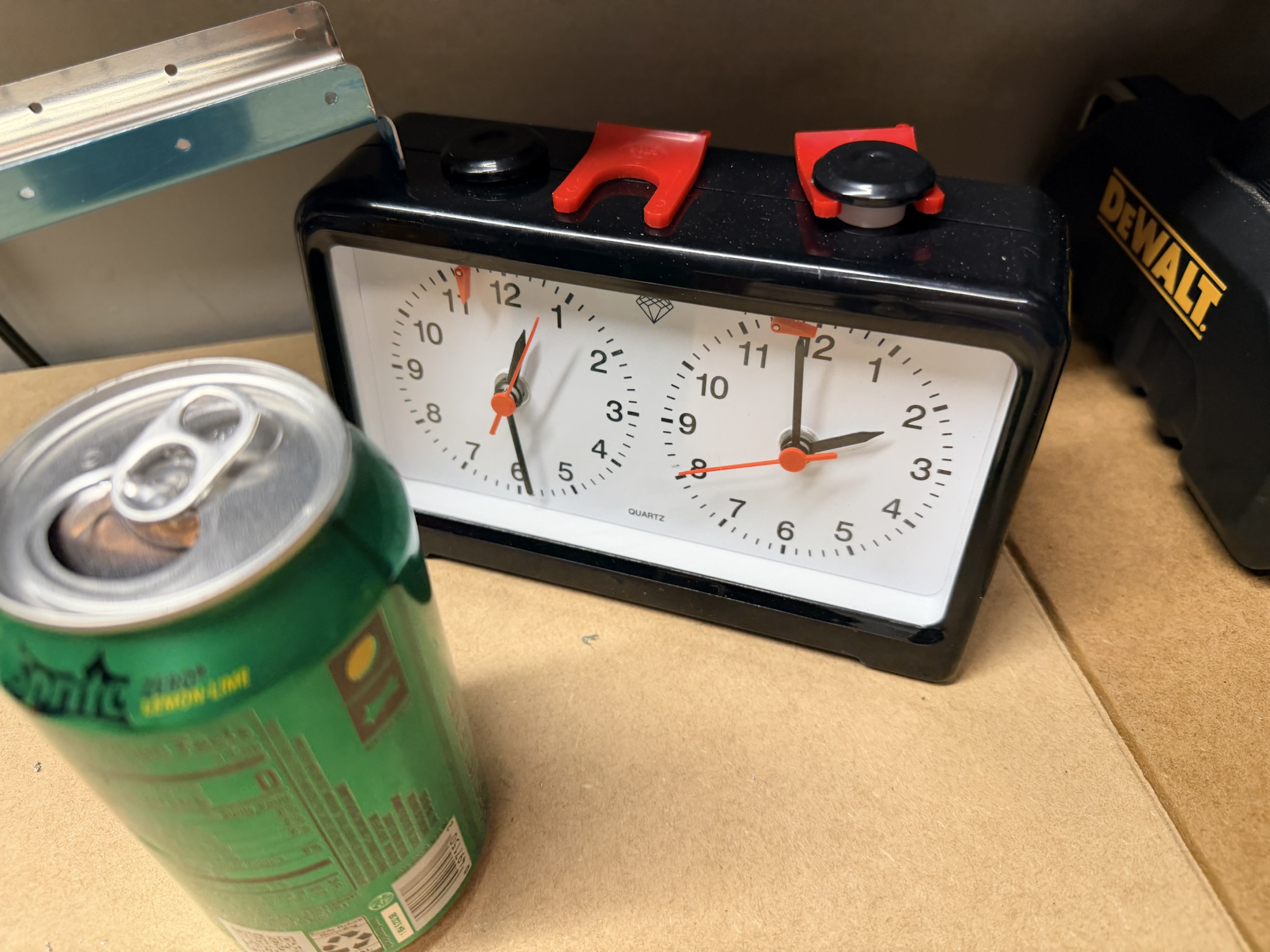
I think this next picture of my "build clock" was just for record-keeping. Bu when I thought about how busy tomorrow was going to be, I zipped up my big boy pants and decided it was a good night to put in another few hours to get everything finished and primed.

img_0184.jpg


Two hours so far...

img_0182.jpg


I don't remember why I took this picture.

img_0183.jpg


Lower fairing attach strips drilled and ready for prep.

img_0186.jpg


Spar dimpling!

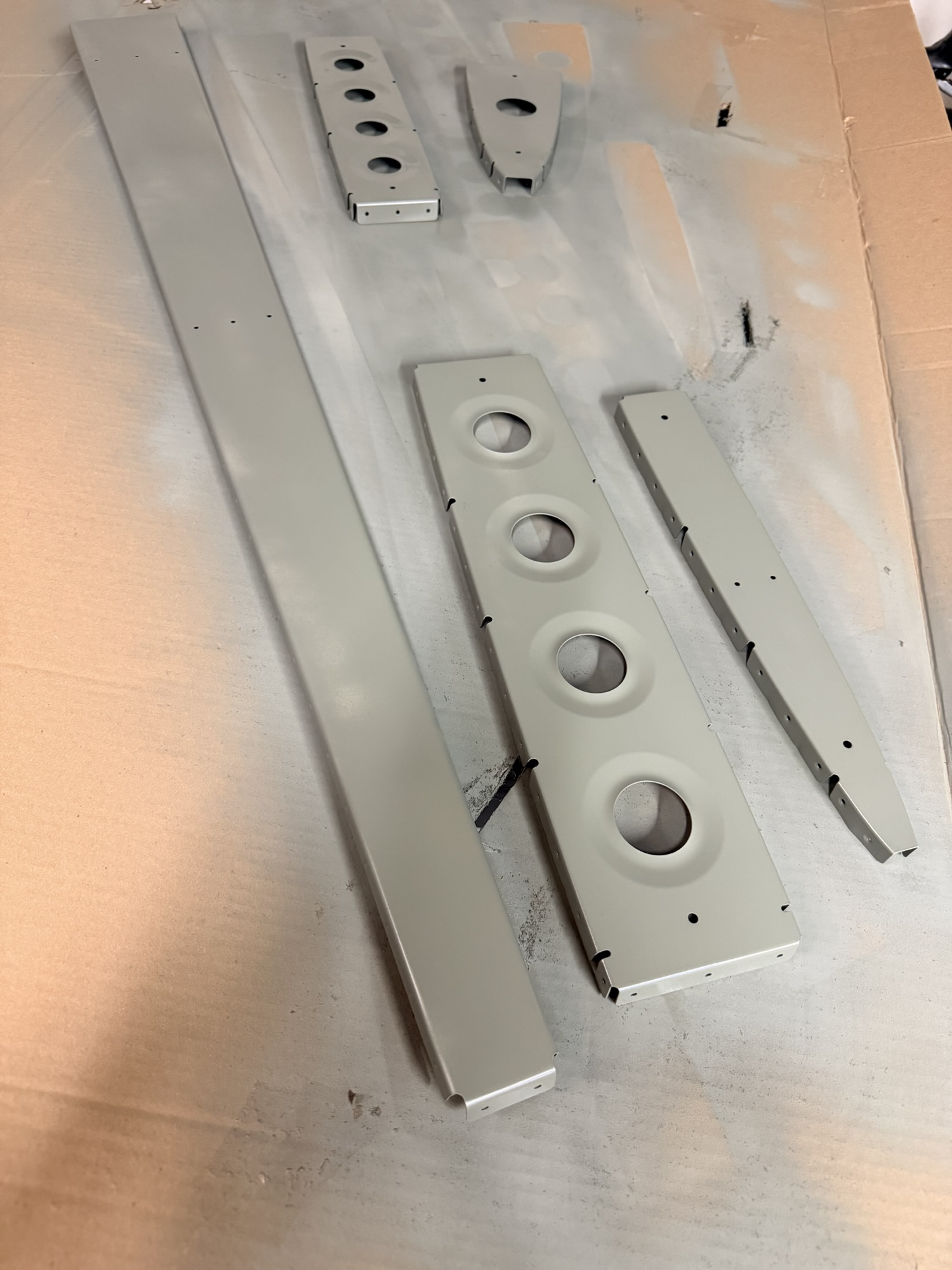
Here's where the pictures slow down. That next 2.5 hours was a lot of deburring, dimpling, cleaning, and priming. I systematically edge-finished each rudder component, then deburred any holes I drilled, dimpled where appropriate, cleaned with soap, water, then acetone to promote drying. Then show it withe the rattle can.

I finished up doing the same with the rudder skin, inviting it to join the rest of the skeleton for priming. Here's a shot of the last moment in the shop prior to bedtime.

img_0187.jpg


Everything is primed!

4.5 hours total in preparation for final assembly of the rudder.
 
Oct 25, 2025 – Rudder Skeleton Riveting

This afternoon, I desperately wanted to get a few rivets set, so after hydrating (thanks Sam's Club knock-off Gatorades), I got to it.

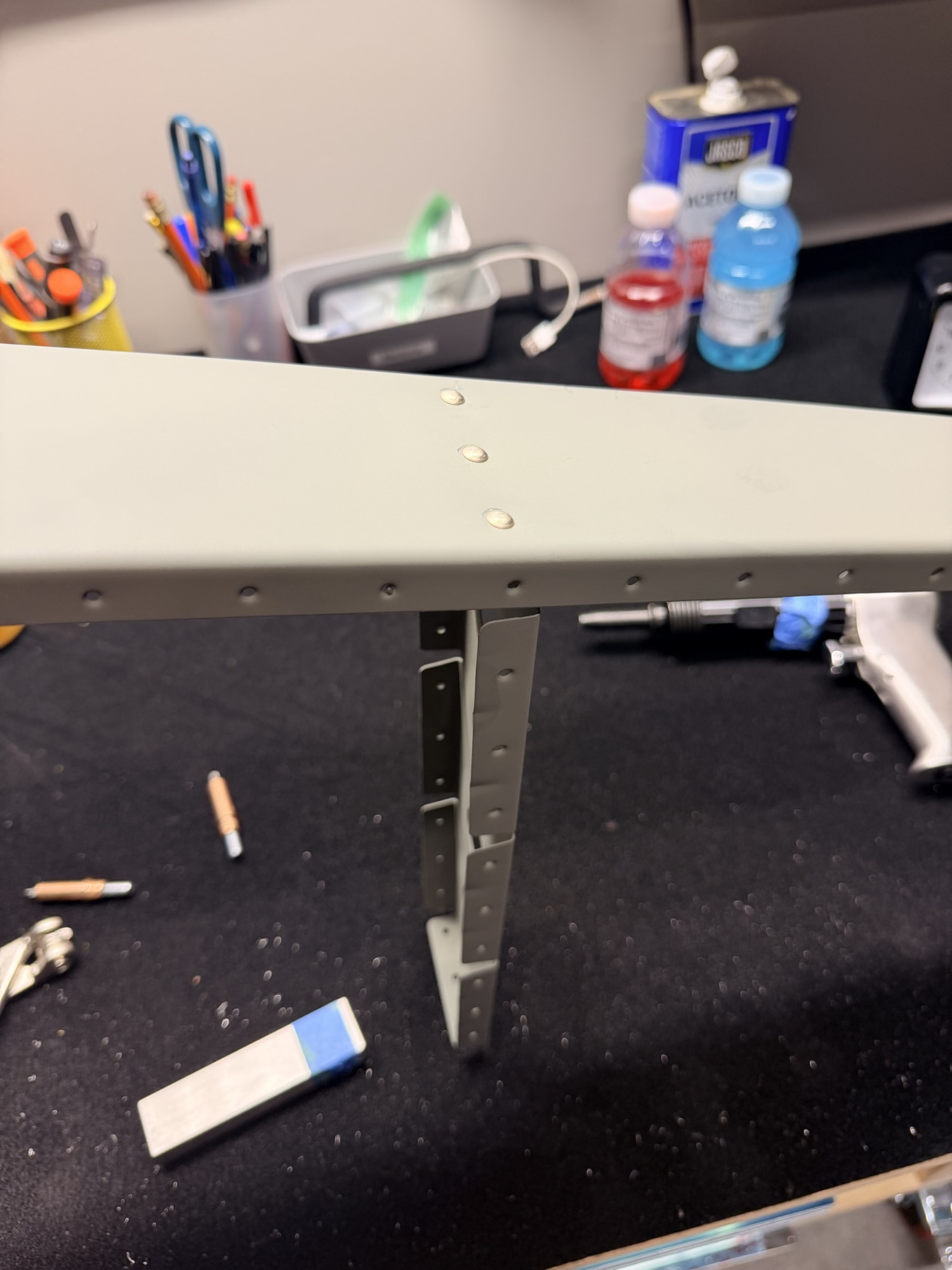
First up a picture of some excellently-set AN470AD4-X rivets on the upper reinforcement plate.

img_0189.jpg


Shop heads good!

Then I got the tip rib riveted.

img_0190.jpg


Good here, too.

Next up the mid-reinforcement plate.

img_0191.jpg


Loops deceivingly good.

Deceivingly good because I absolutely BUTCHERED the head.

img_0193.jpg


Here it is drilled out.

&nbsp;

img_0195.jpg


Drilled and cleaned

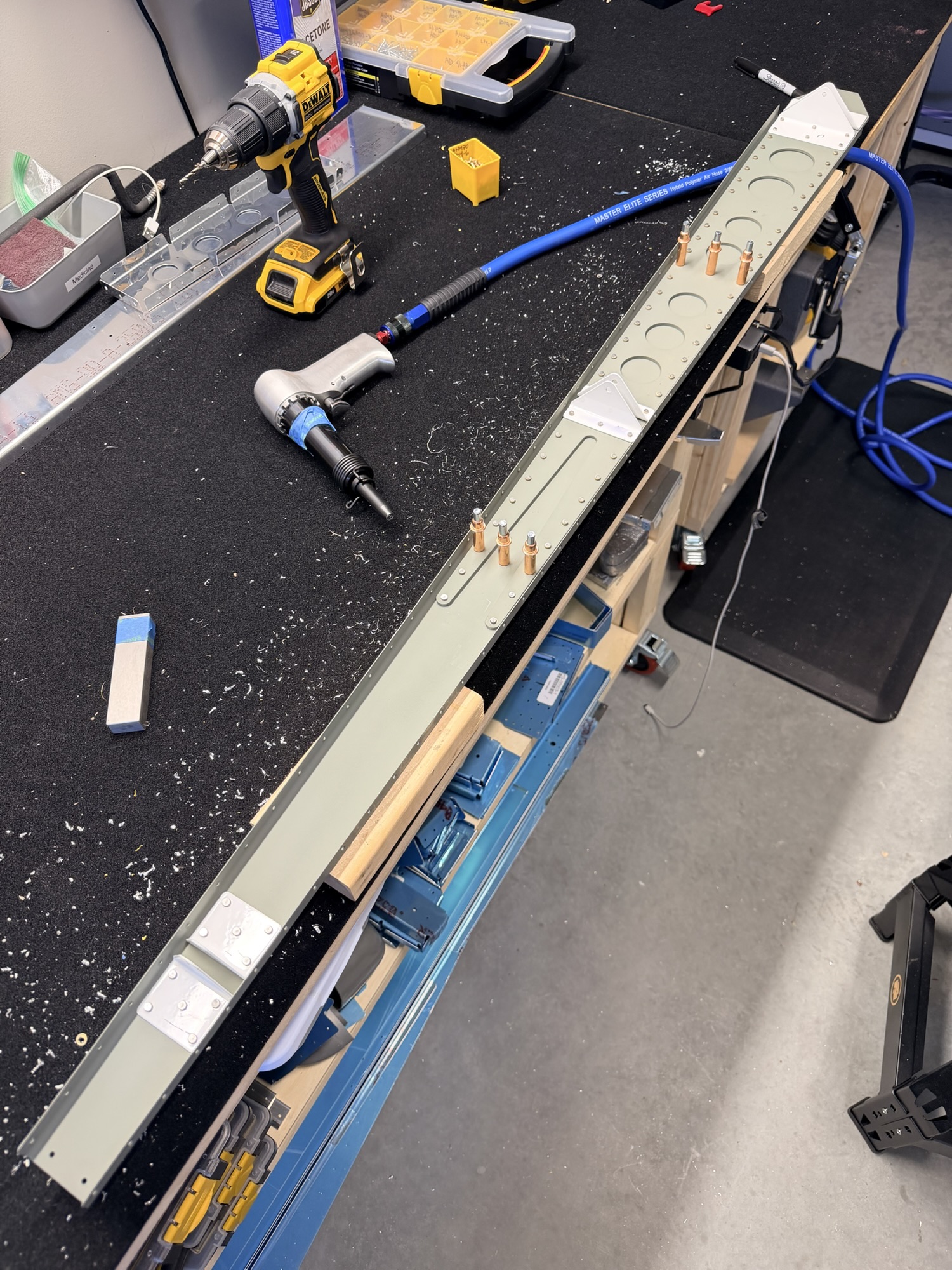
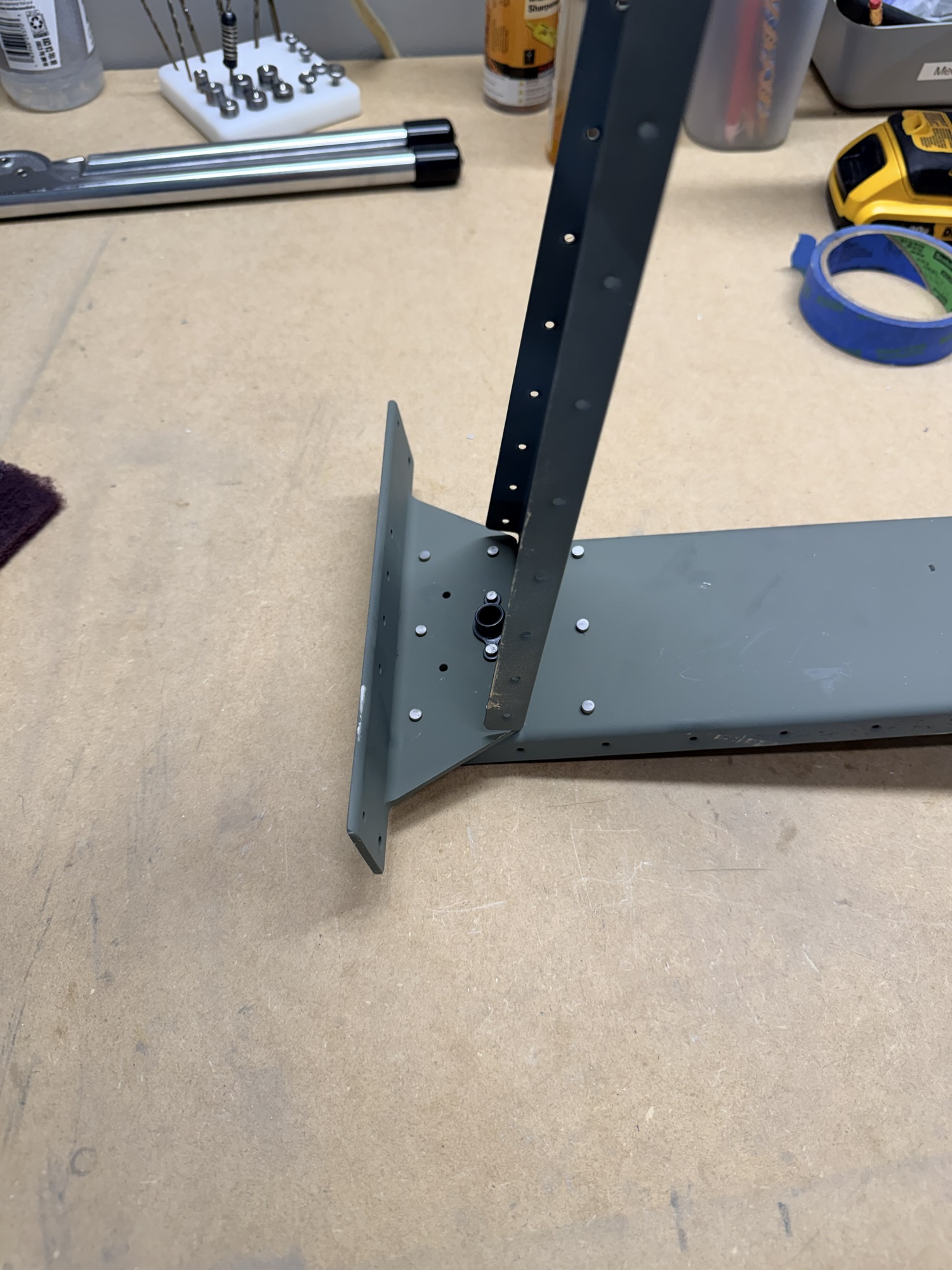
Finally, here is the lower reinforcement plate before I riveted on the 410 horn brace.

img_0192.jpg


Good here except for some primer wear.

I have no idea why I didn't snap a picture of the brace after riveting. I'll try to grab one tomorrow.

1.5 hours, 49 rivets (14 counterbalance skin, 8 upper reinforcement, 2 tip rib, 8 mid-reinforcement, 10 lower reinforcement, 7 horn brace), 4 of them drilled out and replaced.
 
Oct 26, 2025 - Elevator Stiffeners

Well, I needed a little something quiet with the kids asleep, so I grabbed the nearest next step of something on the empennage that would be quiet. Let's move on to the elevator! And stiffener prep. (throws up a little in mouth).

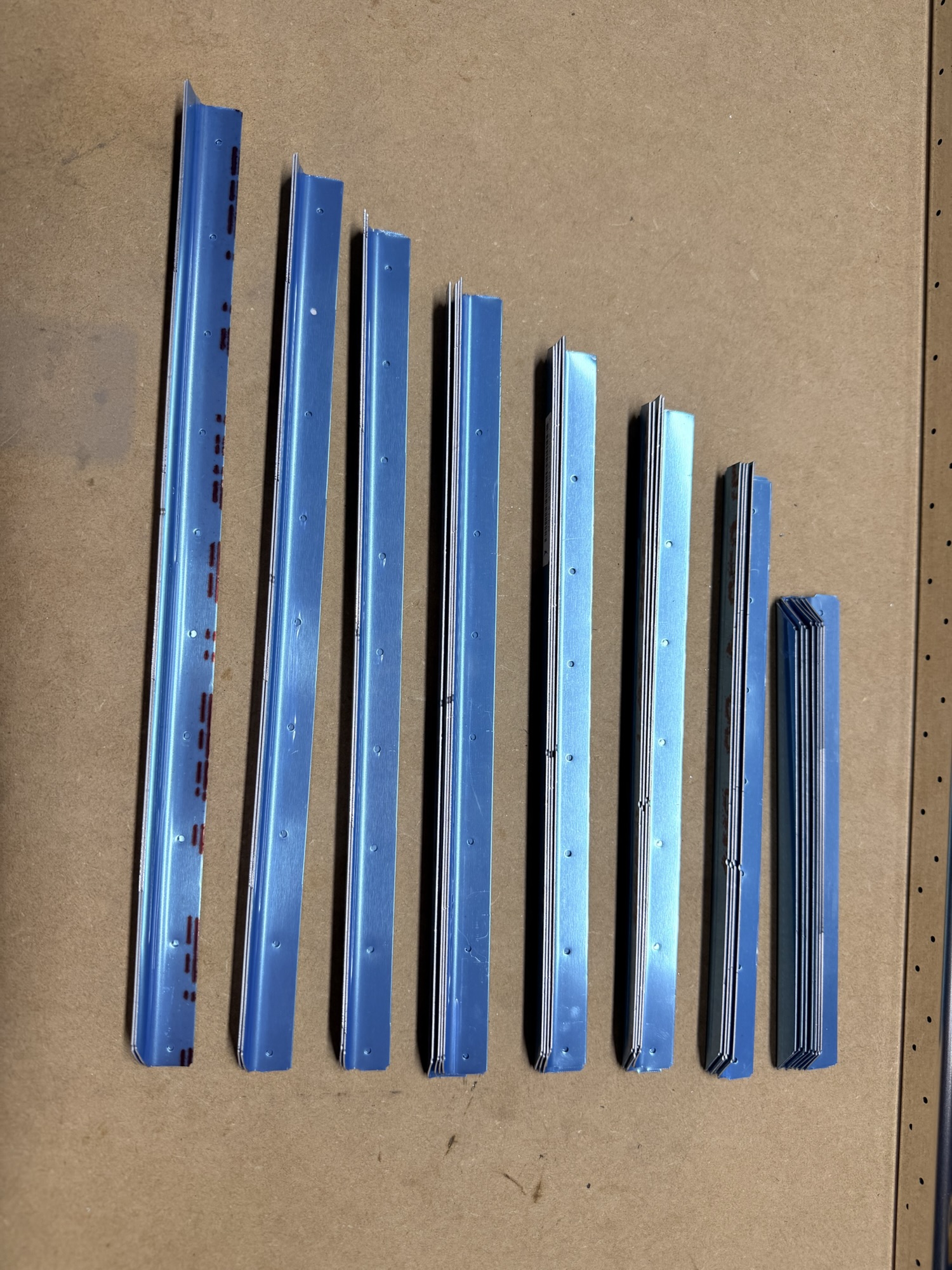
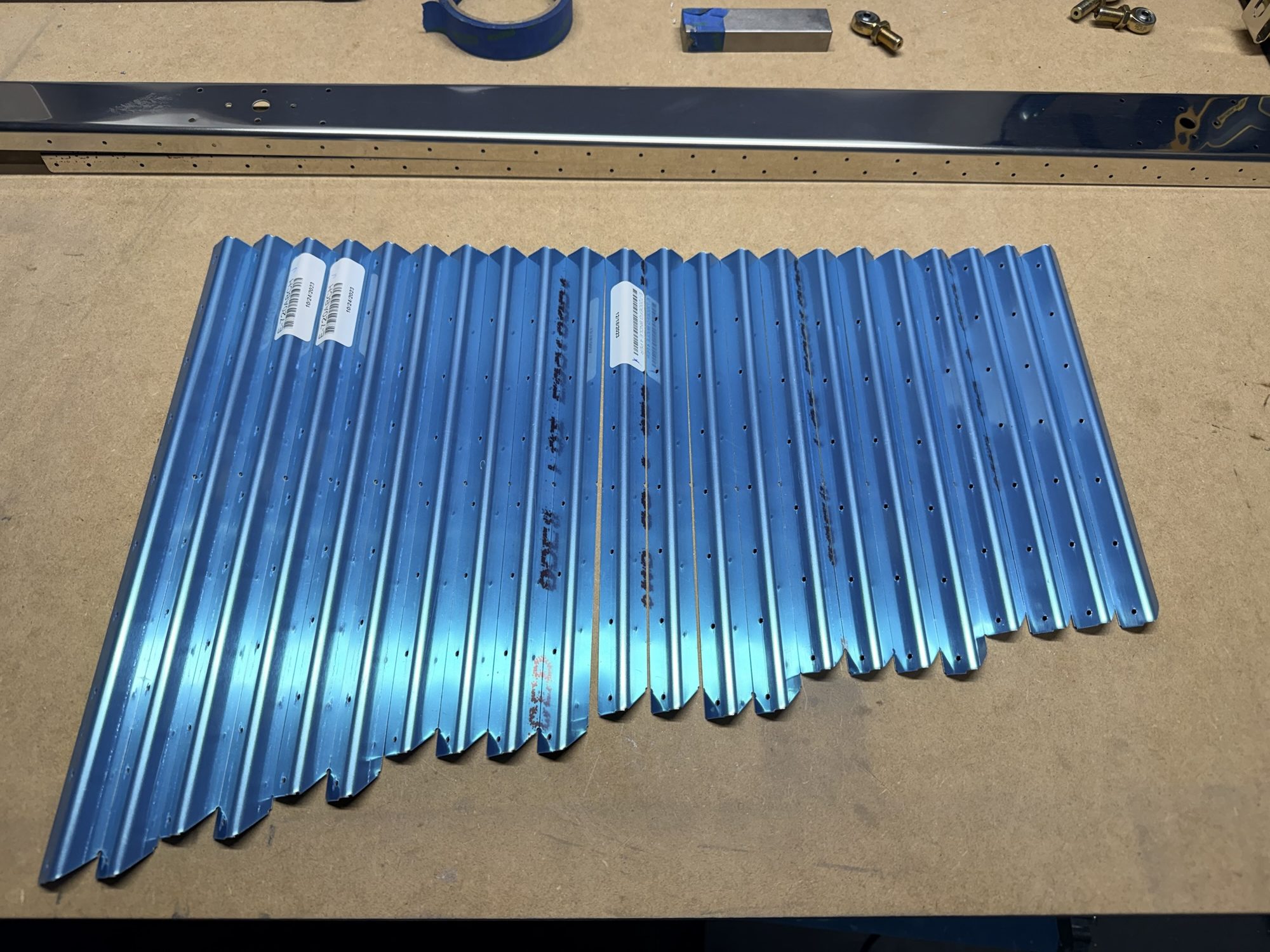
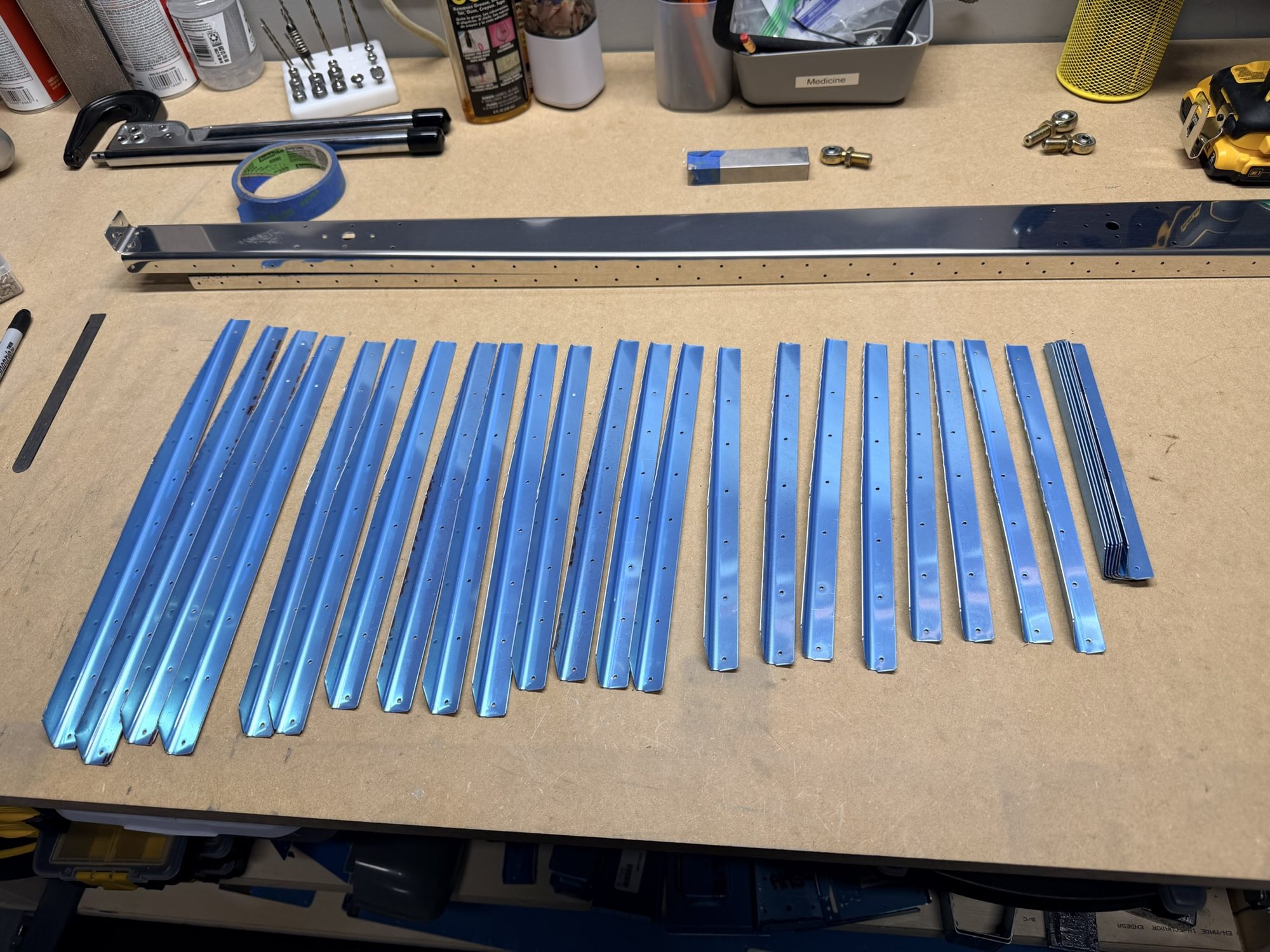
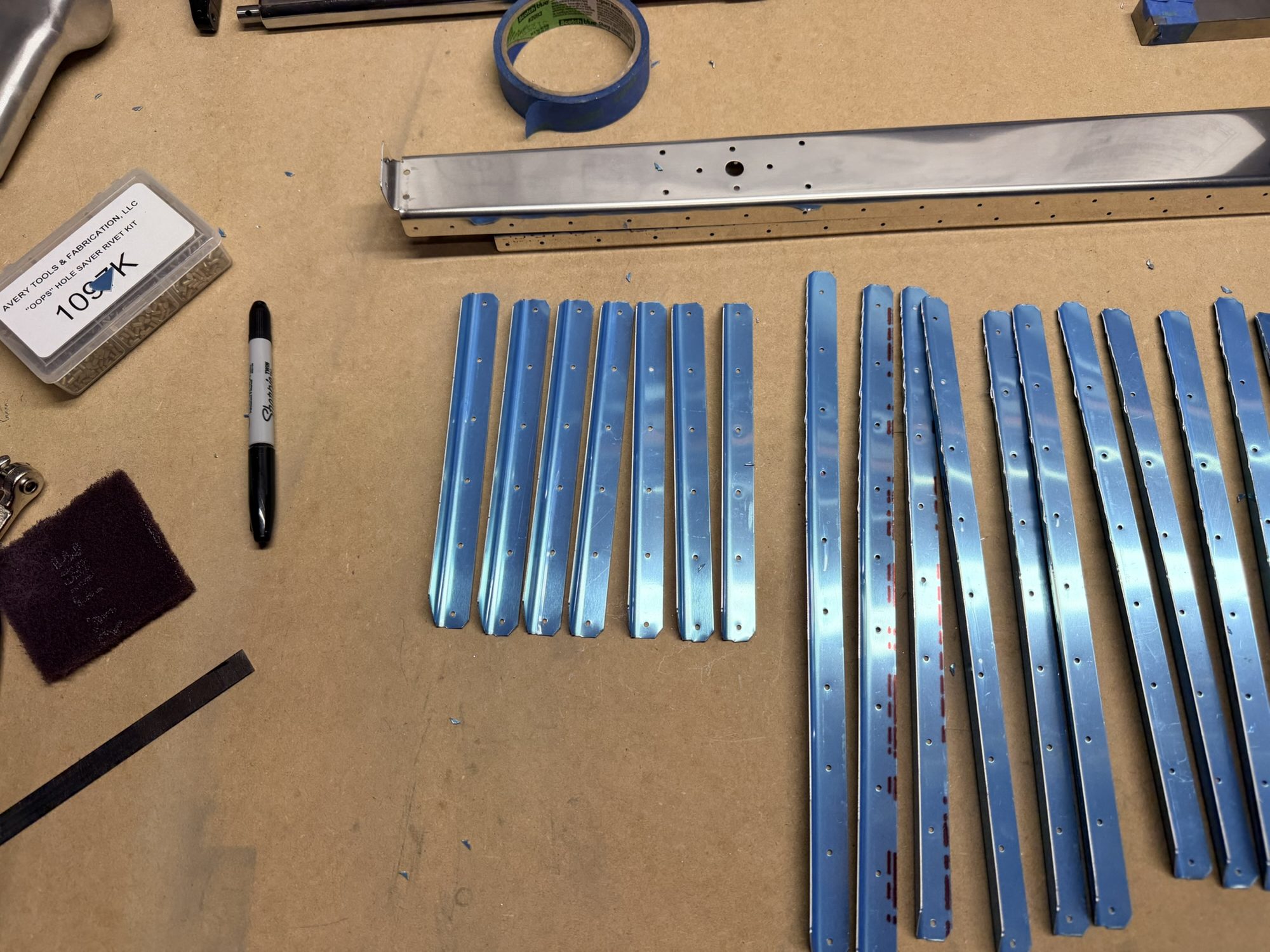
First, I rough-trimmed all of the stiffener stock to the right sizes and lined them up.

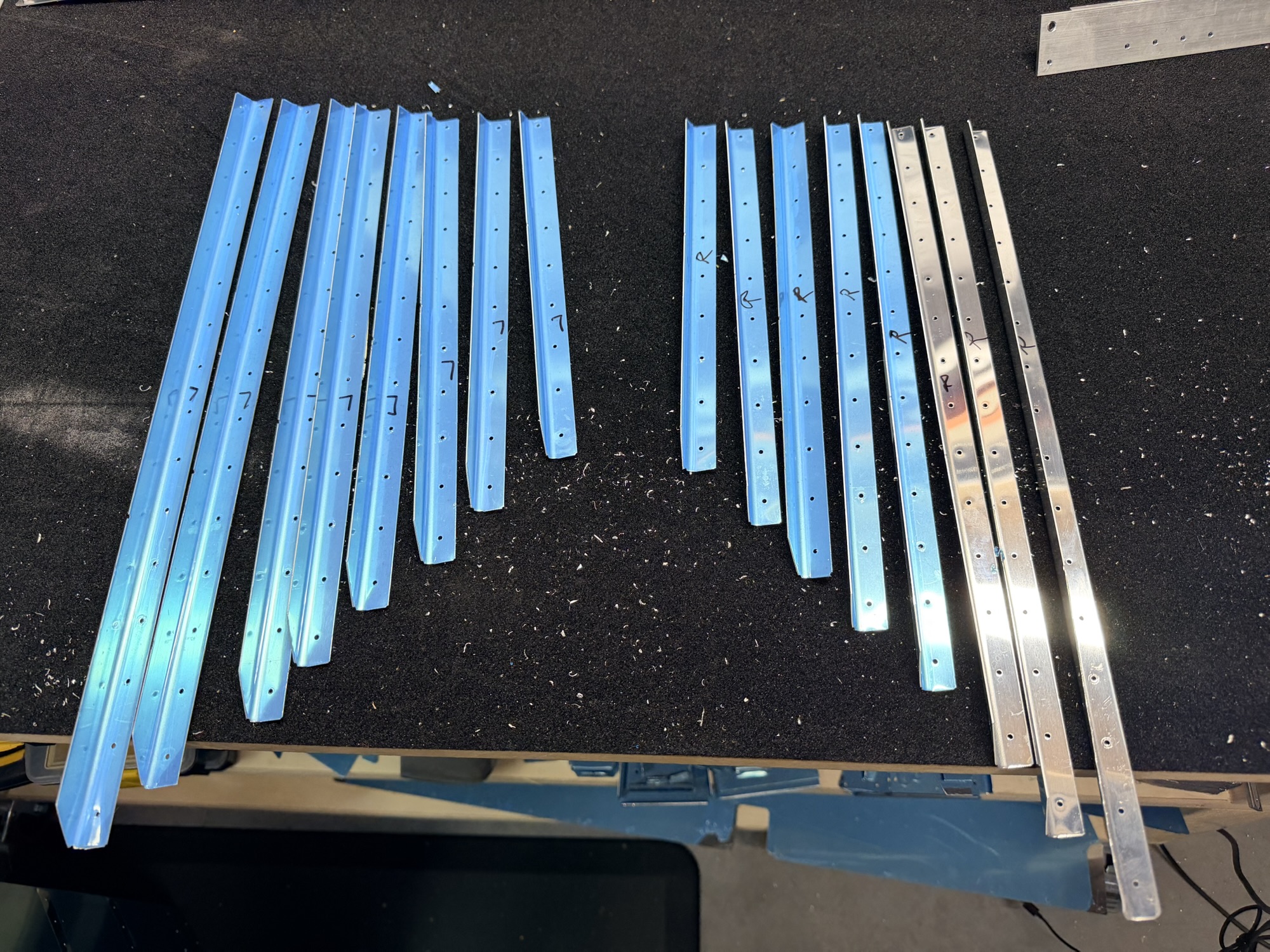
img_0207.jpg


Lots of little guys there on the right.

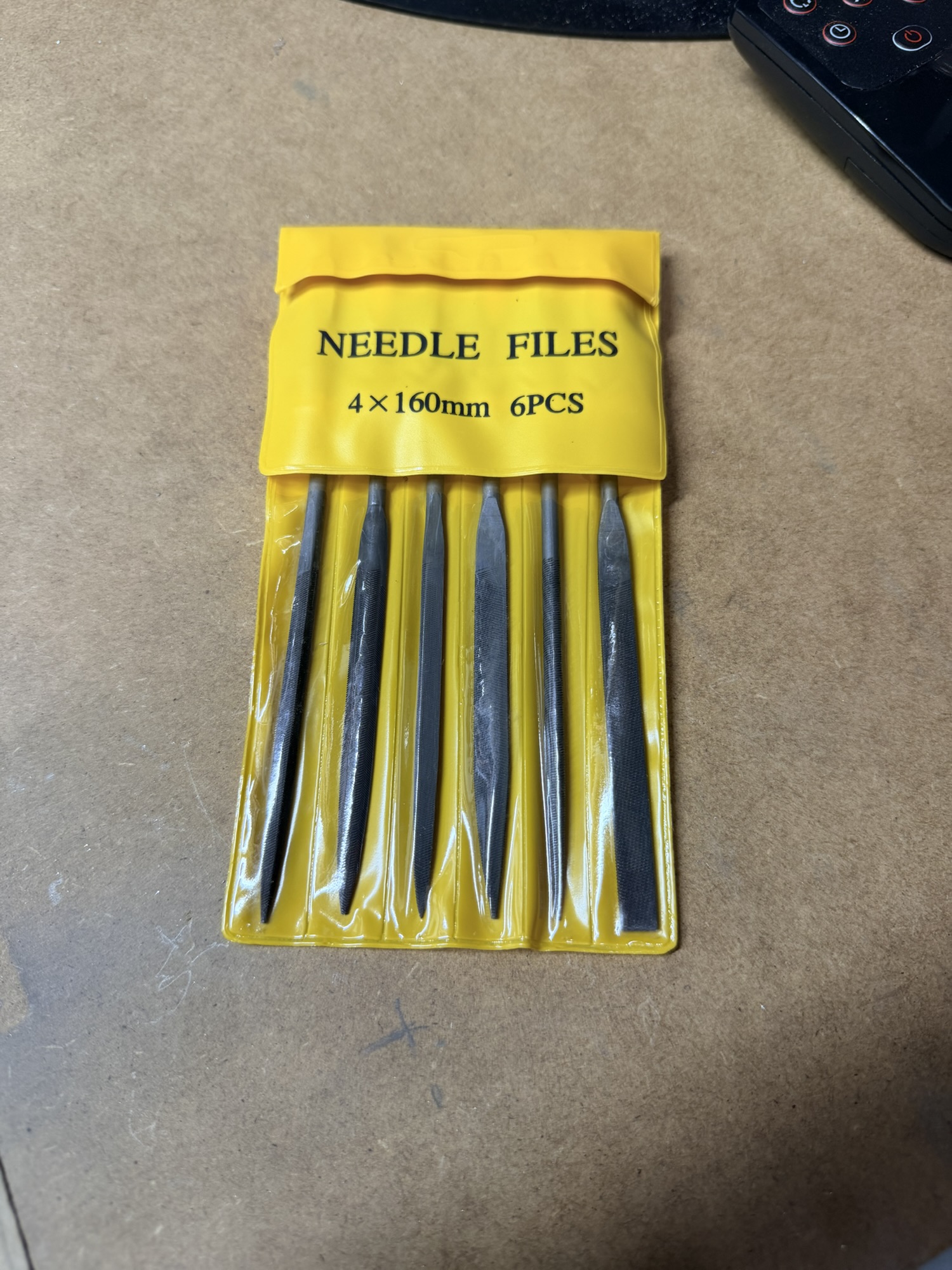
Oddly, it's pretty late in the evening, but some new needle files showed up.

img_0206.jpg


That should make rib prep a little easier when the time comes.

Next, I made the rest of the rough cuts.

img_0208-e1764723930734.jpg


I'm not sure this picture adds a lot of value.

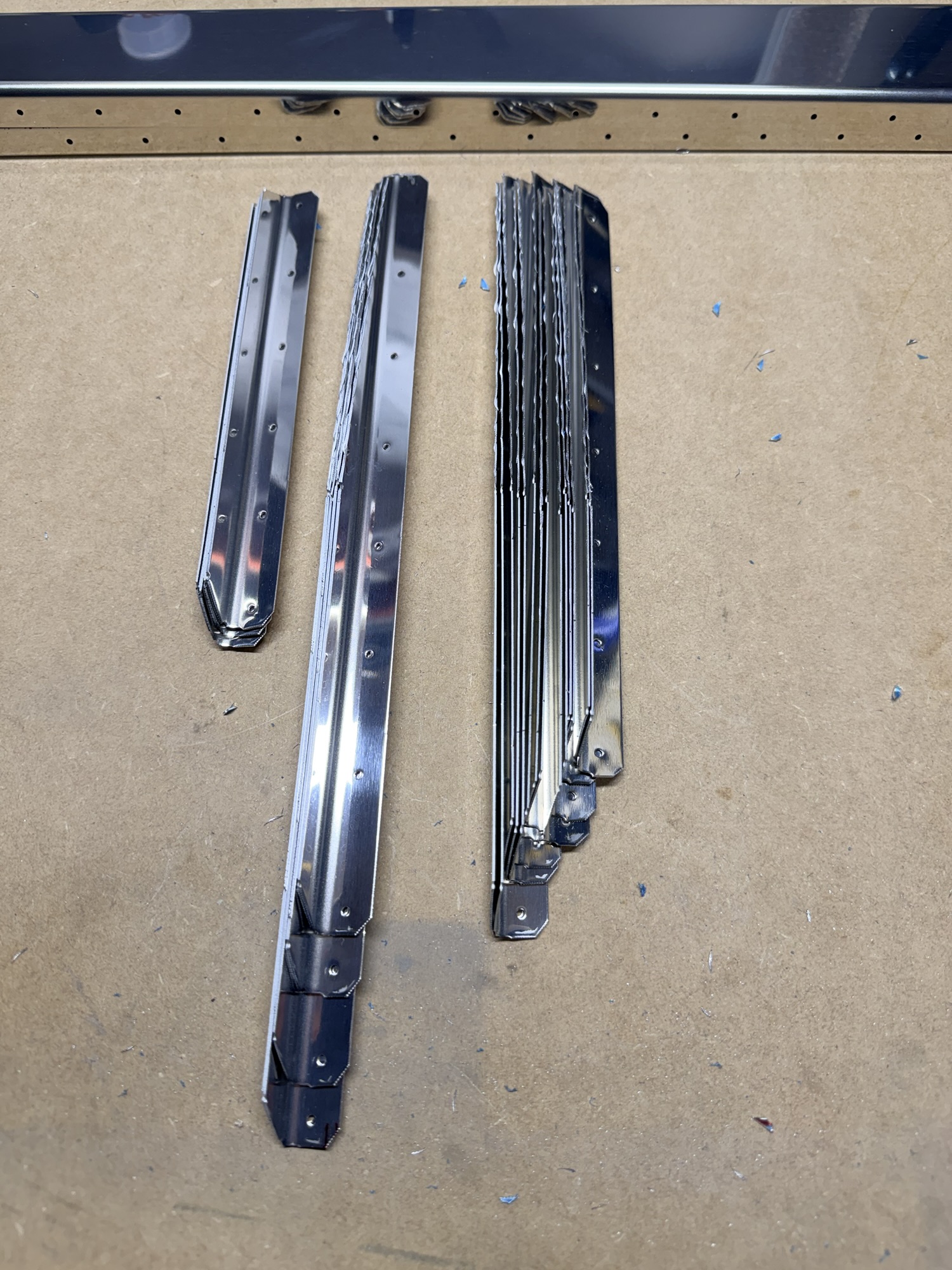
But then, one by one, I cut the long tapered angle down the back of each stiffener. This allows them to reach back into the tapered trailing edge of the radius-ed elevators.

img_0210-e1764723940316.jpg


I think I remember now that the smallest stiffeners don't need that angled trim...

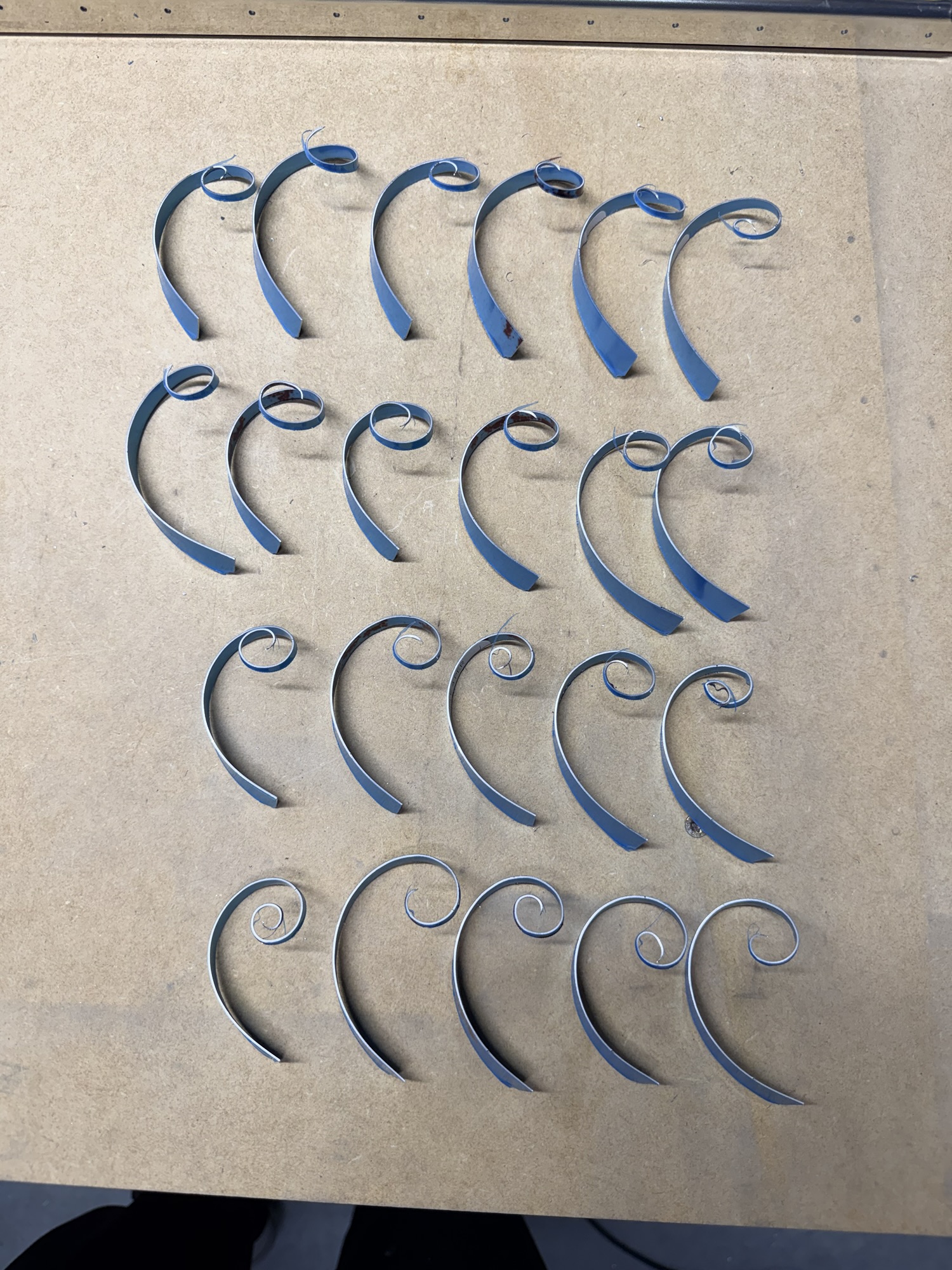
Of course, I had to line up all the scrap. Kinda beautiful, huh?

img_0209.jpg


Where science and art meet to make an airplane!

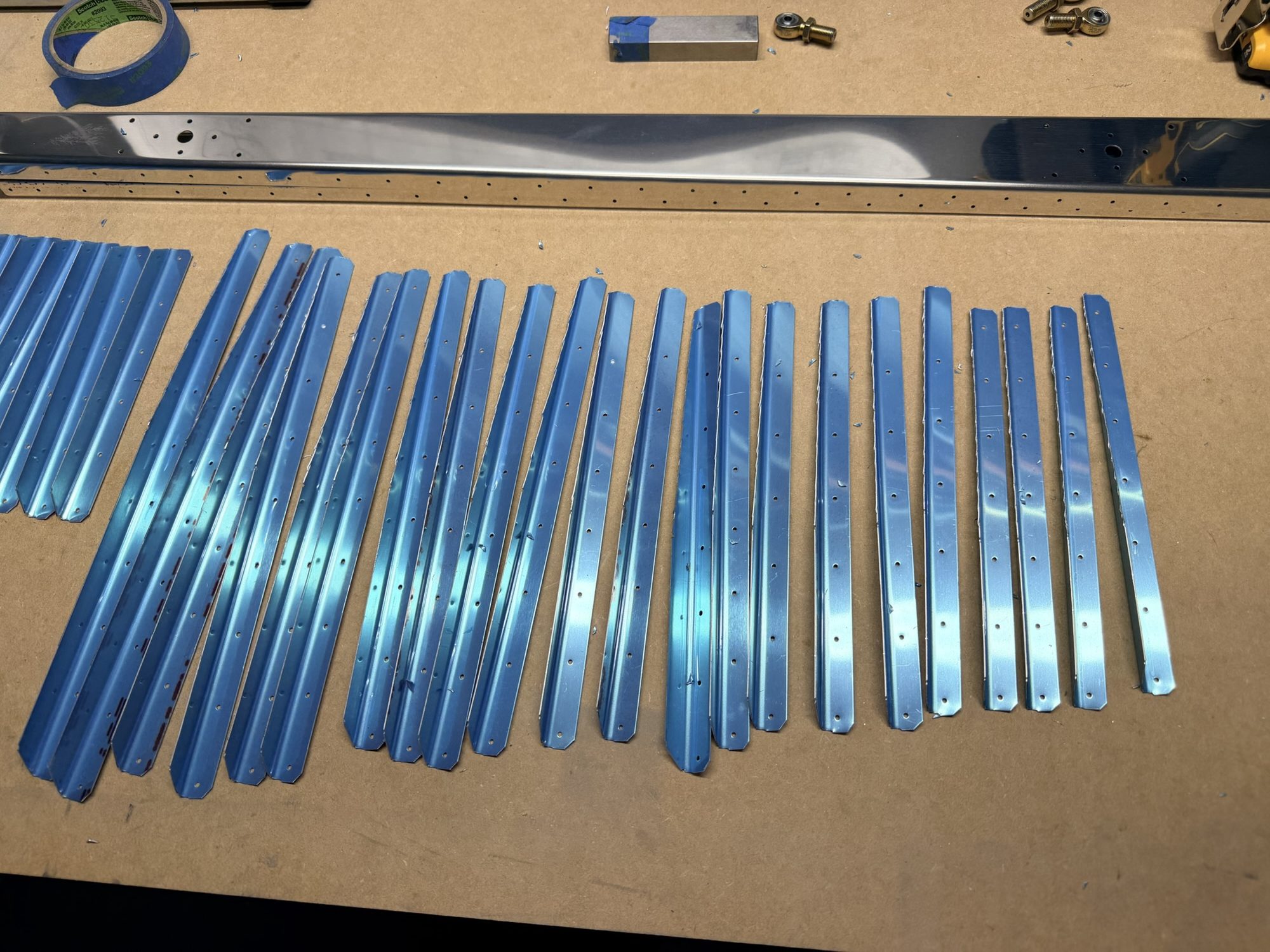
I can't remember why I took these next two pictures. Maybe it's just because I trimmed the corners to start edge-finishing the stiffeners?

img_0211-e1764724086637.jpg


Pointless picture?

img_0212-e1764724101643.jpg


Another Pointless picture?

Anyway, finally, I pulled off the blue vinyl.

img_0213.jpg


Pretty stiff, huh?

1.5 hours on the elevator today.
 
Last edited:
Oct 28, 2025 - Rudder Skin Riveting

Well, everyone was gone today, so let's make some noise!!!

First, let's get the skin clecoed onto the rudder skeleton!

img_0220.jpg


If you look closely, you can see that I'm clecoing every third hole, then putting in solid rivets and pieces of blue tape.

After riveting the first side, getting completely distracted by the second side (and forgetting to take any "during" photos), here's the rudder riveted* to the skeleton.

*Not completely riveted.

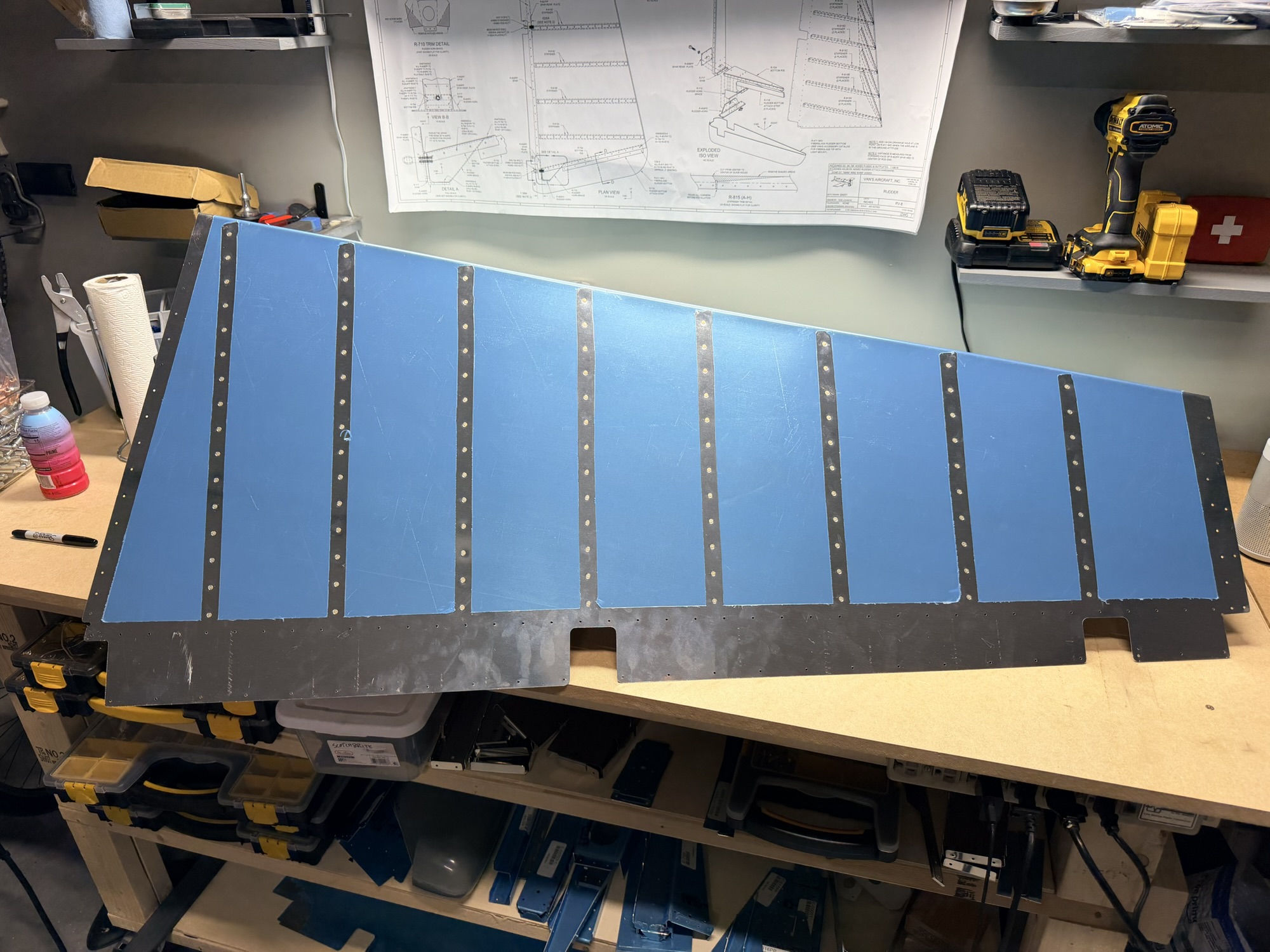
img_0221.jpg


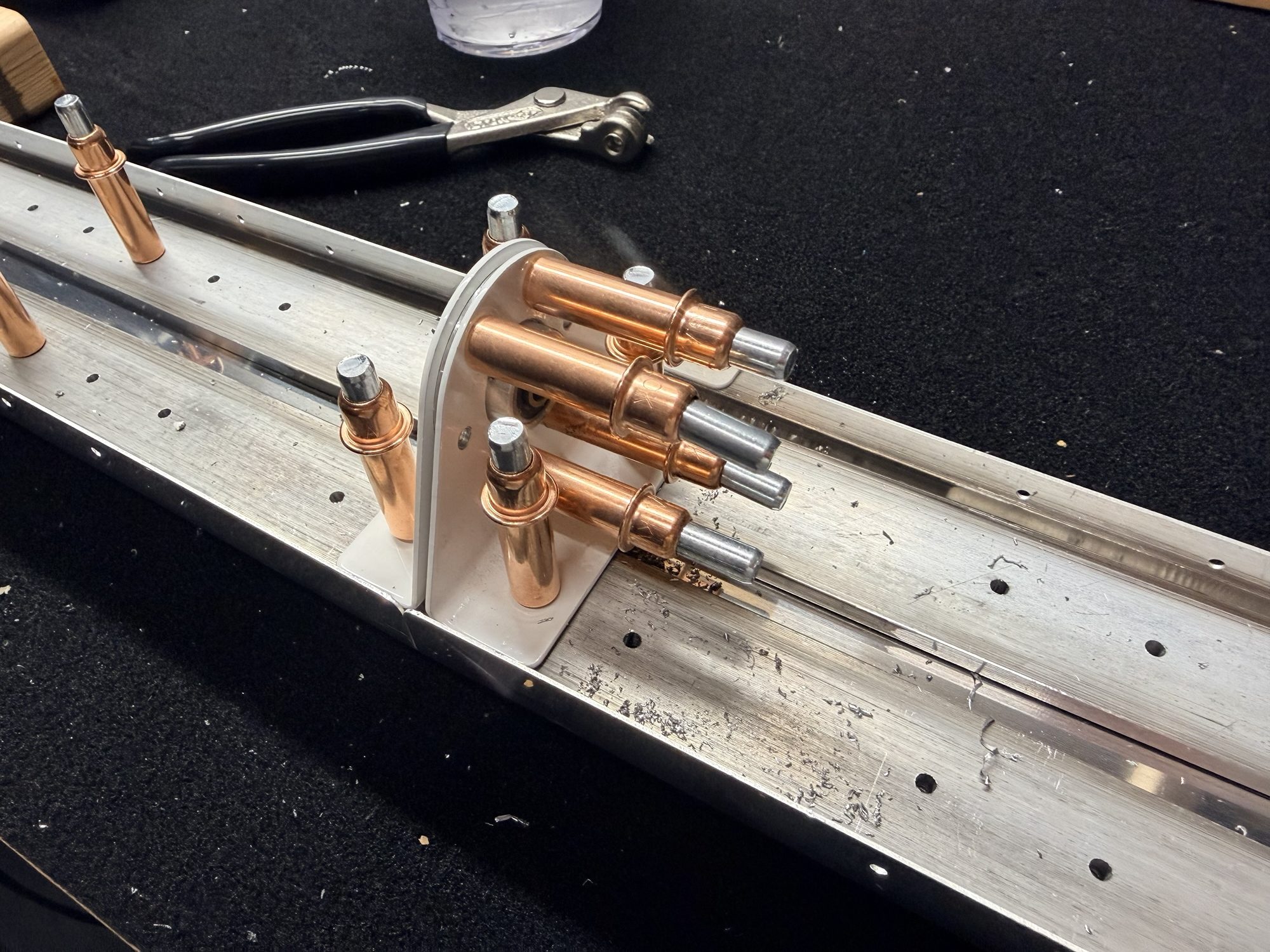
I love this stage of an assembly. It's so close!

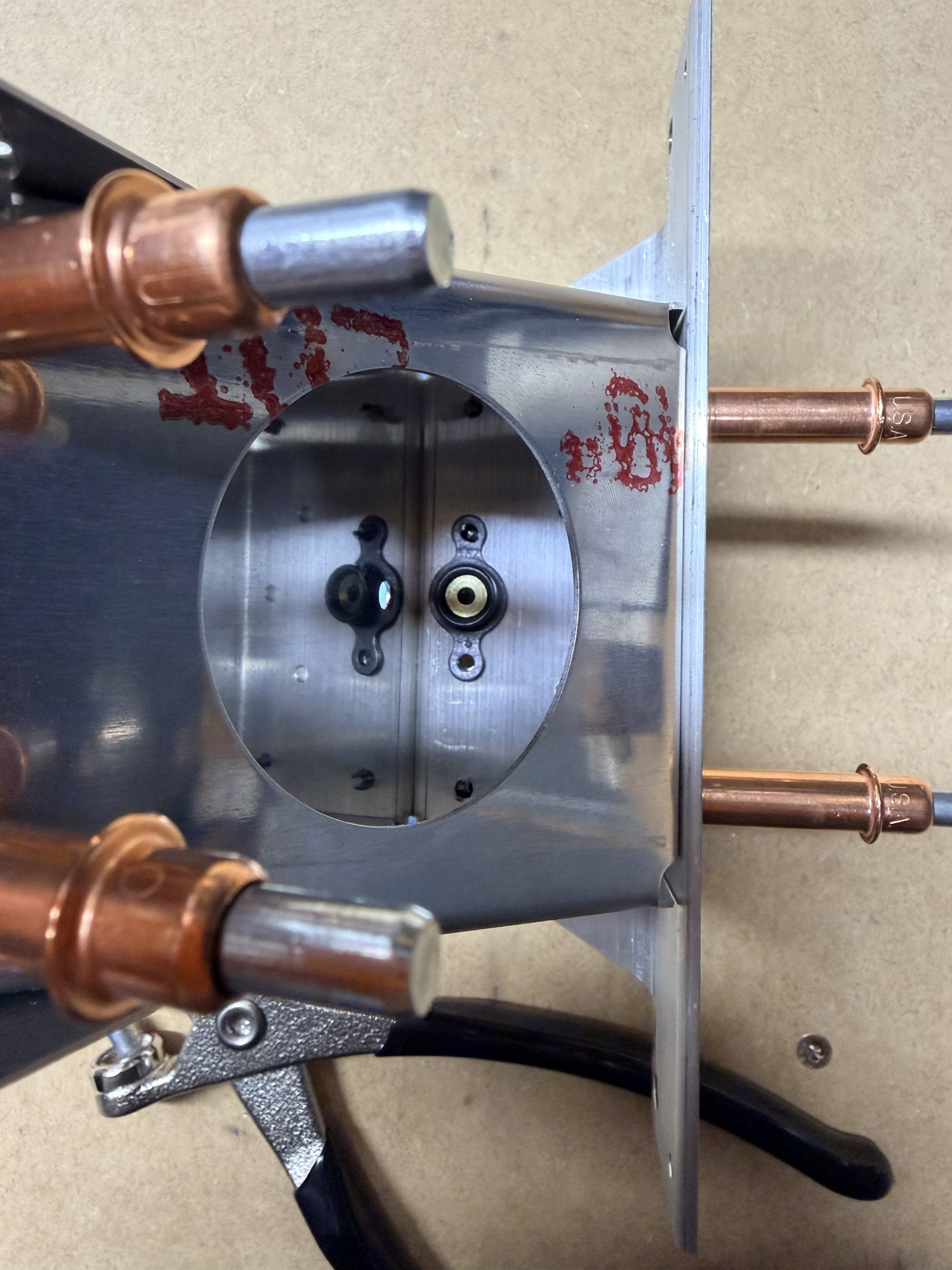
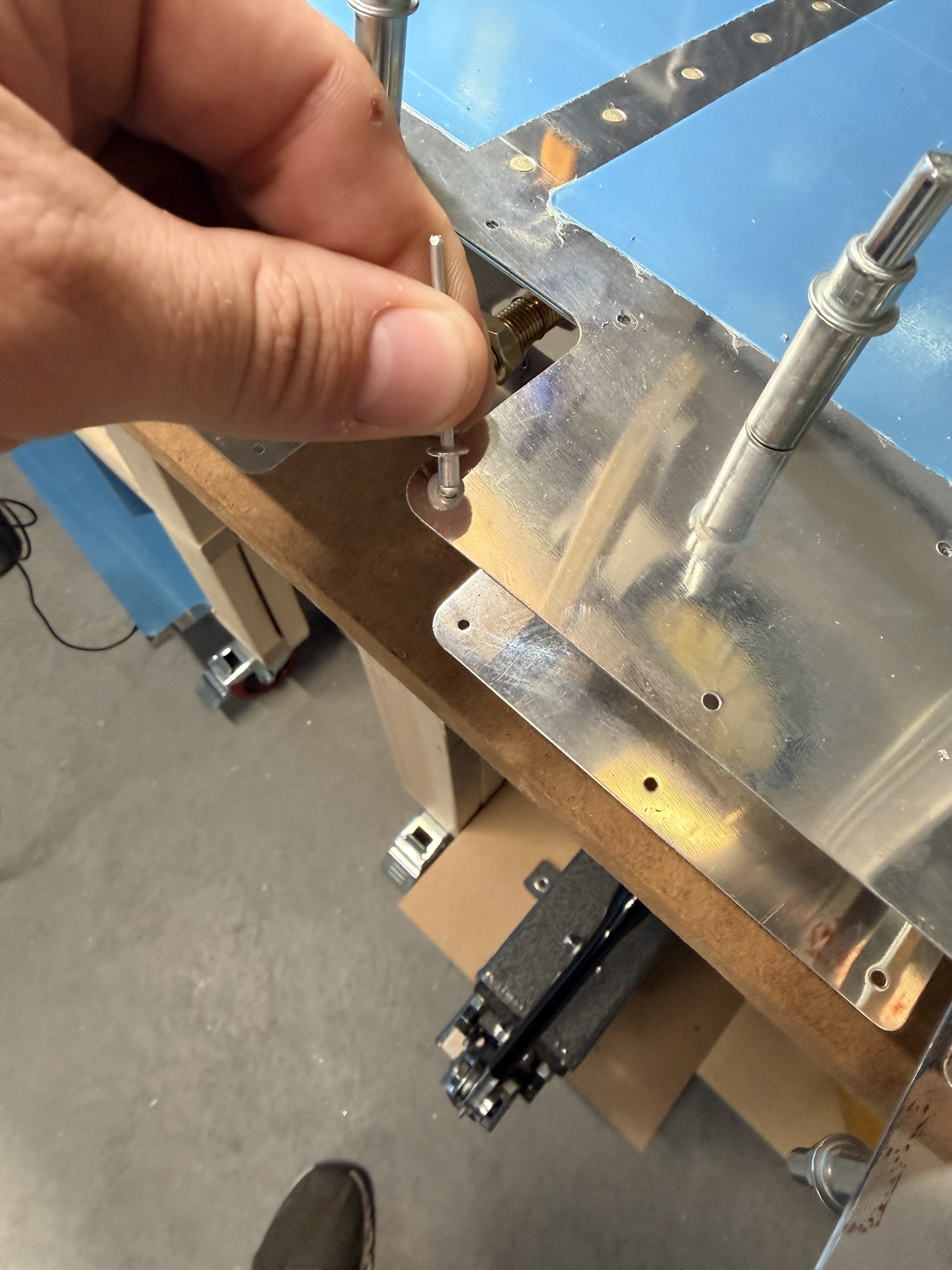
Here's what I mean by not riveted. There are a few open holes near the back side of the rudder tip. It was too tight for me to buck and I wasn't ready to use blind rivets here yet.

img_0222.jpg


Lonely hole

But, let's not waste any time with the next step. Let's roll those leading edges.

I didn't write down all the steps, but generally you tape a pvc or metal bar to the metal flap that needs to be rolled and you use a pipe wrench to roll the bar, thus rolling the surface.

Here's the first of six total sections I need to roll.

img_0224.jpg


A decent start.

After you roll opposing sides, you cleco them together (then eventually use blind rivets.

Here are two of the three sections done.

img_0225.jpg


feels good to be 2/3 through this part of the rudder.

Of course there is still some elbow grease involved, but it felt SOOO GOOD to get the last of these clecos in.

img_0226.jpg


no more muscular work tonight.

Rivets starting to go in!

img_0229.jpg


The bottom section, rolled and riveted.

img_0227.jpg


This is a completed shot.

img_0228.jpg


Another completed shot.

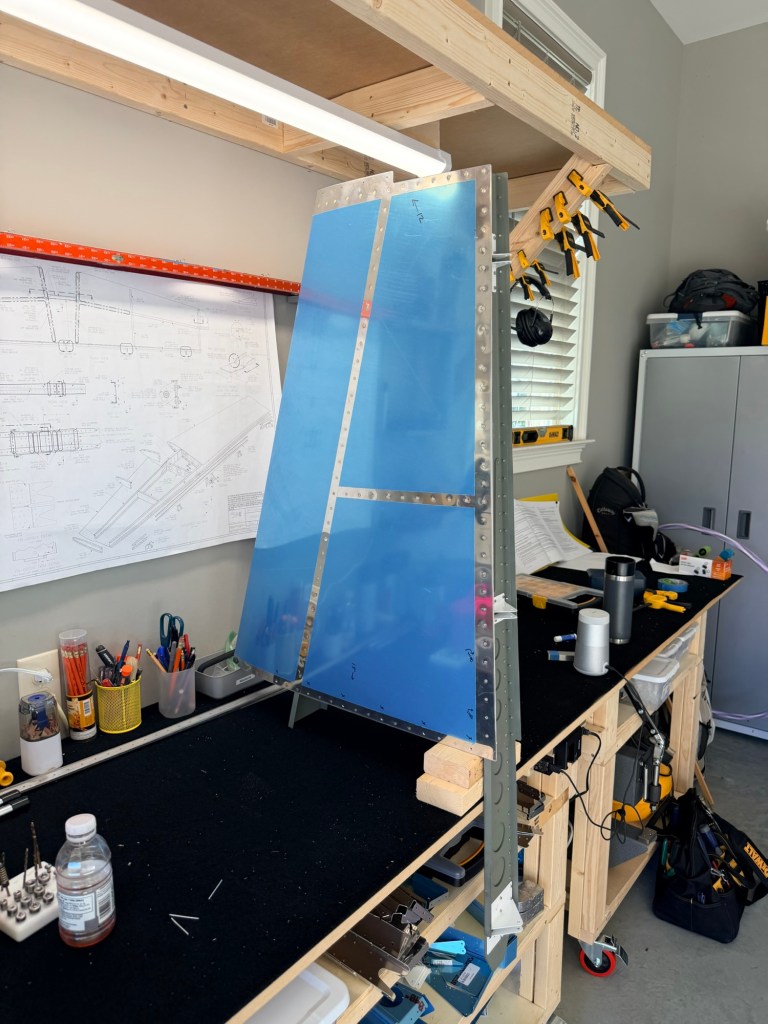
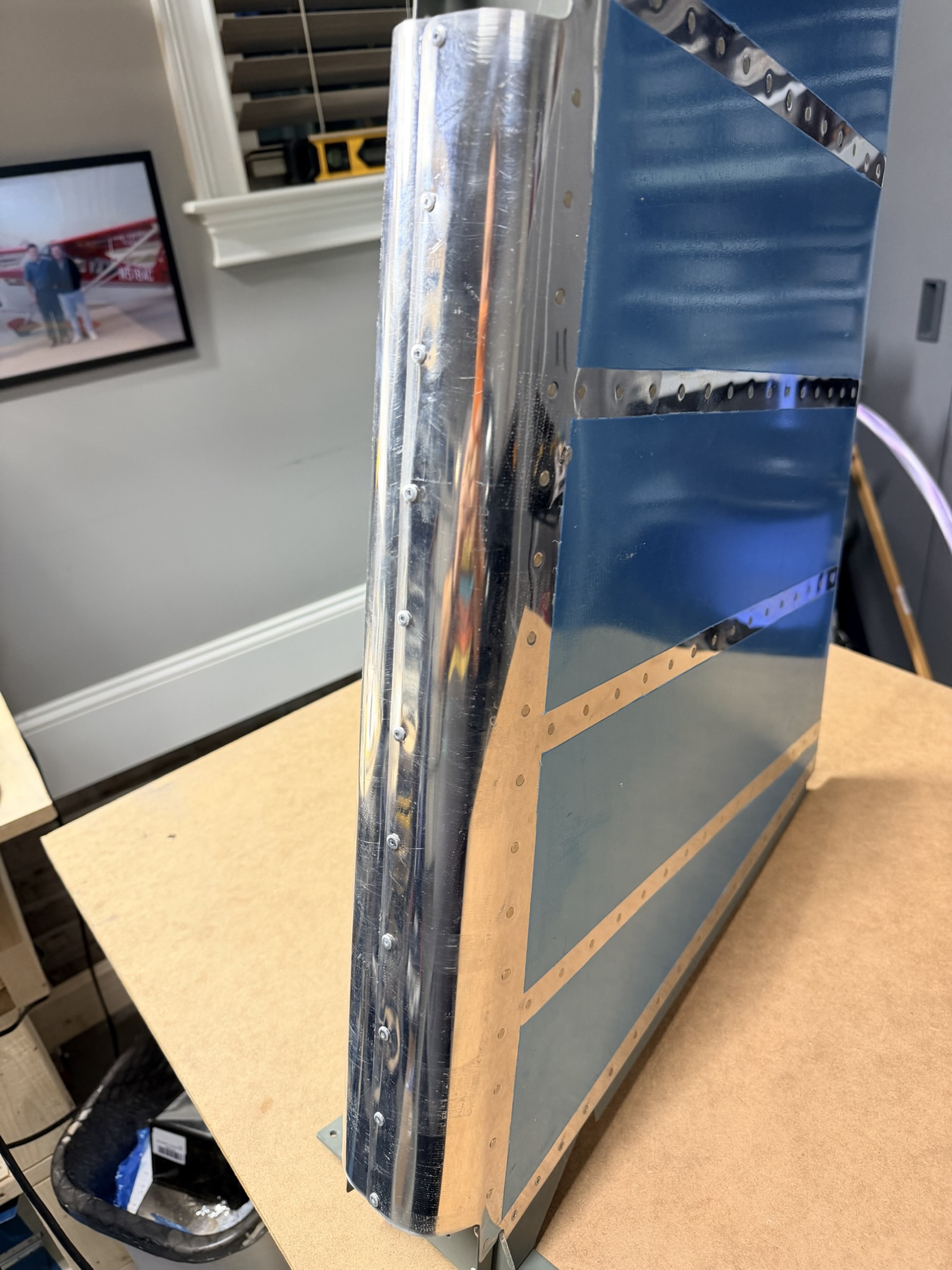
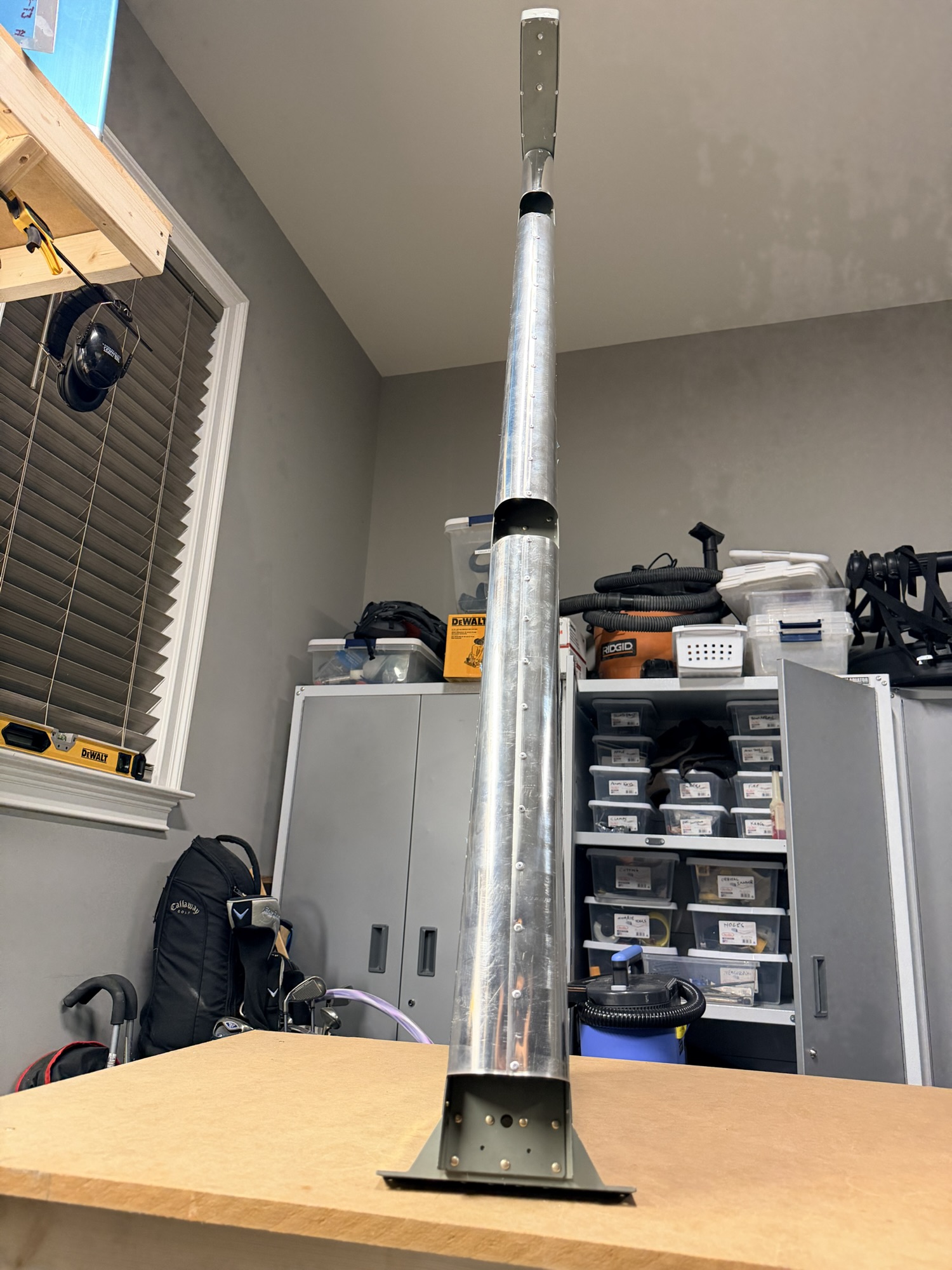
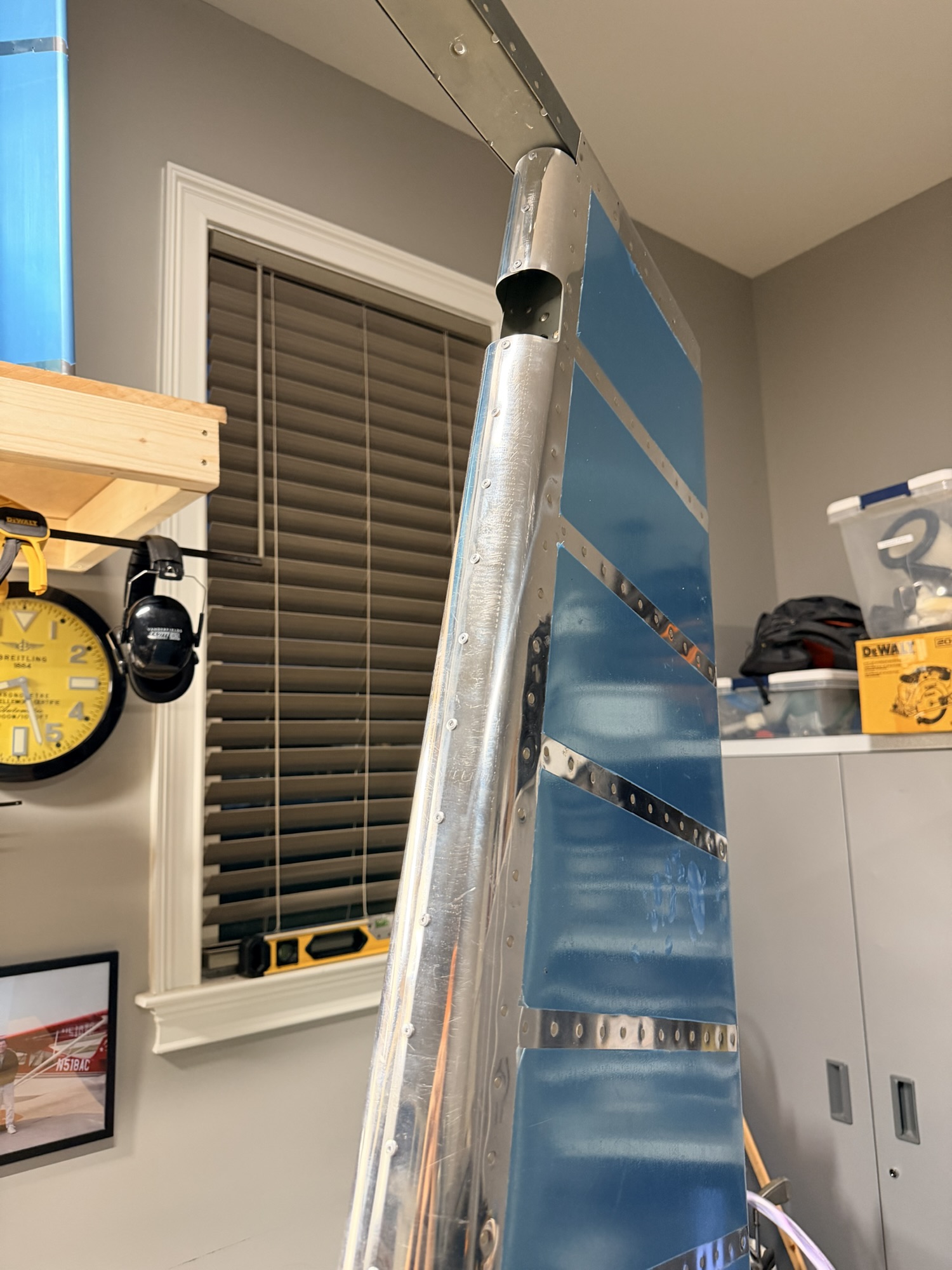
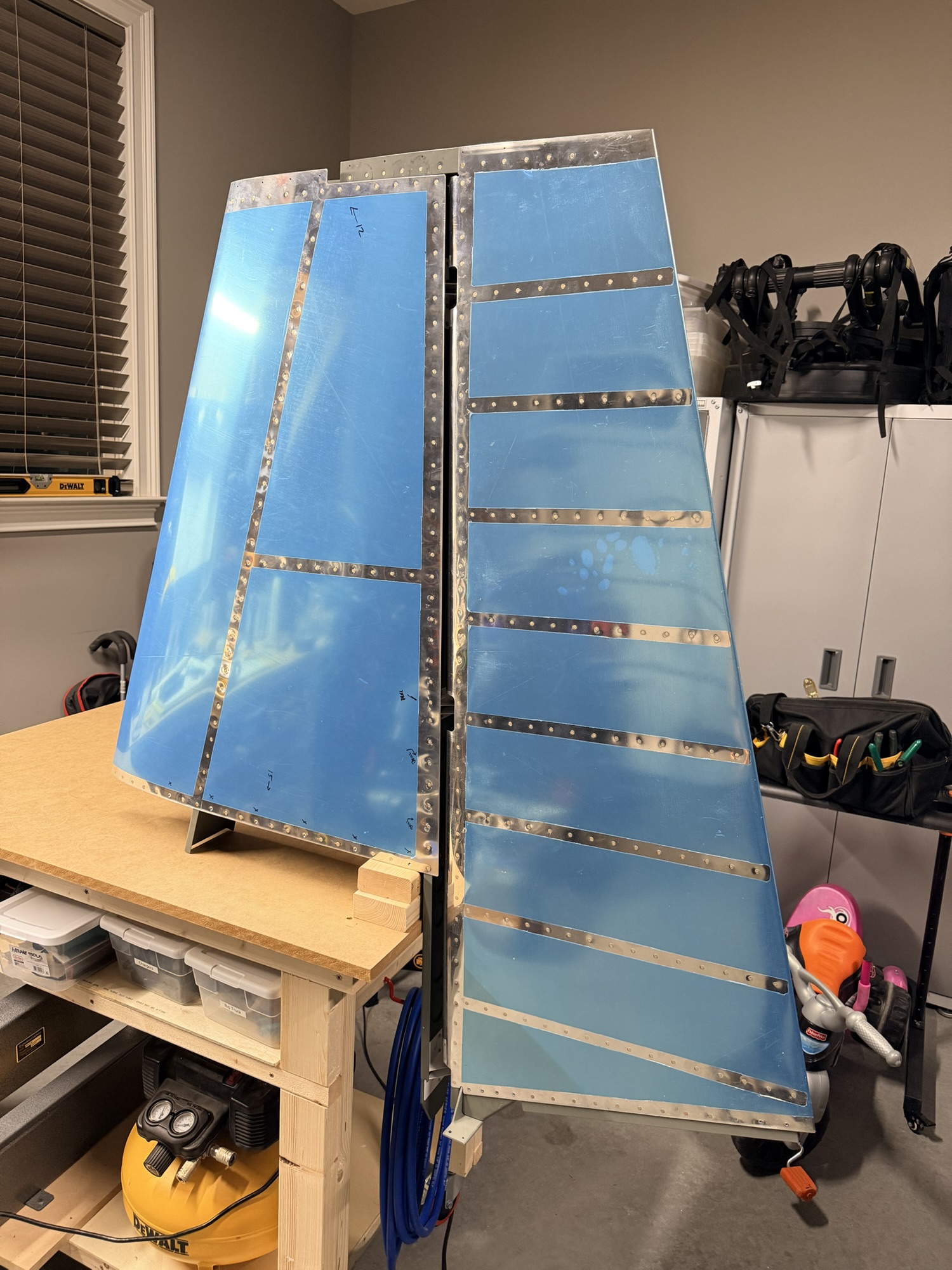
Of COURSE I had to set it up with the vertical stabilizer for the money shot.

img_0230.jpg


ta daaaaa!

(Oh god, do you remember what happened to me <a href="https://rv7aerosports.com/2010/08/10/low-point-of-the-build/">last time</a>?)

Let's just celebrate that 15 years later, I have apparently gained enough sense to not drop it this time.

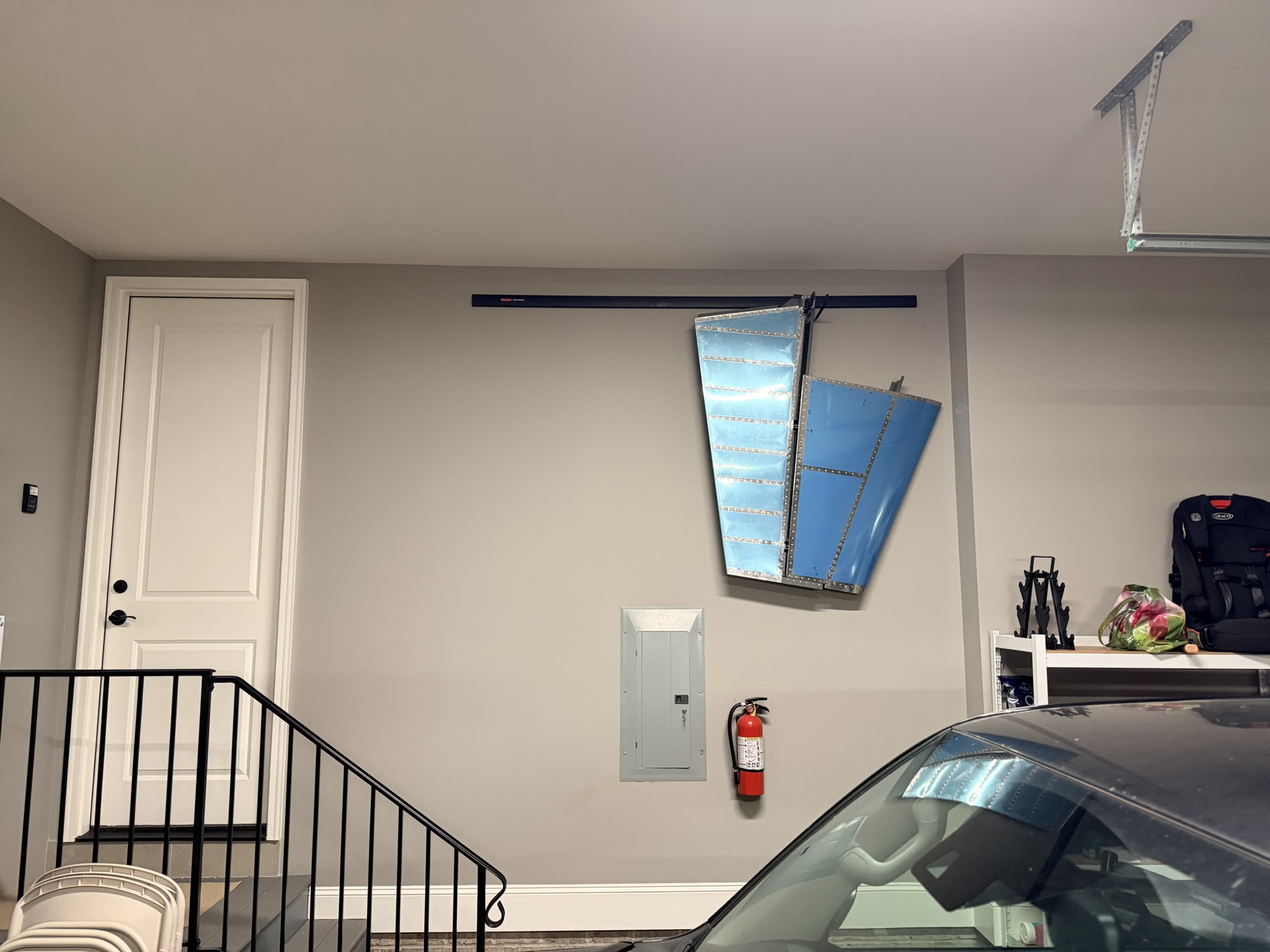
Where should I store this beast of an assembly?

img_0231.jpg


That'll work.

Man, it felt like tonight FLEW by!

124 Rivets, 1.5 hours on the rudder.
 
Oct 30, 2025 - Horizontal Front Spar Work

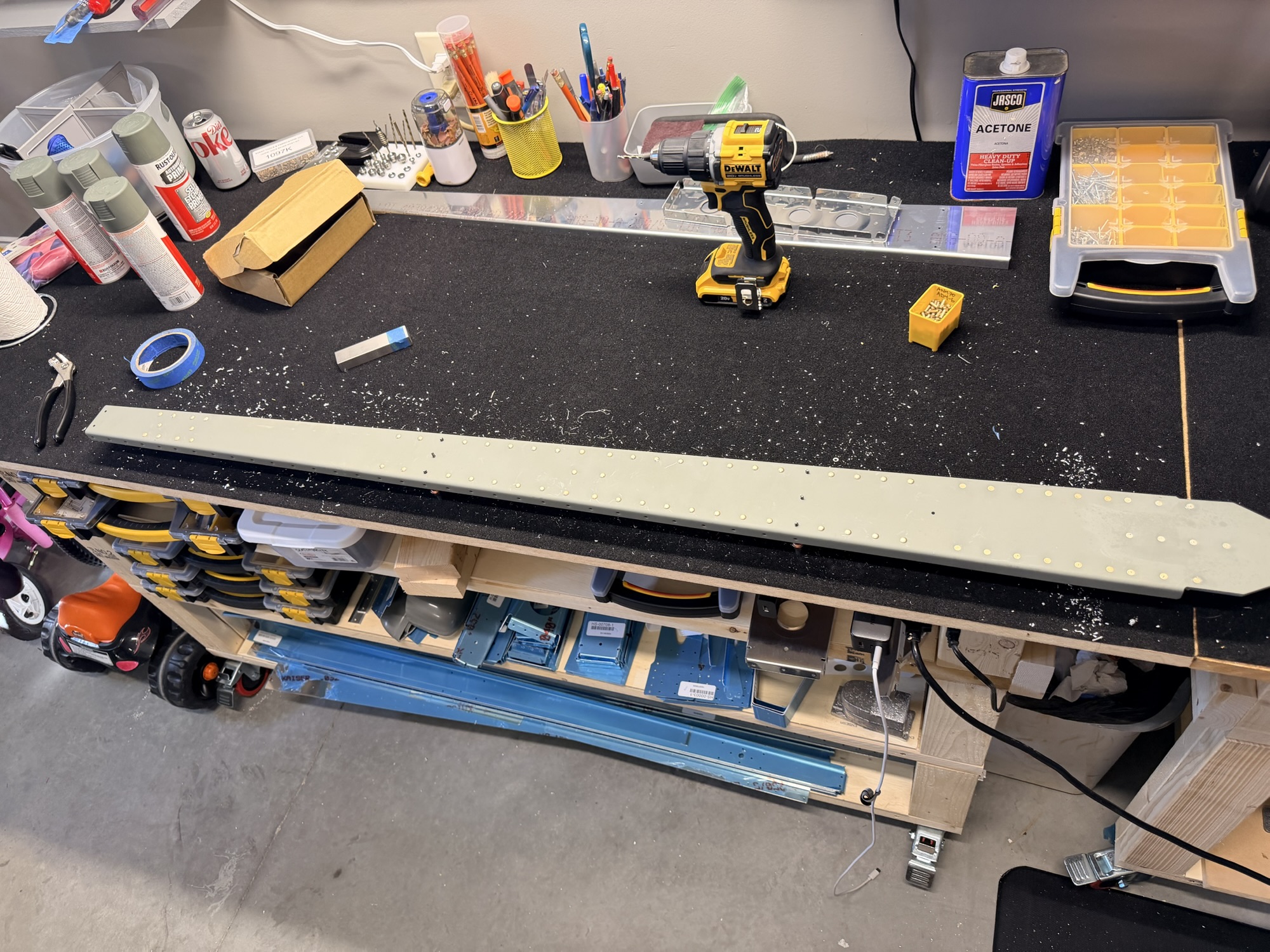
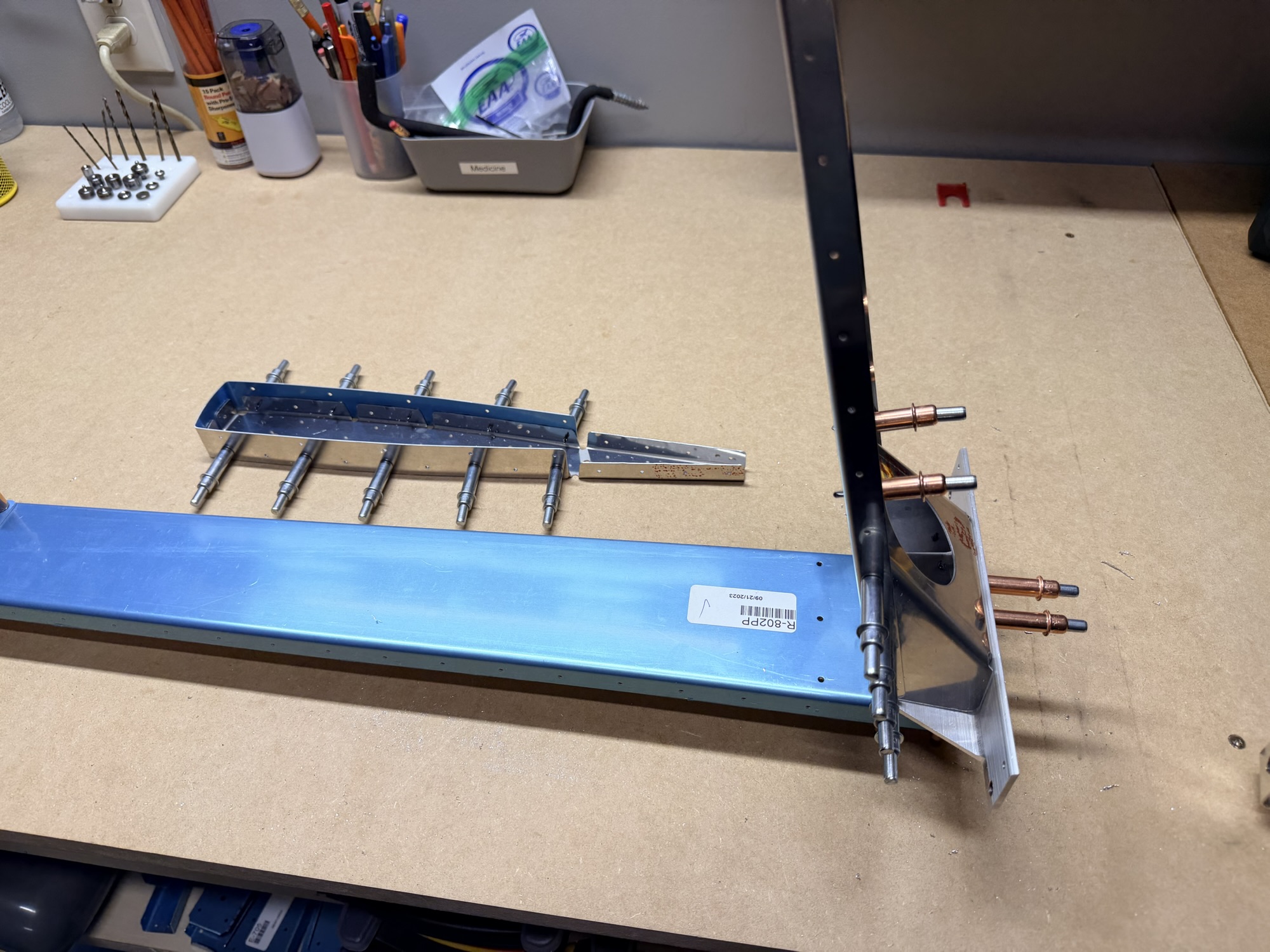
Well, with the VS and Rudder complete, time to move on to the Horizontal Stabilizer. Or, BACK to the horizontal stabilizer. Back on Oct 19, I mis-oriented the HS-0003 reinforcement plates, causing mis-drilling of one of the forward spar channels and one of the reinforcement angles. Those parts came in, and it is time to get everything back on track.

This first picture is of the two front spar assembles matchdrilled with the reinforcement plate and angle brackets.

img_0240-e1764878693475.jpg


small pieces becoming big pieces!

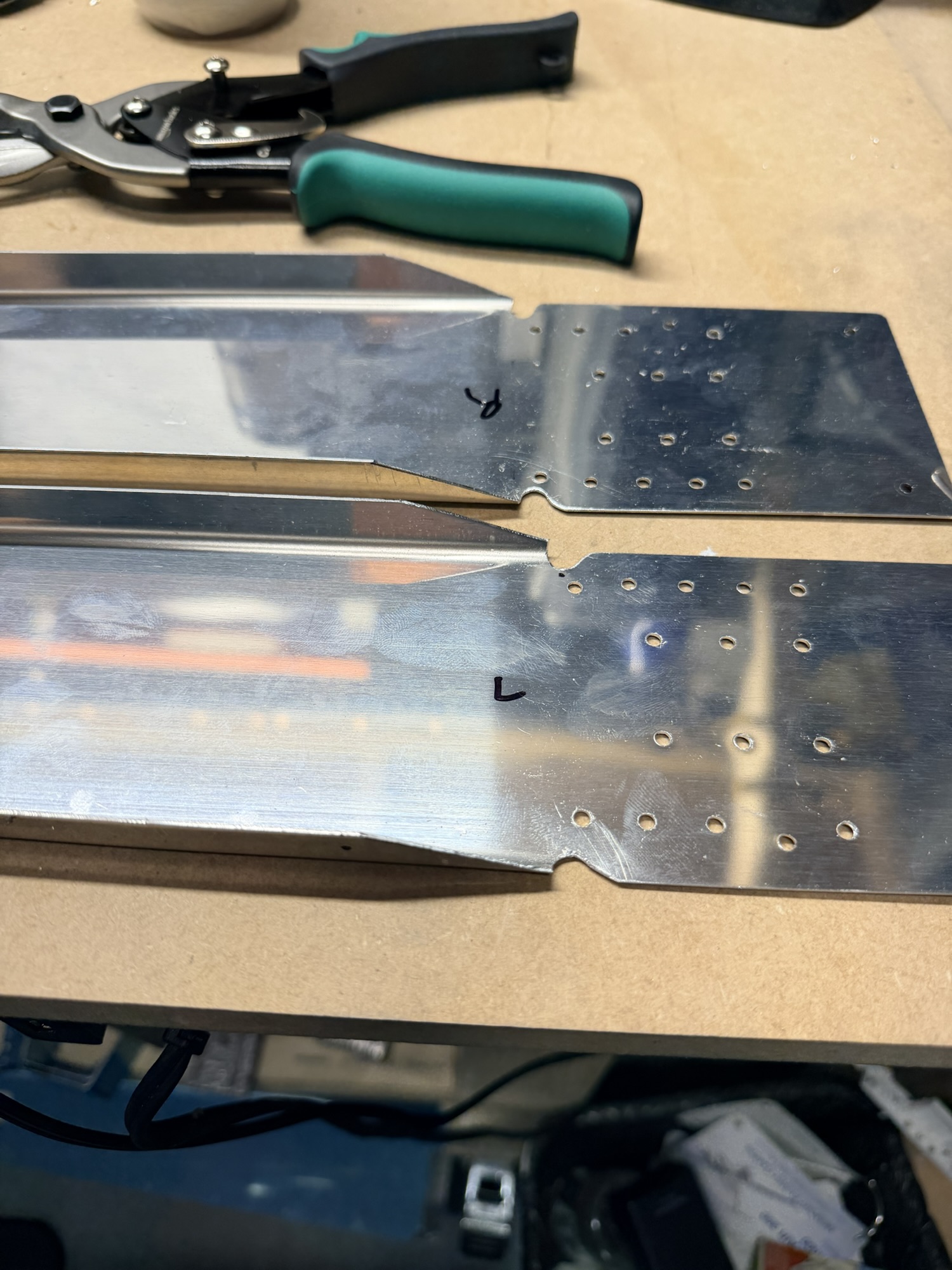
This next picture is of the two forward spars disassembled and with the relief notches cut into them.

img_0241-e1764878727896.jpg


One set of notches is better than the other, but they both have good edge distance.

I didn't have a ton of time tonight, so it was just these two pictures. I'll be back soon (foreshadowing!).

0.5 hours.
 
Last edited:
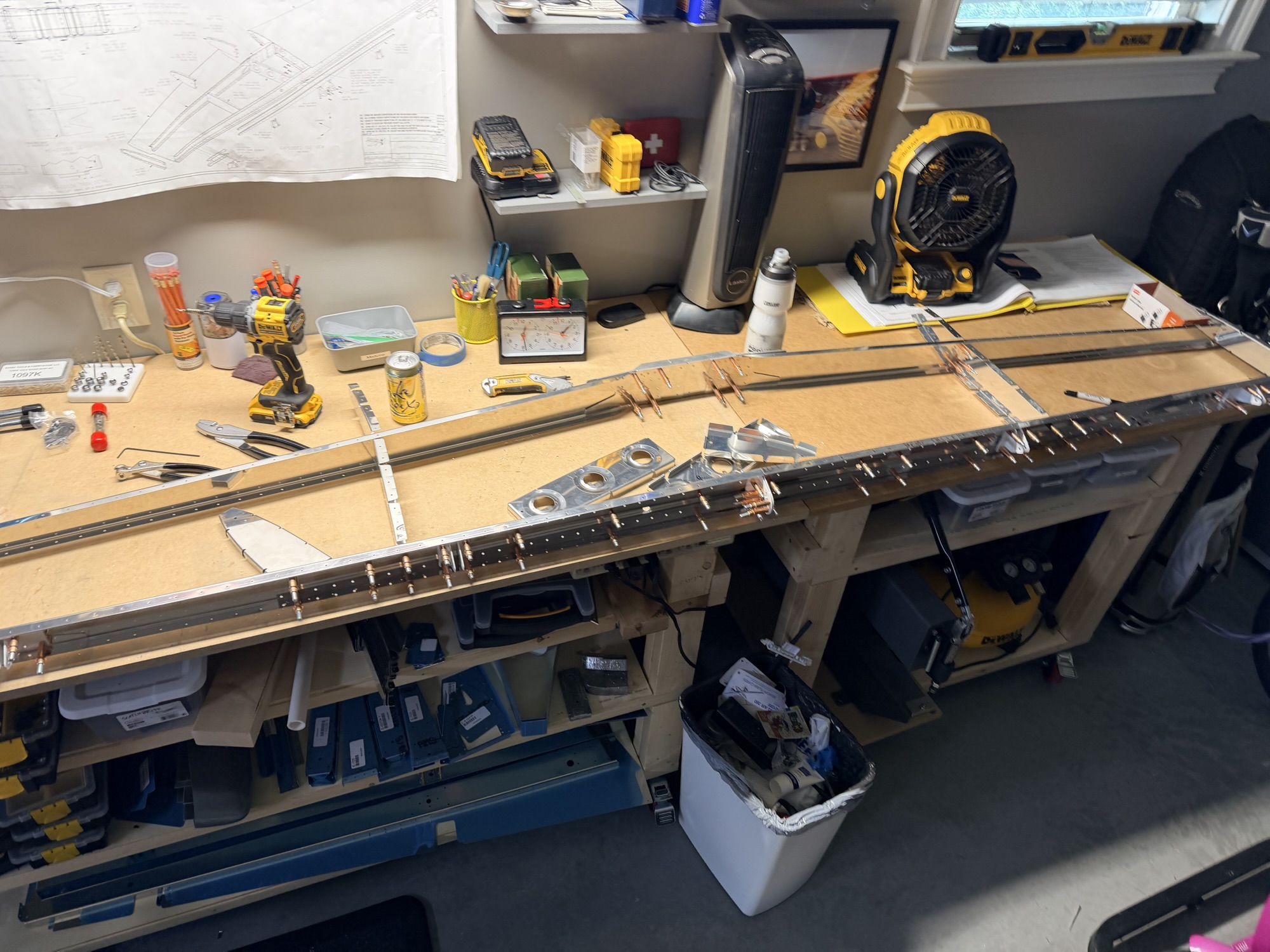
Nov 30, 2025 - More Horizontal Spar Work

Well, I could pretend that I haven't worked on the airplane for a month because I am just recovering from Halloween, but that's a lie. It's just been a VERY busy month, and having build this HS before, I remembered that this was some of the tedious stuff that hasn't been very motivating to get back into it.

However, I'm motivated now, so here goes:

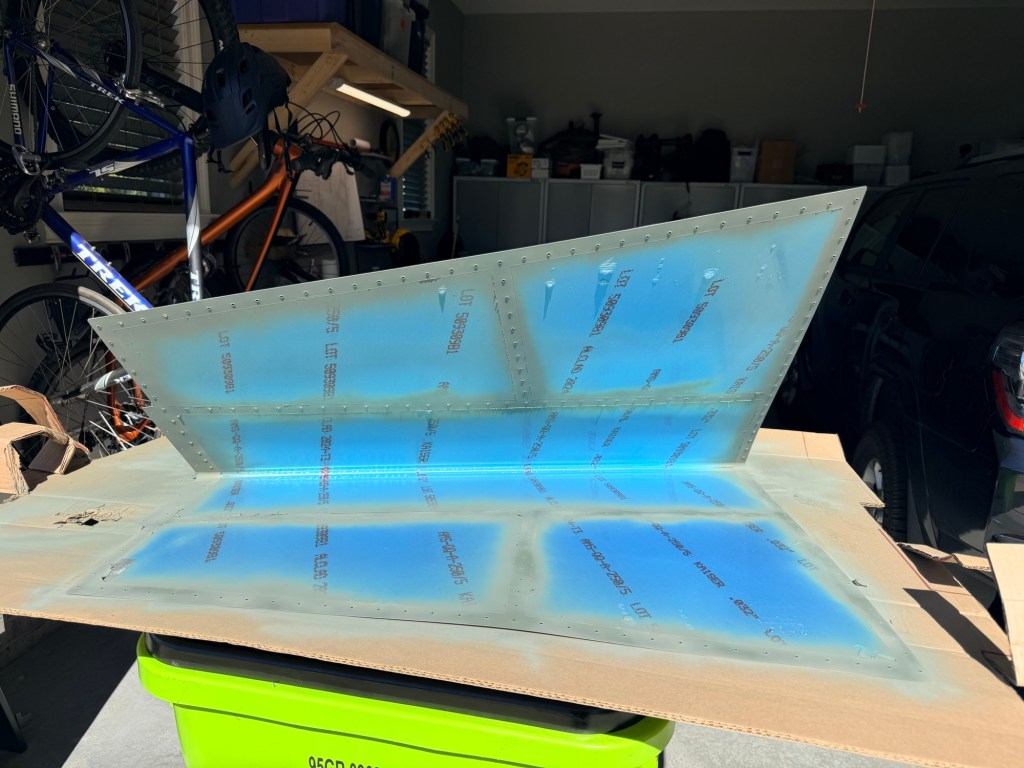
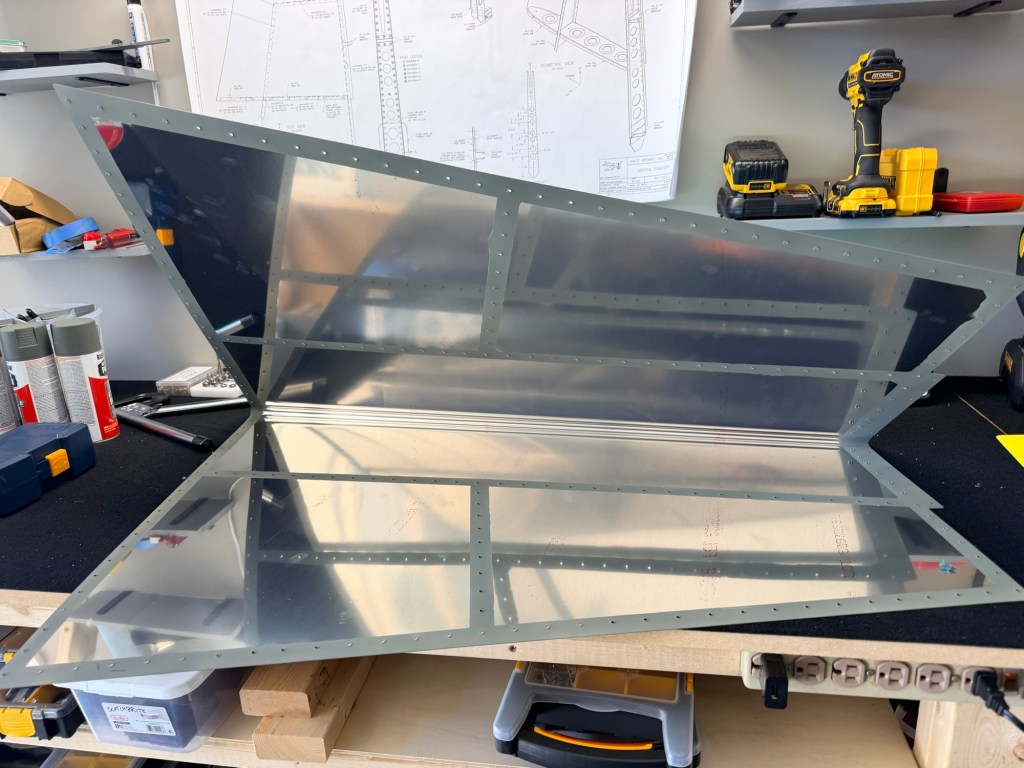
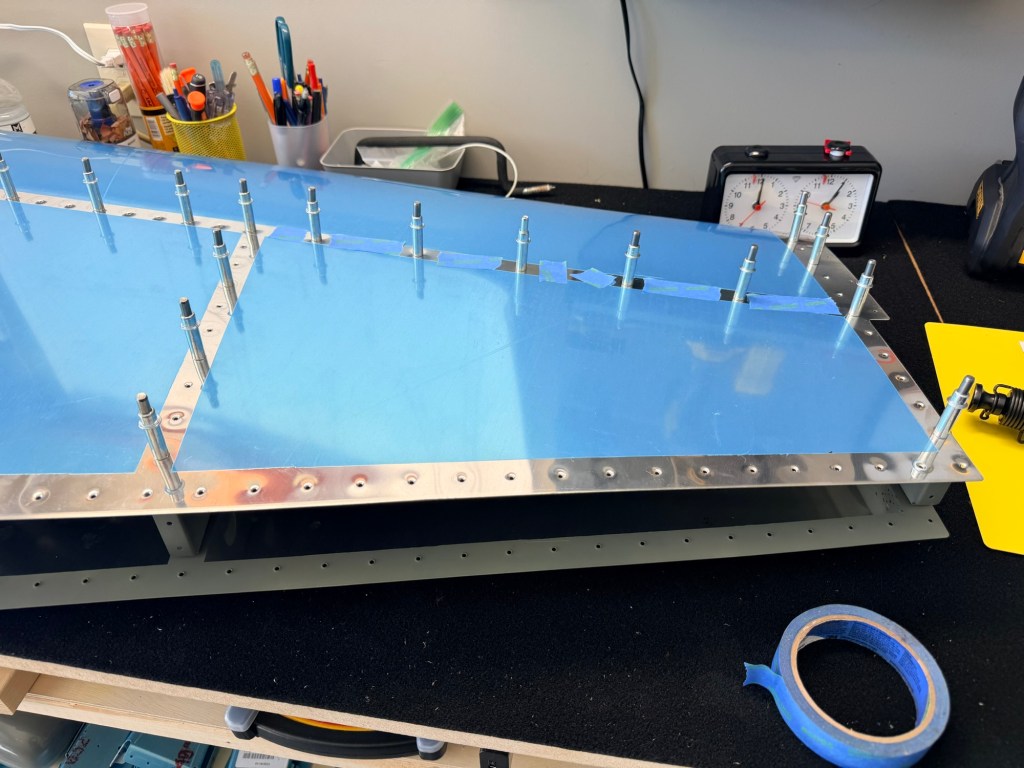
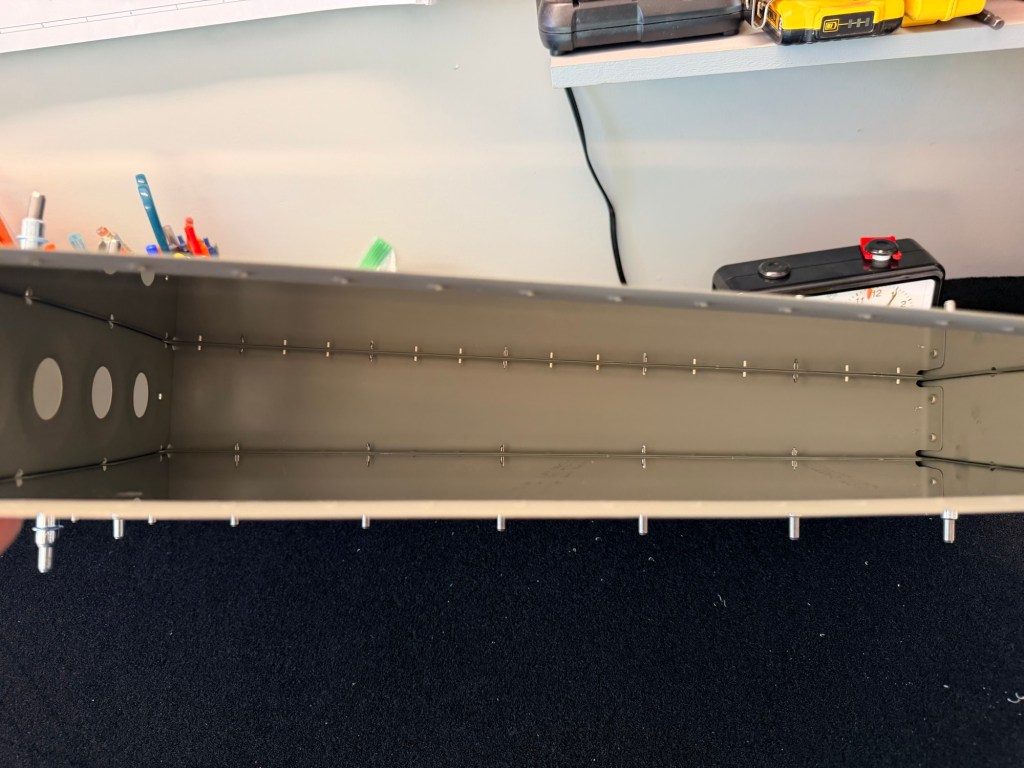
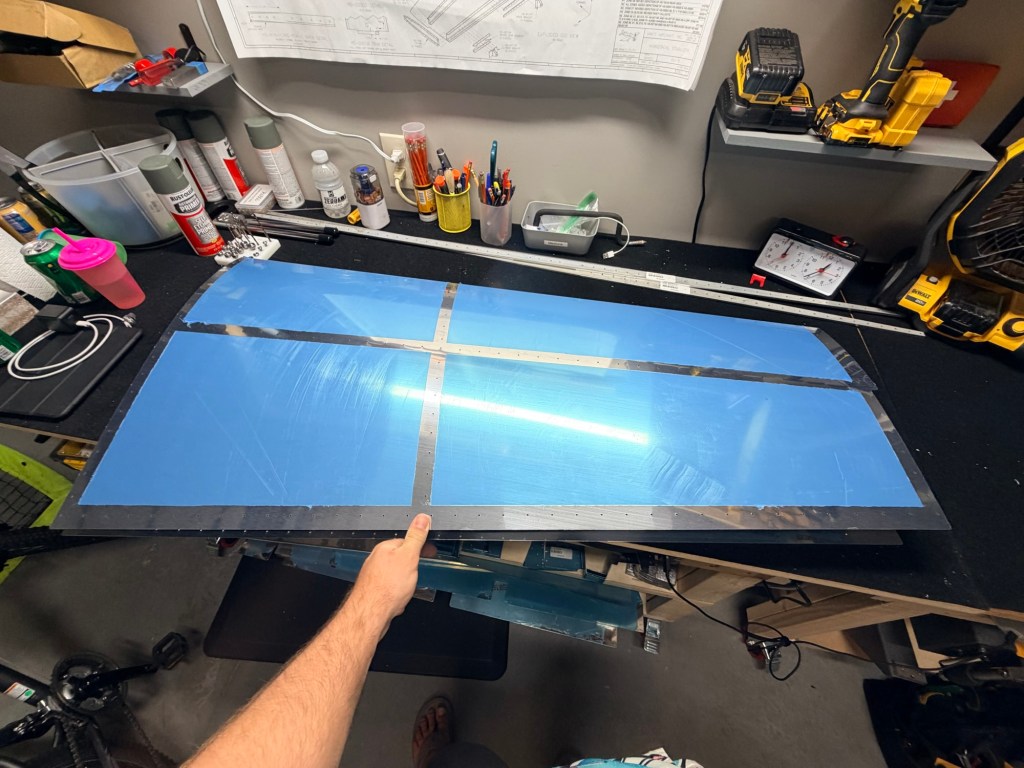
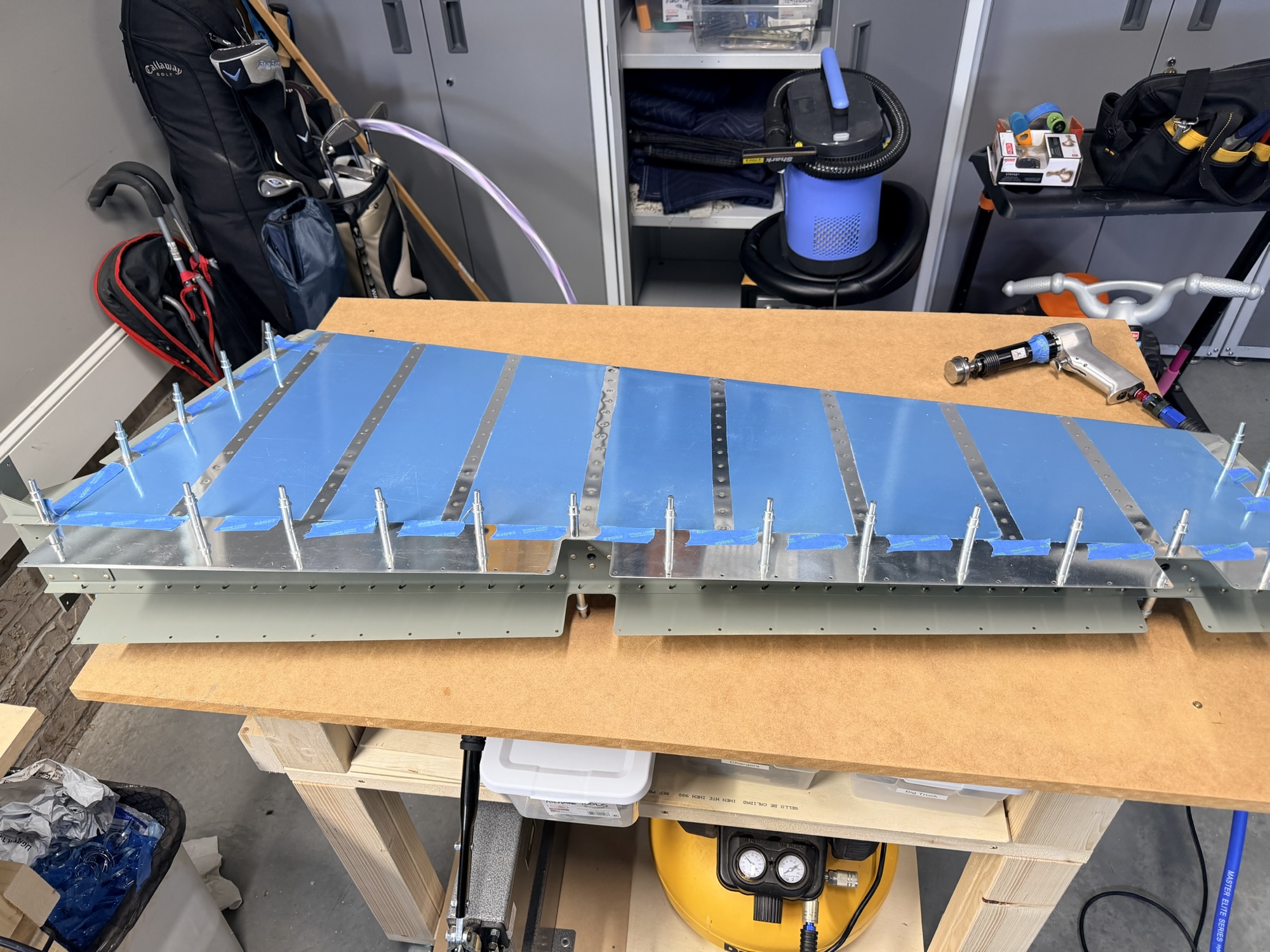
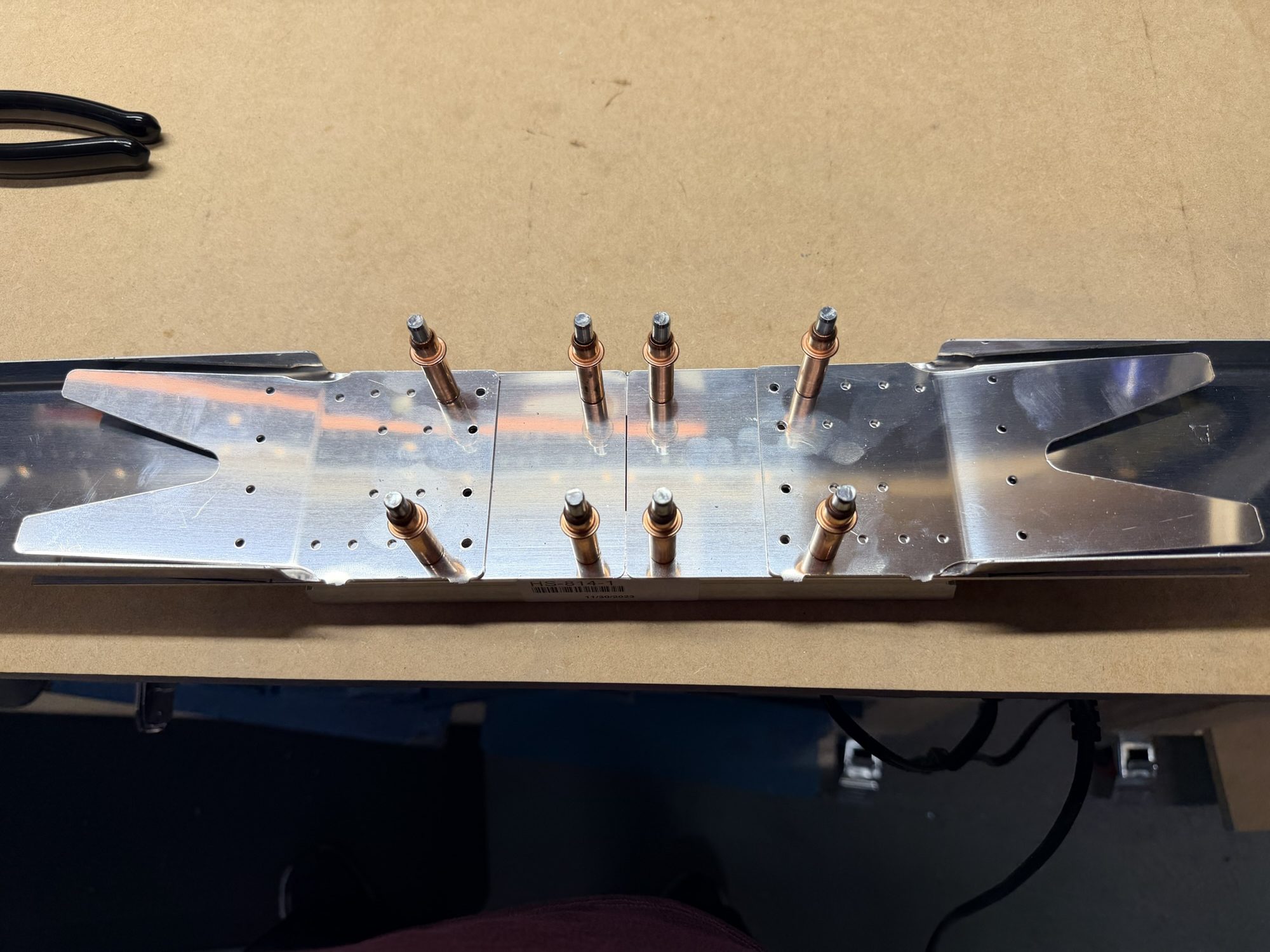
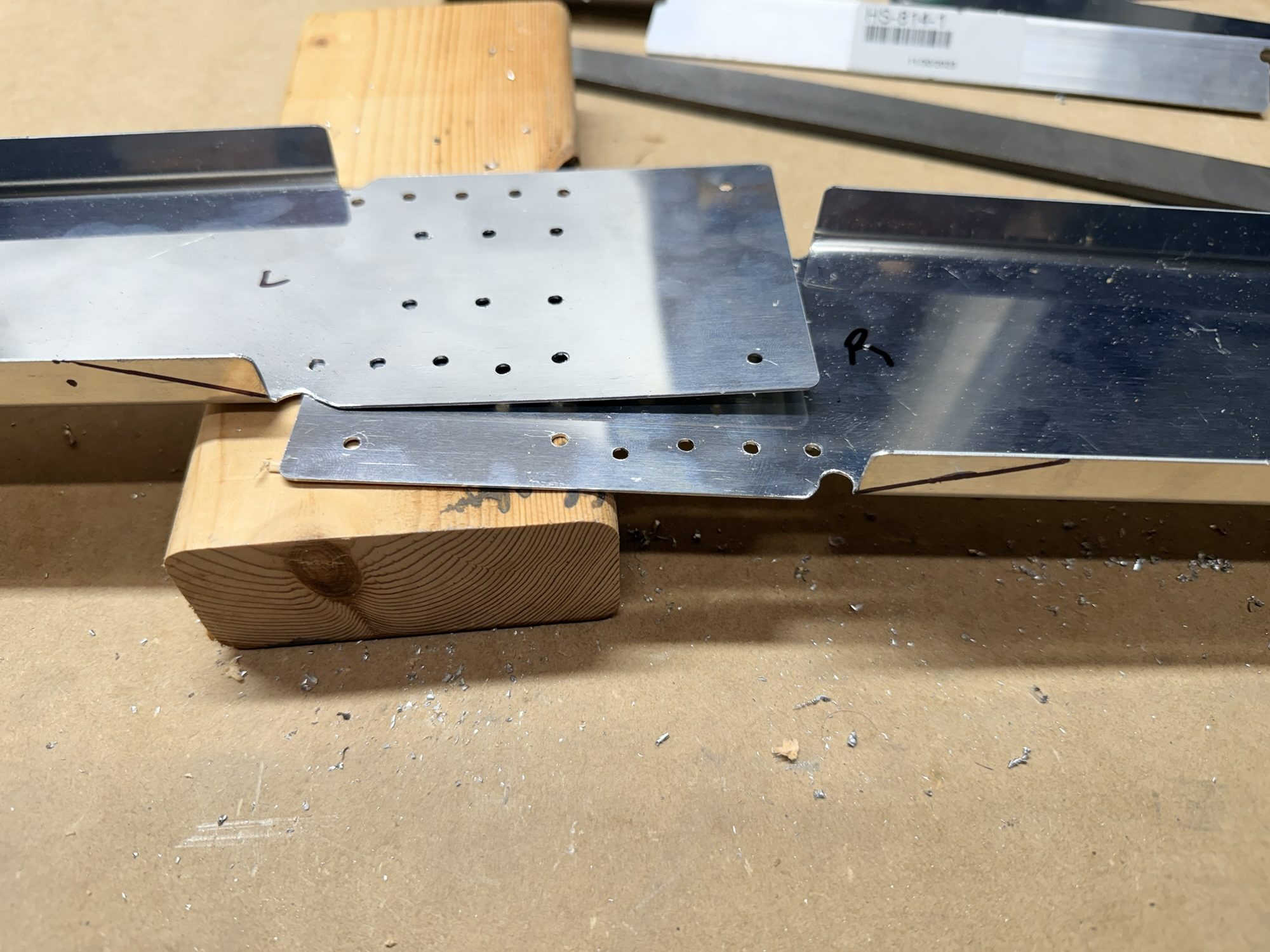
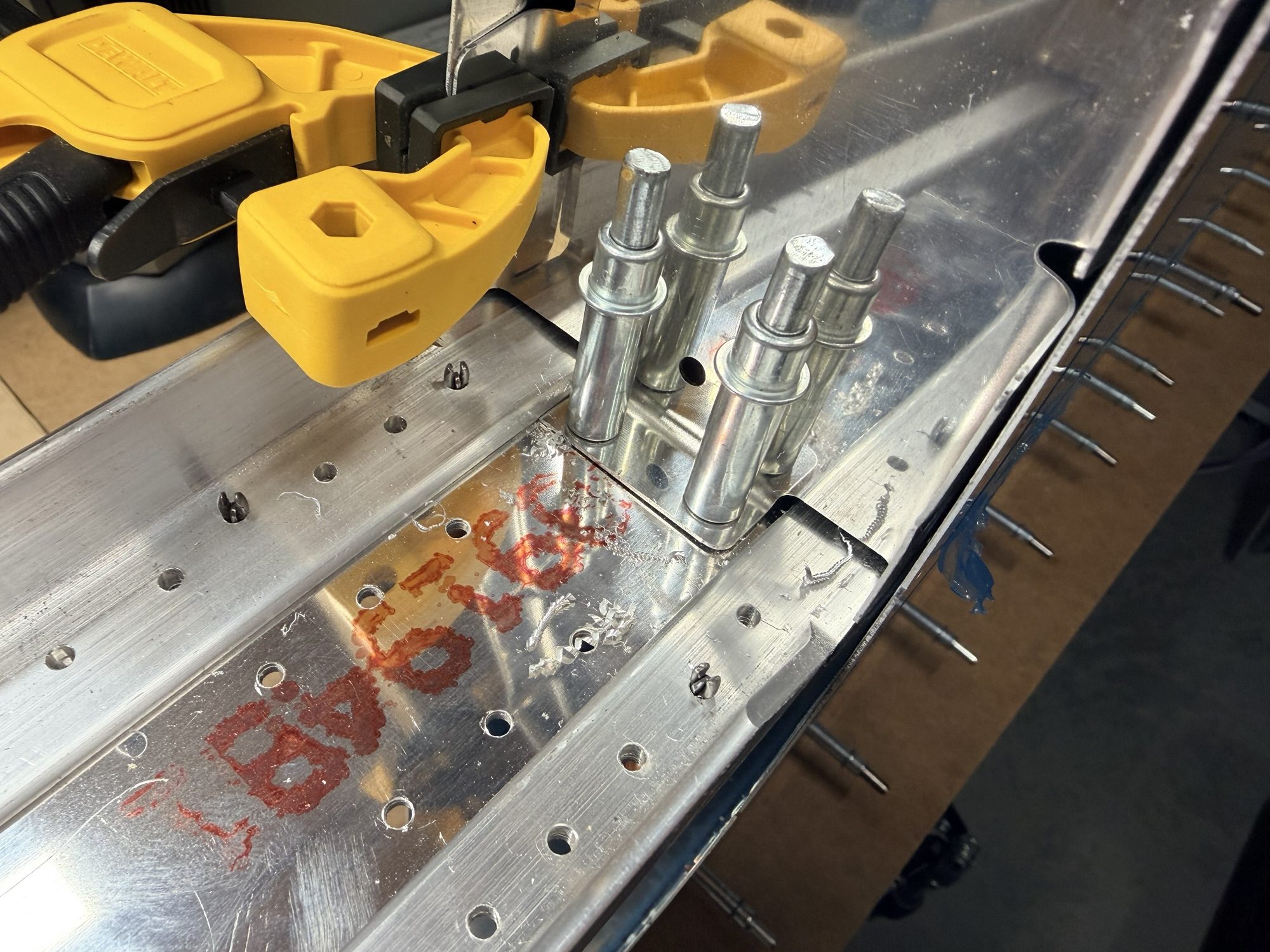
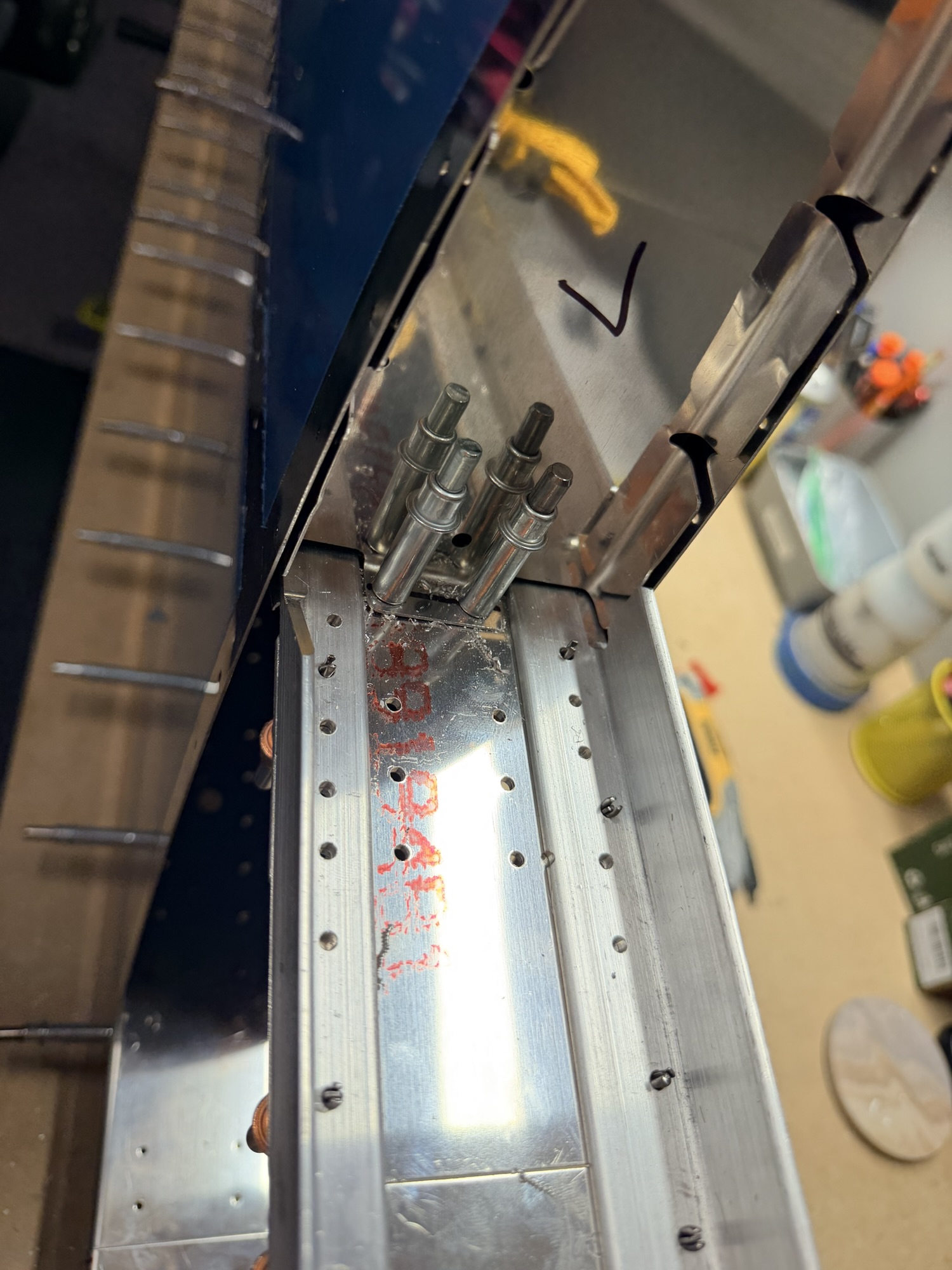
First step was to cut the front spar flanges to make room for some future rib flanges. Once that is complete, we can bend the un-flanged part of the spars up (away from the workbench) by 6 degrees to help form the overall shape of the horizontal front spars.

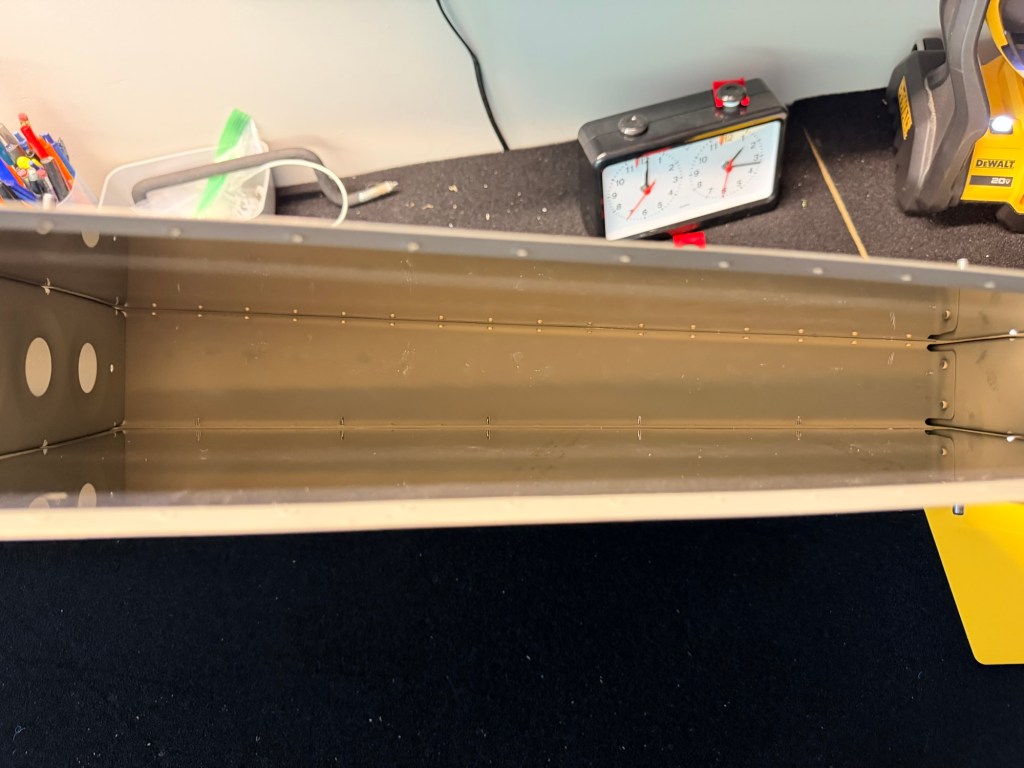
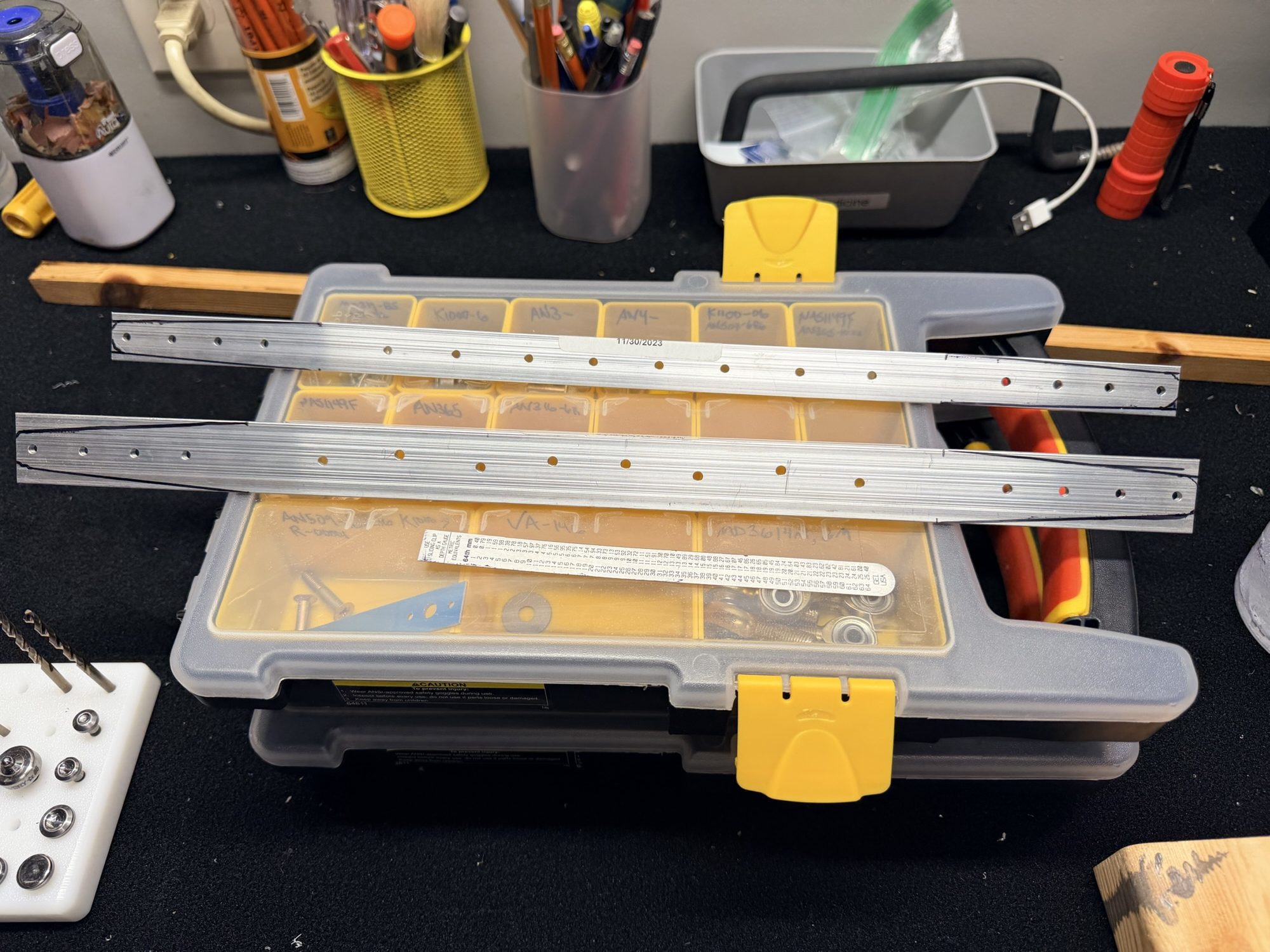
img_0561.jpg


Post cut, pre bend.

Then, it's bend time!

img_0562.jpg


Post bend.

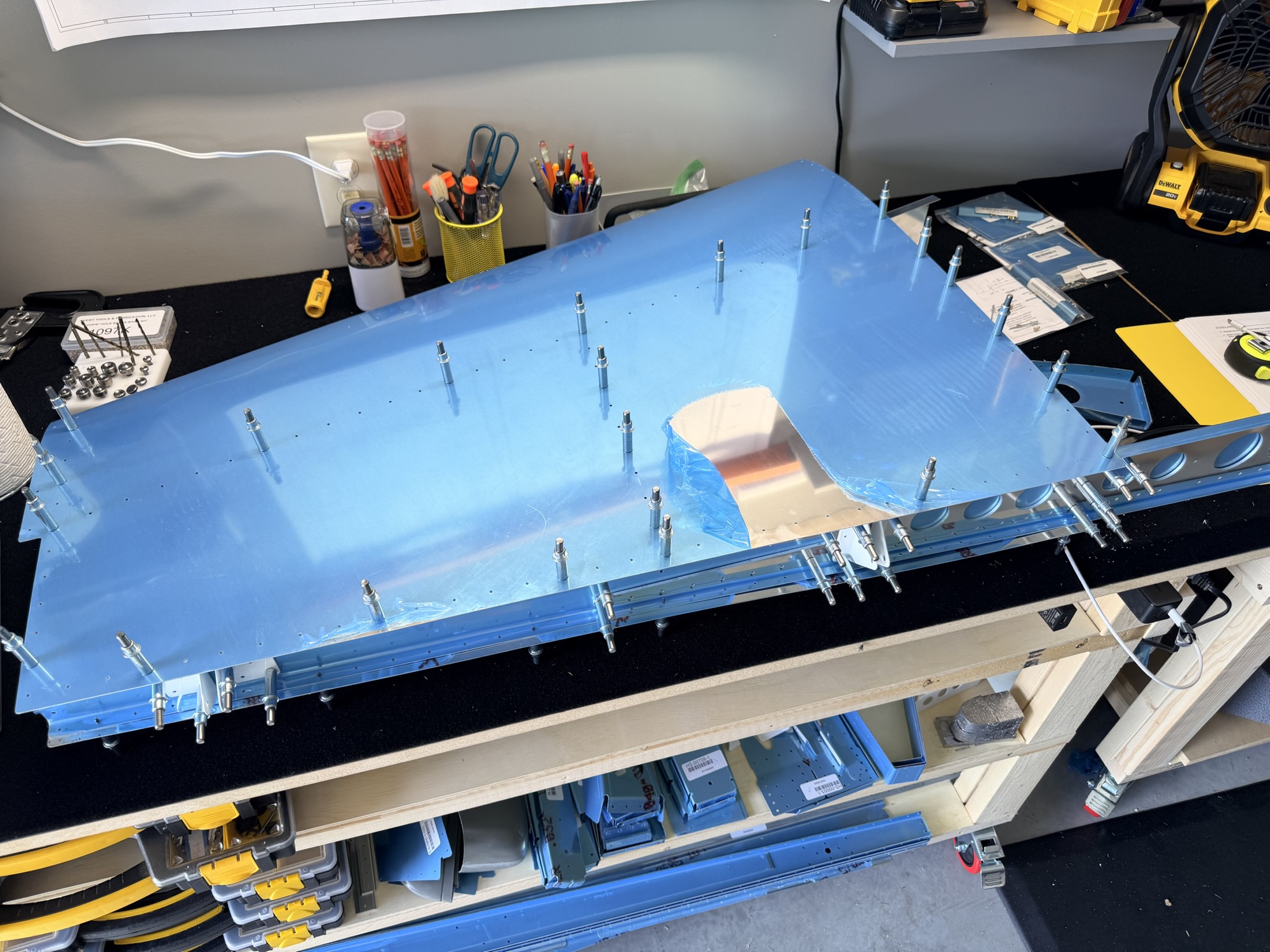
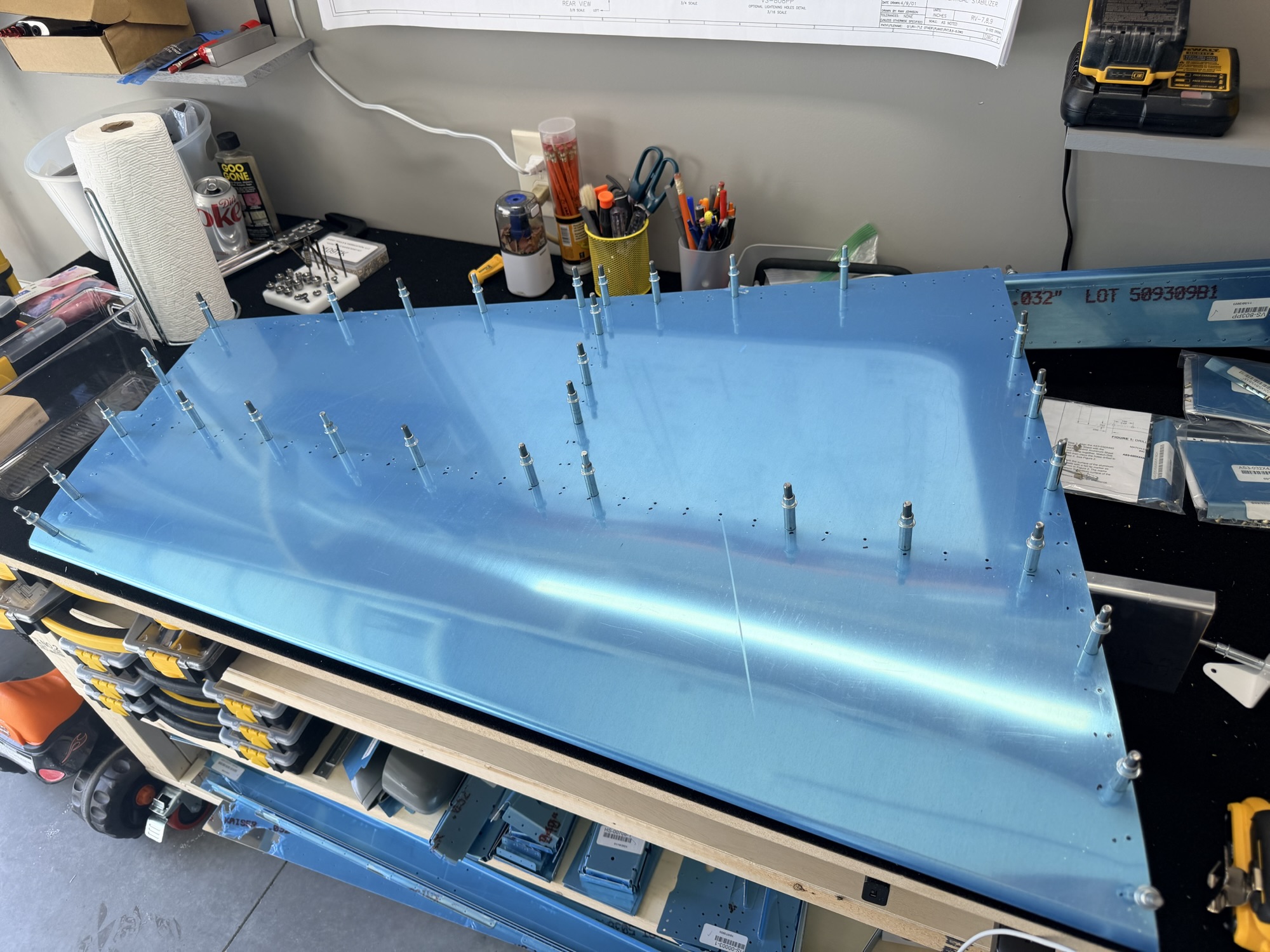
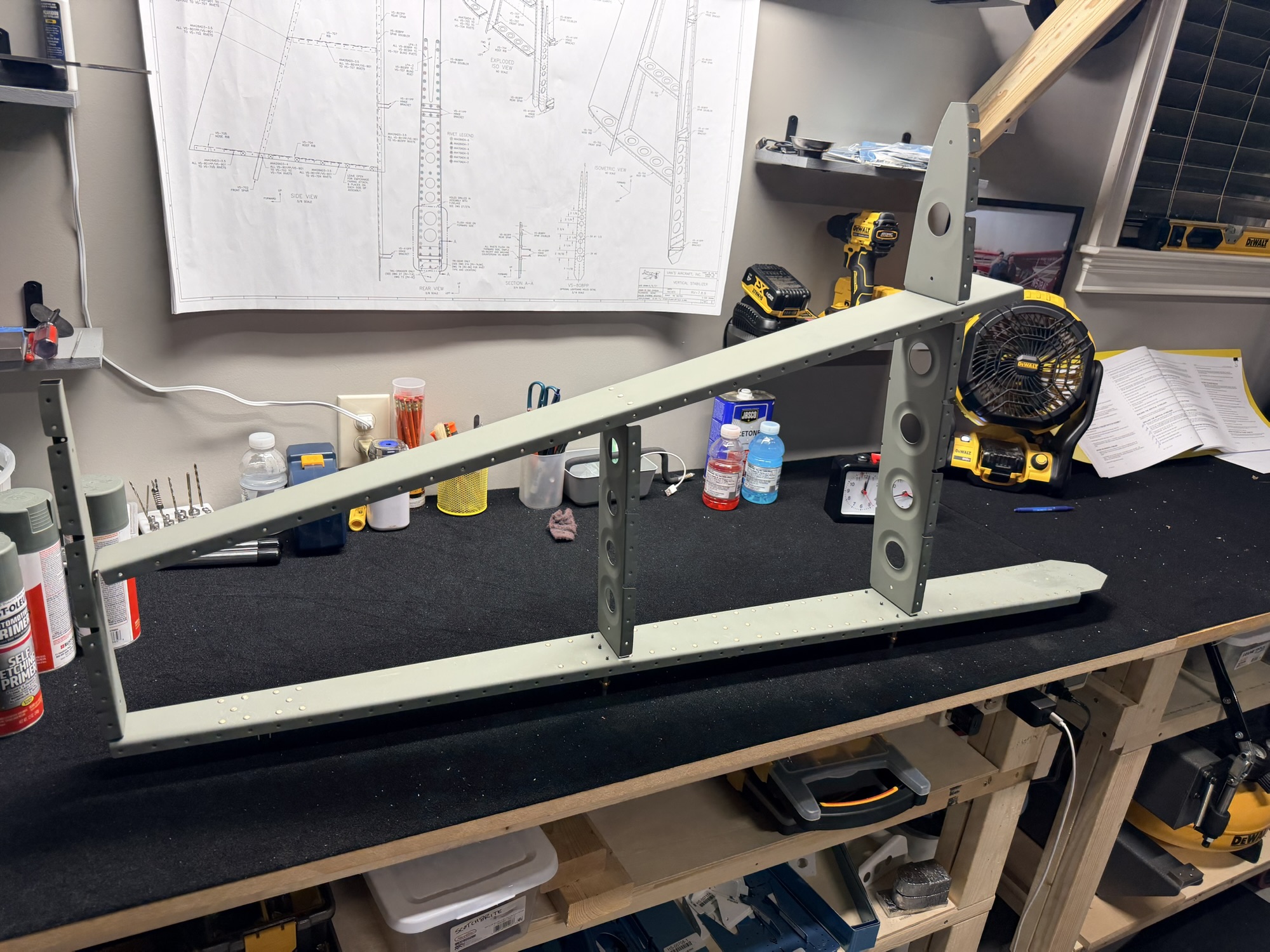
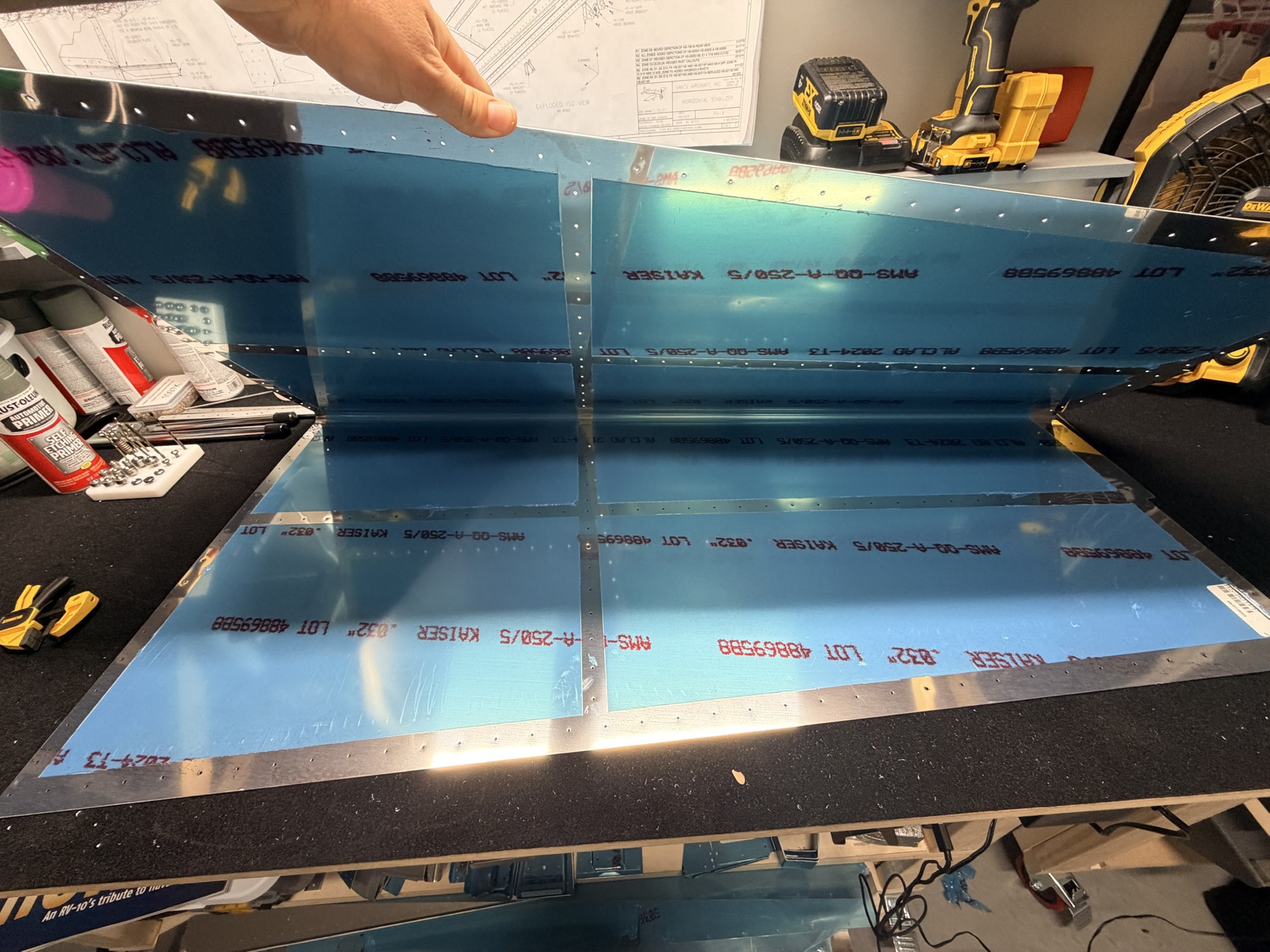
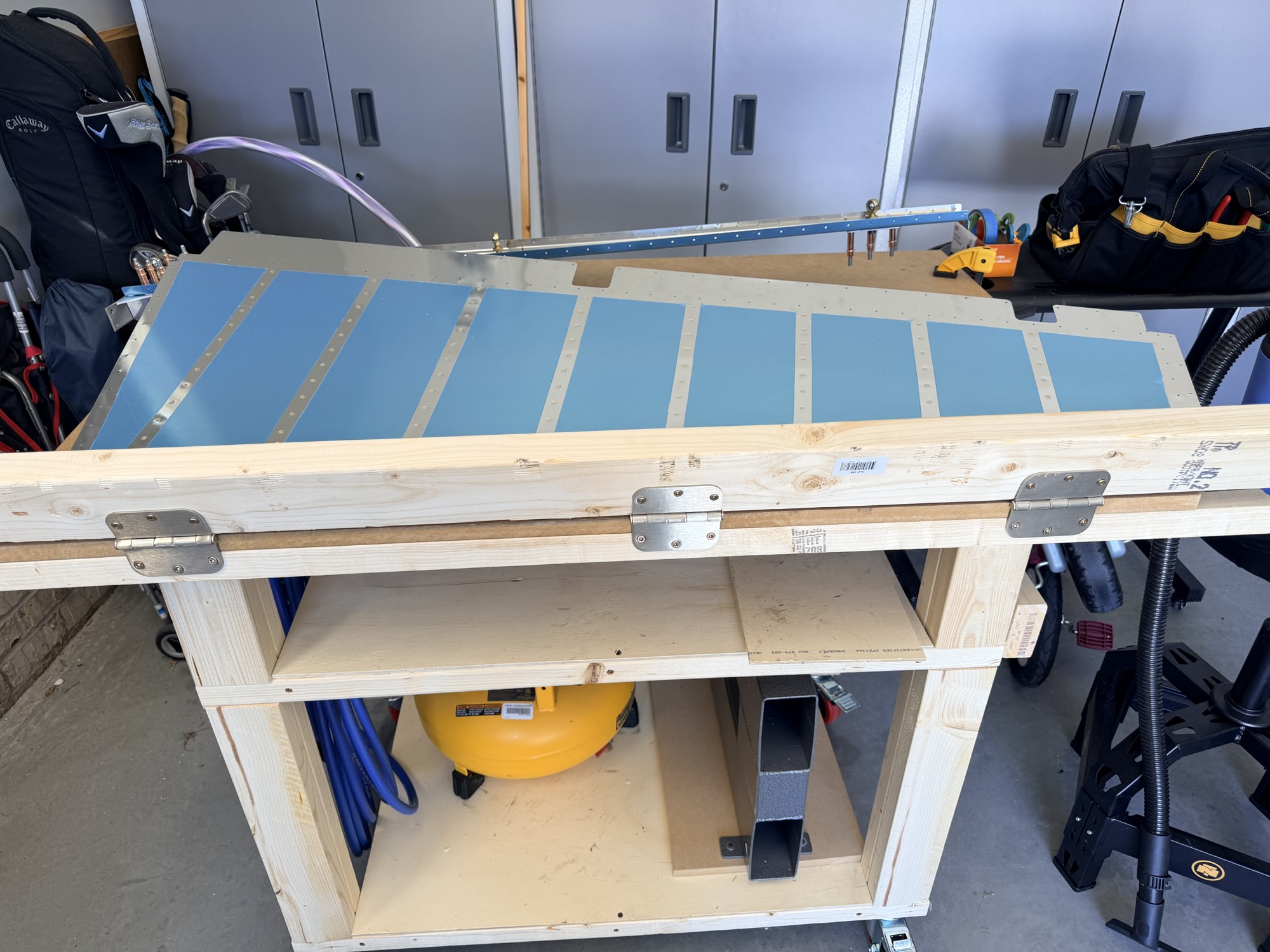
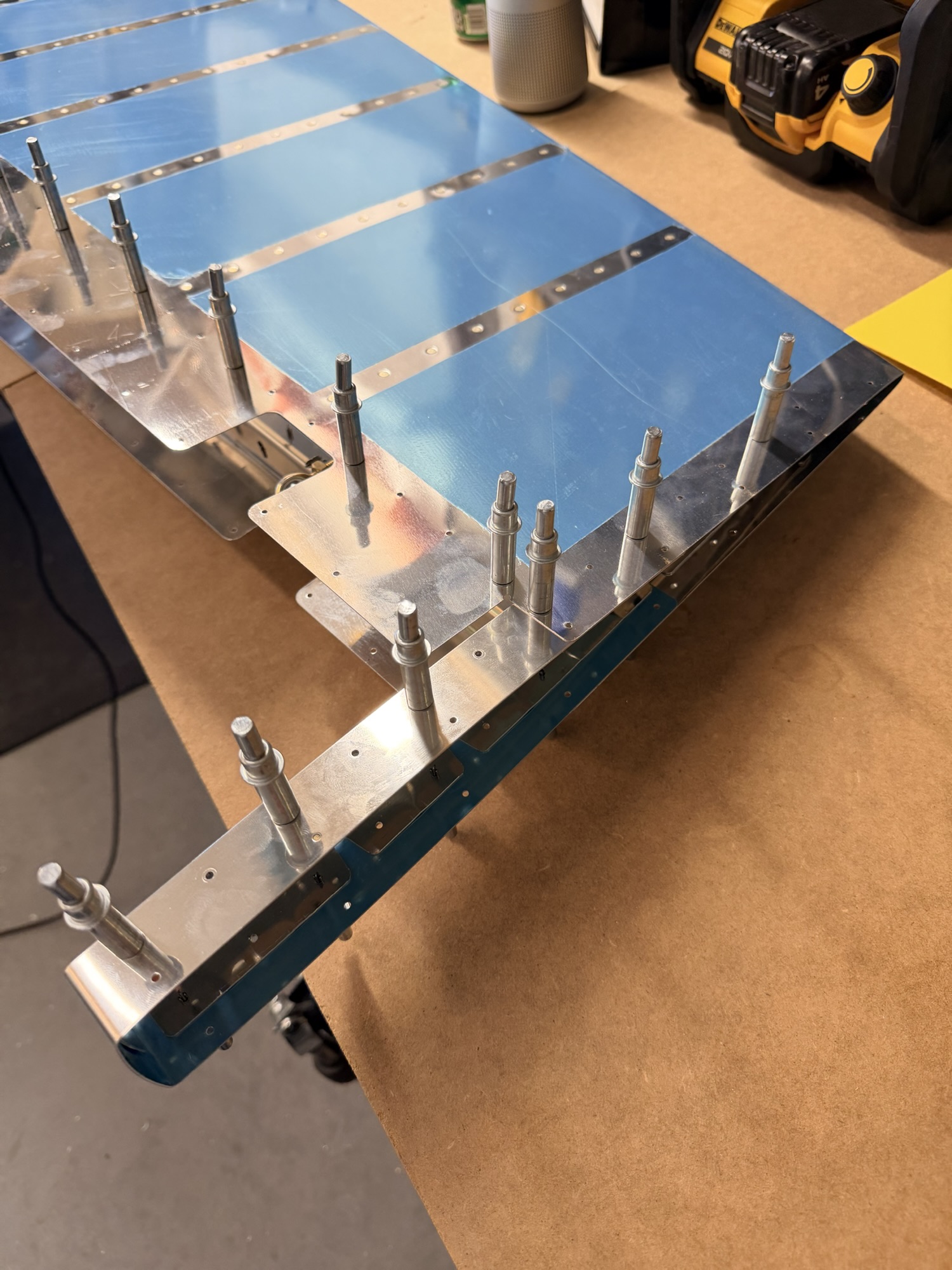
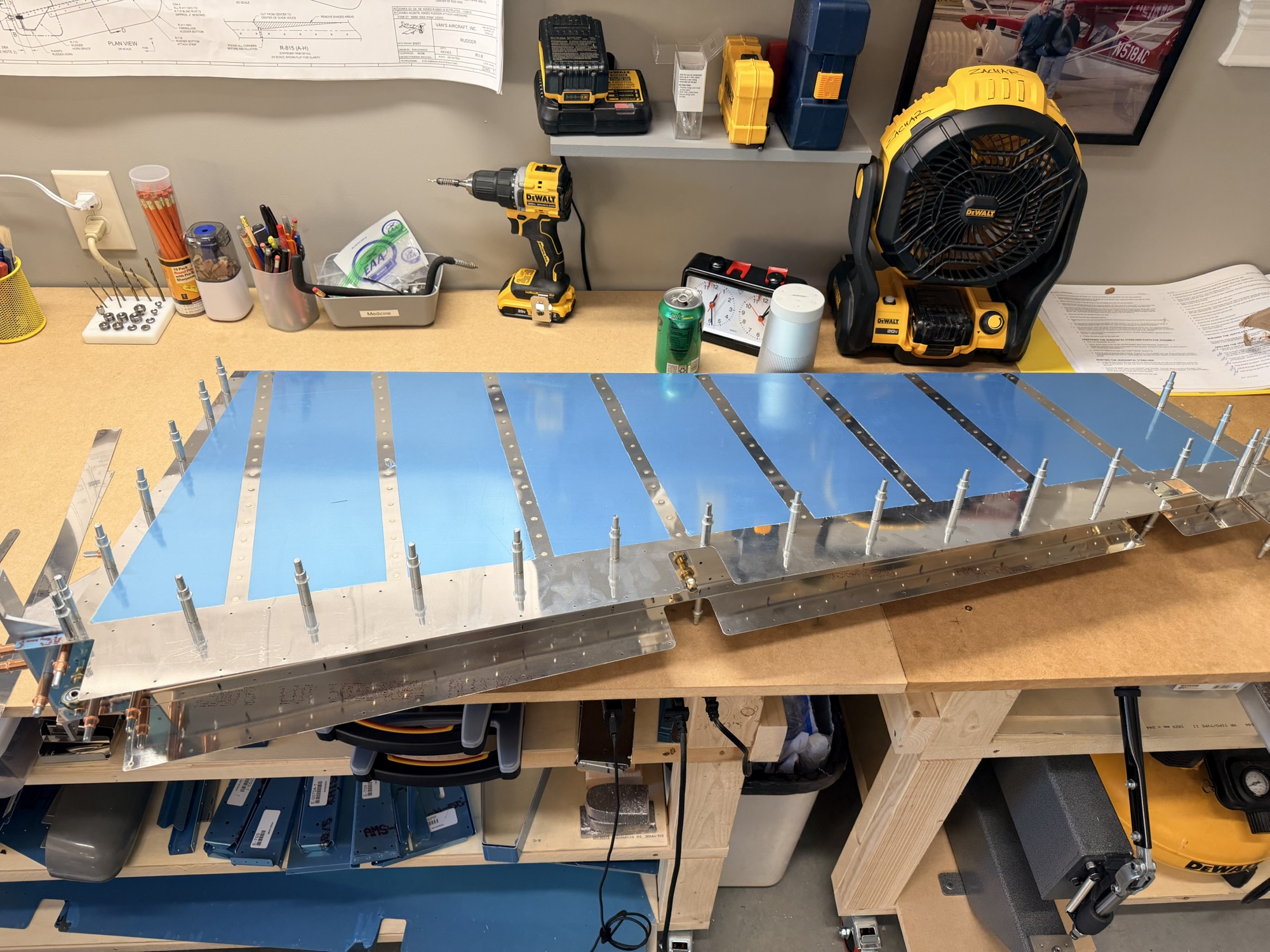
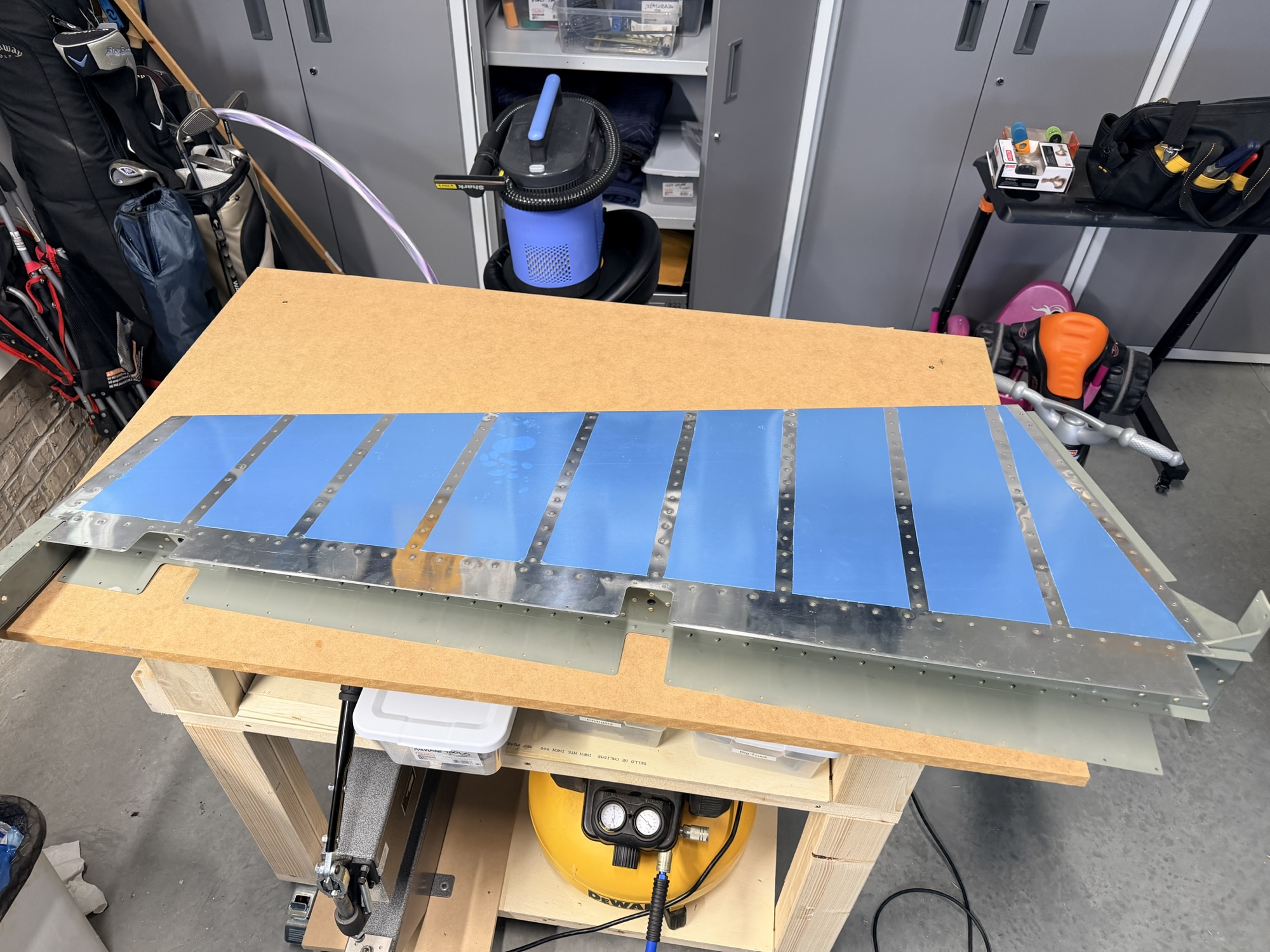
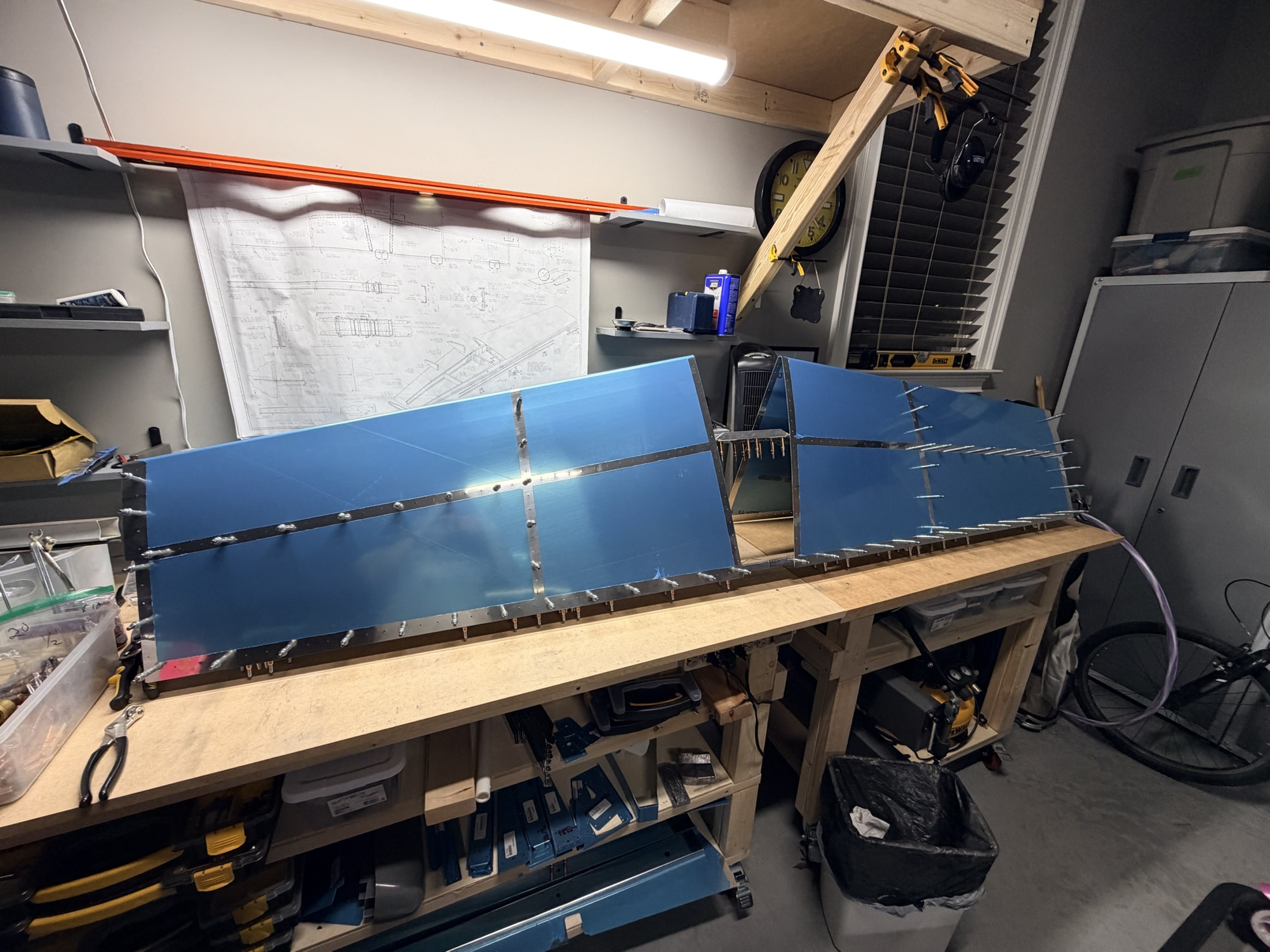
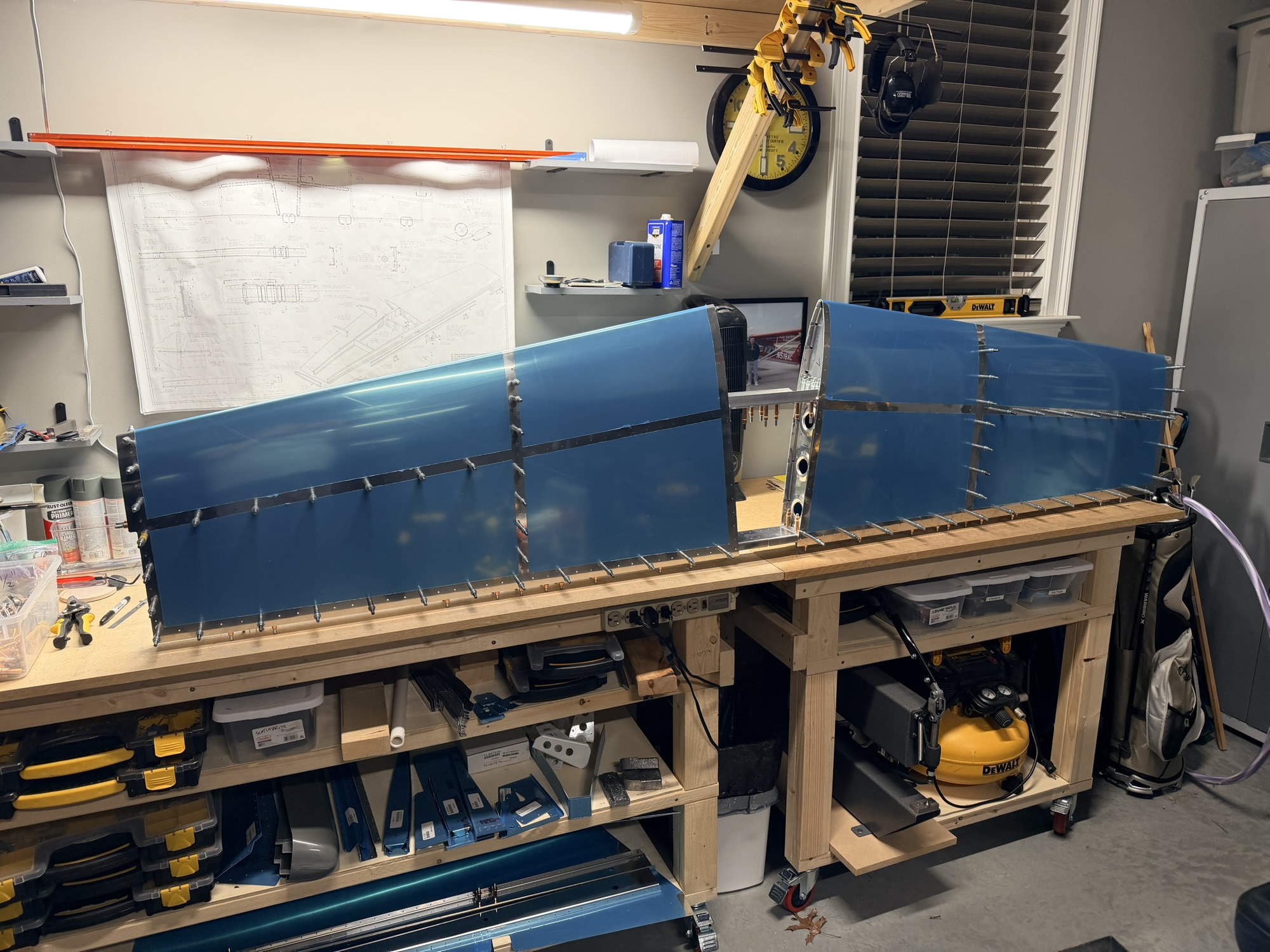
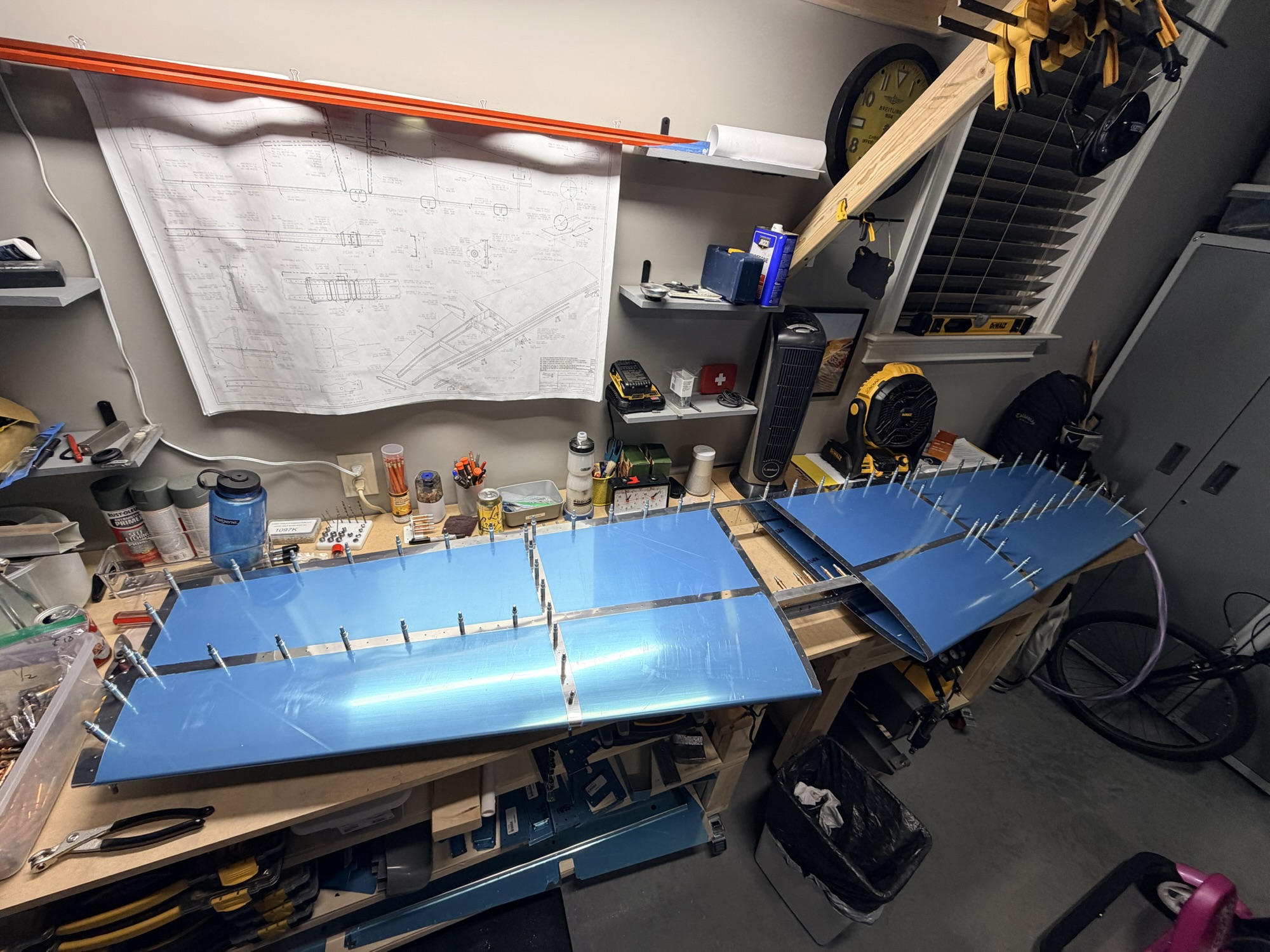
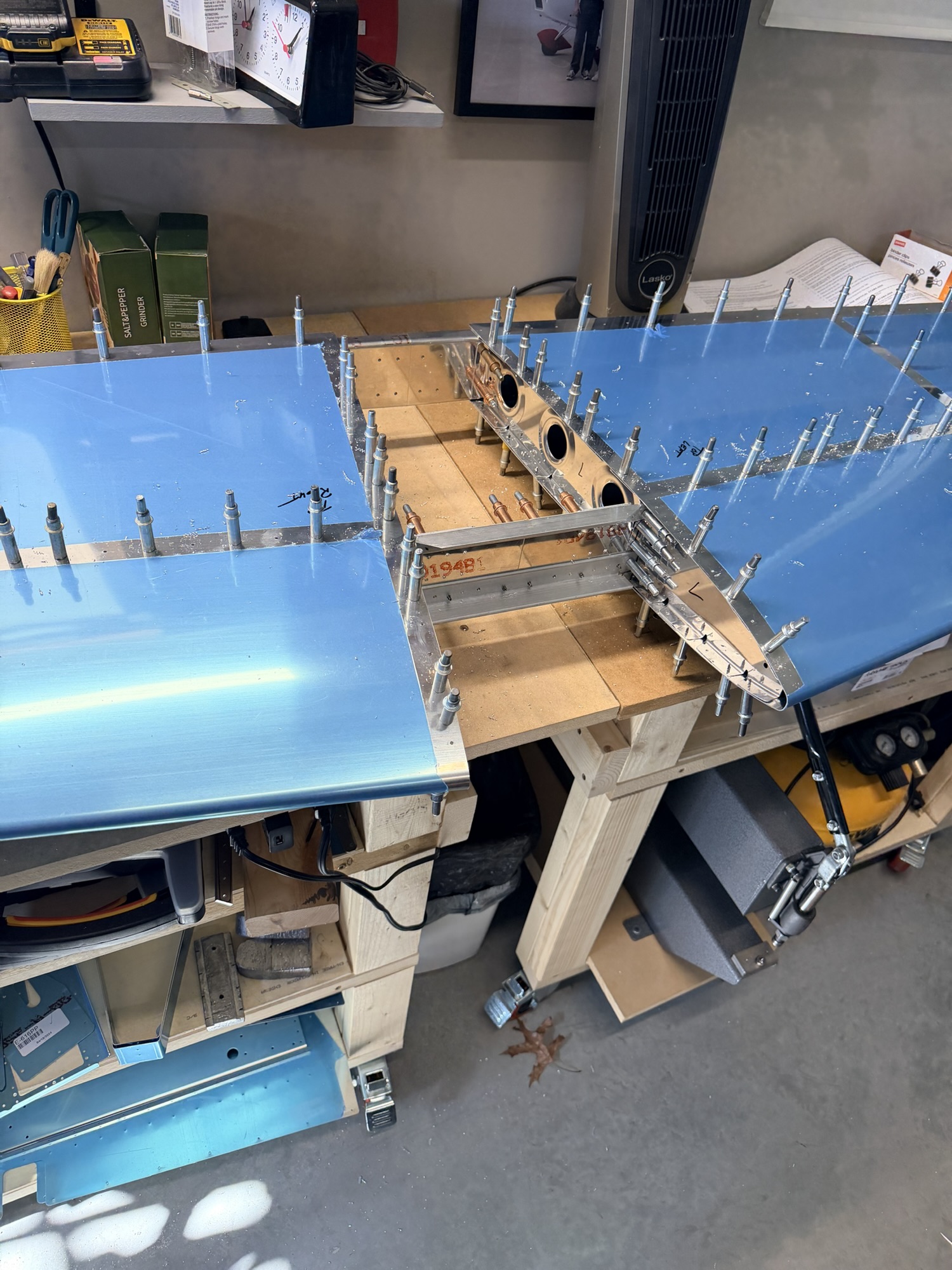
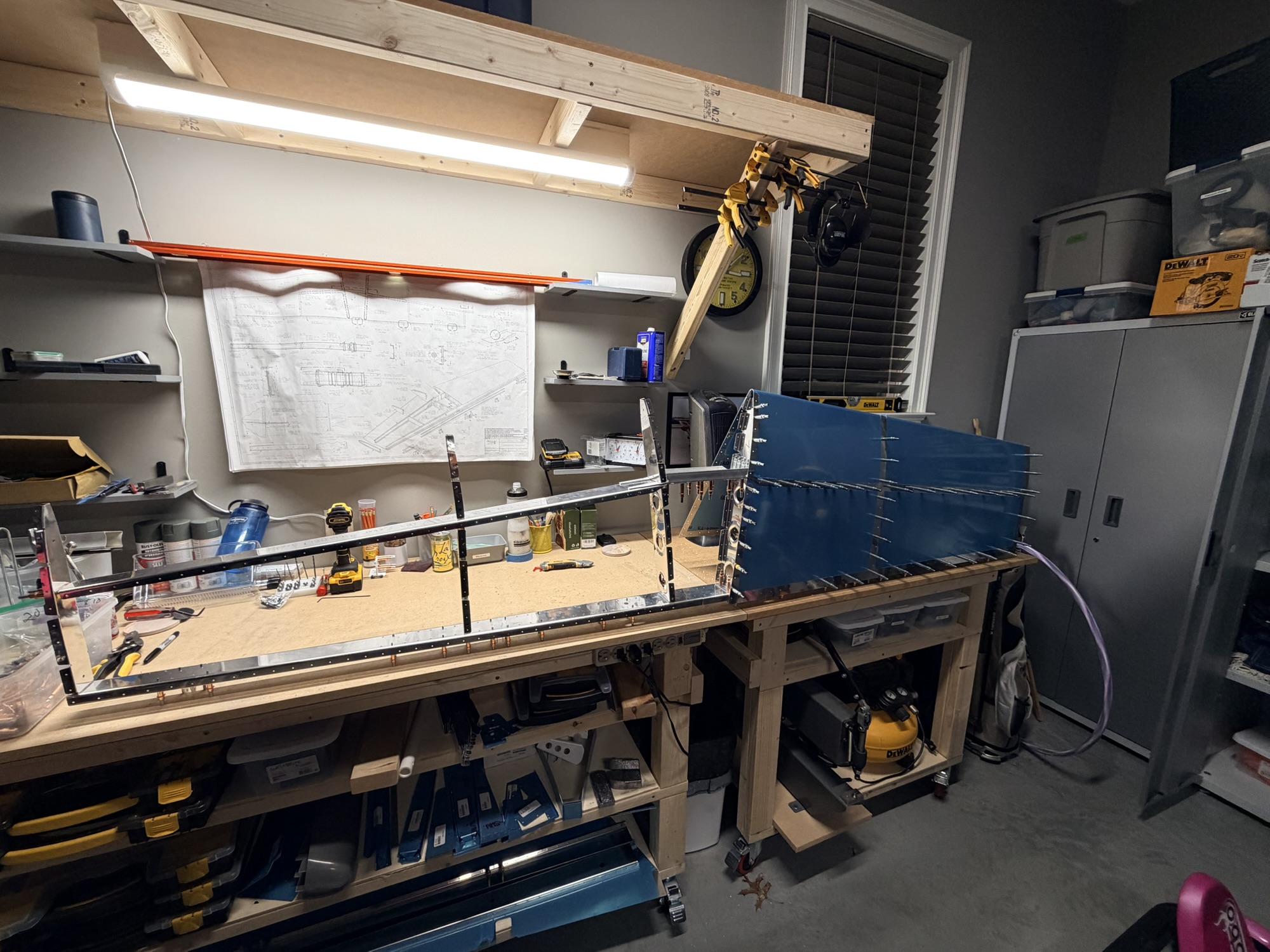
Of course I was lazy about taking pictures of the reinforcement angle trimming or bending, but it's done. AND I pulled the rear spar down from the high shelf to start clecoing the skeleton together. For some reason, the instructions here seem different that they were on the RV-7, but I think the next step is to start clecoing on the skin the then matchdrill some of the undrilled ribs.

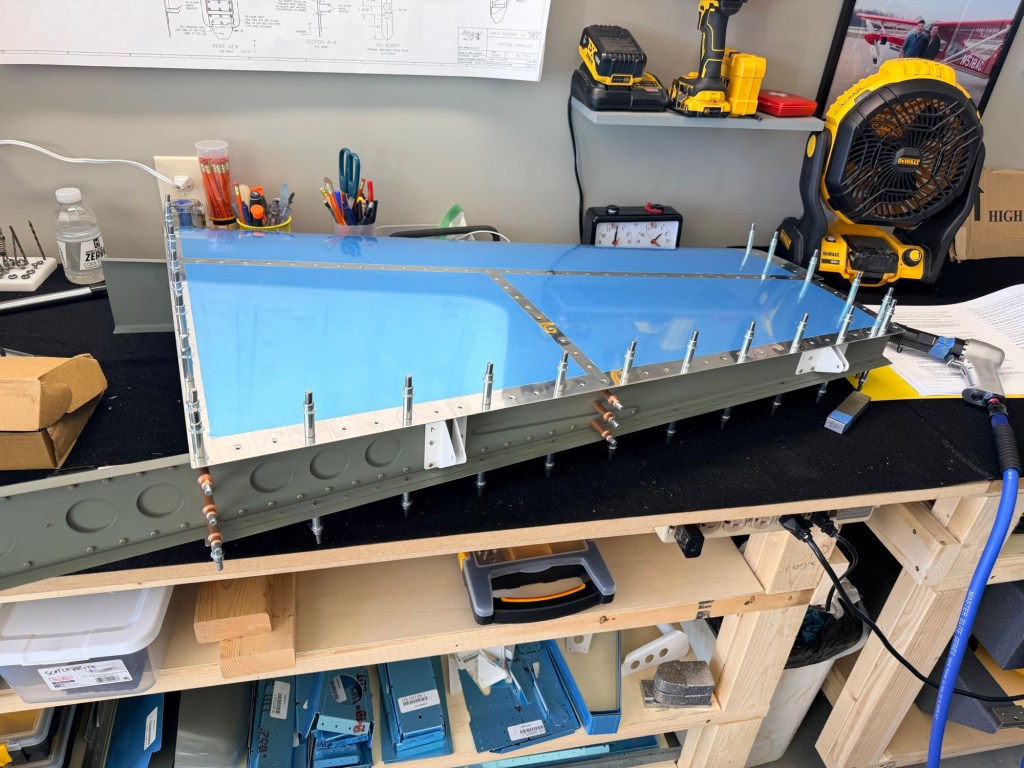
img_0563.jpg


Big piece!

Lots of skin and rib work to go, but it felt good to be back in the shop, especially with a big piece of airplane sitting on the workbench.

1.0 hour today.
 
Sep 12, 2025 -Electrical, Switch, and Panel Design

Last Updated: Sep 21, 2025


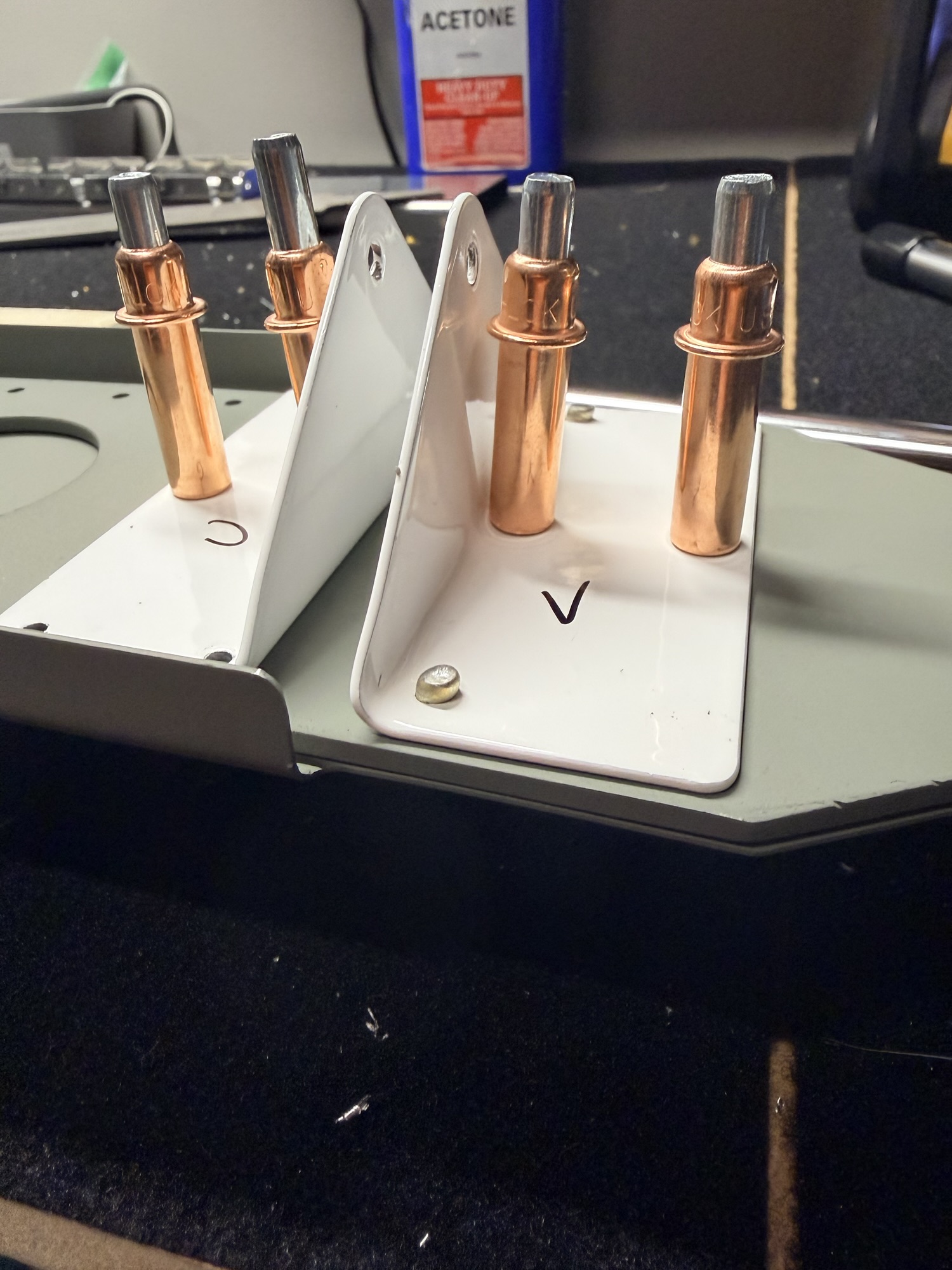
SEP 21, 2025: Well, I have already (two days?) made an improvement... I remembered that during the runup (RPM 1700, stick being held aft by the right hand), the PMAGs switches need to be moved to a test position to remove ship's power to verify that the self-generating feature is functioning. So the Mag switches (OFF-TEST-ON) can't be on the right hand. The pictures at the end of the Sep 19, 2025 post have this incorporated, but the tables don't yet. So I'm going to move the Mag switches to the left side.

RV-8-PANEL-LAYOUT-V2.jpg


Latest Sep 2025

SEP 19, 2025: So this post is about 15 years in the making. I spent a lot of time dreaming of how I was going to design the RV-7 panel while I was beginning its build, and when I restarted the RV-8 build (what? a couple weeks ago? The emp kit hasn't even shipped yet), I decided to basically copy my previous thoughts and start from there.

To be honest, the copy-paste method works pretty well, my cockpit design philosophy hasn't changed much since I settled on a design back then, except I've noticed a lean towards simplicity. Anyway, here it goes:

Instrument Panel Philosophy

Glass panel


The first thing to point out is that I am going to have a glass panel airplane. I cannot find a reason to have vacuum powered steam gauges in my panel when the glass panel technology (and reliability) has advanced the way it has at the price point (approaching the same point as steam) it is reaching.

I plan on having one PFD, one MFD (either configurable to a reversionary PFD/MFD mode) and an IFR GPS. The usual host of “radio stack” boxes should be built into the PFD/MFD suite. I’m currently looking at the g3x touch system, and the audio panel, NAV/COMs and Transponders are all remotely mounted.

My emphasis is going to be on a couple of general layout philosophies that will ultimately guide my design.

First philosophy: Switches in Order of Use.

Looking at my proposed before starting checklist, after I’ve done my preflight, briefed my passenger, gotten both of us squeezed into the seats, and I’m ready to start the engine, I’d like to start from one side of the panel, and make sure every switch is in the down position (there will be a few times when this isn’t appropriate but the “down” check should be standard).

Then, first turn on the battery to do last minute voltage checks and engine instrumentation (although I wouldn’t necessarily need this given the backup batteries in the displays…although I’ll have to check if these backups power the engine monitoring system as well), then set power controls, prime, strobes on (+Nav if it’s night), magnetos on, hit starter (or starter-enable switch and stick-mounted starter button), Once the engine has started, check oil pressure, then turn the alternator on (I know I could turn this on before start, but why provide alternator field current when I don’t HAVE to?). After a lot more reading and thought on this, I may decide to turn the alternator on prior to start. More on this later.

Next, I’ll turn on all my radios (I’m going to call this the “Avionics Master” but I’ve read Mr. Nuckoll’s article on the Avionics Master Switch and while I’m convinced I don’t NEED one, but I may WANT one for convenience. I realized I’ll need to convince myself that I’ve eliminated the single-point failure nature of a master switch.)

After the radios are up, get ATIS, clearance, and taxi instructions, time for the taxi light for visibility/recognition on the ground.

Just before takeoff, I’ll flip on the landing lights (maybe wig wag, the name for alternating flashing lights), pitot heat (if IFR) and then the fuel pump for takeoff. Flaps set to takeoff, if required, and now I’m ready for departure.

The above paragraphs are going to drive my switch philosophy, but before we get to my list, let’s talk about the fuel pump more. Is it better to have the fuel pump just right of the main bus switch in preparation for priming? Or perhaps over by the throttle and flap switch, where I will use it for every takeoff, landing, and tank switching operation. I prefer the latter, even though it’s not a perfect match to my “first philosophy.”

In the RV-8 (tailwheel) it is prudent to hold the stick all the way back in your lap for start (although some point out this is unnecessary). So, any switch activations prior to start can be with your right hand on the right side of the panel, but any after start should be accessible with the left hand. Some, may need to be activated quickly with your hand on or near the throttle.

One possible switch layout based on that layout:

  • Before Start (Right hand activation before stick-aft for start):
  • Battery/Alternator
  • Nav Lights
  • Strobes
  • Starter enable (assuming the starter is on stick grip)
  • Magnetos [ed. sep 21, 2025 moving these to LEFT HAND]
  • Post Start (left hand)
  • Avionics
  • Lights (Taxi, Landing, Wig-Wag)
  • Pitot Heat
  • Fuel Pump
  • Flaps (Maybe on the stick)

Great! I’m done with my panel layout!

If only it were that easy. This layout, and basic electrical system, has been used for many years on lots of certified airplanes, but why should I stick with a 50-year-old architecture (but Andrew, why change what works!?) when I am building a brand-new, high-tech, all-glass, airplane?

Bus Architecture

So, let’s come back to the “no vacuum pump” idea. With the IFR flying I’m going to be doing, I’d rather put a back-up alternator on the vacuum pad where the vacuum pump usually sits. These backup alternators are not belt-driven, but gear-driven, and come in a couple of different sizes. 8-Amp and 20-Amp.

So how am I going to hook the backup alternator up electrically? Well, I’ve also read a lot about the endurance/essential/emergency bus idea.

The idea behind an e-bus is that when something bad happens to your main alternator (let’s assume for this discussion you only have one), then you can turn off your battery master (a fast way to “load shed”), and use an e-bus to leave on the items that are really required to continue the flight safely. Whether “continue” means “original destination” or “land when practicable” depends on how long your electrical system can support the load you need for continued safe flight and landing. If you have a good battery AND can load shed enough (if you want this to be part of your emergency actions…some people frown on lots of load shedding actions during an emergency), battery alone may provide enough power that fuel is the limiting factor, and not electrons.

Now let’s introduce a backup alternator. With a backup alternator, you could conceivably load shed below the alternator capacity and continue the flight indefinitely (well, until your fuel runs out).

The nice thing about an e-bus is that it allows quick load-shedding and a dual power path to some “can’t-live-without” goodies in your panel. If you recognize the alternator failure soon enough (annunciations, etc.) then you can load shed via switches or circuit breakers.

So, let’s look at our options for bus architecture.

Option 1: Single Main Bus.

I can hook up the backup alternator with a regulator that only allows it to flow current if the bus falls below a certain voltage (aka, main alternator dies). All equipment is on the main bus (which means if there is a battery contactor failure, I’m “without paddle,” as they say).

Option 2: E-Bus

I could hook up the endurance bus as a true endurance bus; only have the required equipment to continue the flight. The backup alternator could be fed field current from a hot battery bus (or the e-bus) and I could maybe isolate the two busses such that the main alternator is powering the main bus and the backup alternator is powering the endurance bus all the time. A bus-tie contactor could be used to tie the two together so if I have a failure on one, I can save electrons until close to landing, then using bus-tie or the failed side’s master to re-energize that bus for all equipment. One of the AEC drawings has the main bus side always powering the endurance bus through a diode, and then an endurance bus alternate feed for when things start going badly. I really like this idea.

Option 3: Avionics Bus

An older version of this essay introduced an Avionics Bus here, but I am no longer a fan of this. All my engine monitoring is needed for start. Let’s skip Option 3: Option 3: Avionics Bus

Option 4: Avionics bus with endurance bus.

Another Option is to have two buses but also include an emergency bus for each of those buses. Nope, too complicated. (I am drawn to this from my jet and turboprop days, but let’s keep it simple.) Let’s skip Option 4: Avionics bus with endurance bus.

Preflight Checks.

I really like the idea of checking everything on the preflight. On a one-bus system with two alternators, I might turn off each alternator in turn to make sure the other alternator picks up the load. I’m thinking about putting all of my essential items PLUS what’s needed for engine start on the E-BUS. Why?

Because I can climb in the airplane, turn on the e-Bus, and have PFD1, COM1, GPS, EMS, Trims, Fuel Pump, Nav Lts, Strobes, Audio Panel, and the Starter (but nothing else, which means the diode is working).

But there are too many high-draw items there! Well, yes, but also those high draw items are not constant use and could be procedurally prohibited.

Why would I do this? Because I can start the airplane with those, see the aux alt charging the battery, flip on the main bus, and watch the main alt take over and the rest of the boxes power up. Now flip off the e-Bus contactor and make sure everything stays powered. I’ve now checked both alternators, both contactors, and the diode. No additional electrical checks are required. (Side note, on shutdown, stop the engine, then turn off main bus first, see the e-bus equipment stay powered, then turn off the e-bus.

Switch layouts with Option 2

First turn on the e-bus bus, set power controls, prime, magnetos on, strobes on, hit starter. Once started, check oil pressure, main bus on.

Then…lights…blah blah.

Amended switch layout (per first philosophy):

Right Hand (before start)
  • E-Bus
  • Aux Alt
  • Nav &amp; Strobes
  • Left Hand (Before Start)
  • L Magneto
  • R Magneto
  • Starter (or Starter enable, guarded or keyed)
Left Hand (after start)
  • Main Bus
  • Main Alt
  • Taxi Light
  • Landing Light
  • Wig Wag
  • Pitot Heat
  • Fuel Pump
  • Flaps
Yikes, that’s too many switches on the left side, and I don’t like that electrical and lighting switches are separate.

Second Philosophy: Collect, then combine switches were possible and practical

Yikes, those DC power switches sure are physically separated; let’s see what we can do about that…

Should I move the avionics bus /aux alt switch over with the main bus switch and group them as “electrical” or leave it where it is, providing a better flow and better tactile separation? This is a tough one.

I think I’d rather have both bus power switches in the same spot on the right side of the panel.

I don’t want to combine every similar switch possible, but some combinations seem like a good idea. Also, while order of use is importance, I am willing to sacrifice order (a little) to facilitate better groupings of systems. (Bold items have been moved.)

Also, while the Starter Enable Switch could be right hand, I might want to bump the starter in flight. Let’s move it to the left side or on the panel reachable by the left hand.

Right Hand

  • E-Bus
  • Aux Alternator
  • Main Bus
  • Main Alt
  • Nav Lights
  • Strobes

Left Hand

  • L Magneto
  • R Magneto
  • Starter enable (guarded. Maybe on the panel).
  • Taxi Light
  • Landing Light
  • Wig Wag
  • Pitot Heat
  • Fuel Pump
  • Flaps

That’s a little better.

Let’s start some further refinement with the alternators. I’m going to combine the Bus and alternator for each side. 4 functions will now be on 2 switches.

  • OFF – MAIN BUS MASTER (this includes the main alternator)
  • OFF – E-BUS MASTER (this includes the aux alternator)

Also, I’ll only ever want wig-wag on after I’ve turned on the landing or taxi lights.

  • OFF – LDG – WIG-WAG
  • OFF – TAXI – WIG-WAG

Also, I think I might be willing to say that I’ll always have the NAV lights on when I turn on the strobes.

  • OFF – NAV – NAV & STROBE

With some careful combining and moving (I added grouping labels, too.)

  • Main Bus Master
  • EBUS Master
  • NAV LTS
  • STROBE LTS
  • Starter enable (or panel)
  • L PMAG
  • R PMAG
  • Taxi Light Wig Wag
  • Landing Wig Wag
  • Pitot Heat
  • Fuel Pump
  • Flaps
Back to flow…the nice thing is that on climbout, while transitioning to cruise, I will be using these switches in opposite order. Flaps UP, fuel pump off, pitot heat off (after I’m through the theoretical cloud layer I had to penetrate on takeoff), landing and taxi lights off when transitioning to enroute climb.

Third Philosophy: Tactile feedback

This one is a big one for me and my human factors experience on the turbines. I would like to be able to tell what switch I am grabbing in a dark (or smoke-filled) cockpit. This means that both location and switch type (or feel), along with switch position (up or down…or middle) needs to tell me exactly what that switch does and its current status.

Do I love the perfectly lined up toggle switches that many OEMs use? Of course, but only because it’s aesthetically pleasing.

I’m okay with a group of similar toggles, as long as it is obvious. The easy ones jump out.

Lighting switches will all be regular non-locking toggles with three positions (OFF – NAV – NAV &amp; STROBE, OFF – TAXI – WIGWAG, OFF – LDG – WIGWAG)

Ignition switches will be regular toggles unless I convince myself that the mag switches need to be locking toggles. Not sure on this one yet. Leaning toward locking.

I was thinking of using the red split master switch all the way to the left for the main bus / main alt switch, and a white split master for the avionics bus / aux alt switch in the middle. (If I move the avionics stuff over to the left, I don’t want to use the same switch type, but during the day, one will be red, and one will be white and at night, two split switches next to each other won’t be difficult to navigate given there are only two. Buses on the left side, alternators on the right.) Still undecided on this one, too. I do like those split rockers, but AEC has convinced me to either use DP3T toggles or DP2T, when do I really need to turn off the alt fields?

Let’s take another look at the layout with switch types:

  • Main Bus Master (Locking DPDT Toggle)
  • EBUS Master (Locking DPDT Toggle)
  • NAV LTS (DP2T)
  • STROBE LTS (DP2T)
  • Starter enable (Covered SPDT toggle)
  • L PMAG (DP3T)
  • R PMAG (DP3T)
  • Taxi Light Wig Wag (DP3T)
  • Landing Wig Wag (DP3T)
  • Pitot Heat (CB Toggle)
  • Fuel Pump (CB Toggle)
  • Flaps (ON)-OFF-(ON)

I think this gives me some good separation between similar switch types, and I’ll prevent almost all inadvertent switch operation.

The lights and pitot heat, fuel pump combination is a lot of toggles next to each other, but I think I can mitigate that with actual switch spacing. The RV-8 has an instrument panel, then a couple areas below the instrument panel where some switches could go, see this picture I stole from somewhere see the lower two rectangles?

With-Markups.jpg


I've highlighted the areas here that might be worth putting some switches into.

Fourth Philosophy: Normal Operation, switches all up.

The background for this is really a flow check. I want to look down just before takeoff, scan across the panels with either my eyes or my fingers, and have the airplane ready for takeoff with all switches up. (Pitot heat won’t always be needed, but barring any temperature limitations for pitot heat, I won’t be WRONG to have it on for takeoff.)

Okay, we’re done!

Oh wait, what about the “other” switches (Gulp!)

OTHER SWITCHES

Using the above logic and reasoning, I’ve also adding some items to the panel.

These items include:

  • Smoke System (with LED indicated “pump on”)
  • Copilot stick switches enable
  • Interior light dimmers
  • Circuit Breakers
  • 12V power (maybe USB power, maybe both)
  • Eyeball vents
  • Cabin heat Knob
  • Seat heat switch

The remote setting on the smoke switch will allow a stick-mounted switch to operate smoke. This will be an “enable” switch on the panel, and a push-ON-push-OFF switch on the stick.

The courtesy light dimmer will be on the hot battery bus and will power the footwell and baggage areas. I want to be able to walk up to the plane and turn these on to load baggage and get in the airplane without turning on the master.

Eyeball vent (fresh air), Cabin Heat and Seat Heat for each seat will be on the outer edges of the instrument panel.

STICK-MOUNTED SWITCHES

Looking at Stick switches, I blatantly stole this from Infinity Aerospace: Typical Stick Grip Switch Combinations for Aircraft WITH Electric Flaps AND Autopilot:

(thumb operated 4-way switch via China Hat) — Pitch and Roll Trim

(index finger) — Push-to-talk

(top – thumb side) — Flaps – ON/OFF/(ON) toggle switch using a limit switch on the UP side in series with the Flaps/Speed Brake motor. I may revert here to just a (ON)/OFF/(ON) and get rid of the limit switch.

(half way down, thumb side) — Auto Pilot Disconnect (Normally Open push-button (8632 N.O.))

(pinky switch) — Smoke ON.

(top – knuckle side) — Engine Start Normally Open (8632 N.O.) push-button

Layout:

So where do we put these switches? Originally, I was thinking about a dual-giant-display layout:

Garmin-with-Side-Panel-angles.jpg
This is nice.

I don’t hate this, but it’s expensive and a lot of glass right in front of you. Those switch panels to the left and right are custom, which I am fine with doing.

If I could stick all the “right” switches on the lower right panel, and all the “left” switches on the lower left panel, that would just leave some of the “other” switches (discussed later) on the actual left and right instrument panel edges.

Lower Right:

  • Main Bus Master
  • E-Bus Master
  • Nav
  • Strobe

Lower Left:

  • L PMAG
  • R PMAG
  • START Enable
  • Fuel Pump

That would leave a ton of space on the actual instrument panel edges for the rest of them:

Upper Left:

  • Smoke Enable and On LED
  • Pitot Heat
  • LDG / Taxi Lts
  • Copilot Stick Switches Enable
  • Eyeball vent
Upper Right:

  • Pilot seat heat
  • Dimmers (Instruments, Panel, Courtesy)
  • USB power (this may be better in a more hip-proximate place, though)
  • Another Eyeball vent

Elsewhere:

  • Circuit Breakers (or maybe down low?
  • Cabin Heat Push-Pull Knob
  • Parking brake Push Pull Knob

But I am absolutely leaning back to two displays. I mean, we are dreaming, right?

Dual-PFD-20250919.jpg


Dual screen, switches left, right, and down.

I am in the process of redoing the wiring and panel in my RV* . I plan to use the Steinair circuit breaker panel.
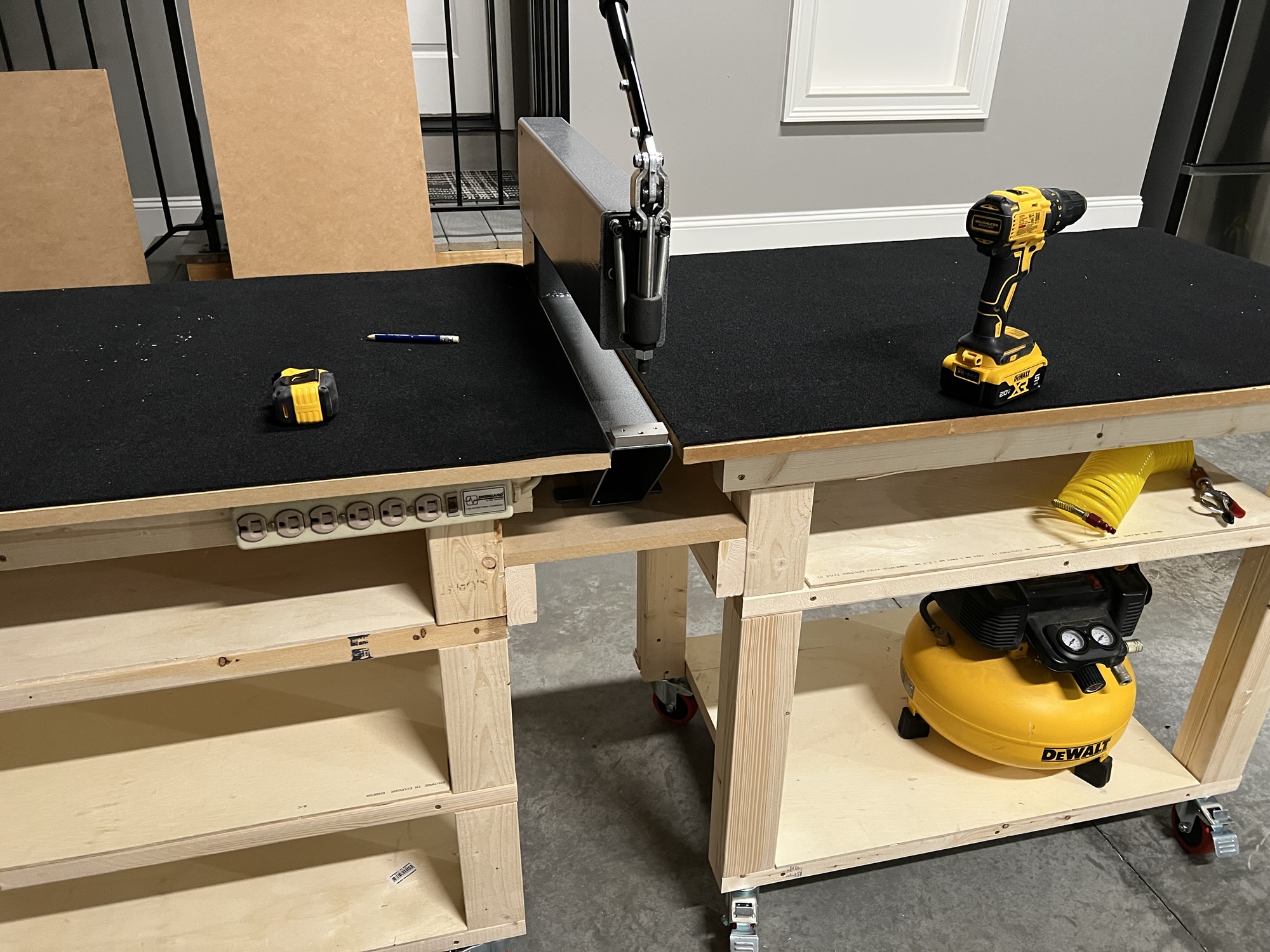
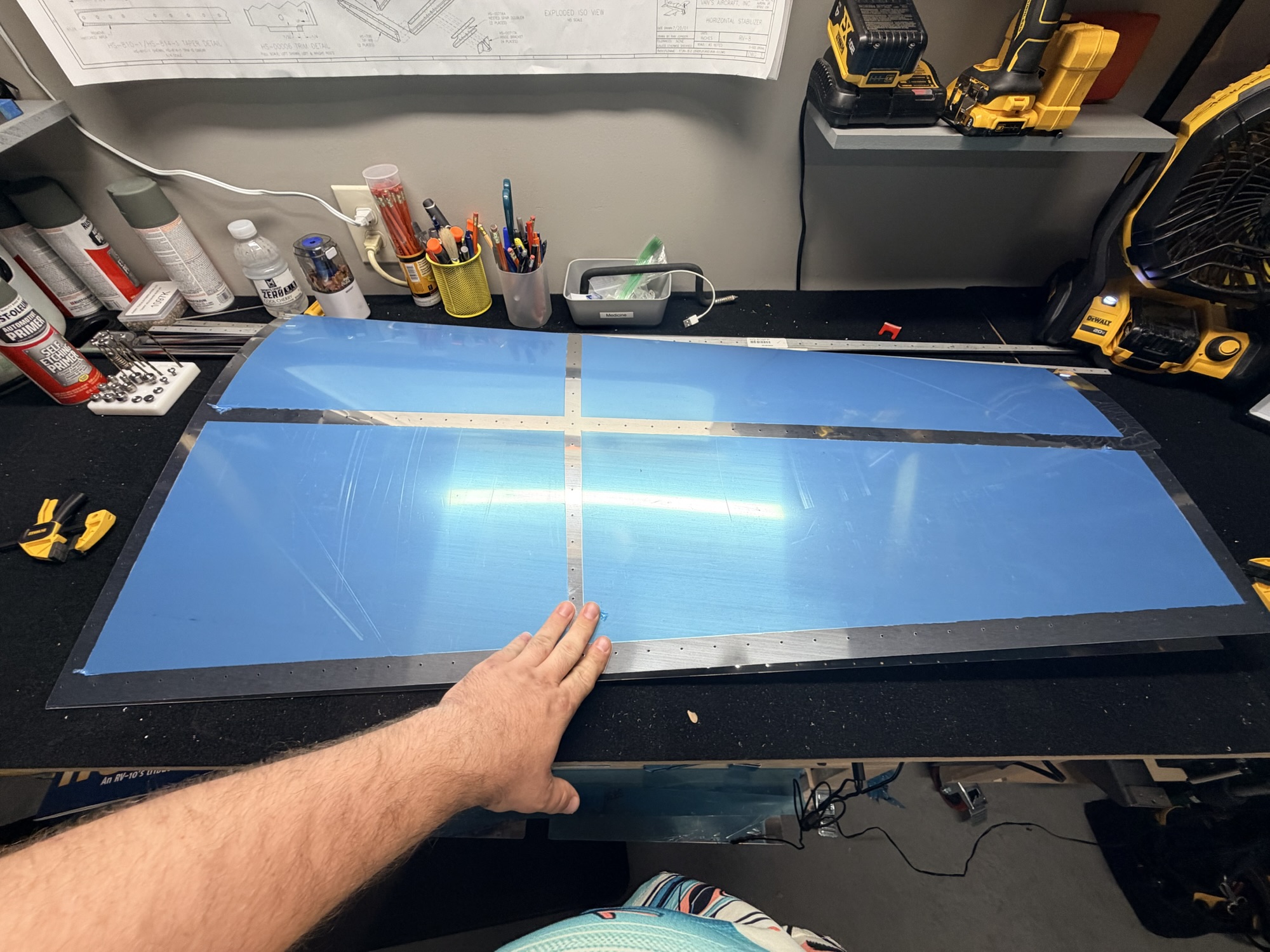
 

Attachments

  • RV8-CB-Panel-3-rotated-e1585604060349.jpg
    RV8-CB-Panel-3-rotated-e1585604060349.jpg
    61.5 KB · Views: 9
Dec 10, 2025 - Started Matchdrilling HS Skins

So I'm writing this almost a month later (so sorry) and it's been kinda busy in and around the holidays.

I was excited to cleco together some big parts and get them matchdrilled.

Here is the first side of both HS skins being matchdrilled.

img_0815.jpg


It looks like a crooked airplane part...

After drilling, I clecoed on the other part of the skins, and drilled its side.

img_0819.jpg


I've labelled "top" and "bottom" somewhere, but I can't see it in the picture.

Once the skins are solidly clecoed in place and stable, the inboard ribs go in place and get drilled.

img_0817-e1774535196446.jpg


Done (with good edge distance, too!)

A shot of the other side, too.

img_0818.jpg


Hooray for good edge distance.

Once the inboard ribs were in place, I celebrated no mistakes and quit for the night.

img_0816.jpg


That definitely looks like an airplane part.

2.0 hours on the horizontal stabilizer!
 
Last edited:
Dec 11, 2025 - Finished Matchdrilling HS Skins


I cannot remember what the specific thing I did today was, but here are two pretty pictures. Apparently, I finished matchdrilling everything. I think I actually finished the inboard ribs here.

img_0825.jpg


I guess it's done now. But I can't tell the difference from last night's shot.

Now for some disassembly!

img_0827.jpg


half-naked.

0.5 hours on the horizontal.
 
Back
Top